
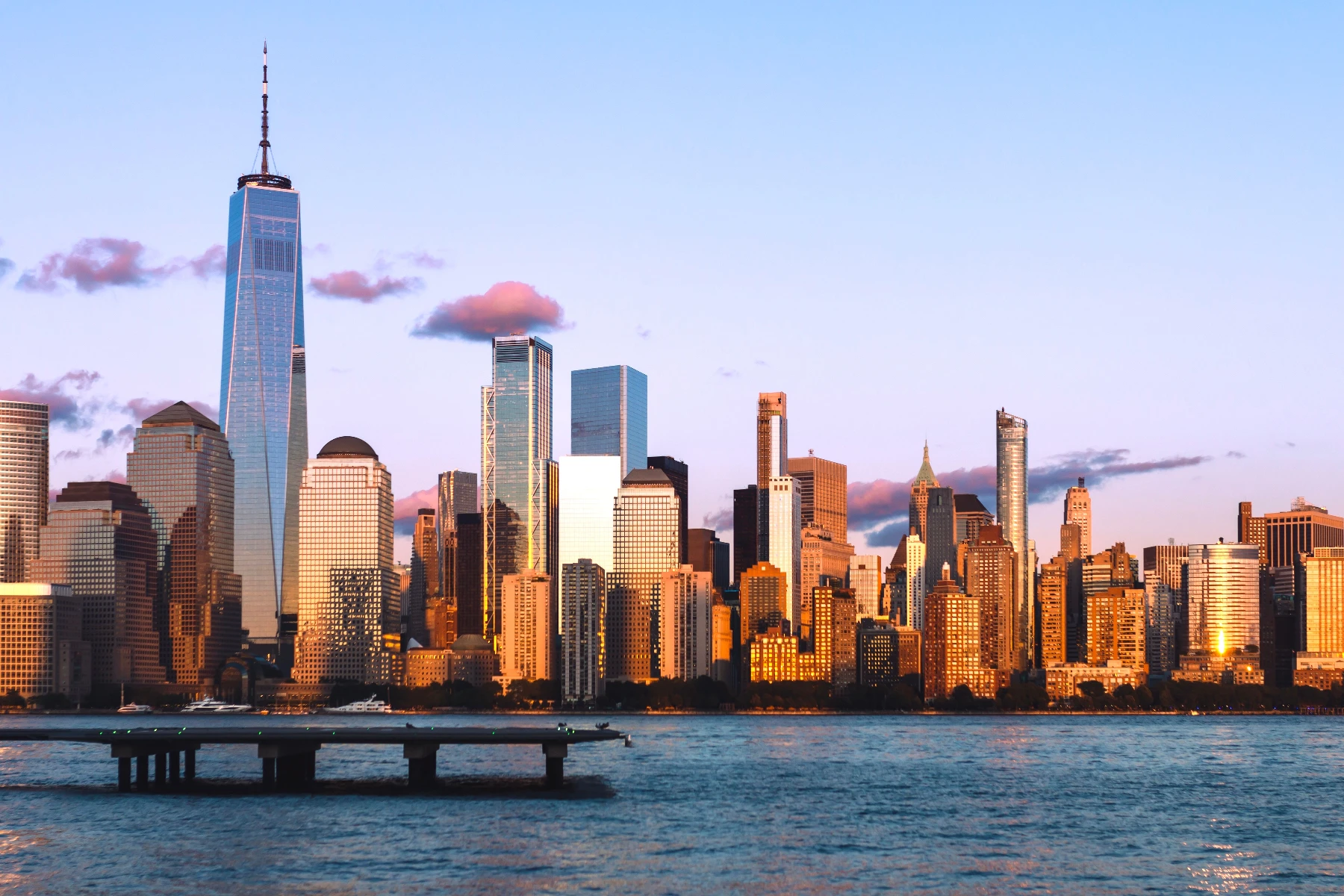
Probeer hieronder een vervagings- of verscherpingslook, of open je eigen afbeelding.
Verscherpen effect
Open a photo and apply Verscherpen in PictorX. This look is part of Vervagen en verscherpen—adjust the settings on this page, then keep editing with layers, text, and other effects in the same workspace. Probeer hieronder een vervagings- of verscherpingslook, of open je eigen afbeelding.
Hoe het werkt
- Open this page and try Verscherpen on the sample, or open your own photo.
- Tune the Verscherpen settings, or switch to another look in Vervagen en verscherpen.
- Save the result, or keep editing with layers, text, and other effects in PictorX.
What the Verscherpen effect does
Verscherpen is one of the looks in PictorX Vervagen en verscherpen. Apply it in your browser, then keep working in the same project—crop, type, or add another effect without starting over.
More looks in Vervagen en verscherpen
This page opens Vervagen en verscherpen with Verscherpen already selected. Switch looks on the demo to compare styles, or open the full Vervagen en verscherpen page to browse every option in the set.
Looks in this set
Gerelateerde gereedschappen
Vervagen en scherper maken
Verzacht de focus met Gaussiaanse, bewegings-, radiale en tilt-shift-vervaging, of breng details terug met een verscherpt en onscherp masker.
Afbeelding online Gaussiaans vervagen
Pas online Gaussiaans vervagen toe op elke foto. Stel de straal in pixels in, vergelijk voor en na en sla de gelijkmatig vervaagde afbeelding op.
Bewegingsonscherpte voor foto's
Voeg gratis bewegingsonscherpte (motion blur) toe aan een foto: Straal bepaalt de lengte van de strepen, Hoek de richting. Opslaan als PNG, zonder Photoshop.
Radiaal vervagen: zoomeffect voor foto's
Gratis radiale zoomvervaging online: strepen schieten vanuit het midden naar buiten alsof de camera inzoomde. Stel Sterkte en Samples in en sla op als PNG.
Slim vervagen effect
Apply a Slim vervagen effect to photos free in your browser. Open the Vervagen en verscherpen tools, tune the look, and keep editing in PictorX. No install.
Lensonscherpte voor foto's
Voeg gratis lensonscherpte toe aan een foto: een zachte, onscherpe look zoals met een wijd open lens. Stel de Straal in van 1 tot 500 px en sla op als PNG.
Onscherp masker online
Verscherp een foto online met onscherp masker. Stel straal en sterkte in om randen en details scherper te maken terwijl vlakke delen glad blijven.
Vervaging
Hoe werkt vervaging? Gaussiaans, onscherp masker, radiale en bewegingsvervaging, tilt-shift, slimme vervaging en lensvervaging, en wanneer je welke kiest.
Klaar om het te proberen?
Open PictorX in je browser - geen installatie, geen creditcard nodig om te starten.
Ga naar Editor