
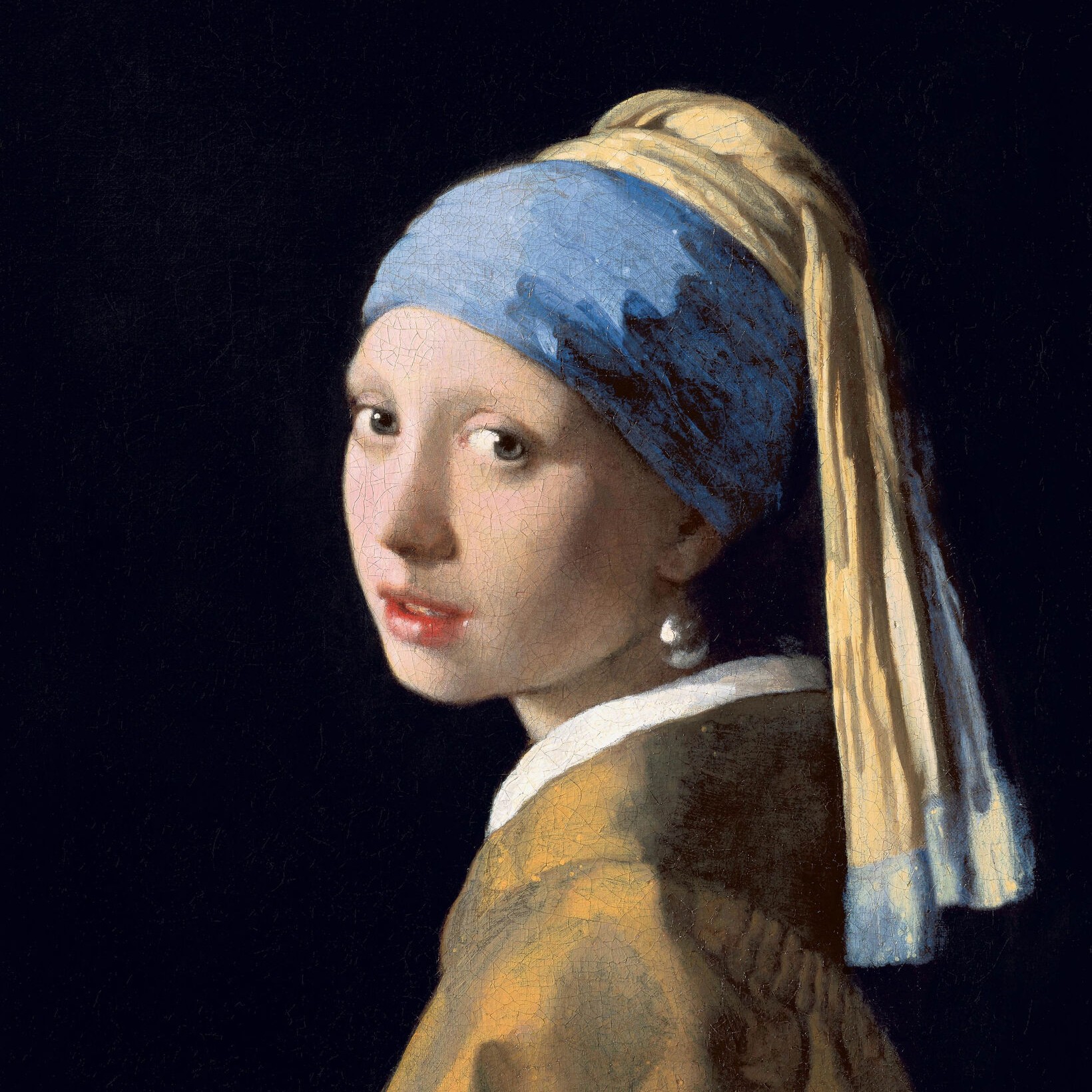
萨尔瓦多·达利照片滤镜
Salvador Dalí painted dreams with the precision of a photograph: watches as soft as cheese, elephants on legs as thin as stilts, swans whose reflections are elephants, drawers in a woman's body and a giraffe on fire. This filter turns your photo into a smooth, glazed painting and puts it into one of seven scenes after his pictures. All processed on-device. 把照片放进萨尔瓦多·达利式的梦境——软钟、长腿大象、球体、天鹅、抽屉和拐杖——选择一种样式,然后调整扭曲和梦幻度。
它是如何运作的
- Open PictorX in your browser and load a photo — portraits with a clear subject work best.
- Choose Salvador Dalí, then pick a Style (Persistence of Memory, Elephants, Galatea of the Spheres, Swans Reflecting Elephants, Burning Giraffe, Sleep or Leda Atomica) and a Palette, and adjust Distortion, Dreaminess, Detail, Shadows and Floating Objects.
- Export the painting, or keep editing with layers and other effects in the same workspace.
Seven dreams after Dalí
Persistence of Memory follows the painting of 1931: your photo goes soft and droops over the edge of a ledge beside a melting watch, in a bare landscape of golden cliffs and a calm sea. Elephants sets the subject on a plain at sunset between elephants on impossibly long, thin legs that carry obelisks. Galatea of the Spheres rebuilds the subject from shaded spheres floating in space. Swans Reflecting Elephants stands it on the shore of a still lake among the rocks of Cap de Creus, where swans float on the water and their reflections are elephants. Burning Giraffe opens drawers in the figure, props it up with crutches and sets a giraffe on fire far off on a blue evening plain. Sleep turns it into a huge soft mass hanging in the air on crutches, and Leda Atomica lets everything float: the figure in separate slabs, the sea above the beach, and an egg, a book and a stool in the air.
From a soft melt to a strange dream
Distortion sets how strange the scene becomes: how far the photo melts, how long the elephants' legs grow, how far the spheres scatter, how much the lake ripples, how far the drawers are pulled out, how low the sleeping mass sags between its crutches and how far apart the floating slabs drift. Dreaminess smooths the photo into glazed paint and tones it towards the palette; Detail adds clouds, swans, drawers, crutches and floating things; Shadows deepens the cast shadows. Palette chooses the light—Dream for the colours of each picture, Photo to keep your own hues, Dusk, Night or Desert—and Floating Objects adds the watch, the obelisks, the swans and their elephants, the drawers and crutches, the burning giraffe and the things drifting in the air.
Privacy and keep editing
Processing stays in your browser—photos are not uploaded to PictorX servers for this filter. Turn on Remove background to let the AI find the subject. After Salvador Dalí, continue with layers, text, René Magritte, Surrealism, Picasso, or export.
常见问题
What does the Salvador Dalí filter do?
It turns a photo into a smooth, dream-like painting and puts it into a scene after Salvador Dalí: melting over a ledge like the soft watches of The Persistence of Memory, among long-legged elephants, rebuilt from spheres, reflected in a swan lake, opened up with drawers, held up by crutches or floating in pieces. It is built from your photo, not a copy of any painting. Style, Palette, Distortion, Dreaminess, Detail, Shadows and Floating Objects shape the look.
Who was Salvador Dalí?
A Spanish painter from Catalonia (1904–1989) and the most famous of the Surrealists. He painted dream images with the precision of an old master—melting watches, elephants on stilt legs, crutches, drawers and double images—and was as famous for his waxed moustache and his showmanship as for his pictures.
Is this an official Dalí product?
No. The PictorX Salvador Dalí filter is a digital homage inspired by his paintings. It is not connected with the Gala-Salvador Dalí Foundation, it does not reproduce any of his works, and every picture it makes comes from your own photo.
What photos work best?
Portraits and photos with one clear subject, because most styles cut the subject out and set it into a new scene. Turn on Remove background for a cleaner outline. Persistence of Memory works with any photo, including landscapes and buildings.
相关工具
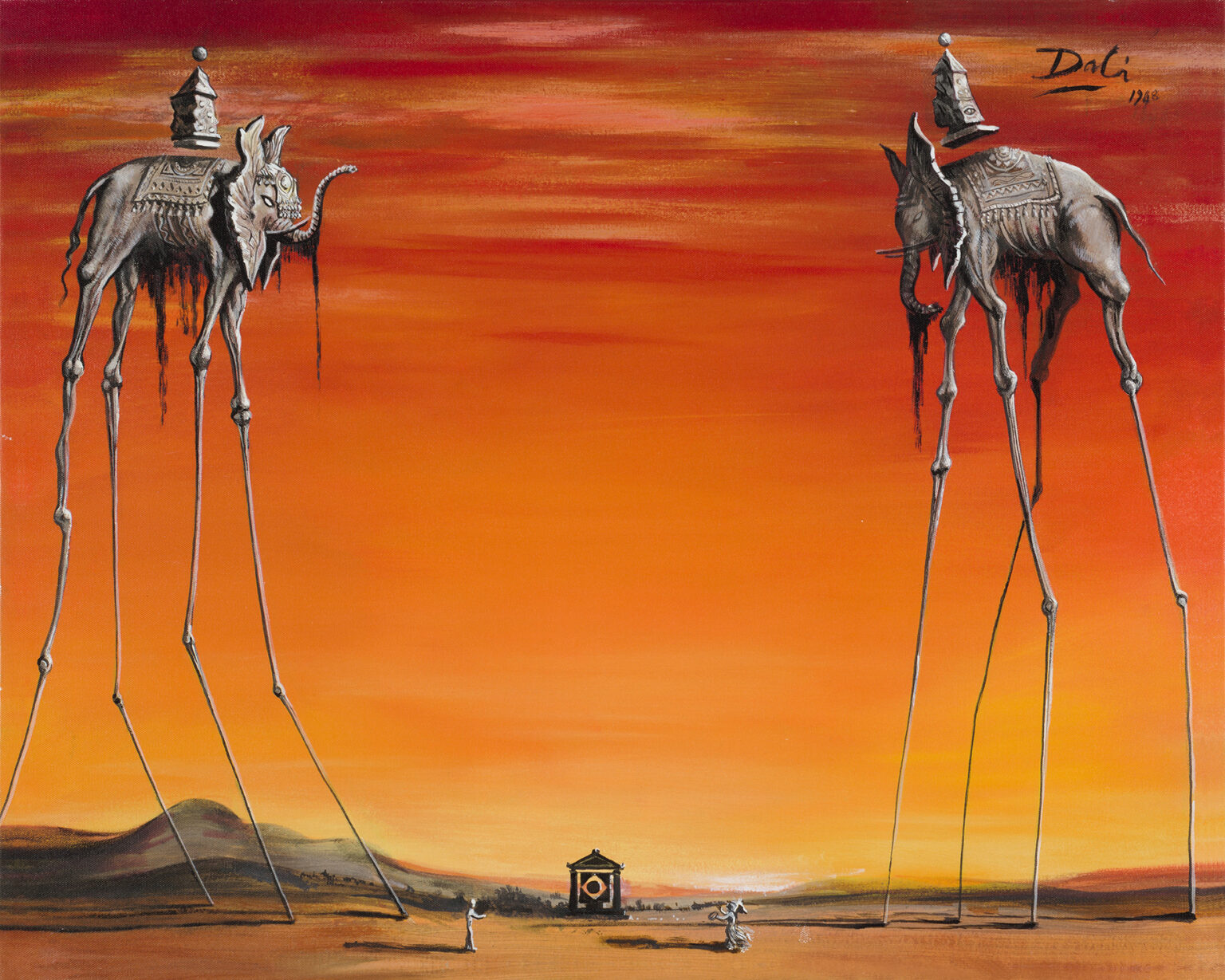
萨尔瓦多·达利
萨尔瓦多·达利简明指南:他在菲格雷斯和卡达克斯的童年、洛尔迦与布努埃尔、加拉与超现实主义者、《记忆的永恒》、双重影像、拐杖、抽屉和龙虾电话、好莱坞与迪士尼、《原子丽达》、他的剧院博物馆,以及一份可以在 PictorX 中尝试的数字致敬。
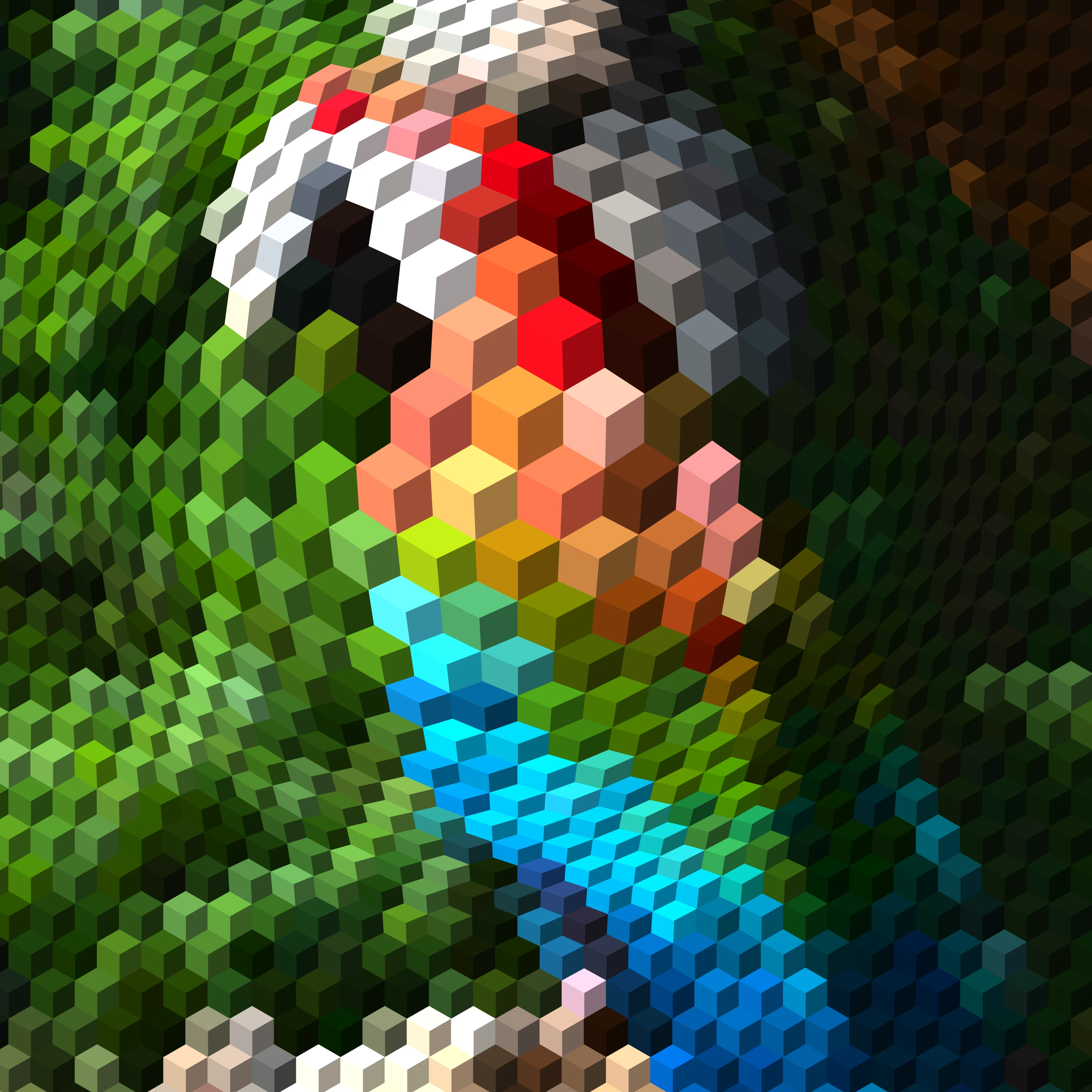
欧普艺术:把你的照片变成视错觉
在浏览器中把照片变成欧普艺术:达利的《球体的加拉提亚》、瓦萨雷里的“维加”、布里奇特·莱利的波浪、浮雕线条、莫尔纹、螺旋和扭曲网格——放在主体或某个形状里,静止或动态皆可。
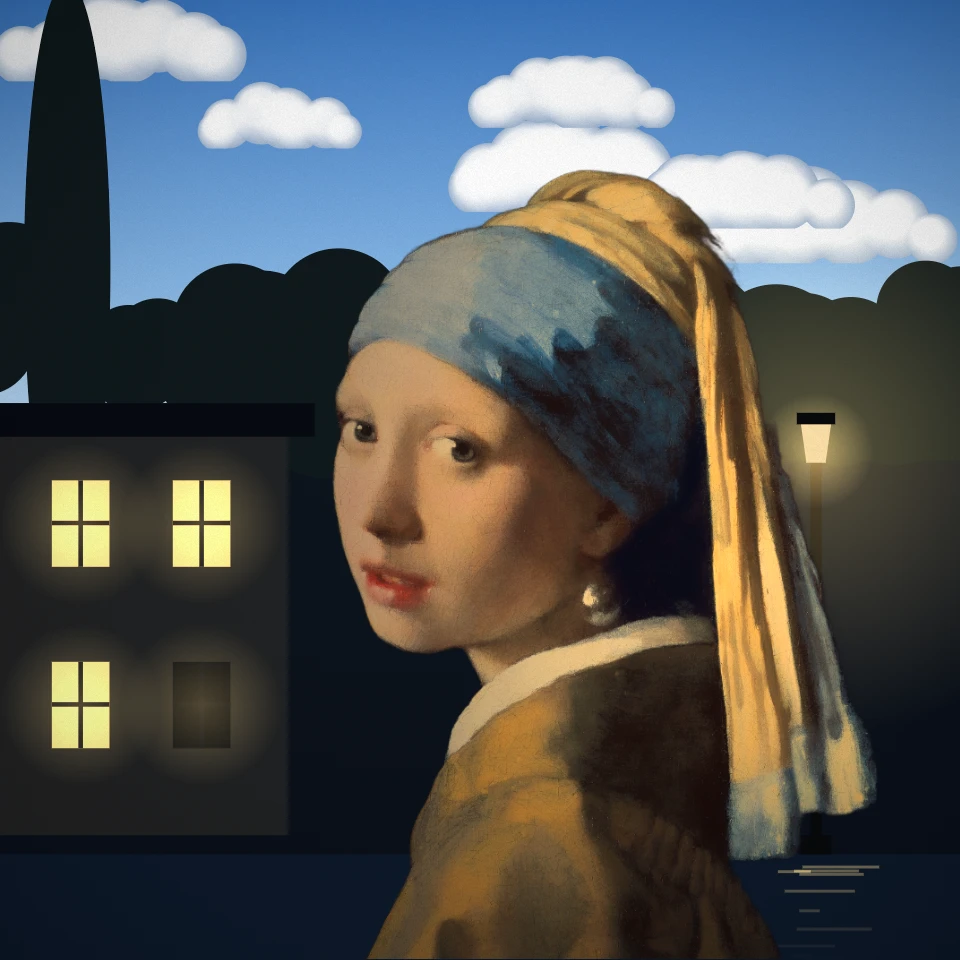
勒内·马格利特照片滤镜
在浏览器中把照片变成勒内·马格利特风格的画作:像《人子》一样脸前有一只苹果、《戈尔孔达》中如雨落下的男人、《光之帝国》、《移印画》、《恋人》、“Ceci n'est pas une photo”、《大家庭》或《比利牛斯山的城堡》。
超现实主义照片滤镜
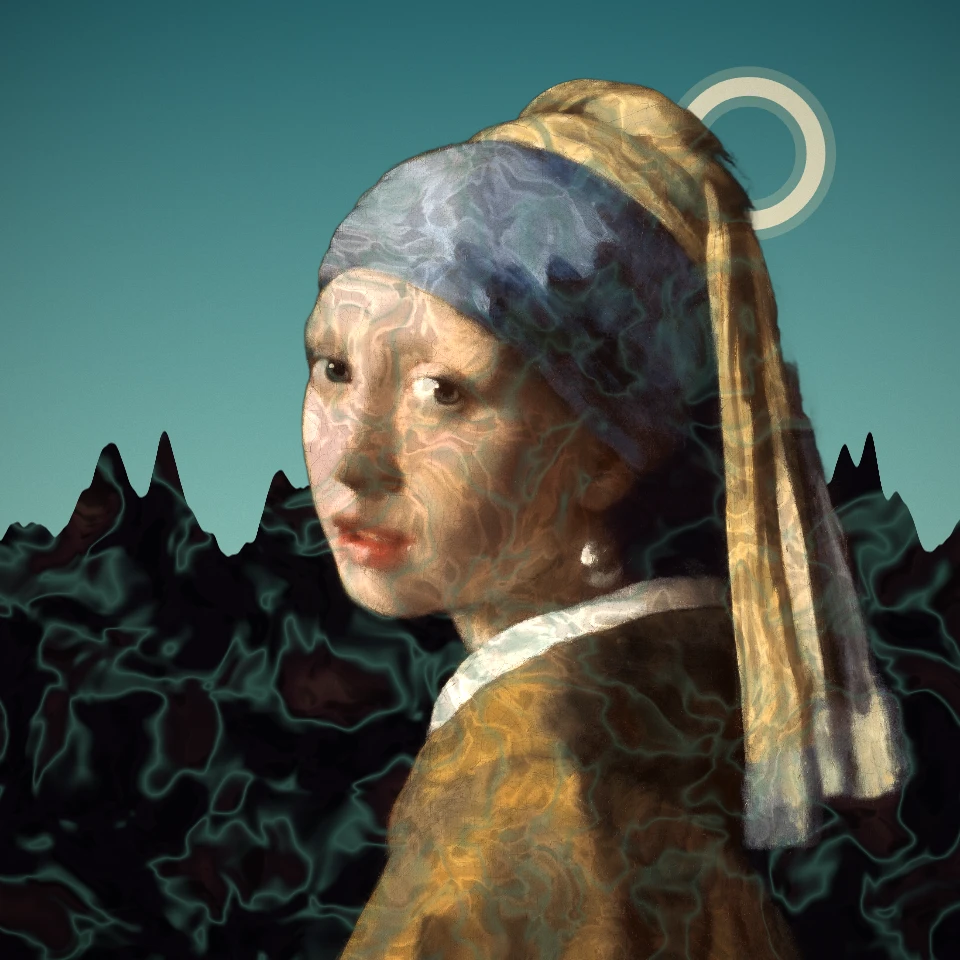
把照片变成超现实主义的梦境:德·基里科空旷的广场、恩斯特的移画印花、精致的尸体、唐吉无尽的平原、瓦罗的高塔,或曼·雷式的中途曝光。达利和马格利特有各自的效果。
毕加索照片滤镜 - 蓝色时期、玫瑰时期与破碎肖像
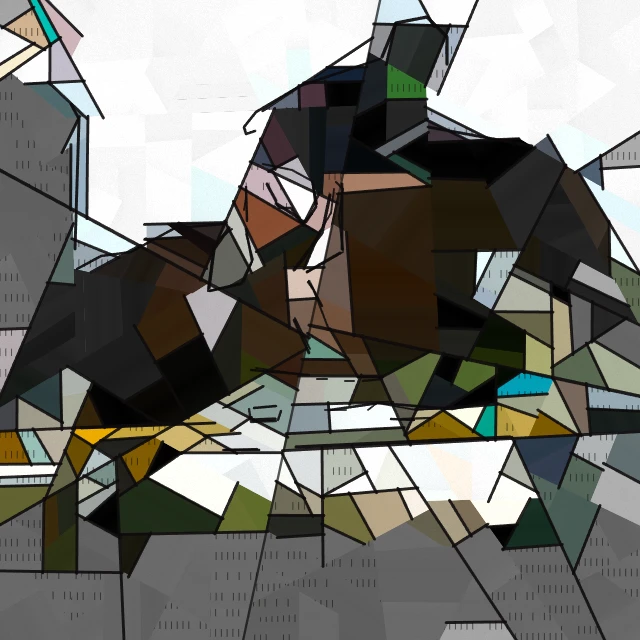
在浏览器中把照片变成巴勃罗·毕加索风格的画作:蓝色时期、玫瑰时期、《哭泣的女人》般的破碎肖像,或《格尔尼卡》的黑白碎片。

艺术效果
使用油画、水彩、铅笔、漫画墨线、蜡笔、剪纸和其他工作室艺术外观改造照片。
准备好尝试了吗?
在浏览器中打开 PictorX — 无需安装,无需信用卡即可启动。
前往编辑器