
Pong
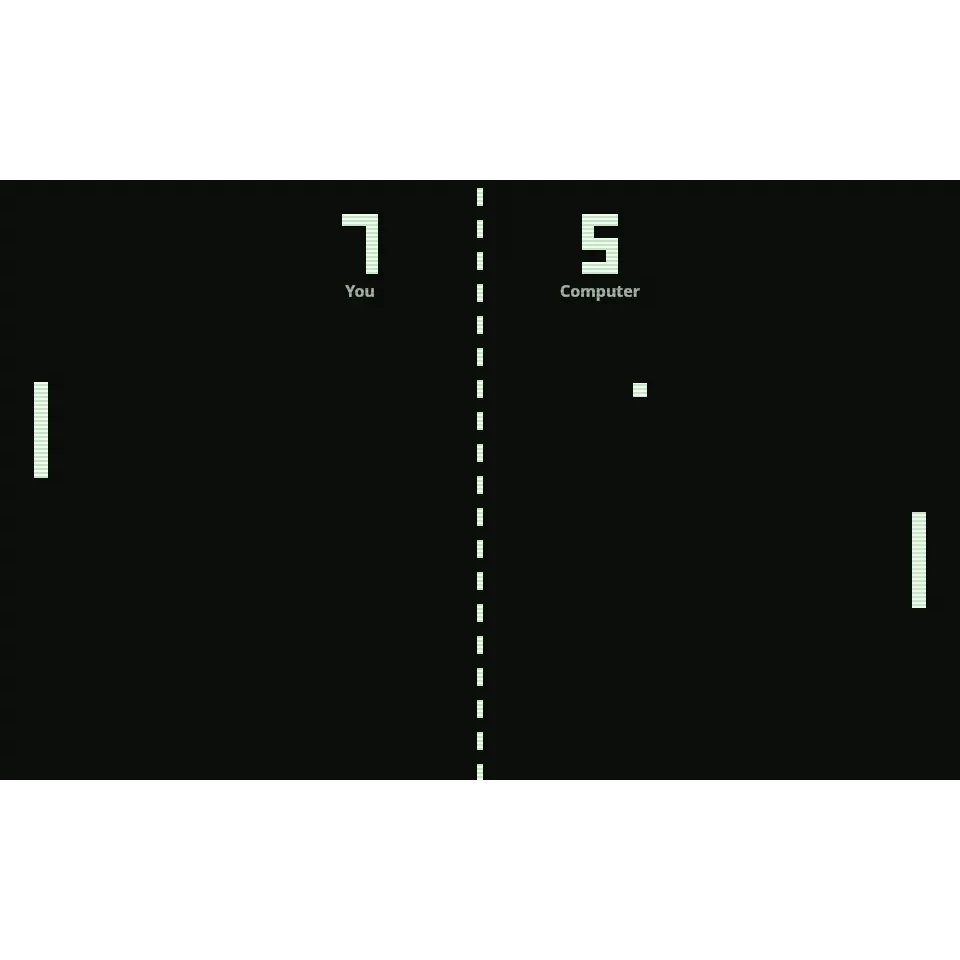
Two paddles, one square ball and a dashed line down the middle. Return the ball and send it past your opponent - the first to 11 points wins. Play the computer or challenge a friend on the same keyboard. Classic Pong: hit the ball past your opponent, first to 11 wins. Play the computer with the mouse, a finger, W and S or the arrow keys, or a friend on one keyboard (left W and S, right the arrow keys). Space serves, P pauses, M toggles sound, N starts a new game.
How it works
- Choose 1 player against the computer, and its level, or 2 players on one keyboard.
- Click, tap or press Space to serve, then move your paddle with the mouse, a finger, W and S or the arrow keys.
- Hit the ball with the edge of your paddle for sharper angles and score 11 points to win.
Against the computer or a friend
Play the computer at easy, medium or hard. In 2-player mode the left player uses W and S and the right player the arrow keys; on a touch screen each player drags on their own half of the court.
Real retro feel
Pixel score digits, a dashed centre line, scanlines and simple square-wave blips like the original arcade cabinet. Press M or use the sound setting to turn the sound off.
Angles and speed
Where the ball meets the paddle sets its angle: the centre sends it straight, the edges send it away steeply. Each return makes the ball a little faster, so long rallies get tense.
Frequently asked questions
How do I control my paddle?
Move the mouse or drag a finger up and down, or use W and S or the arrow keys. In 2-player mode the left paddle uses W and S and the right paddle the arrow keys.
What are the keyboard shortcuts?
Space serves, P pauses, M turns the sound on or off and N starts a new game.
How do I beat the computer?
Aim with the edge of your paddle so the ball comes in at a steep angle, and keep your paddle near the middle between shots. The computer reacts more slowly as the ball speeds up.
Is it free?
Yes. It is free, runs in your browser and needs no account.
Related tools
About Pong - history, rules and tips
What was Pong? The story of the 1972 arcade table tennis game that launched the video game industry, plus the rules and tips to beat the computer.
Breakout
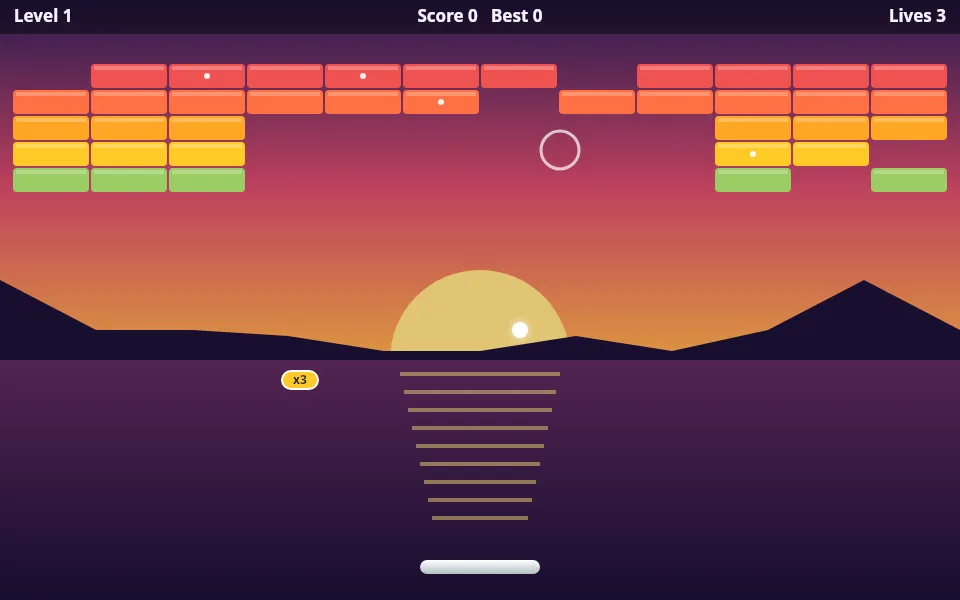
Play Breakout free online: break the bricks to reveal a picture or your own photo, with levels, power-ups and mouse, touch or keyboard controls.
Mastermind
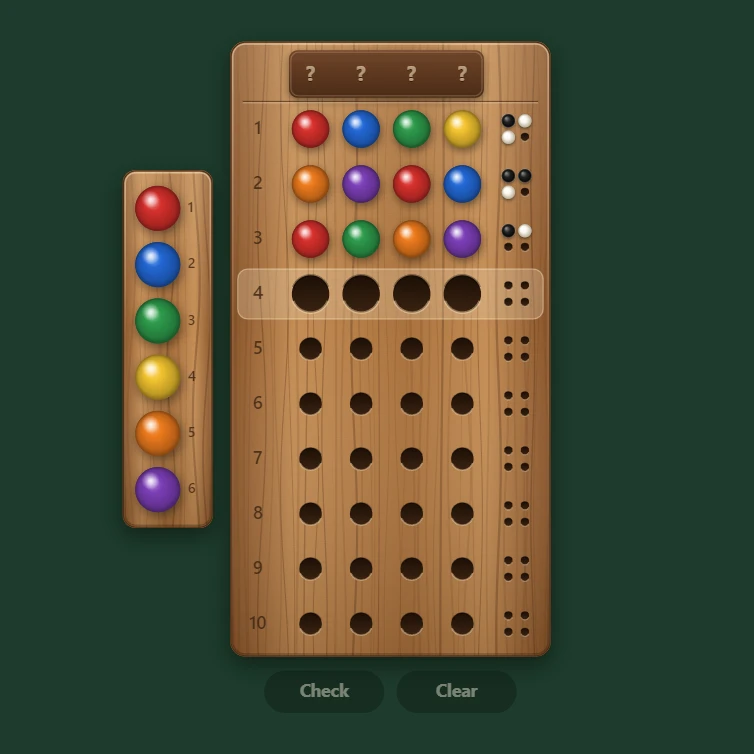
Play Mastermind free in your browser. Crack a secret colour code with 4 to 6 pegs and 6 to 8 colours, or set a code and watch the computer crack it.
Peg Solitaire
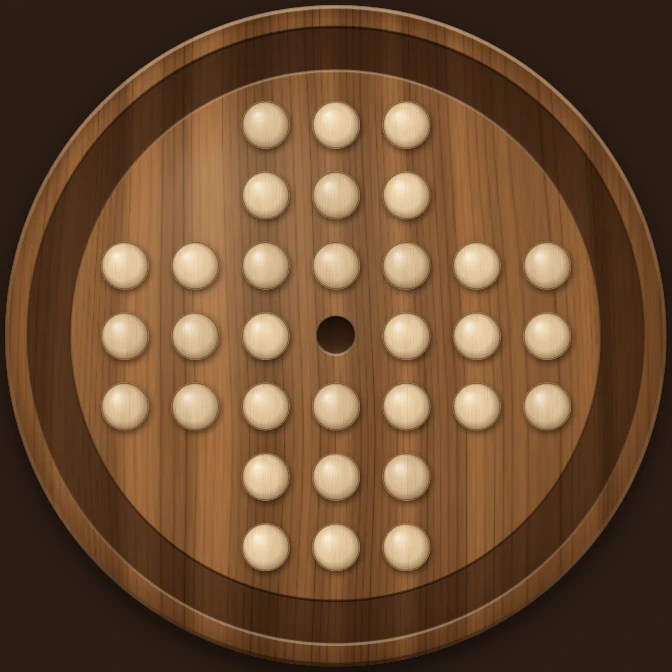
Play peg solitaire free online on the English 33-hole or European 37-hole board. Jump pegs until one is left, with undo, hints and a full solver.
Ready to try it?
Open PictorX in your browser — no install, no credit card required to start.
Go to Editor