
Pictograms tool
Drop expressive pictograms onto any design in seconds. Open Tools → Pictograms to browse thousands of symbols by category—emoticons, animals, food, travel, and more—or search by name. Switch between color and monochrome fonts, then click a tile to place it as an editable text layer you can resize, restyle, and layer like any other element. Ideal for icons, accents, stickers, and infographic callouts.
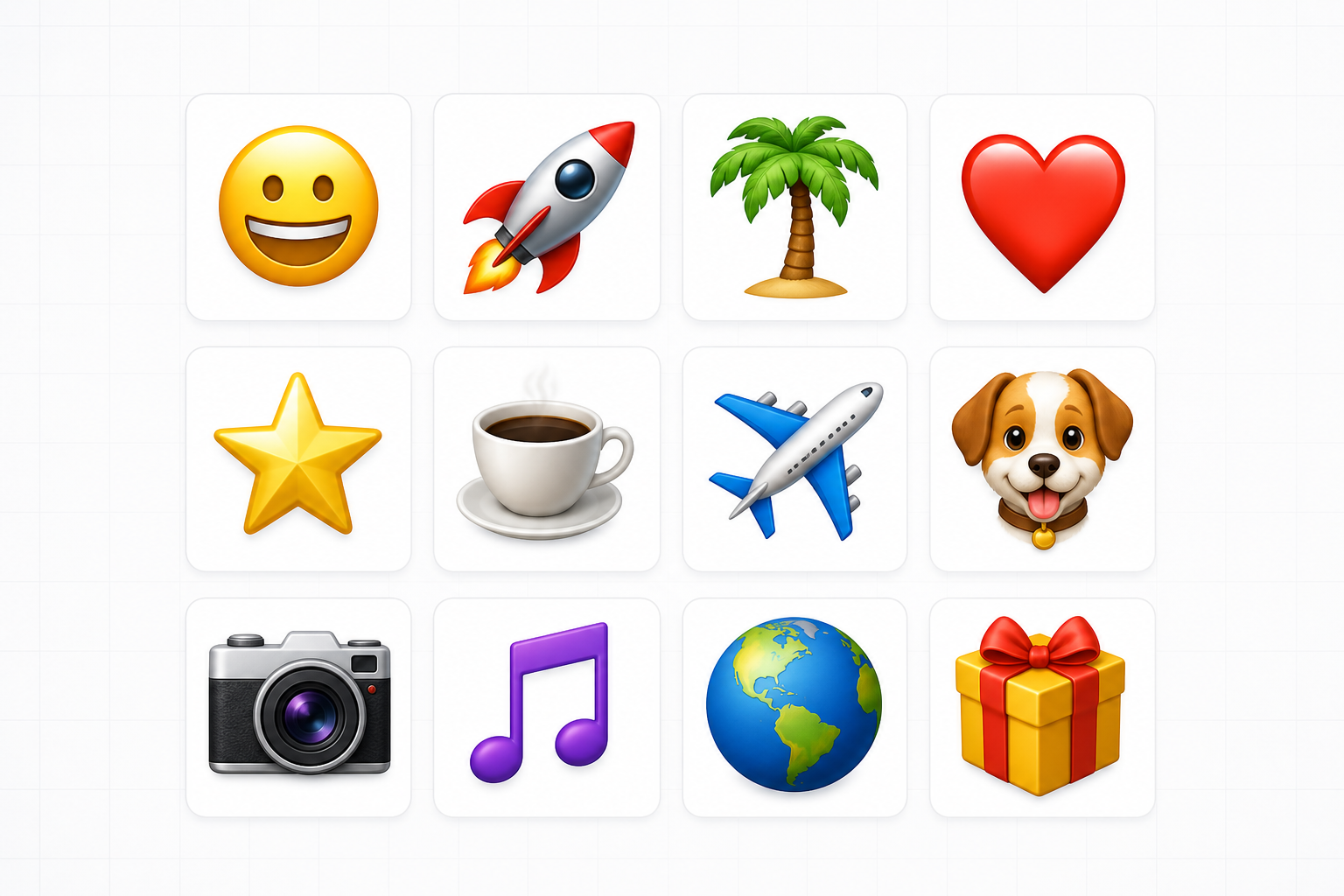
How it works
- Open PictorX in your browser and load an image or start a new design.
- Choose Pictograms from the editor tools and adjust the result to fit your composition.
- Continue editing with layers, effects, and text, then export when you are ready.
How to use the Pictograms tool
Drop expressive pictograms onto any design in seconds. PictorX keeps the tool in the same browser workspace as your layers, photos, text, and design elements, so you can refine a composition without switching applications.
Keep creating in PictorX
Use Pictograms as one step in a complete editing workflow. Adjust the composition, add text or graphics, and keep every change editable while you turn an image into a finished design.
Frequently asked questions
What are pictograms for?
Simple symbols that make diagrams, slides, and infographics easier to scan.
Can I recolor a pictogram to match a brand?
Yes. Treat it as a graphic element and style it with the rest of the layout.
Do pictograms stay sharp in SVG?
They work well with shapes and SVG export for icons that must not go blurry.
When should I use a pictogram instead of a photo?
When you need a clear symbol that still reads small on a slide or poster.
Related tools

Shapes & Vectors tool
Add geometric shapes and styled lines to your canvas. Use the free PictorX online editor in your browser.
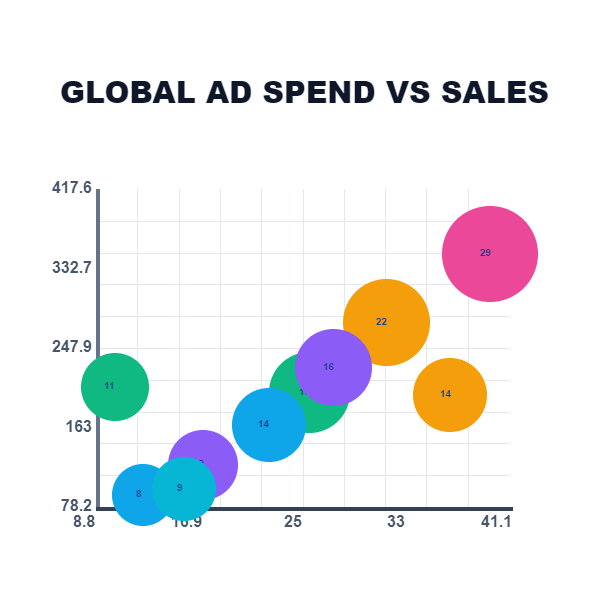
Living charts & data tool
Tell stories with numbers—not spreadsheets. Use the free PictorX online editor in your browser.

Open, edit and save SVG files
Open an SVG in Pictorx and it is converted into editable layers. Use PictorX free in your browser with no software install required.
Ready to try it?
Open PictorX in your browser — no install, no credit card required to start.
Use Pictograms