
Paint & draw tools
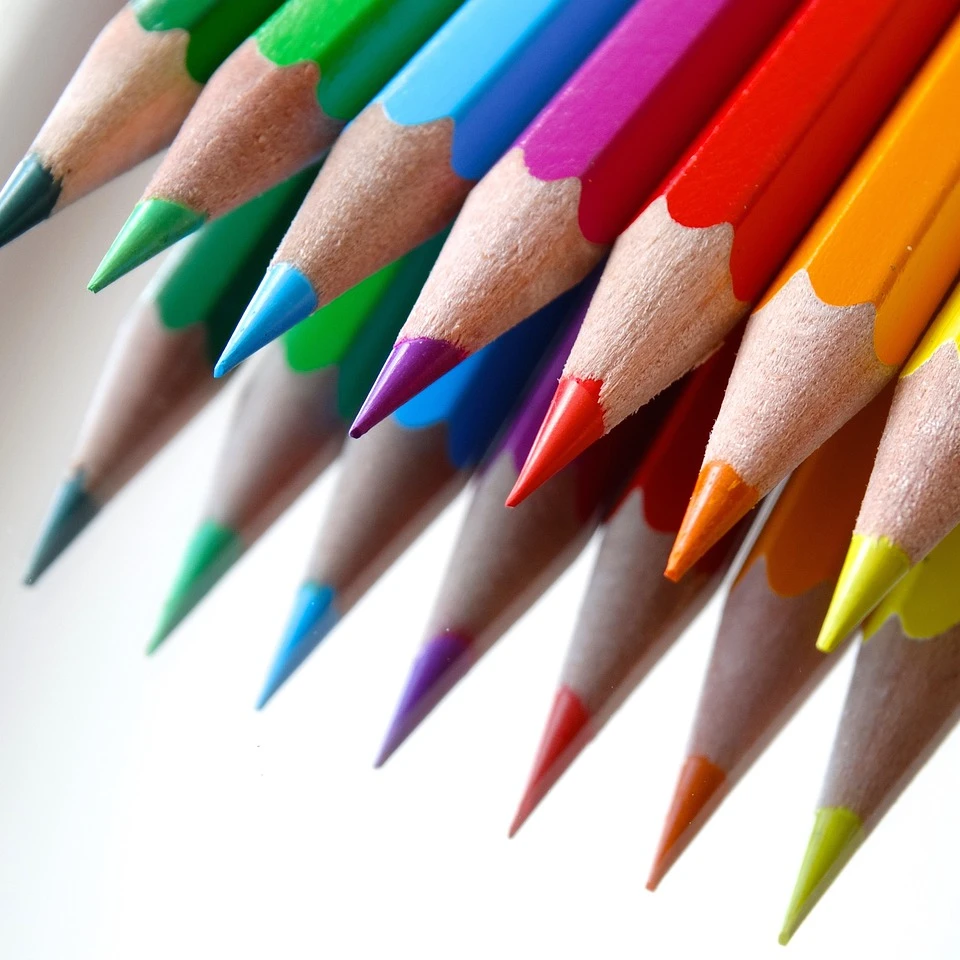
Paint, erase, and refine pixels directly on raster layers. Open Tools → Draw for a tile overview of drawing tools. Choose Line or Polygon for freehand drawing, or specialized tools: Airbrush sprays soft color with adjustable size and hardness; Paint Bucket fills connected areas with adjustable tolerance and flood mode; Eraser clears pixels with a resizable brush; Magic Eraser removes matching colors as you brush; Smudge blends neighboring pixels; Blur Brush softens pixels under a resizable tip; Effect Brush paints Pixelate, Grayscale, or Sepia under a resizable tip; Clone Stamp copies texture from a sampled point; Perspective warps the image by dragging its four corners; and Mesh Warp distorts the image by dragging the white squares at the mesh intersections. Adjust brush size, fill color, tolerance, and flood mode from the side panel as you work.
How it works
- Open PictorX in your browser and start a new project or load an image.
- Use Paint & draw tools to shape the result, then refine it with the surrounding editor tools.
- Keep editing, export your work, or turn the result into your next design.
How Paint & draw tools fits your workflow
Paint, erase, and refine pixels directly on raster layers. PictorX keeps the feature alongside your photos, layers, typography, and design tools, so you can move from an idea to a finished graphic without switching applications.
Create more with Paint & draw tools
Start with one focused change, review the result in context, and keep iterating. Combine Paint & draw tools with other PictorX tools when you need a polished image for social media, a presentation, a print layout, or a personal project.
Frequently asked questions
Can I sketch on top of a photo?
Yes. Draw, paint, and add hand-finished marks on a layer.
Is drawing vector or raster?
Paint tools mark pixels. Use shapes when you need a sharp, scalable logo.
Can I keep the drawing separate from the photo?
Yes. Paint on its own layer so you can hide or erase strokes without touching the photo.
Can I undo a brush stroke?
Yes. Undo individual marks and try a different size or color.
Related tools

Ready to try it?
Open PictorX in your browser — no install, no credit card required to start.
Try Paint & draw tools