

아래에서 컬러 룩을 시도하거나 자신의 사진을 열어보세요.
하프톤 effect
Open a photo and apply 하프톤 in PictorX. This look is part of 색상 효과—adjust the settings on this page, then keep editing with layers, text, and other effects in the same workspace. 아래에서 컬러 룩을 시도하거나 자신의 사진을 열어보세요.
작동 원리
- Open this page and try 하프톤 on the sample, or open your own photo.
- Tune the 하프톤 settings, or switch to another look in 색상 효과.
- Save the result, or keep editing with layers, text, and other effects in PictorX.
What the 하프톤 effect does
하프톤 is one of the looks in PictorX 색상 효과. Apply it in your browser, then keep working in the same project—crop, type, or add another effect without starting over.
More looks in 색상 효과
This page opens 색상 효과 with 하프톤 already selected. Switch looks on the demo to compare styles, or open the full 색상 효과 page to browse every option in the set.
Looks in this set
관련 도구
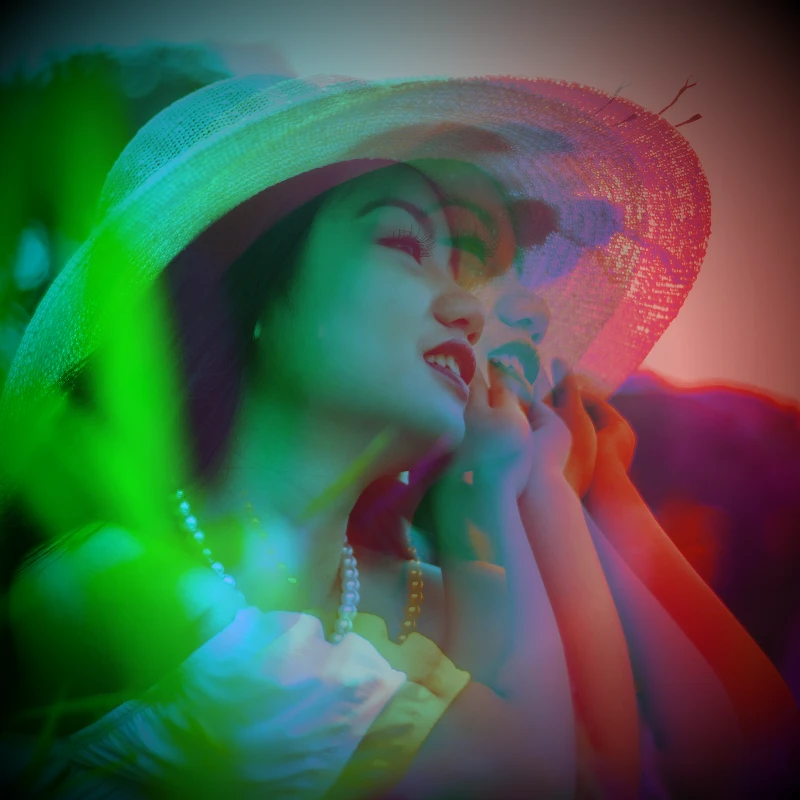
색상 효과
효과 → 색상에서 네온 가장자리, 열지도, 2색·3색 팔레트로 사진의 색을 바꾸세요.
온라인 이미지 색상 반전
어떤 이미지든 온라인으로 색상을 반전하세요. 검정은 흰색, 빨강은 청록색이 되고 모든 색이 반대색으로 바뀝니다. 투명도는 유지됩니다.
사진에 색상 색조 추가
원하는 색으로 사진에 온라인으로 색조를 입히세요. 색조 색상과 강도를 정해 차가운 파랑, 따뜻한 호박색, 색유리 같은 느낌을 냅니다.
홀가1 effect
Apply a 홀가1 effect to photos free in your browser. Open the 색상 효과 tools, tune the look, and keep editing in PictorX. No install.
홀가2 effect
Apply a 홀가2 effect to photos free in your browser. Open the 색상 효과 tools, tune the look, and keep editing in PictorX. No install.
히트맵 사진 효과
온라인으로 사진을 히트맵으로 바꾸세요. 어두운 영역은 파랑, 중간 톤은 초록과 노랑, 밝은 영역은 빨강이 되어 열화상 카메라 이미지처럼 보입니다.
홀로그램 사진 필터
어떤 사진이나 투명 PNG에도 온라인으로 홀로그램 무지개 호일을 더하세요. 강도를 정해 반짝이는 무지갯빛 스티커나 카드 느낌을 냅니다.
색상에 대한 추가 정보
화면과 인쇄에서 색은 어떻게 표현될까요? 빛과 색 혼합, RGB, CMYK, HSL과 HSV, 헥스 코드, 색상환, 그라디언트, 대비와 접근성을 설명합니다.
시도해 볼 준비가 되셨나요?
브라우저에서 PictorX를 엽니다. 설치가 필요 없고 시작하는 데 신용 카드가 필요하지 않습니다.
편집기로 이동