
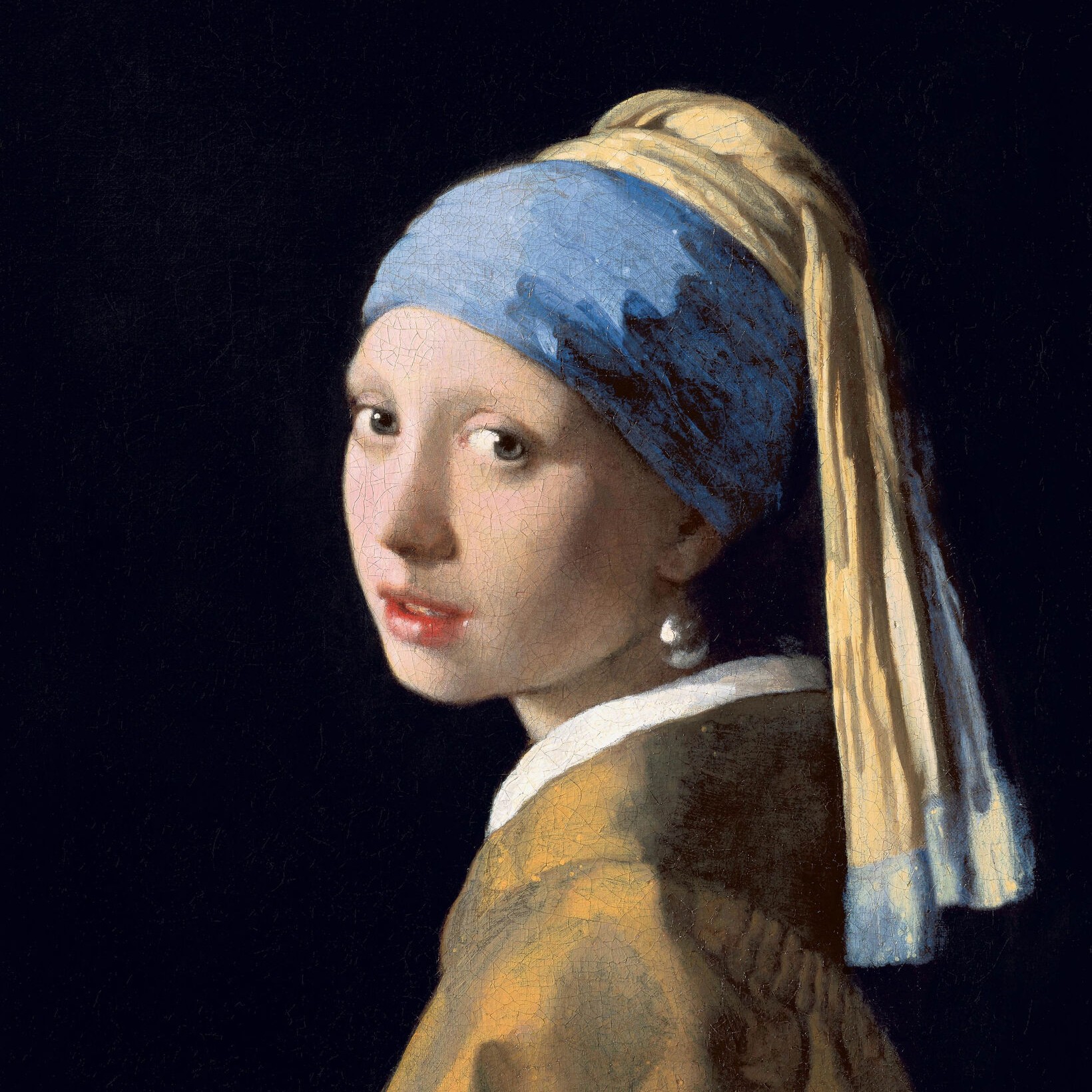
Wypróbuj wygląd czarno-biały poniżej lub otwórz własne zdjęcie.
Kropki effect
Open a photo and apply Kropki in PictorX. This look is part of Efekty czarno-białe—adjust the settings on this page, then keep editing with layers, text, and other effects in the same workspace. Wypróbuj wygląd czarno-biały poniżej lub otwórz własne zdjęcie.
Jak to działa
- Open this page and try Kropki on the sample, or open your own photo.
- Tune the Kropki settings, or switch to another look in Efekty czarno-białe.
- Save the result, or keep editing with layers, text, and other effects in PictorX.
What the Kropki effect does
Kropki is one of the looks in PictorX Efekty czarno-białe. Apply it in your browser, then keep working in the same project—crop, type, or add another effect without starting over.
More looks in Efekty czarno-białe
This page opens Efekty czarno-białe with Kropki already selected. Switch looks on the demo to compare styles, or open the full Efekty czarno-białe page to browse every option in the set.
Looks in this set
Często zadawane pytania
Is the Kropki effect free?
Yes. Open this page in a modern browser to try Kropki as part of the free PictorX editing workflow.
Can I keep editing after I apply Kropki?
Yes. Apply Kropki, then keep using layers, text, and other PictorX tools in the same workspace.
How do I open Kropki from Efekty czarno-białe?
This page loads Efekty czarno-białe with Kropki selected. You can also open Efekty czarno-białe and choose Kropki from the looks.
Powiązane narzędzia
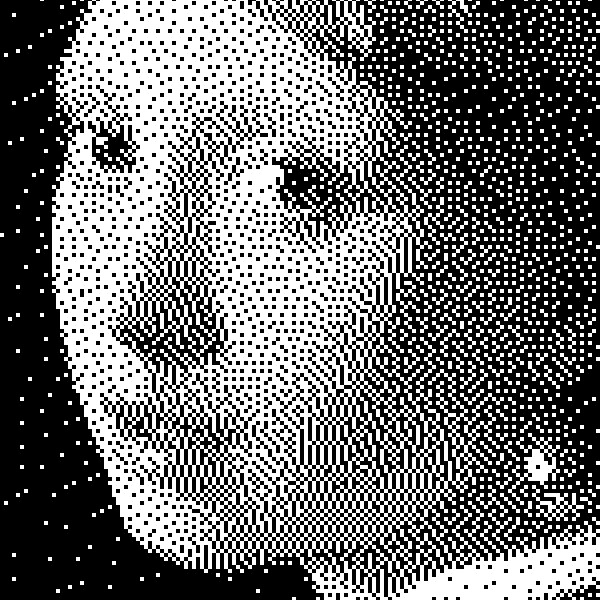
Efekty czarno-białe
Zastosuj skalę szarości, próg, punkty, kwadraty, uporządkowany dithering, dyfuzję błędu i mezzotintę do zdjęcia w przeglądarce. Pełne rampy szarości lub dwutonowe odbitki z własnymi kolorami pierwszego planu i tła.
Mezzotinta effect
Apply a Mezzotinta effect to photos free in your browser. Open the Efekty czarno-białe tools, tune the look, and keep editing in PictorX. No install.
Skala szarości effect
Apply a Skala szarości effect to photos free in your browser. Open the Efekty czarno-białe tools, tune the look, and keep editing in PictorX. No install.
Próg effect
Apply a Próg effect to photos free in your browser. Open the Efekty czarno-białe tools, tune the look, and keep editing in PictorX. No install.
Kwadraty effect
Apply a Kwadraty effect to photos free in your browser. Open the Efekty czarno-białe tools, tune the look, and keep editing in PictorX. No install.
Uporządkowany dithering effect
Apply a Uporządkowany dithering effect to photos free in your browser. Open the Efekty czarno-białe tools, tune the look, and keep editing in PictorX. No install.
Rozpraszanie błędów effect
Apply a Rozpraszanie błędów effect to photos free in your browser. Open the Efekty czarno-białe tools, tune the look, and keep editing in PictorX. No install.
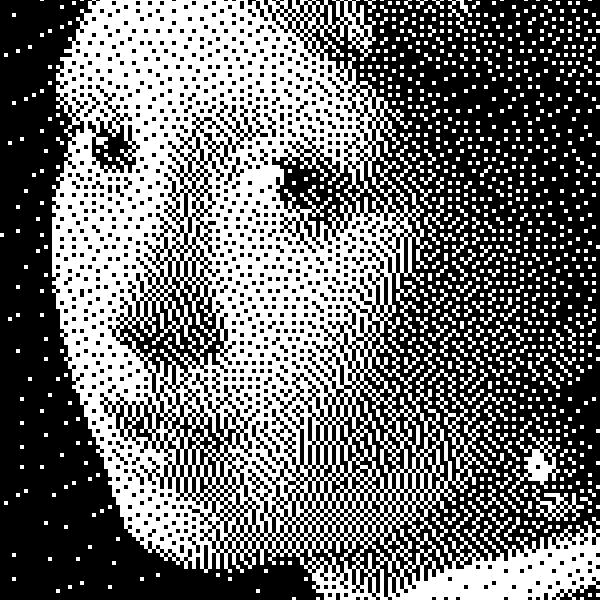
Czerni i bieli
Jak działają obrazy dwupoziomowe: prosty próg, dithering Bayera, dyfuzja Floyd–Steinberga i kiedy użyć każdego wyglądu w PictorX.
Chcesz wypróbować?
Otwórz PictorX w swojej przeglądarce — do uruchomienia nie jest wymagana żadna instalacja ani karta kredytowa.
Przejdź do edytora