
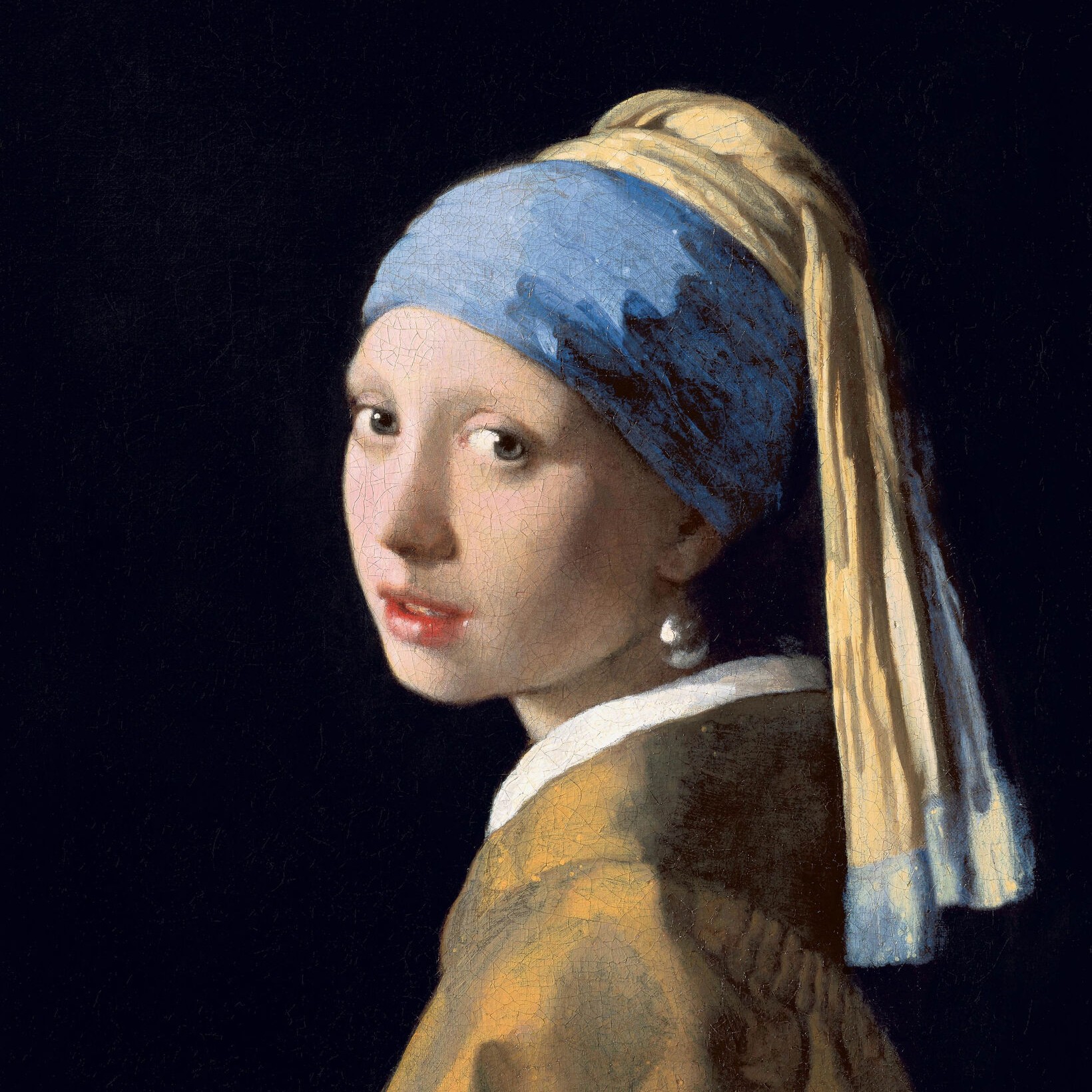
Prikker effect
Open a photo and apply Prikker in PictorX. This look is part of Sort-hvide effekter—adjust the settings on this page, then keep editing with layers, text, and other effects in the same workspace. Prøv et sort-hvidt look nedenfor, eller åbn dit eget billede.
Sådan virker det
- Open this page and try Prikker on the sample, or open your own photo.
- Tune the Prikker settings, or switch to another look in Sort-hvide effekter.
- Save the result, or keep editing with layers, text, and other effects in PictorX.
What the Prikker effect does
Prikker is one of the looks in PictorX Sort-hvide effekter. Apply it in your browser, then keep working in the same project—crop, type, or add another effect without starting over.
More looks in Sort-hvide effekter
This page opens Sort-hvide effekter with Prikker already selected. Switch looks on the demo to compare styles, or open the full Sort-hvide effekter page to browse every option in the set.
Looks in this set
Ofte stillede spørgsmål
Is the Prikker effect free?
Yes. Open this page in a modern browser to try Prikker as part of the free PictorX editing workflow.
Can I keep editing after I apply Prikker?
Yes. Apply Prikker, then keep using layers, text, and other PictorX tools in the same workspace.
How do I open Prikker from Sort-hvide effekter?
This page loads Sort-hvide effekter with Prikker selected. You can also open Sort-hvide effekter and choose Prikker from the looks.
Relaterede værktøjer
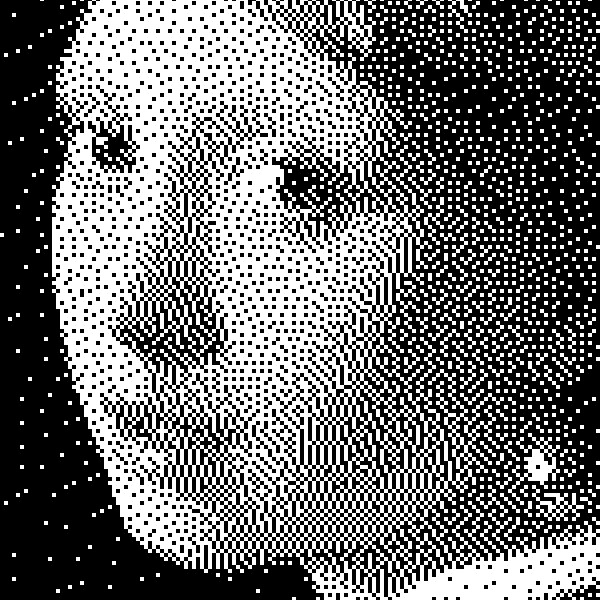
Sort-hvide effekter
Anvend gråtoner, tærskel, prikker, firkanter, ordnet dithering, fejl-diffusion og mezzotinte på et foto i browseren. Fulde grårampper eller totone-tryk med egne for- og baggrundsfarver.
Mezzotint effect
Apply a Mezzotint effect to photos free in your browser. Open the Sort-hvide effekter tools, tune the look, and keep editing in PictorX. No install.
Gråtoner effect
Apply a Gråtoner effect to photos free in your browser. Open the Sort-hvide effekter tools, tune the look, and keep editing in PictorX. No install.
Tærskel effect
Apply a Tærskel effect to photos free in your browser. Open the Sort-hvide effekter tools, tune the look, and keep editing in PictorX. No install.
Firkanter effect
Apply a Firkanter effect to photos free in your browser. Open the Sort-hvide effekter tools, tune the look, and keep editing in PictorX. No install.
Ordnet dithering effect
Apply a Ordnet dithering effect to photos free in your browser. Open the Sort-hvide effekter tools, tune the look, and keep editing in PictorX. No install.
Fejlspredning effect
Apply a Fejlspredning effect to photos free in your browser. Open the Sort-hvide effekter tools, tune the look, and keep editing in PictorX. No install.
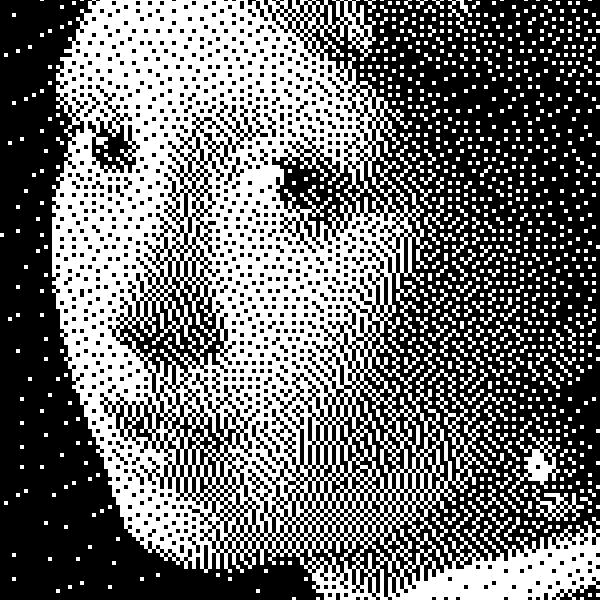
Sort-hvid
Sådan virker bilevel-billeder: simpel tærskel, Bayer-ordnet dithering, Floyd–Steinberg fejl diffusion, og hvornår du bruger hvert look i PictorX.
Er du klar til at prøve?
Åbn PictorX i din browser - ingen installation, ingen kreditkort kræves for at starte.
Gå til Editor