
- Current
- On the stack
- Finished
- Path
Depth-first search (DFS)
Depth-first search explores a graph like someone walking a maze with one hand on the wall: it follows one path as far as it goes, and only backs up when there is nowhere new to go. It does that with a stack. Click a node to start from it, pick a goal if you like, and step through the search to see the stack grow and shrink, each node get its visit number, and the edges that close a cycle. Press Play to watch the search, or Step and Back to go one step at a time. Drag the step slider to jump anywhere. Click a node to make it the start; switch the click to Goal and click another node to look for a path to it. The number on each node is the order in which it was visited, and the row under the graph is the stack, from the start up to the node on top. New graph makes another graph; choose how many nodes and edges it has. With the board selected, the arrow keys step, the space bar plays and pauses, and Home and End jump to the start and the end.
How it works
- Click a node to make it the start. To look for a path, switch the click to Goal and click another node.
- Press Play, or use Step and Back to move one step at a time. Drag the step slider to jump anywhere in the search.
- Watch the stack under the graph and the visit number on each node. New graph makes another graph to try.
How depth-first search works
Put the start node on the stack. Then repeat: look at the next neighbour of the node on top of the stack. A neighbour that has not been seen yet gets the next visit number, remembers the node it was reached from, and goes on top of the stack, so the search carries on from there. When the node on top has no neighbours left to check, it is finished and comes off the stack, and the search backs up to the node below. When the stack is empty, every node that can be reached has been visited.
What the stack tells you
Because the search always carries on from the newest node, the stack is always a path from the start to the node being looked at. When the goal is reached, the stack is a path to it, though usually not the shortest one: breadth-first search finds that. In a graph without directions, an edge to a node that is still on the stack, other than the one just come from, closes a cycle. The remembered nodes form a tree, the depth-first tree, and the order in which nodes are finished is the key to topological sorting.
Frequently asked questions
What is depth-first search?
A way to explore a graph from a start node by following one path as deep as it goes, and backing up to try another branch only when there is nowhere new to go. It uses a stack, or recursion, to remember the way back.
Does depth-first search find the shortest path?
No. It finds a path to the goal if there is one, but that path can be much longer than needed, because DFS commits to the first branch it tries. Use breadth-first search for the fewest edges, or Dijkstra's algorithm when edges have lengths.
What is the difference between DFS and BFS?
Depth-first search uses a stack and goes deep along one path before backing up. Breadth-first search uses a queue and spreads out evenly, ring by ring. Both visit every reachable node in time that grows with the nodes plus the edges; BFS finds shortest paths, while DFS is the natural choice for cycles, mazes and topological sorting.
How does DFS find a cycle?
In a graph without directions, if the search meets an edge to a node that is still on the stack, and that node is not the one it just came from, the edge closes a loop. In the app, the status line says so when that happens.
Is my graph sent anywhere?
No. The graph is made and searched in your browser, and your last settings stay in this browser's local storage.
Related tools
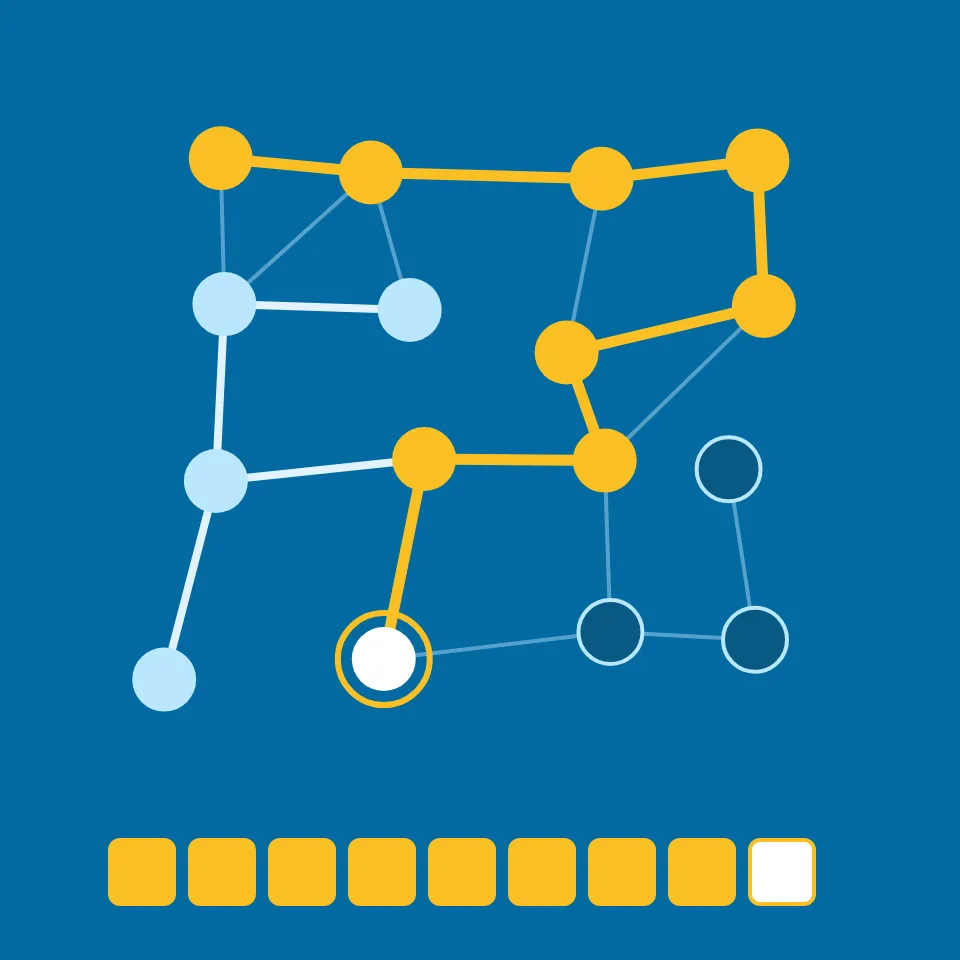
Depth-first search (DFS)
What is depth-first search? How a stack follows one path as deep as it goes and backs up, how DFS finds cycles, why its paths are not the shortest, and where it is used.
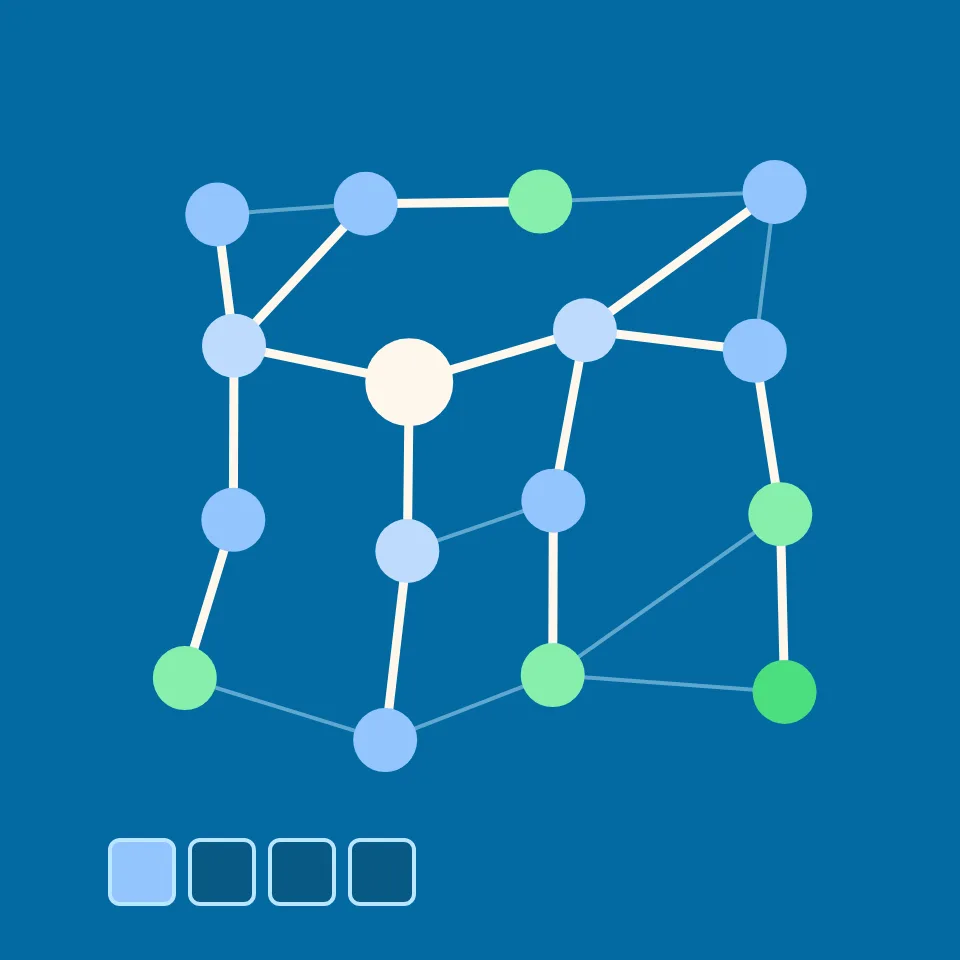
Breadth-first search (BFS)
Watch breadth-first search step by step on a graph. Pick a start and a goal, see the queue and each node's distance, and find a shortest path in edges.
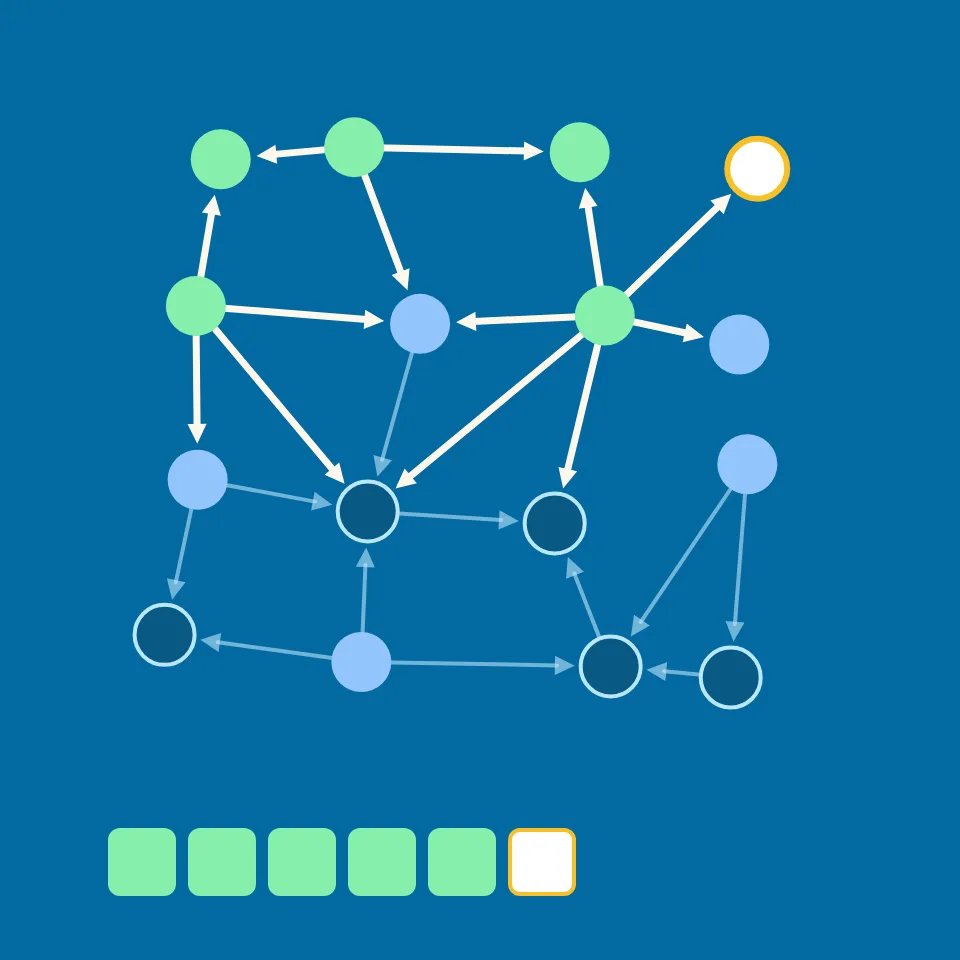
Topological sort
Watch a topological sort put the nodes of a directed graph in order so every edge points forward, with Kahn's algorithm or depth-first search, and see how a cycle is found.
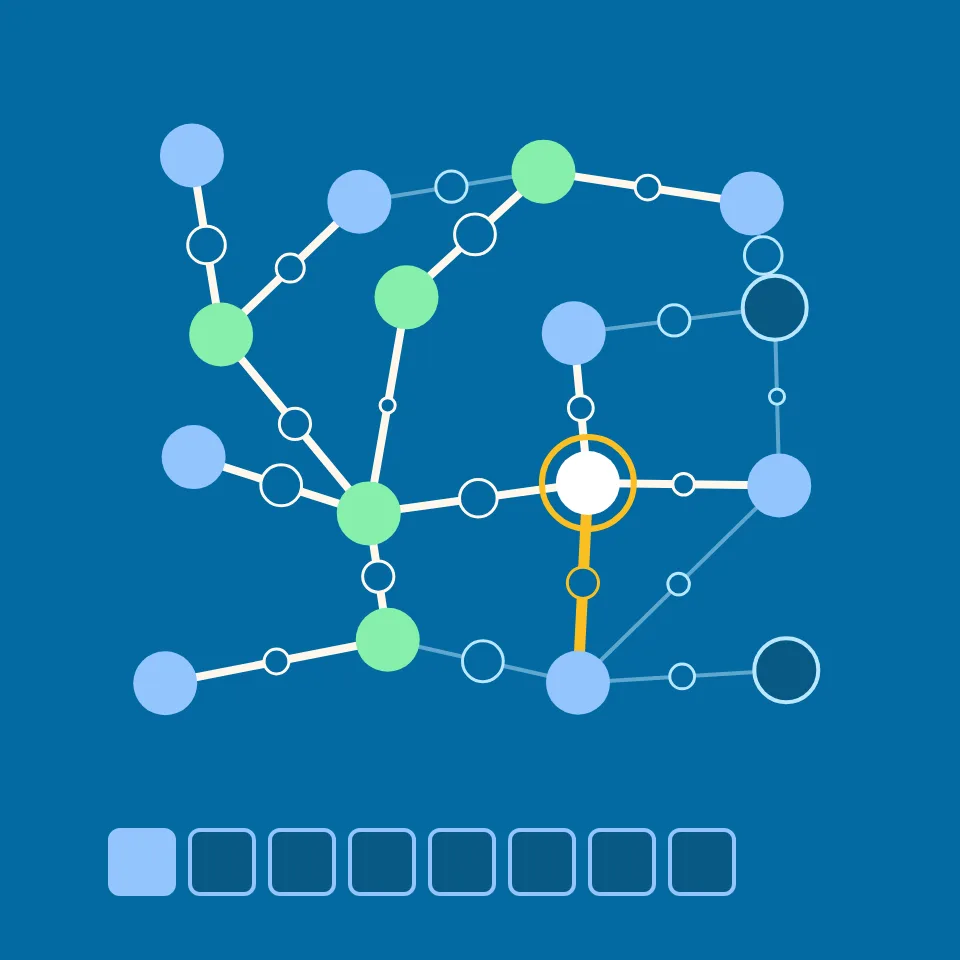
Dijkstra's algorithm
Watch Dijkstra's algorithm find shortest paths on a weighted graph. Pick a start and a goal, see the priority queue, and watch each distance drop until it is final.
Sort match
Race bubble, selection, insertion, merge, quick, heap, radix and counting sort on the same list. Every comparison, swap or move counts, and the sort with the least work wins.
Ready to try it?
Open PictorX in your browser — no install, no credit card required to start.
Go to Editor