
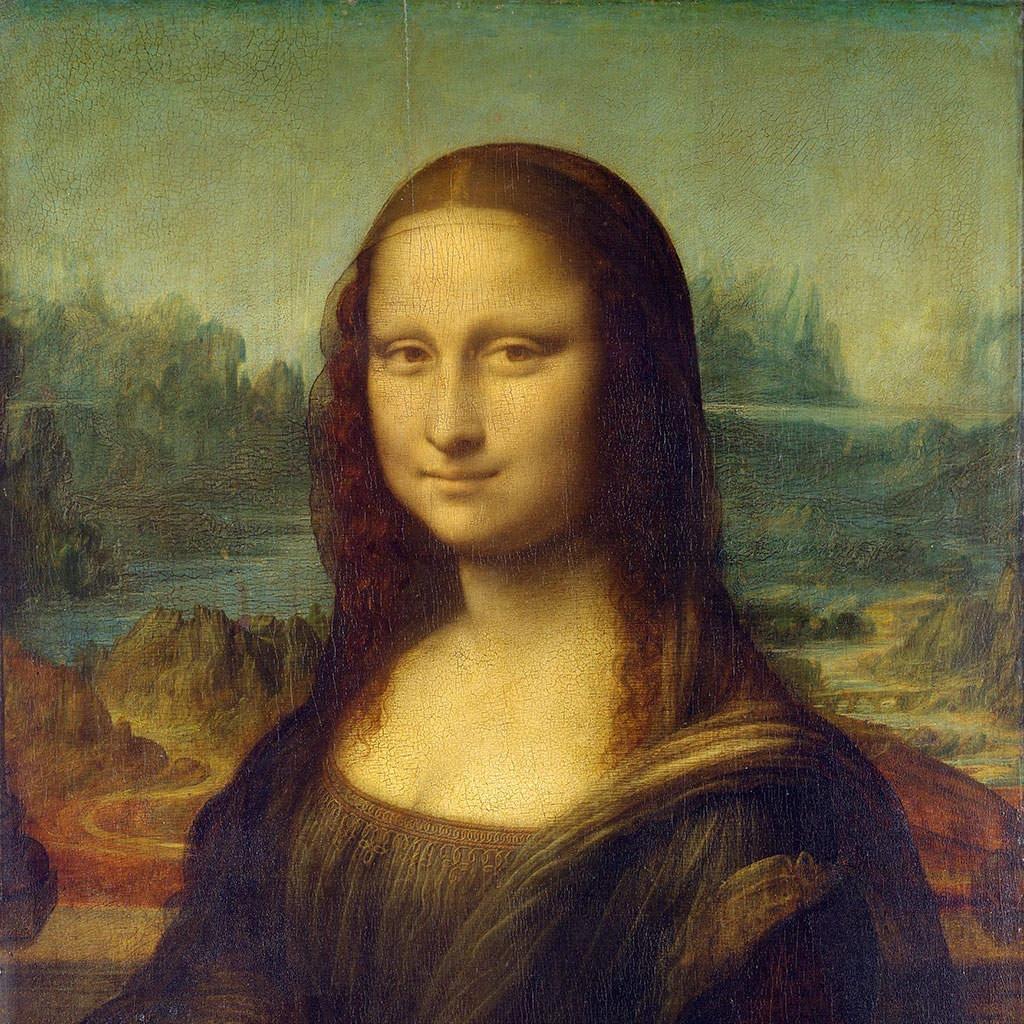
Experimente um visual de pixelização abaixo ou abra a sua própria imagem.
Meio-tom colorido effect
Open a photo and apply Meio-tom colorido in PictorX. This look is part of Efeitos de pixelização—adjust the settings on this page, then keep editing with layers, text, and other effects in the same workspace. Experimente um visual de pixelização abaixo ou abra a sua própria imagem.
Como funciona
- Open this page and try Meio-tom colorido on the sample, or open your own photo.
- Tune the Meio-tom colorido settings, or switch to another look in Efeitos de pixelização.
- Save the result, or keep editing with layers, text, and other effects in PictorX.
What the Meio-tom colorido effect does
Meio-tom colorido is one of the looks in PictorX Efeitos de pixelização. Apply it in your browser, then keep working in the same project—crop, type, or add another effect without starting over.
More looks in Efeitos de pixelização
This page opens Efeitos de pixelização with Meio-tom colorido already selected. Switch looks on the demo to compare styles, or open the full Efeitos de pixelização page to browse every option in the set.
Looks in this set
Ferramentas relacionadas
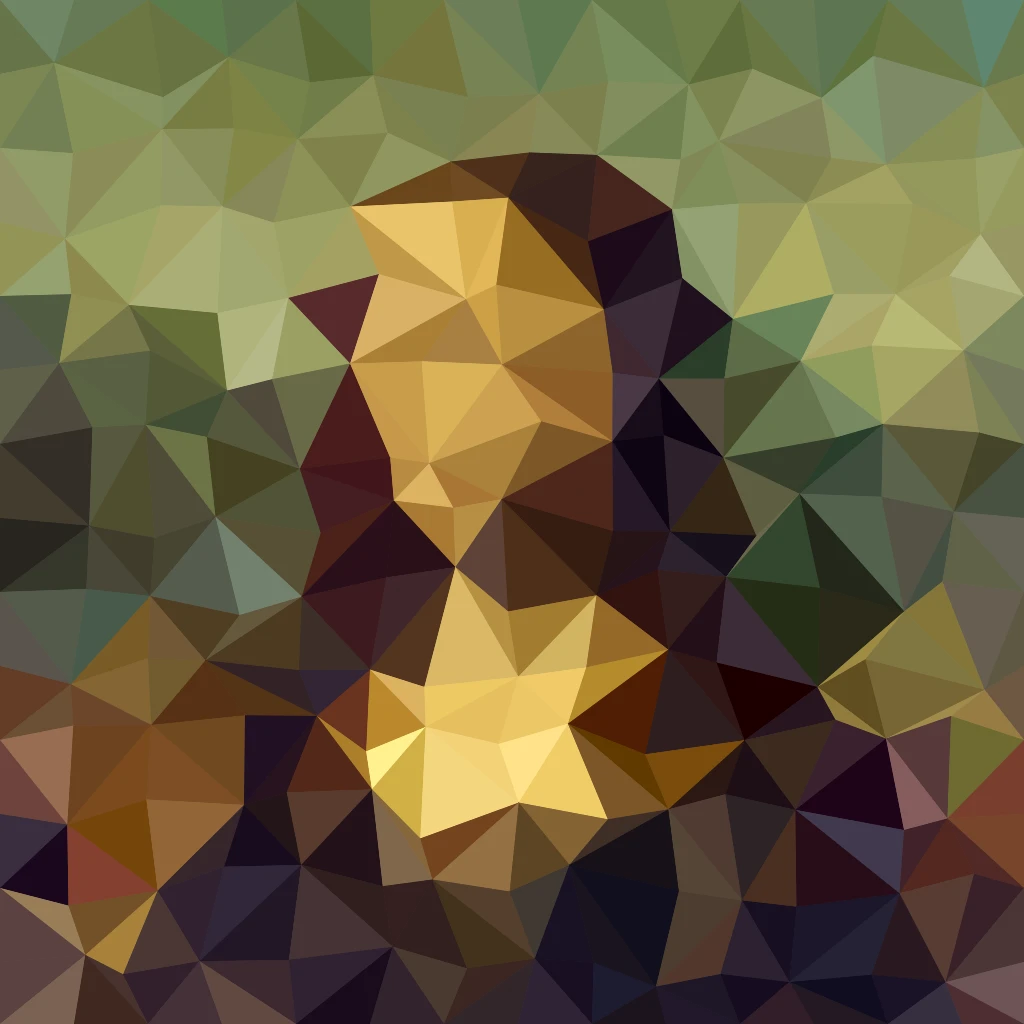
Efeitos de pixelização
Transforme fotos em mosaicos, hexágonos, cristais, arte low-poly, pontos de meio-tom e paletas de arcade retrô.
Efeito mosaico para fotos
Faça o efeito mosaico online grátis: peças de 1 a 400 px, Grelha ou Pontos, ou experimente Hexágonos, Cristalizar e Arte low poly. Guarde a foto em PNG.
Hexágonos effect
Apply a Hexágonos effect to photos free in your browser. Open the Efeitos de pixelização tools, tune the look, and keep editing in PictorX. No install.
Efeito cristalizar
Dê a uma foto um aspeto facetado de cristal online. Cristalizar redesenha-a como uma grelha de triângulos de cor plana. Defina o Tamanho da célula e guarde.
Arte low poly a partir de uma foto
Transforme uma foto em arte low poly online: triângulos, retângulos ou polígonos de cor plana com linhas de borda opcionais. Defina célula, Jitter e forma.
Mosaico Mondrian effect
Apply a Mosaico Mondrian effect to photos free in your browser. Open the Efeitos de pixelização tools, tune the look, and keep editing in PictorX. No install.
Efeito de trama de pontos
Transforme uma foto numa trama de pontos de meio-tom a duas cores online. Defina o Ângulo e o Tamanho da célula e escolha as cores da tinta e do papel.

Caleidoscópios
Como funciona um caleidoscópio? A invenção de Brewster e o nome grego, como os espelhos criam padrões, células e teleidoscópios, e filtros digitais.
Pronto para experimentar?
Abra o PictorX no seu navegador – sem instalação, sem necessidade de cartão de crédito para começar.
Ir para o editor