
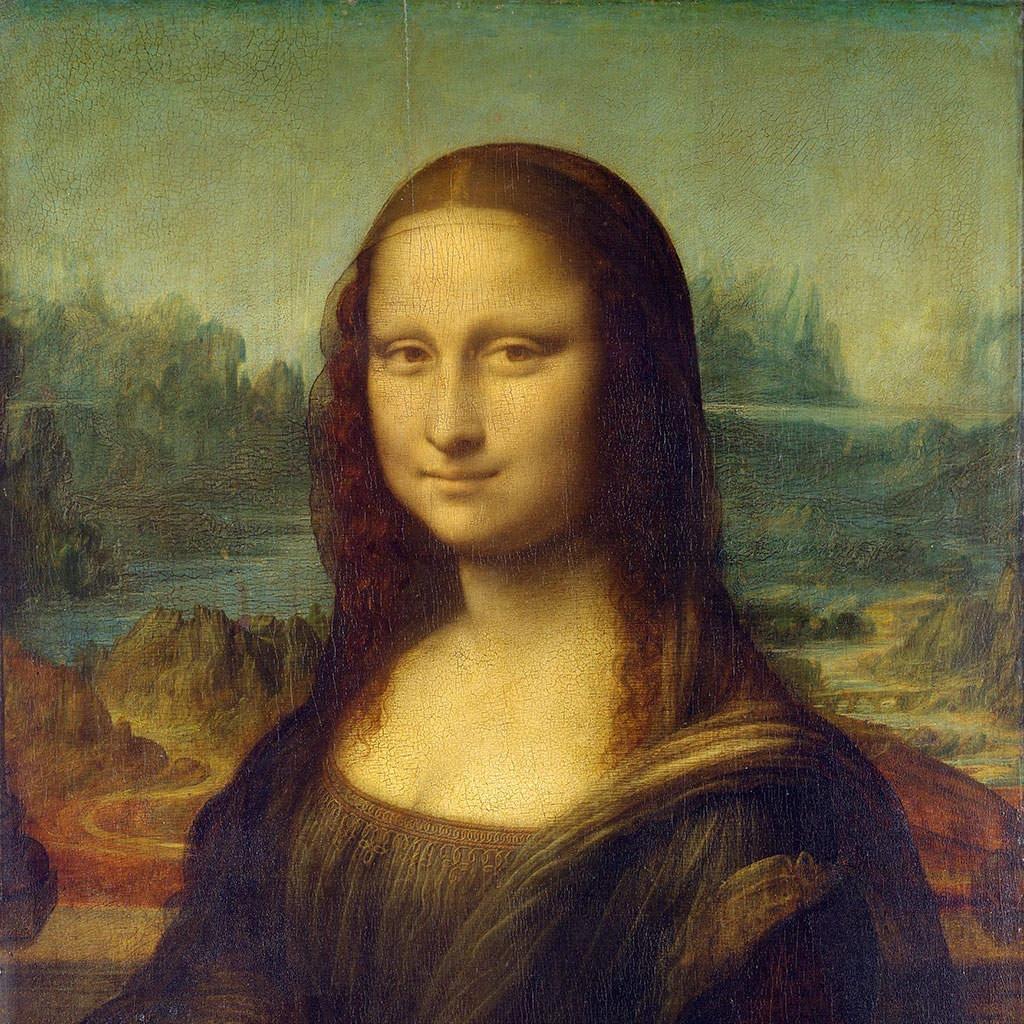
Bir pikselli görünümü aşağıda deneyin veya kendi resmini açın.
Renkli yarım ton effect
Open a photo and apply Renkli yarım ton in PictorX. This look is part of Piksel efektleri—adjust the settings on this page, then keep editing with layers, text, and other effects in the same workspace. Bir pikselli görünümü aşağıda deneyin veya kendi resmini açın.
Nasıl çalışır
- Open this page and try Renkli yarım ton on the sample, or open your own photo.
- Tune the Renkli yarım ton settings, or switch to another look in Piksel efektleri.
- Save the result, or keep editing with layers, text, and other effects in PictorX.
What the Renkli yarım ton effect does
Renkli yarım ton is one of the looks in PictorX Piksel efektleri. Apply it in your browser, then keep working in the same project—crop, type, or add another effect without starting over.
More looks in Piksel efektleri
This page opens Piksel efektleri with Renkli yarım ton already selected. Switch looks on the demo to compare styles, or open the full Piksel efektleri page to browse every option in the set.
Looks in this set
İlgili araçlar
Pixelate etkiler
Fotoğrafları mozaik parçalarına dönüştürür, hexagonlar, kristaller, düşük-poli sanat, yarıtone dots ve retro arcade paletleri.
Fotoğraflar için mozaik efekti
Fotoğrafı online ve ücretsiz mozaiğe çevirin: karo boyutunu 1–400 px arasında seçin, ızgara veya nokta ekleyin, Altıgenler’i deneyin. PNG olarak kaydedin.
Altıgenler effect
Apply a Altıgenler effect to photos free in your browser. Open the Piksel efektleri tools, tune the look, and keep editing in PictorX. No install.
Kristalleştir efekti
Fotoğrafa online kristal benzeri, yüzeyli bir görünüm verin. Kristalleştir onu düz renkli üçgen ızgarası olarak çizer. Hücre Boyutu'nu ayarlayıp kaydedin.
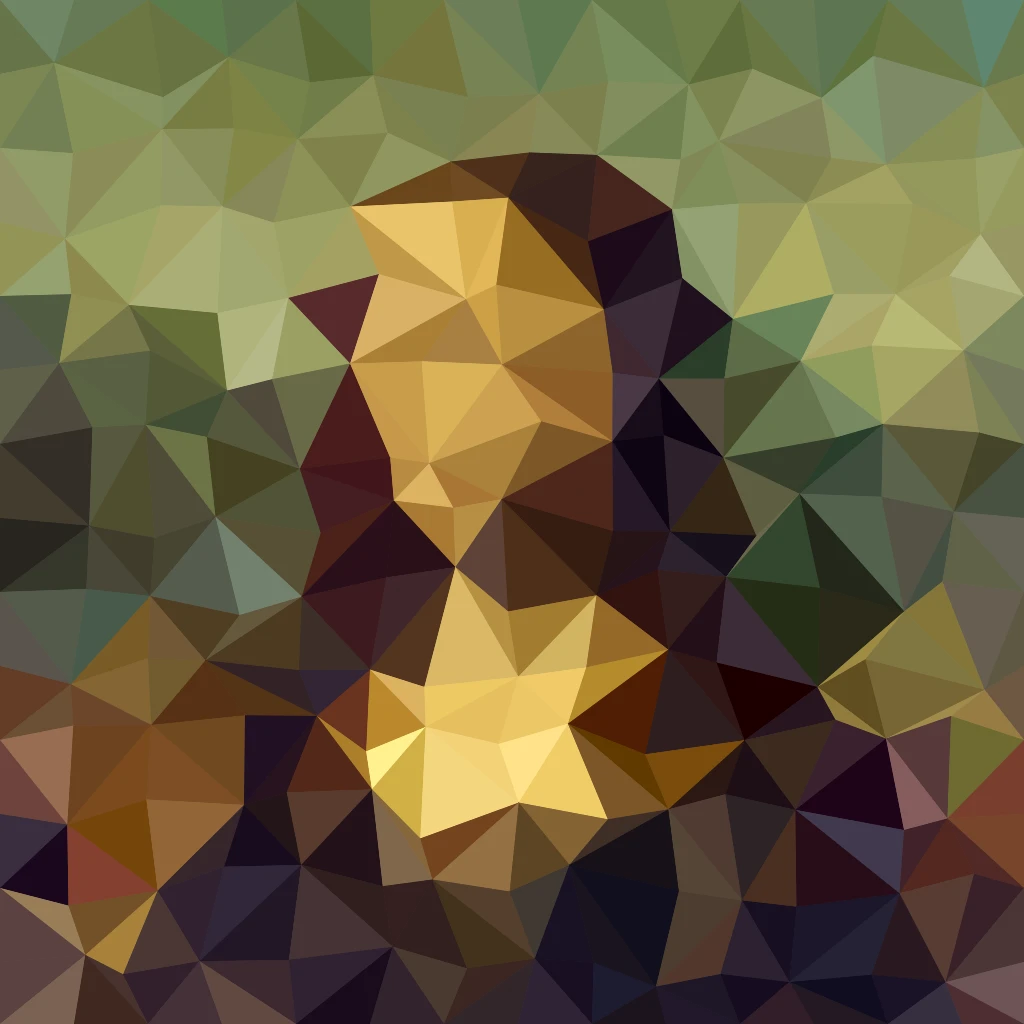
Fotoğraftan low poly sanat
Fotoğrafı online low poly sanata çevirin: isteğe bağlı kenar çizgili, düz renkli üçgen, dikdörtgen veya çokgenler. Hücre Boyutu, Titreme ve Şekil'i ayarlayın.
Mondrian mozaiği effect
Apply a Mondrian mozaiği effect to photos free in your browser. Open the Piksel efektleri tools, tune the look, and keep editing in PictorX. No install.
Noktalı tram efekti
Fotoğrafı online iki renkli yarım ton nokta tramına dönüştürün. Noktaların Açı ve Hücre Boyutu'nu ayarlayın, mürekkep ve kâğıt renklerini seçin.

Kaleidoskoplar
Kaleydoskop nasıl çalışır? Brewster'ın icadı ve Yunanca adı, aynaların desen oluşturması, hücreler ve teleidoskoplar, dijital kaleydoskop filtreleri.
Denemeye hazır mısınız?
PictorX'i tarayıcınızda açın — kurulum gerekmez, başlamak için kredi kartı gerekmez.
Editöre Git