
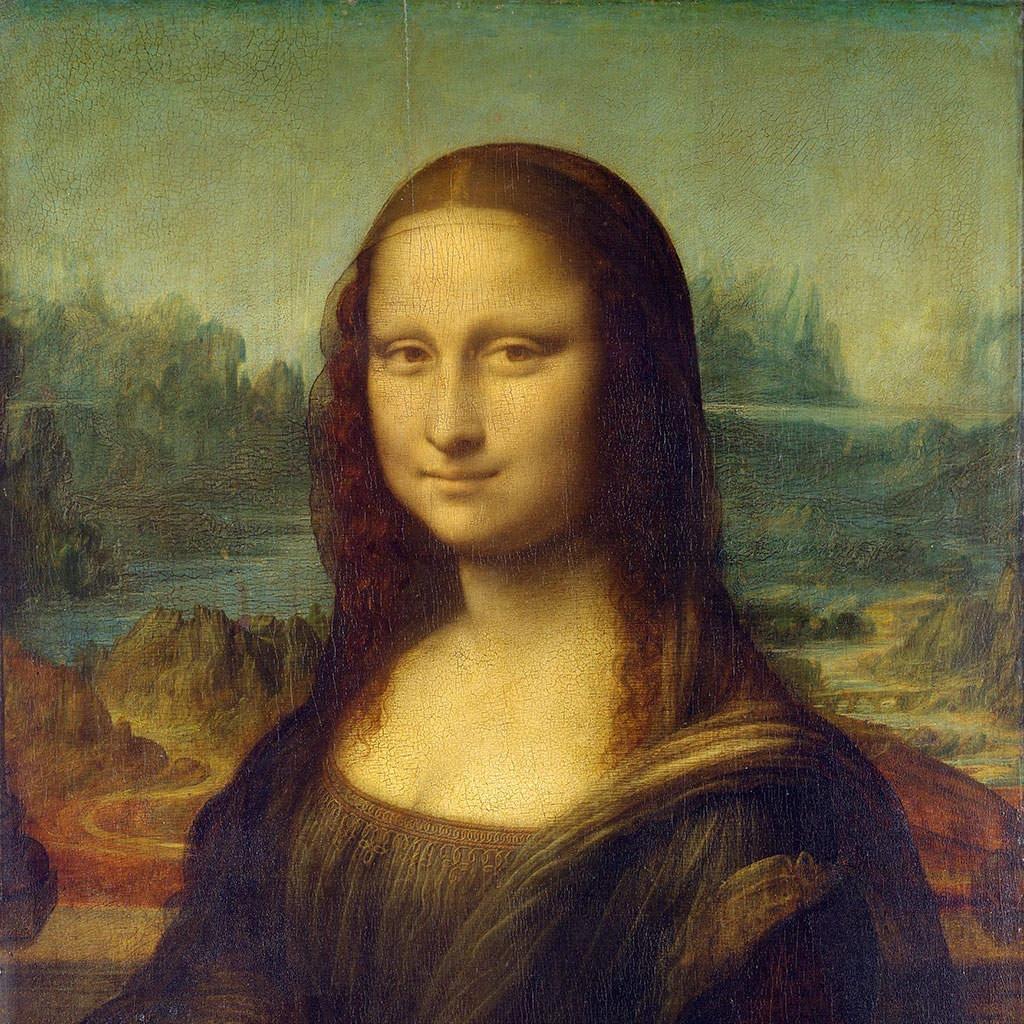
جرّب مظهر البكسلة أدناه، أو افتح صورتك الخاصة.
نقاط نصفية ملونة effect
Open a photo and apply نقاط نصفية ملونة in PictorX. This look is part of تأثيرات البكسلة—adjust the settings on this page, then keep editing with layers, text, and other effects in the same workspace. جرّب مظهر البكسلة أدناه، أو افتح صورتك الخاصة.
كيف يعمل
- Open this page and try نقاط نصفية ملونة on the sample, or open your own photo.
- Tune the نقاط نصفية ملونة settings, or switch to another look in تأثيرات البكسلة.
- Save the result, or keep editing with layers, text, and other effects in PictorX.
What the نقاط نصفية ملونة effect does
نقاط نصفية ملونة is one of the looks in PictorX تأثيرات البكسلة. Apply it in your browser, then keep working in the same project—crop, type, or add another effect without starting over.
More looks in تأثيرات البكسلة
This page opens تأثيرات البكسلة with نقاط نصفية ملونة already selected. Switch looks on the demo to compare styles, or open the full تأثيرات البكسلة page to browse every option in the set.
Looks in this set
الأدوات ذات الصلة
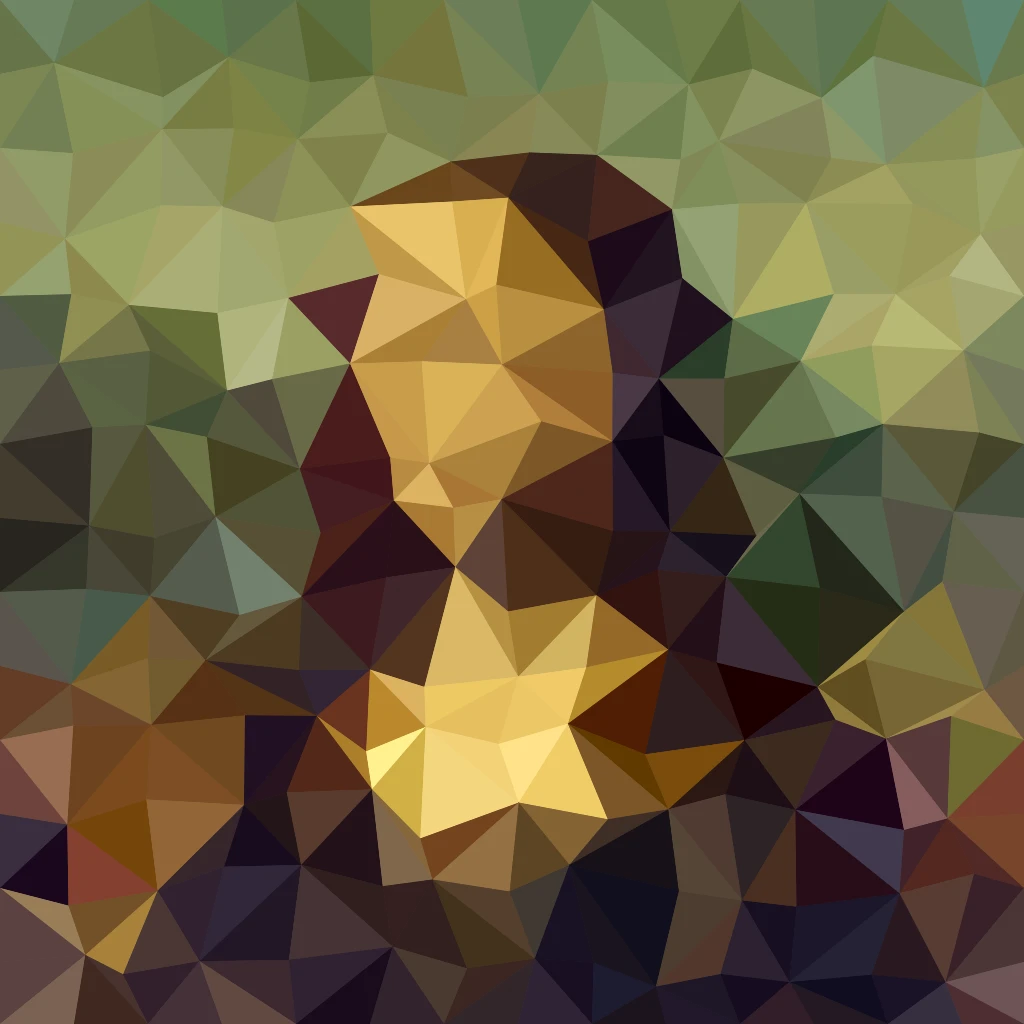
تأثيرات البيكسلات
قم بتحويل الصور إلى بلاط فسيفساء وأشكال سداسية وبلورات وفن منخفض البولي ونقاط الألوان النصفية ولوحات أركيد قديمة.
تأثير الفسيفساء للصور
حوّل صورتك إلى فسيفساء مجانًا عبر الإنترنت: اضبط «الحجم» من 1 إلى 400 px، وأضف «الشبكة» أو «نقاط»، أو جرّب «سداسيات» و«تبلور». احفظها PNG.
مسدسات effect
Apply a مسدسات effect to photos free in your browser. Open the تأثيرات البكسلة tools, tune the look, and keep editing in PictorX. No install.
تأثير التبلور
امنح صورتك مظهرًا متعدد الأوجه كالكريستال أونلاين. يعيد «تبلور» رسمها كشبكة من مثلثات بألوان مسطحة. اضبط «حجم الخلية» واحفظ الصورة.
فن منخفض المضلعات من صورة
حوّل صورة إلى فن منخفض المضلعات أونلاين: مثلثات أو مستطيلات أو مضلعات بألوان مسطحة مع خطوط حواف اختيارية. اضبط «حجم الخلية» و«تذبذب» و«شكل».
فسيفساء موندريان effect
Apply a فسيفساء موندريان effect to photos free in your browser. Open the تأثيرات البكسلة tools, tune the look, and keep editing in PictorX. No install.
تأثير الشبكة النقطية
حوّل صورة إلى شبكة نقطية نصف تدرج بلونين أونلاين. اضبط «الزاوية» و«حجم الخلية» للنقاط واختر لون الحبر ولون الورق.

المناظير المشكال
كيف يعمل المشكال؟ اختراع بروستر واسمه اليوناني، وكيف تصنع المرايا الزخارف، والخلايا والتيليدوسكوب، ومرشحات المشكال الرقمية.
هل أنت مستعد لتجربتها؟
افتح PictorX في متصفحك - بدون تثبيت، ولا يلزم وجود بطاقة ائتمان للبدء.
الانتقال إلى المحرر