
- Item being packed
- Fits
- Does not fit
Bin packing problem
Boxes into vans, files onto disks, jobs onto machines: the bin packing problem asks how to fit a list of items into as few equal bins as possible. No fast method is known that always finds the best packing, but simple rules come close. Pick a rule, step through it, and compare with the exact answer. Tap an item on the shelf, then tap a bin to put it in: green bins have room for it, and New bin opens another one. Tap an item in a bin to take it out again. Pack every item into as few bins as you can; the lower bound (the total weight divided by the bin size, rounded up) and the fewest possible show how close you are, and Fewest bins shows the best packing. Change the items' weights (in kilograms) and the bin size in the panel. The Step by step view shows how the quick rules pack: next fit, first fit or best fit, on the items as typed or sorted biggest first, or the exact answer found by dynamic programming. Press Play to watch the items go into the bins, or Step and Back to go one step at a time, and drag the step slider to jump anywhere. With the board selected, the arrow keys step, the space bar plays and pauses, and Home and End jump to the start and the end.
How it works
- Tap an item, then tap a bin with room to put it in, or New bin to open another.
- Try to use as few bins as possible, or press Fewest bins to see the best packing.
- Open the Step by step view, choose a rule and press Play to watch each item try the bins.
The rules
Next fit keeps only the last bin open: an item that does not fit there starts a new bin. First fit tries the bins from the first and takes the first one with room. Best fit tries every bin and takes the fullest one with room, leaving the least space unused. First fit and best fit can also sort the items from biggest to smallest first, which makes first fit decreasing and best fit decreasing.
The exact answer
The last rule is not a rule of thumb: it finds the fewest bins by dynamic programming over the sets of items. For every set of items it keeps the fewest bins that hold them and, among packings with that many bins, the smallest load in the last bin. A set grows by one item at a time, which either tops up the last bin or opens a new one. With n items there are 2ⁿ sets, which is why the app allows at most 12 items. The lower bound, the total size divided by the bin size and rounded up, shows how close a packing is.
Frequently asked questions
Which bin packing rule is best?
Of the quick rules, first fit decreasing and best fit decreasing are the strongest: they never use more than 11/9 of the fewest bins, plus a small constant. First fit and best fit on unsorted items stay within 1.7 times the fewest bins, and next fit within 2 times.
Why is bin packing hard?
Deciding whether the items fit into just two bins is already the partition problem, which is NP-complete. So unless P = NP, no method finds the fewest bins quickly for every input, and exact methods take exponential time in the worst case.
What is the lower bound?
The total size of the items divided by the bin size, rounded up. No packing can use fewer bins, because the bins must hold all the items. Often the best packing matches it, but not always: three items of size 6 with bins of 10 have a lower bound of 2 and need 3 bins.
Is this dynamic programming?
The exact answer is: it builds the best packing for every set of items from the best packings of smaller sets. The quick rules are greedy methods, which decide once and never look back.
Is anything sent anywhere?
No. Everything is worked out in your browser, and your last settings stay in this browser's local storage.
Related tools
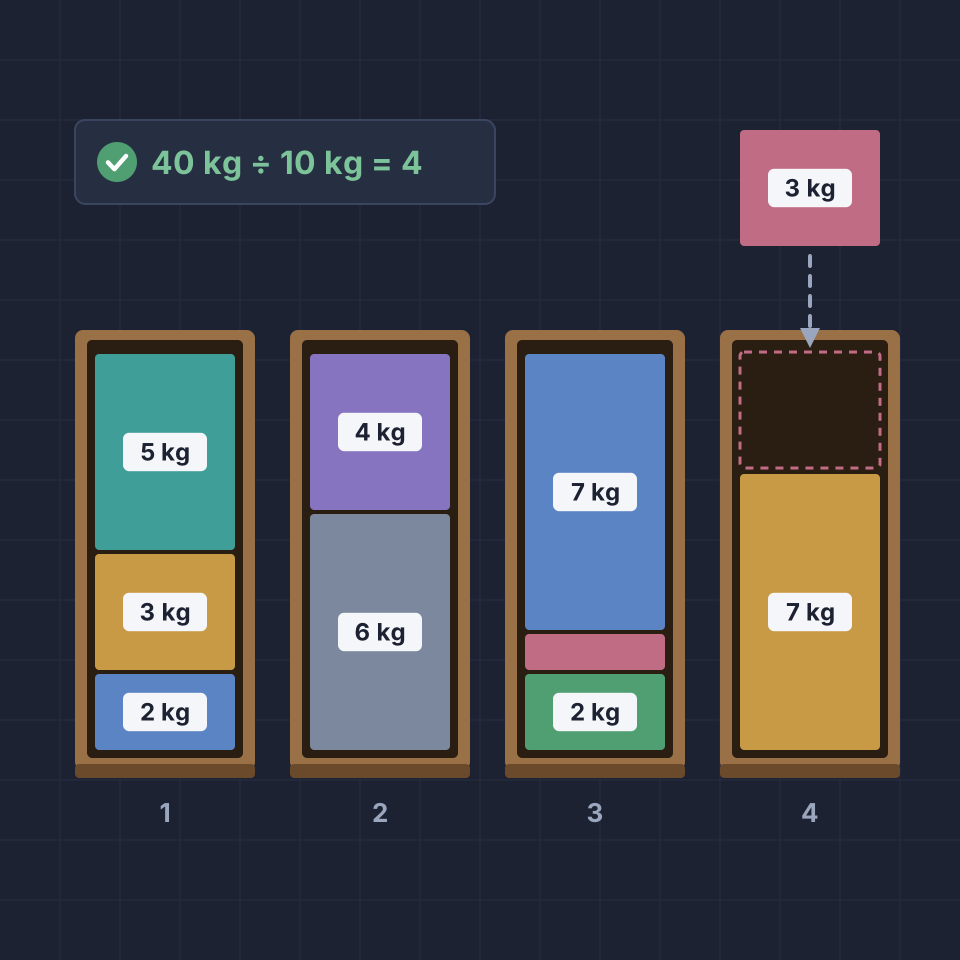
The bin packing problem
What is the bin packing problem? How next fit, first fit and best fit work, why sorting helps, how good they are, the exact answer by dynamic programming, and where bin packing is used.
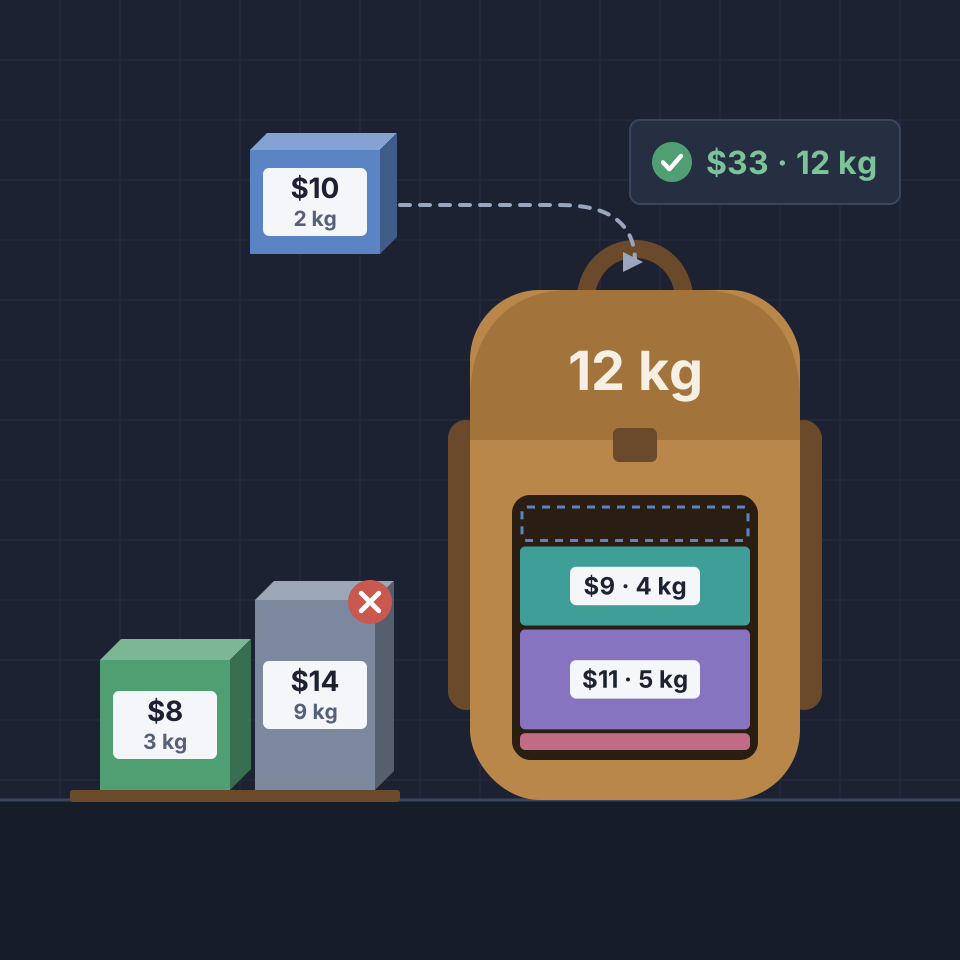
Knapsack problem
Pack items into a backpack by kilograms and dollars, find the most valuable bag, and watch dynamic programming solve the 0/1 knapsack problem step by step in a table.
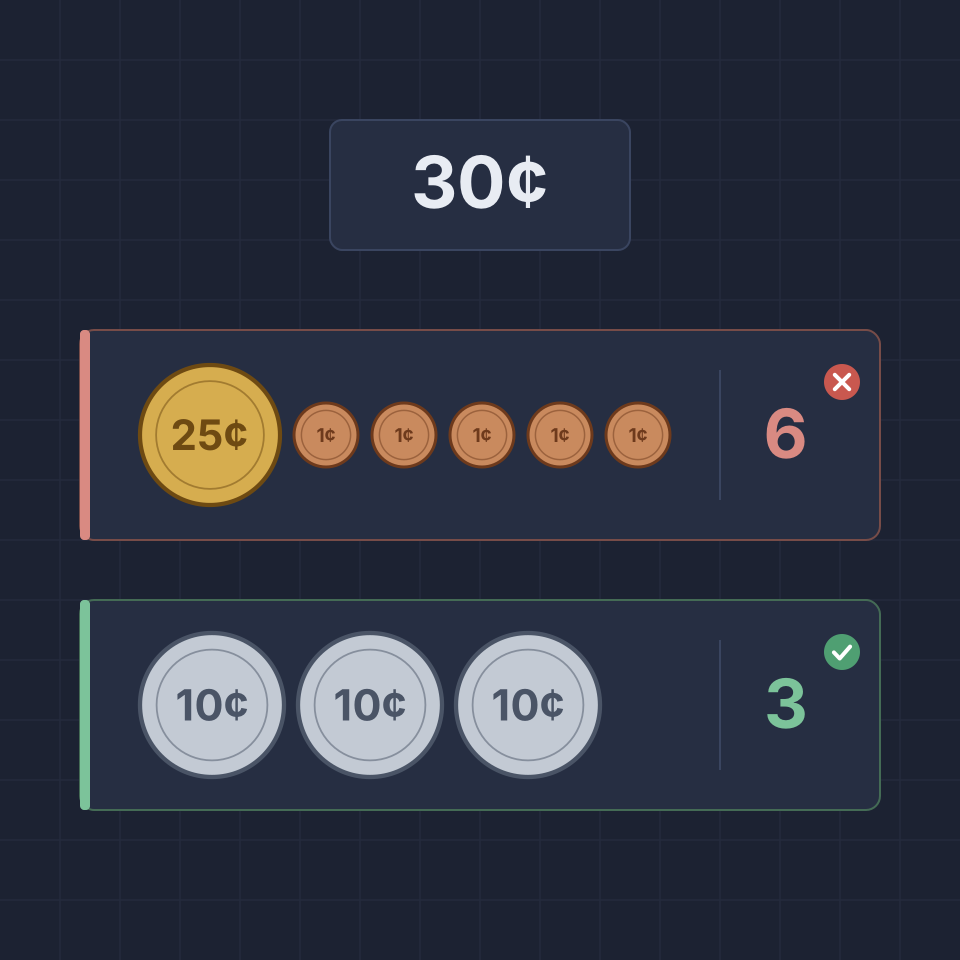
Coin change problem
Make an amount in cents with as few coins as you can, compare with the greedy method, and watch dynamic programming find the fewest coins or count every way, step by step in a table.
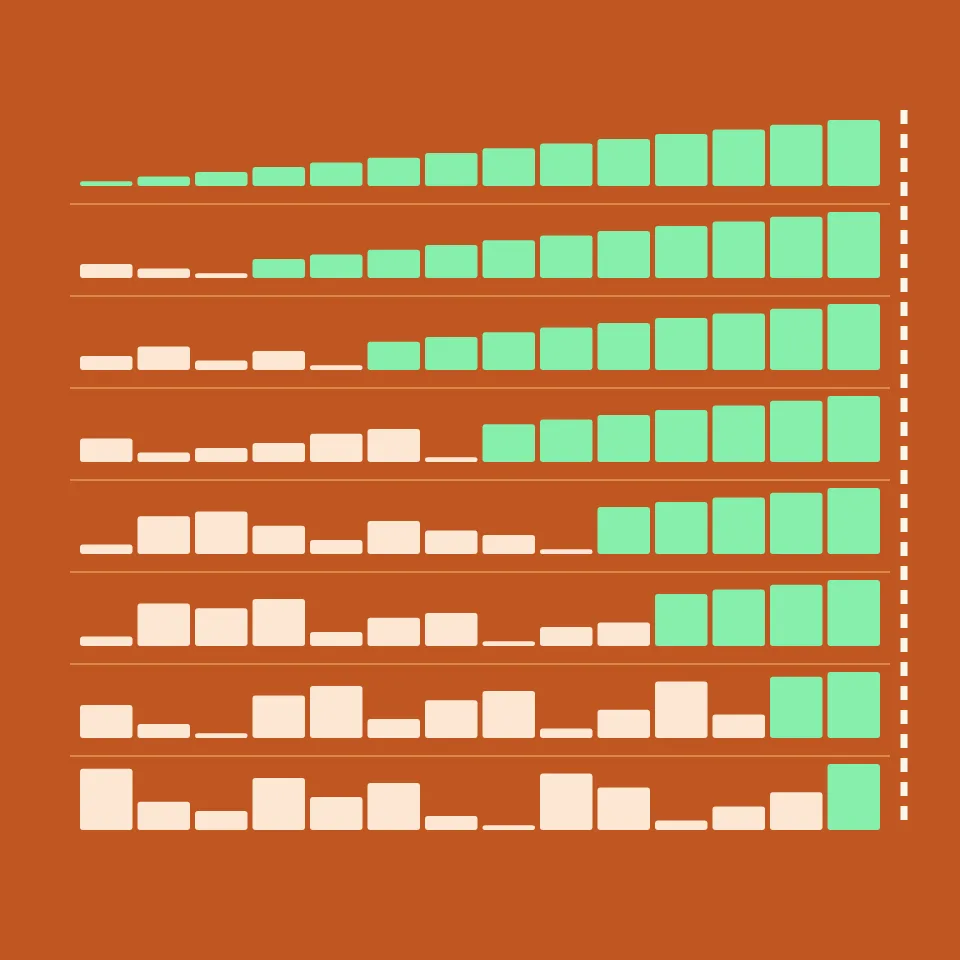
Sort match
Race bubble, selection, insertion, merge, quick, heap, radix and counting sort on the same list. Every comparison, swap or move counts, and the sort with the least work wins.

Fibonacci with dynamic programming
Watch Fibonacci numbers fill a table one addition at a time. Compare bottom-up tabulation with top-down memoization, see the call stack, and count the calls plain recursion would make.

Longest increasing subsequence (LIS)
Watch the longest increasing subsequence of a list found step by step. See each value compared with the ones before it, the length of the best run ending at each position, and the answer read back.
Ready to try it?
Open PictorX in your browser — no install, no credit card required to start.
Go to Editor