
Banksy Street Art
Студия трафаретного стрит-арта. Откройте фото, вырежьте жёсткий, мягкий или гранж-трафарет, положите на кирпич или свою стену, затем спрей и потёки. Сохраните PNG — ничего не загружается. Turn a photo into stencil street art — pick a wall, then spray and drip.
Как это работает
- Open this page and try the sample, or open your own photo.
- Pick a stencil look and a wall, then tune contrast, spray, and drips.
- Save a PNG, or keep editing with layers and type in the PictorX editor.
A street-art studio, not a single filter
The existing Banksy effect is one stencil look. This mini-app is a playground: three stencil cuts, ten walls (or your own photo), and spray and drip like the Graffiti Wall. The photo keeps its original aspect ratio. It is inspired by stencil street art, not a copy of any copyrighted work.
Walls, spray, and instant share
Brick, concrete, plaster, metal, wood, a garage door, or a weathered urban wall sit under the stencil. Drag to spray, add drips, shift the stencil shadow, then save a PNG. Processing stays on your device.
Часто задаваемые вопросы
What does Banksy Street Art do?
It turns a photo into a high-contrast stencil and composites it on a street wall, with spray and drips.
Is this a copy of Banksy’s artworks?
No. It is a stencil street-art style inspired by the look of cutouts and spray paint—not a copy of any copyrighted piece.
How is this different from the Banksy filter or Graffiti Wall?
The Banksy filter is one effect. Graffiti Wall is a spray-and-tag playground. This mini-app combines both: your photo becomes the stencil, then you pick a wall and paint on top.
Do my photos leave my device?
No. Stencil conversion, walls, and spray run in your browser. Nothing is uploaded to PictorX servers.
Сопутствующие инструменты

Граффити-стена
Спрей, теги и потёки на кирпичной стене в браузере. Рандомизация, отмена и сохранение PNG — бесплатно на PictorX.
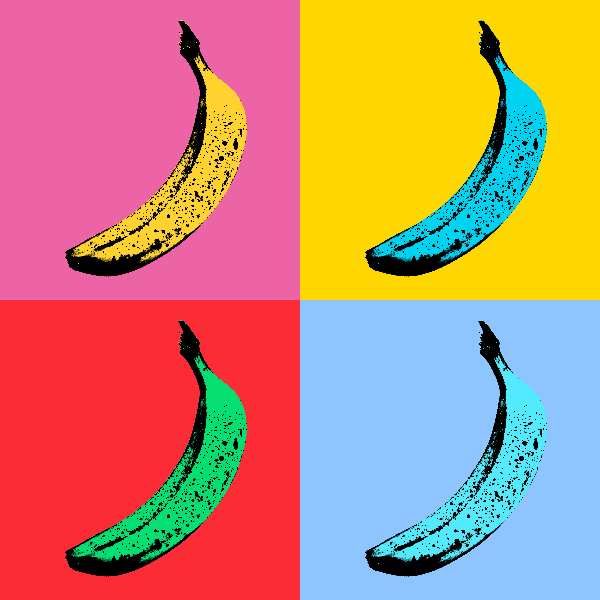
Эффекты поп-арта
Превратите фотографии в смелые плакаты в стиле поп-арт — неоновые сетки, комические точки, чернила ризографа, трафареты Лихтенштейна, Бэнкси и многое другое. Используйте PictorX бесплатно в своем браузере без необходимости установки программного обеспечения.
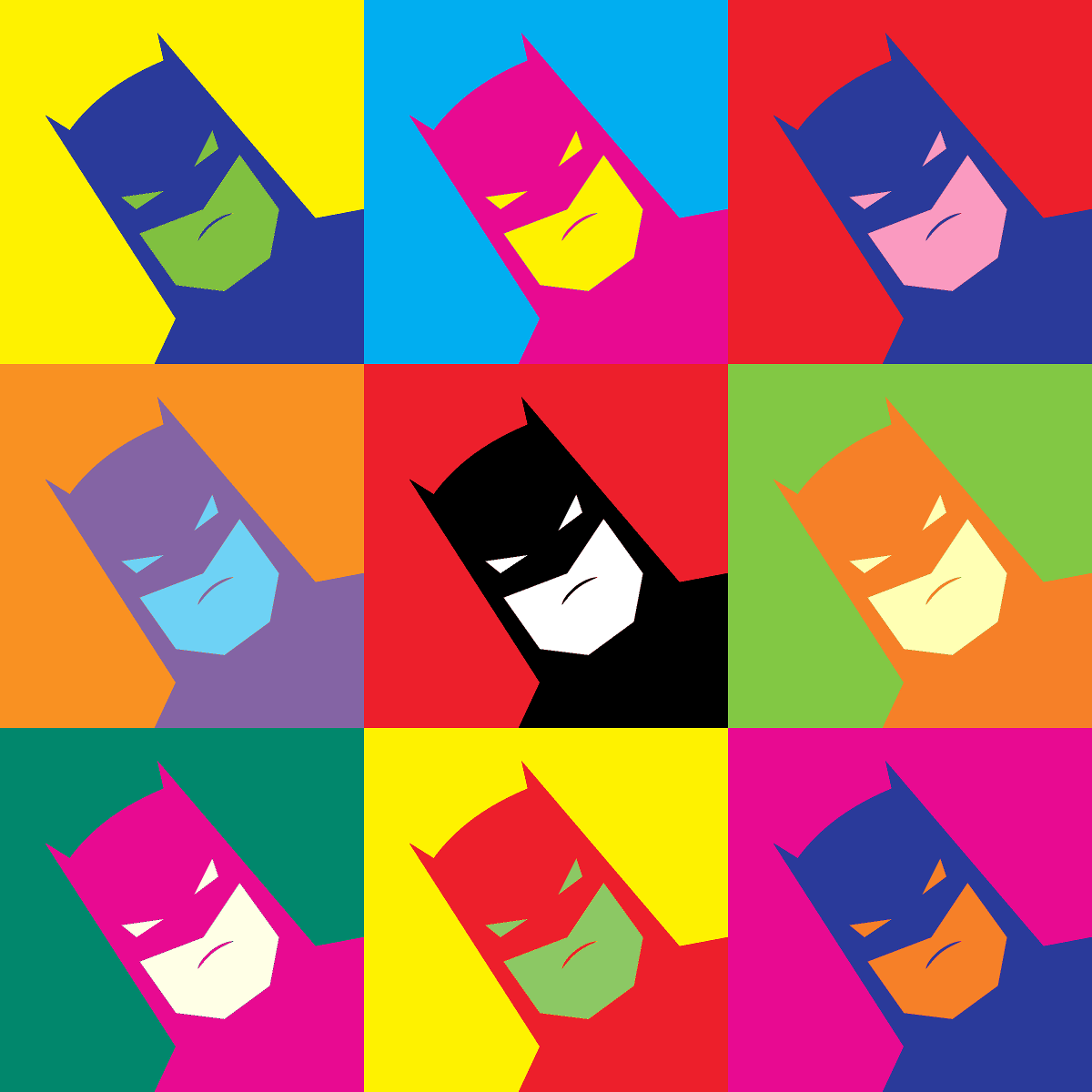
Эффекты Энди Уорхола
Канал «Энергия Фабрики Энди Уорхола» — смелые цветовые сетки, повторяющиеся значки и портреты в стиле поп-арт, напоминающие шелкографические плакаты. Используйте PictorX бесплатно в своем браузере без необходимости установки программного обеспечения.
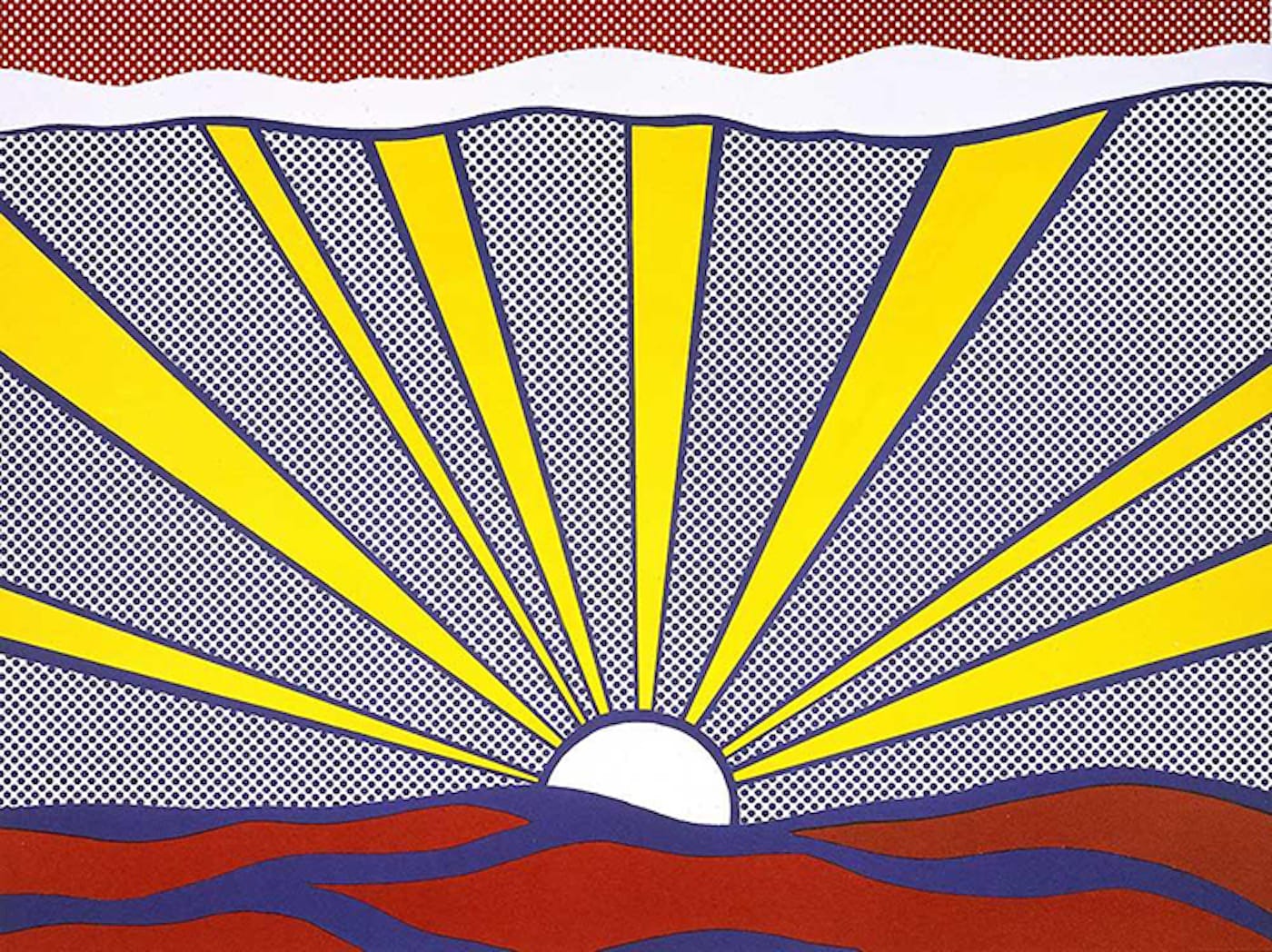
поп-арте
Узнайте, как поп-арт превратил рекламу, комиксы и товары массового потребления в искусство — Энди Уорхол, Рой Лихтенштейн, шелкография и рост массовой культуры.
Pollock Painter
Рисуйте капли в стиле Поллока в браузере. Жестовые кисти, Auto-Pollock, палитры и экспорт PNG — ничего не загружается.
Готовы попробовать?
Откройте PictorX в своем браузере — установка не требуется, для запуска не требуется кредитная карта.
Перейти в редактор