
Backgammon
Roll the dice, move your fifteen checkers round the board and bear them all off before your opponent does. Hit lone checkers to send them to the bar, build points to block the way and use the doubling cube when the game turns your way. Press Roll, then click a checker and a highlighted point.
How it works
- Choose to play the computer or a friend, pick a level and decide whether to use the doubling cube.
- Press Roll, then click a checker and click a highlighted point to move it. Press Undo to take a move back and Done when the move is complete.
- Before you roll you can offer a double. Bear off all fifteen checkers first to win the game.
The rules
Each player moves fifteen checkers in opposite directions. A checker may land on any point not held by two or more opposing checkers. Landing on a single opposing checker hits it and sends it to the bar, from where it must enter the opponent's home board before any other move. You must use both dice if you can, and if only one can be used you must play the higher one.
The doubling cube
Before rolling, a player may offer to double the stakes. The opponent either takes and owns the cube, so only they can redouble, or drops and loses the game at the current value. A win when the loser has borne nothing off is a gammon worth double, and a backgammon is worth triple.
Levels
Easy often picks a random move. Medium chooses the move with the best position on the board. Hard also looks at every possible reply roll before it decides.
Frequently asked questions
How do I bear off?
Once all your checkers are in your home board, click a checker and then the tray on the right. A die higher than needed can be used on your furthest checker.
What does the 64 on the cube mean?
The cube starts in the middle showing 64, which means the stakes are still 1. After each double it shows the current stakes.
Is it free?
Yes. Backgammon on PictorX is free, runs in your browser and needs no sign-up.
Related tools
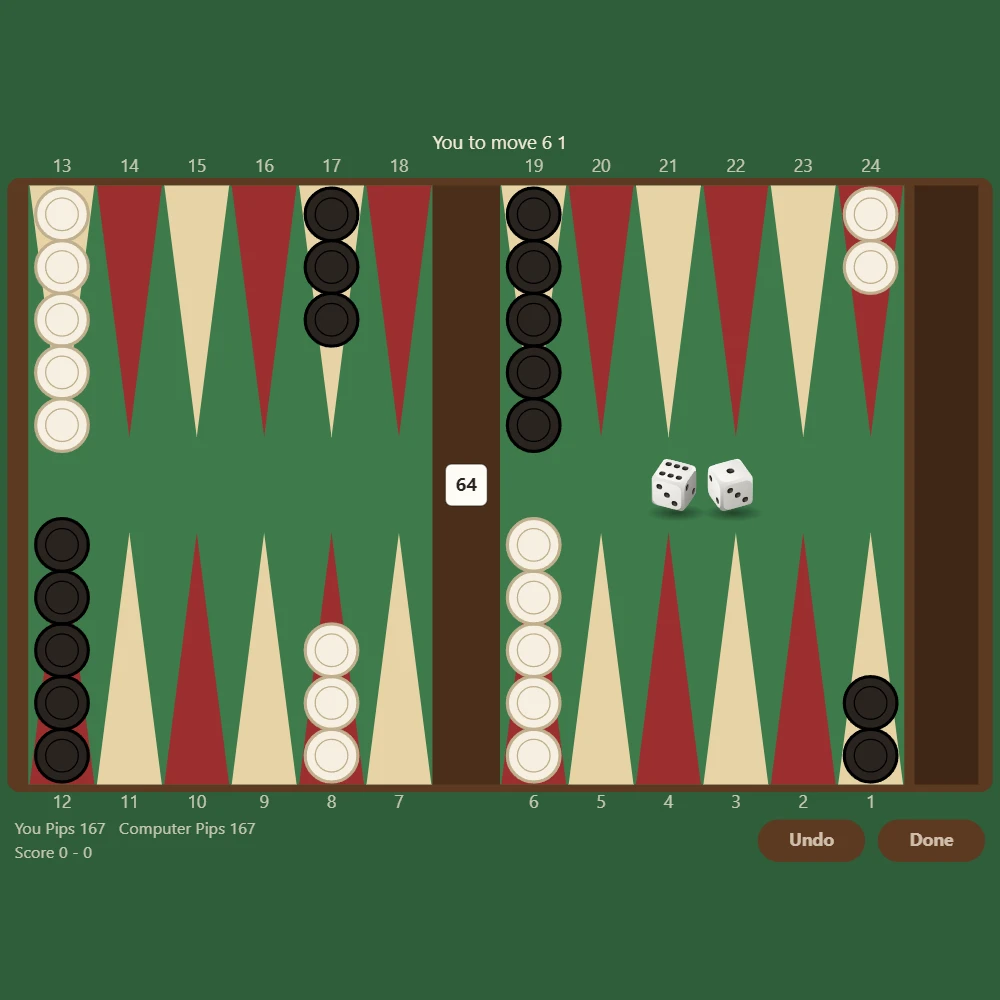
About Backgammon - history, rules and strategy
Where does backgammon come from? The history of one of the oldest board games, a race mixing skill and luck, the doubling cube and strategy tips.
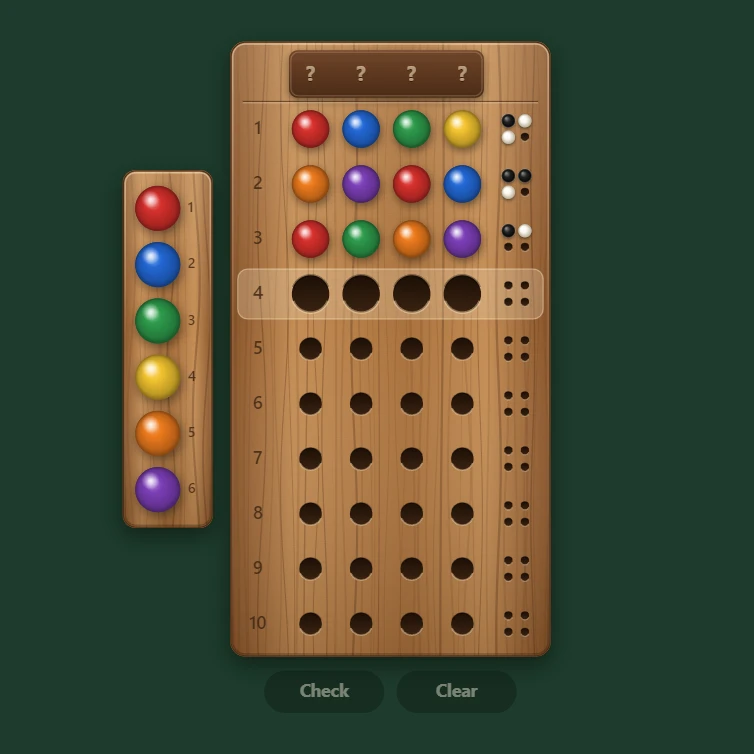
Mastermind
Play Mastermind free in your browser. Crack a secret colour code with 4 to 6 pegs and 6 to 8 colours, or set a code and watch the computer crack it.
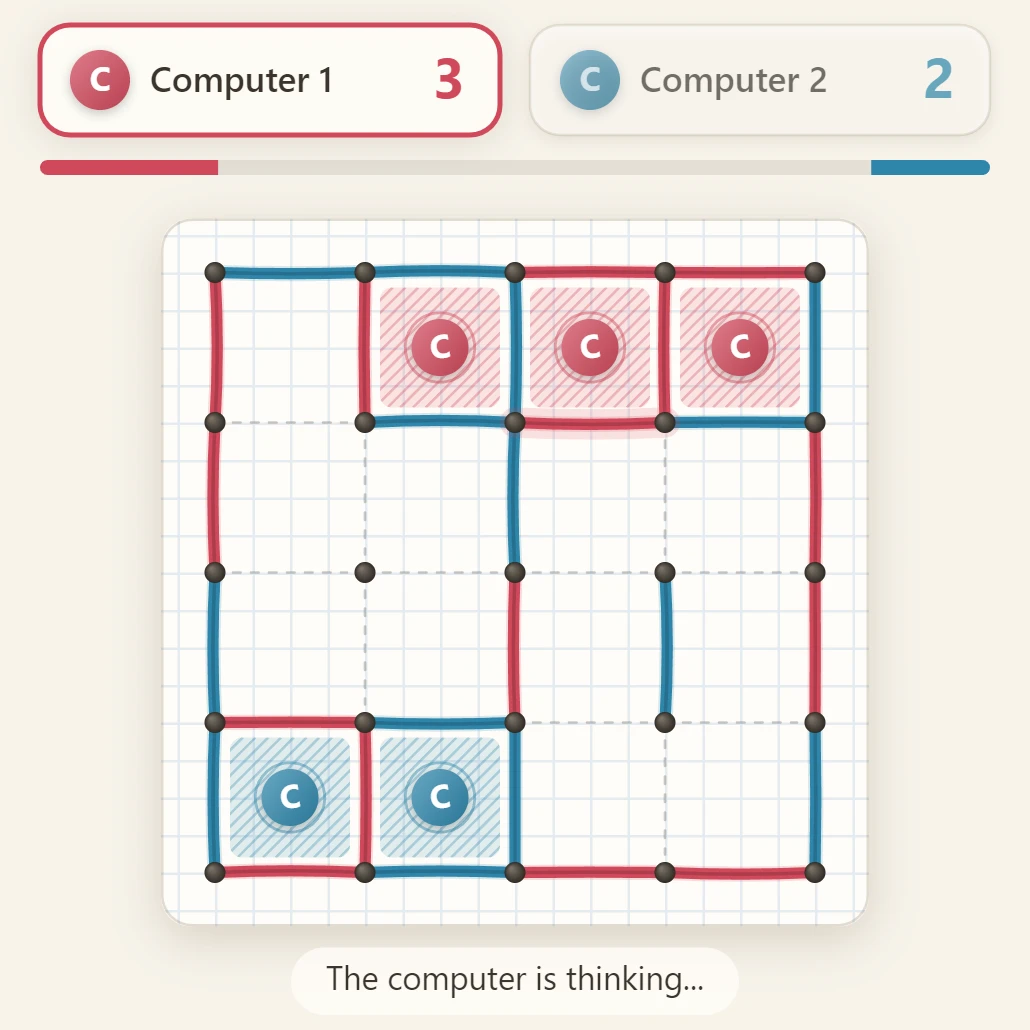
Dots and Boxes
Play Dots and Boxes free in your browser with a friend or against the computer at three levels. Draw lines, close boxes and pick a board from 3x3 to 6x6.
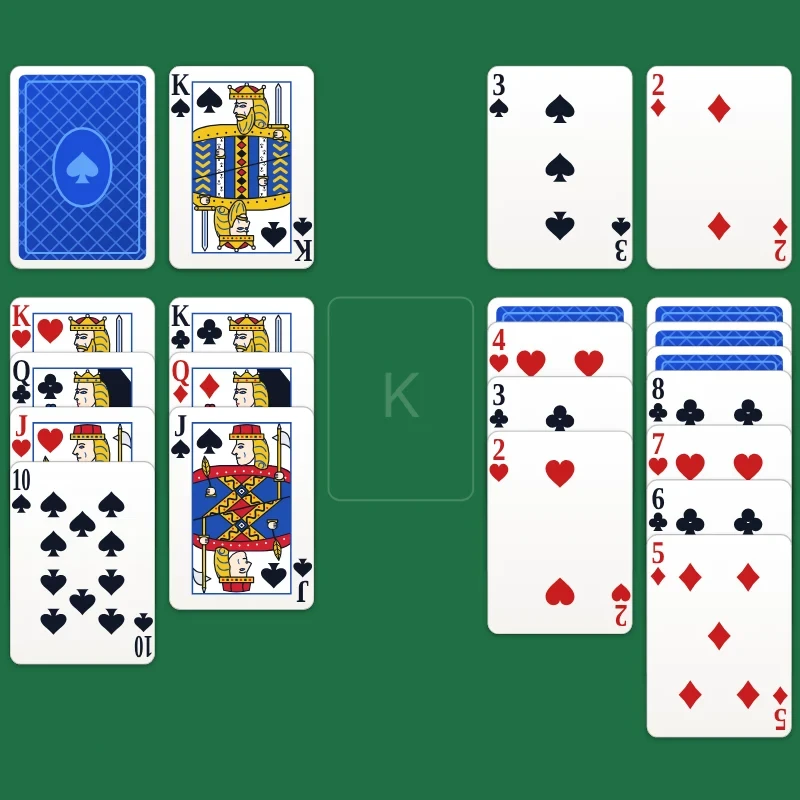
Solitaire
Play Klondike solitaire free in your browser. Drag cards or click to move them automatically, choose draw 1 or draw 3, undo any move and let auto-complete finish the game.
Ready to try it?
Open PictorX in your browser — no install, no credit card required to start.
Go to Editor