
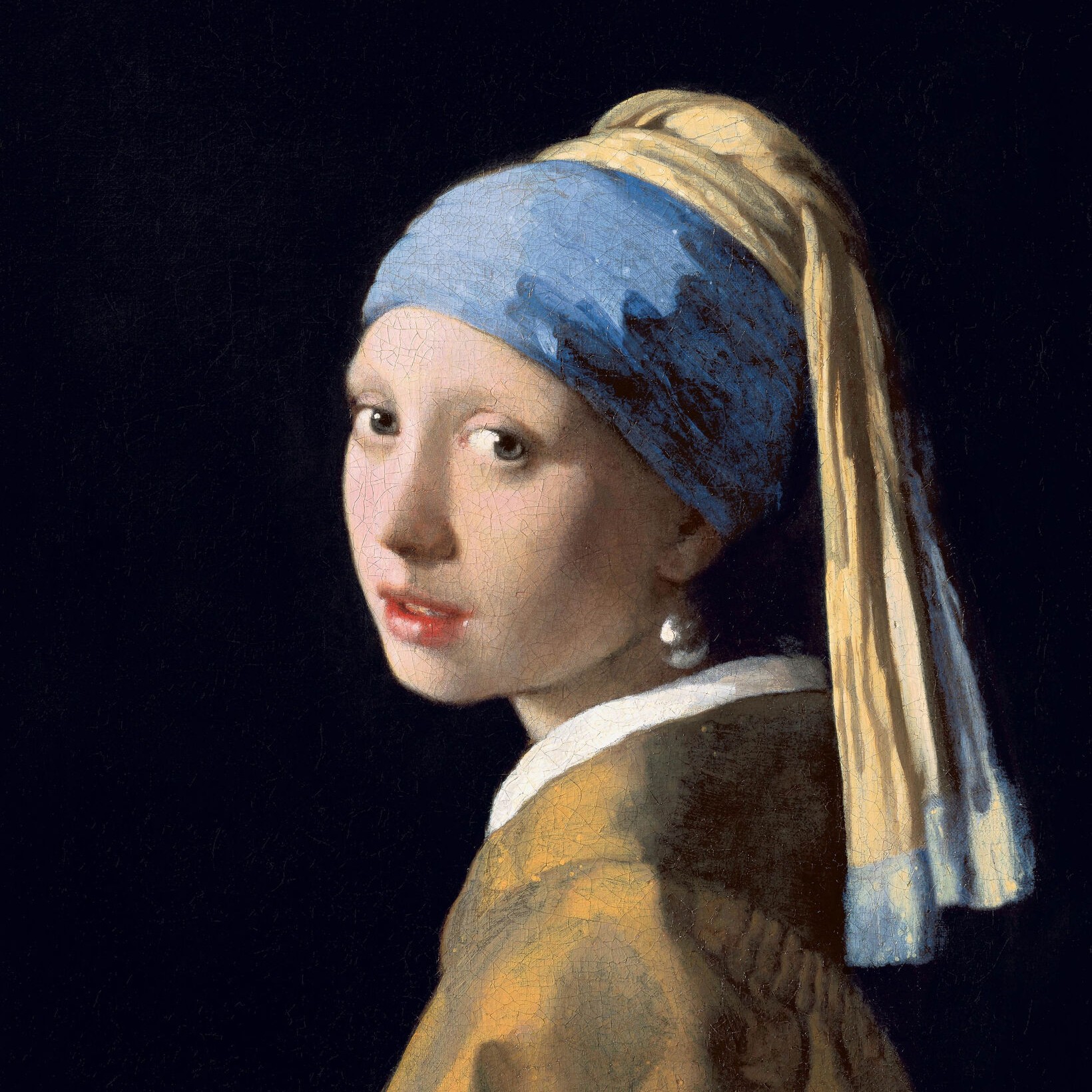
Hình vuông effect
Open a photo and apply Hình vuông in PictorX. This look is part of Hiệu ứng đen trắng—adjust the settings on this page, then keep editing with layers, text, and other effects in the same workspace. Thử kiểu đen trắng bên dưới, hoặc mở ảnh của bạn.
Cách nó hoạt động
- Open this page and try Hình vuông on the sample, or open your own photo.
- Tune the Hình vuông settings, or switch to another look in Hiệu ứng đen trắng.
- Save the result, or keep editing with layers, text, and other effects in PictorX.
What the Hình vuông effect does
Hình vuông is one of the looks in PictorX Hiệu ứng đen trắng. Apply it in your browser, then keep working in the same project—crop, type, or add another effect without starting over.
More looks in Hiệu ứng đen trắng
This page opens Hiệu ứng đen trắng with Hình vuông already selected. Switch looks on the demo to compare styles, or open the full Hiệu ứng đen trắng page to browse every option in the set.
Looks in this set
Hỏi thường xuyên
Is the Hình vuông effect free?
Yes. Open this page in a modern browser to try Hình vuông as part of the free PictorX editing workflow.
Can I keep editing after I apply Hình vuông?
Yes. Apply Hình vuông, then keep using layers, text, and other PictorX tools in the same workspace.
How do I open Hình vuông from Hiệu ứng đen trắng?
This page loads Hiệu ứng đen trắng with Hình vuông selected. You can also open Hiệu ứng đen trắng and choose Hình vuông from the looks.
Công cụ liên quan
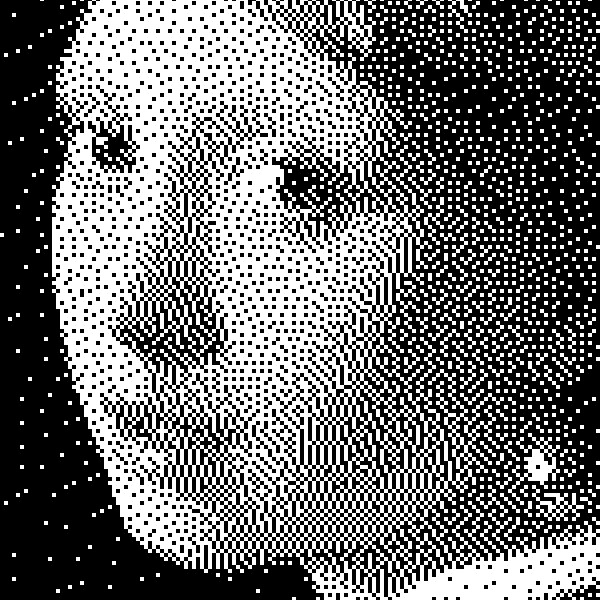
Hiệu ứng đen trắng
Áp dụng xám, ngưỡng, chấm, ô vuông, dither có thứ tự, khuếch tán sai số và mezzotint cho ảnh trong trình duyệt. Thang xám đầy đủ hoặc bản in hai tông với màu nền trước và nền tùy chọn.
Mezzotint effect
Apply a Mezzotint effect to photos free in your browser. Open the Hiệu ứng đen trắng tools, tune the look, and keep editing in PictorX. No install.
Mức xám effect
Apply a Mức xám effect to photos free in your browser. Open the Hiệu ứng đen trắng tools, tune the look, and keep editing in PictorX. No install.
Ngưỡng vẽ effect
Apply a Ngưỡng vẽ effect to photos free in your browser. Open the Hiệu ứng đen trắng tools, tune the look, and keep editing in PictorX. No install.
Chấm effect
Apply a Chấm effect to photos free in your browser. Open the Hiệu ứng đen trắng tools, tune the look, and keep editing in PictorX. No install.
rung động có thứ tự effect
Apply a rung động có thứ tự effect to photos free in your browser. Open the Hiệu ứng đen trắng tools, tune the look, and keep editing in PictorX. No install.
Lỗi effect
Apply a Lỗi effect to photos free in your browser. Open the Hiệu ứng đen trắng tools, tune the look, and keep editing in PictorX. No install.
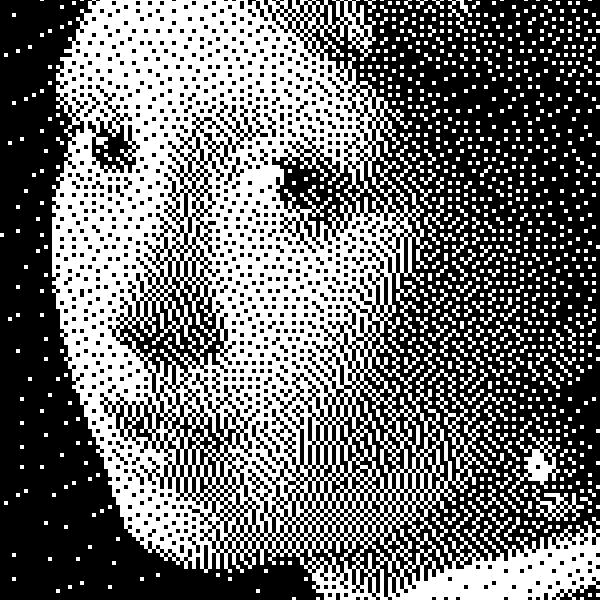
đen trắng
Cách ảnh hai mức hoạt động: ngưỡng đơn giản, dither Bayer có thứ tự, khuếch tán lỗi Floyd–Steinberg, và khi nào dùng từng kiểu trong PictorX.
Sẵn sàng thử chưa?
Mở PictorX trong trình duyệt của bạn — không cài đặt, không cần thiết thẻ tín dụng để khởi động.
Tới bộ sửa