
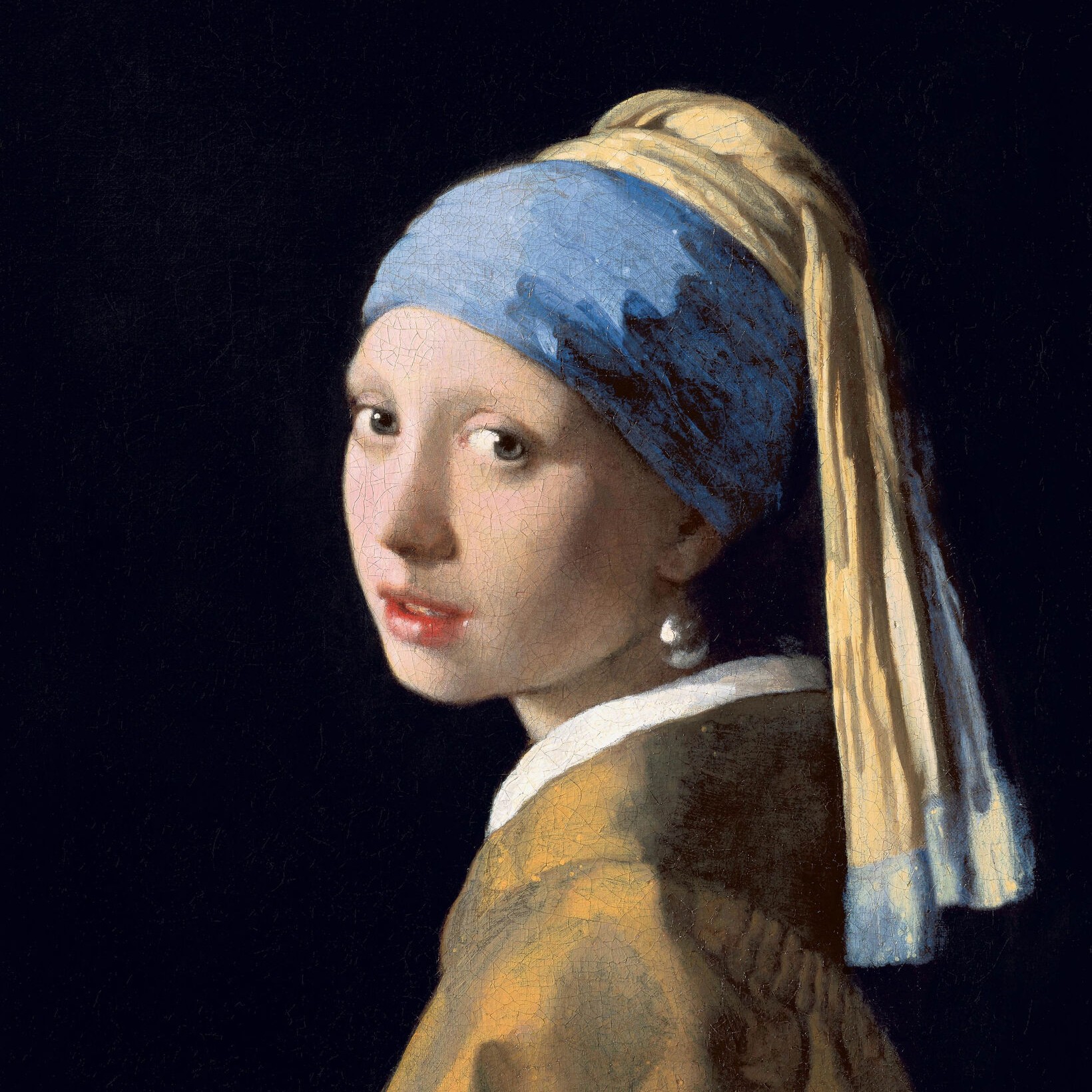
Prueba un estilo en blanco y negro abajo o abre tu propia imagen.
Cuadrados effect
Open a photo and apply Cuadrados in PictorX. This look is part of Efectos en blanco y negro—adjust the settings on this page, then keep editing with layers, text, and other effects in the same workspace. Prueba un estilo en blanco y negro abajo o abre tu propia imagen.
como funciona
- Open this page and try Cuadrados on the sample, or open your own photo.
- Tune the Cuadrados settings, or switch to another look in Efectos en blanco y negro.
- Save the result, or keep editing with layers, text, and other effects in PictorX.
What the Cuadrados effect does
Cuadrados is one of the looks in PictorX Efectos en blanco y negro. Apply it in your browser, then keep working in the same project—crop, type, or add another effect without starting over.
More looks in Efectos en blanco y negro
This page opens Efectos en blanco y negro with Cuadrados already selected. Switch looks on the demo to compare styles, or open the full Efectos en blanco y negro page to browse every option in the set.
Looks in this set
Preguntas frecuentes
Is the Cuadrados effect free?
Yes. Open this page in a modern browser to try Cuadrados as part of the free PictorX editing workflow.
Can I keep editing after I apply Cuadrados?
Yes. Apply Cuadrados, then keep using layers, text, and other PictorX tools in the same workspace.
How do I open Cuadrados from Efectos en blanco y negro?
This page loads Efectos en blanco y negro with Cuadrados selected. You can also open Efectos en blanco y negro and choose Cuadrados from the looks.
Herramientas relacionadas
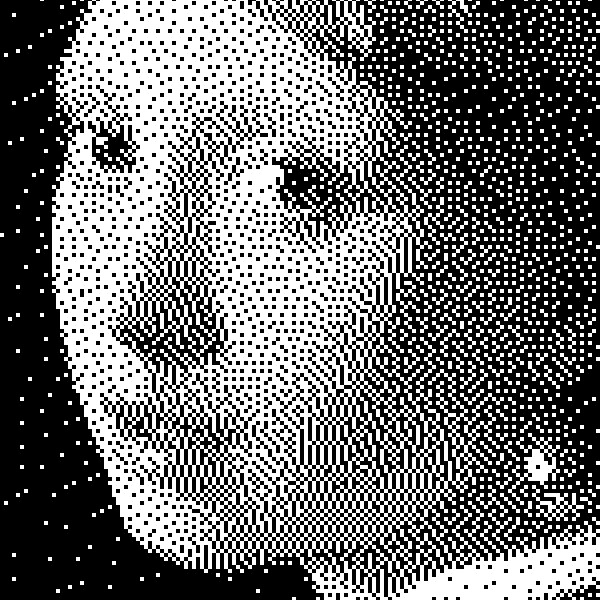
Efectos en blanco y negro
Aplica escala de grises, umbral, puntos, cuadrados, tramado ordenado, difusión de error y mezzotinta a una foto en el navegador. Rampas de gris completas o impresiones de dos tonos con colores de primer plano y fondo.
Mediotono effect
Apply a Mediotono effect to photos free in your browser. Open the Efectos en blanco y negro tools, tune the look, and keep editing in PictorX. No install.
Escala de grises effect
Apply a Escala de grises effect to photos free in your browser. Open the Efectos en blanco y negro tools, tune the look, and keep editing in PictorX. No install.
Umbral effect
Apply a Umbral effect to photos free in your browser. Open the Efectos en blanco y negro tools, tune the look, and keep editing in PictorX. No install.
Puntos effect
Apply a Puntos effect to photos free in your browser. Open the Efectos en blanco y negro tools, tune the look, and keep editing in PictorX. No install.
Tramado ordenado effect
Apply a Tramado ordenado effect to photos free in your browser. Open the Efectos en blanco y negro tools, tune the look, and keep editing in PictorX. No install.
Difusión de error effect
Apply a Difusión de error effect to photos free in your browser. Open the Efectos en blanco y negro tools, tune the look, and keep editing in PictorX. No install.
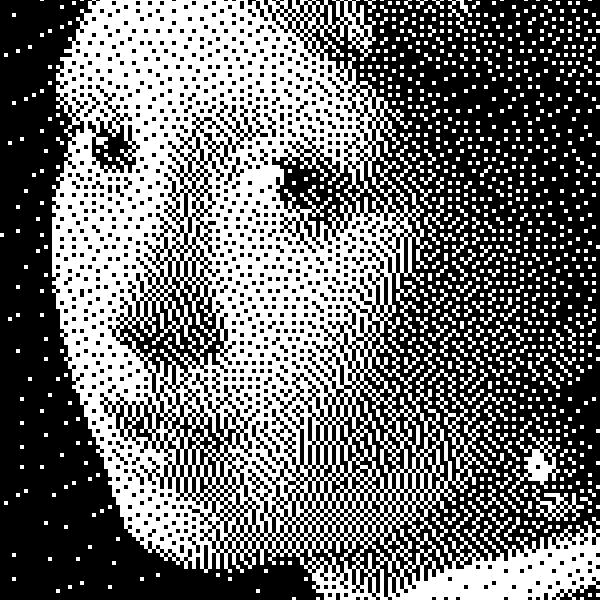
El blanco y negro
Cómo funcionan las imágenes de dos tonos: umbral simple, tramado Bayer, difusión Floyd–Steinberg y cuándo usar cada aspecto en PictorX.
¿Listo para probarlo?
Abra PictorX en su navegador: no requiere instalación ni tarjeta de crédito para comenzar.
Ir al editor