
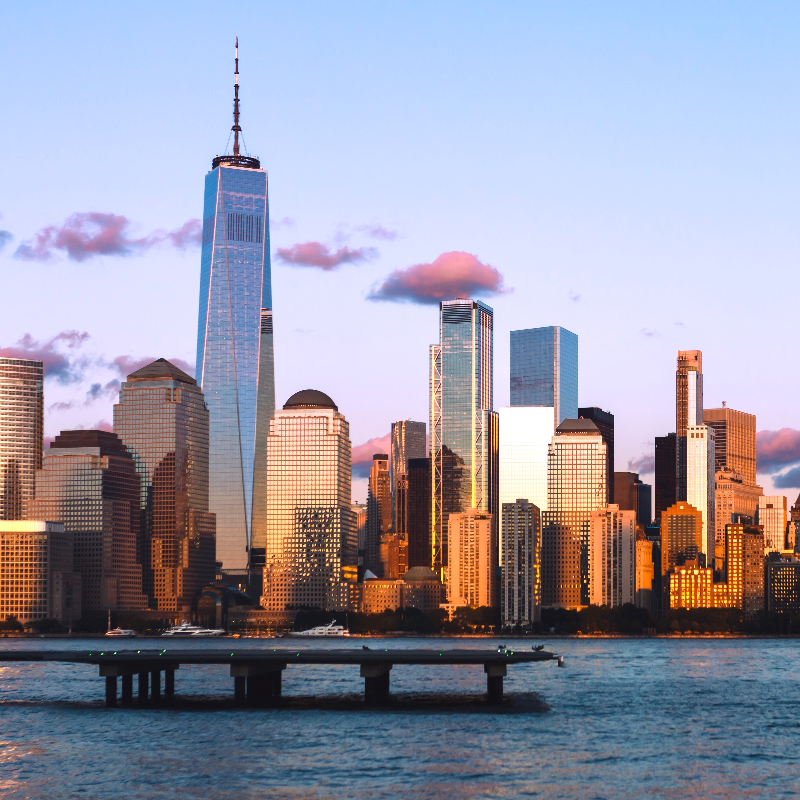
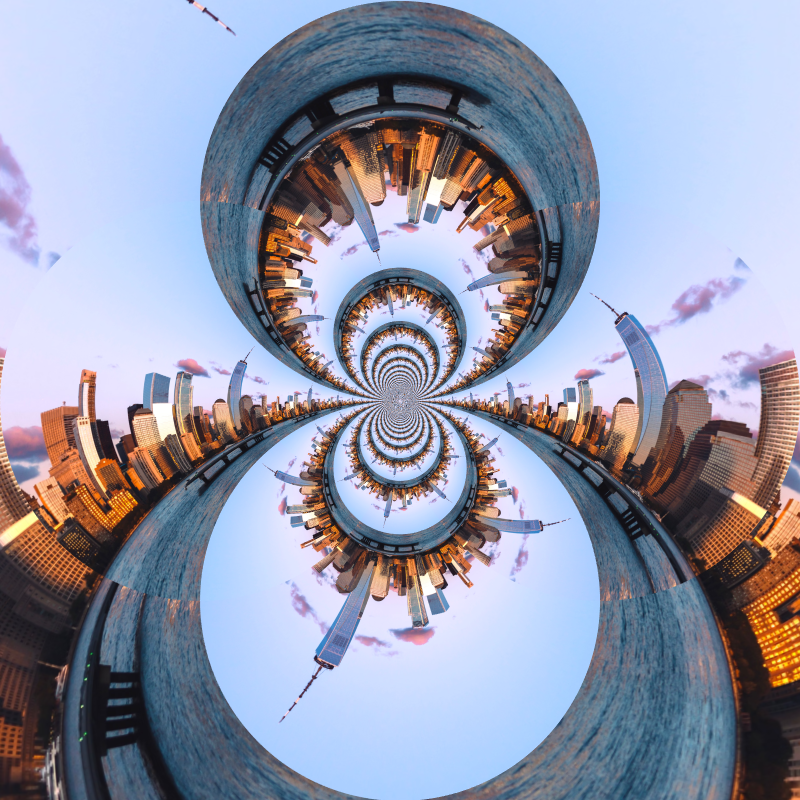
Essayez un look de distorsion ci-dessous, ou ouvrez votre propre image.
Sphériser effect
Open a photo and apply Sphériser in PictorX. This look is part of Terrain de jeu lentille liquide—adjust the settings on this page, then keep editing with layers, text, and other effects in the same workspace. Essayez un look de distorsion ci-dessous, ou ouvrez votre propre image.
Comment ça marche
- Open this page and try Sphériser on the sample, or open your own photo.
- Tune the Sphériser settings, or switch to another look in Terrain de jeu lentille liquide.
- Save the result, or keep editing with layers, text, and other effects in PictorX.
What the Sphériser effect does
Sphériser is one of the looks in PictorX Terrain de jeu lentille liquide. Apply it in your browser, then keep working in the same project—crop, type, or add another effect without starting over.
More looks in Terrain de jeu lentille liquide
This page opens Terrain de jeu lentille liquide with Sphériser already selected. Switch looks on the demo to compare styles, or open the full Terrain de jeu lentille liquide page to browse every option in the set.
Looks in this set
Outils associés
Terrain de jeu lentille liquide
Déformez des photos avec coordonnées polaires, ondulation, verre, sphérisation, distorsion temporelle, tourbillon, plis et courbure.
Effet coordonnées polaires
Enroulez une photo en cercle ou déroulez un cercle en bande avec l’effet coordonnées polaires. Choisissez Rect to Polar ou Polar to Rect et un angle de départ.
Inversion polaire effect
Apply a Inversion polaire effect to photos free in your browser. Open the Terrain de jeu lentille liquide tools, tune the look, and keep editing in PictorX. No install.
Effet ondulation
Ajoutez une ondulation d’eau à une photo : des anneaux partent du centre comme une goutte dans une mare. Réglez Fréquence, Déplacement et Quantité.
Effet verre
Donnez à une photo l’aspect d’une image vue à travers un verre ondulé et texturé. Réglez la Taille du motif et comparez avec Verre dépoli et Verre réfracté.
Verre réfracté effect
Apply a Verre réfracté effect to photos free in your browser. Open the Terrain de jeu lentille liquide tools, tune the look, and keep editing in PictorX. No install.
Distorsion temporelle effect
Apply a Distorsion temporelle effect to photos free in your browser. Open the Terrain de jeu lentille liquide tools, tune the look, and keep editing in PictorX. No install.
Prêt à l'essayer ?
Ouvrez PictorX dans votre navigateur – aucune installation, aucune carte de crédit requise pour démarrer.
Aller à l'éditeur