
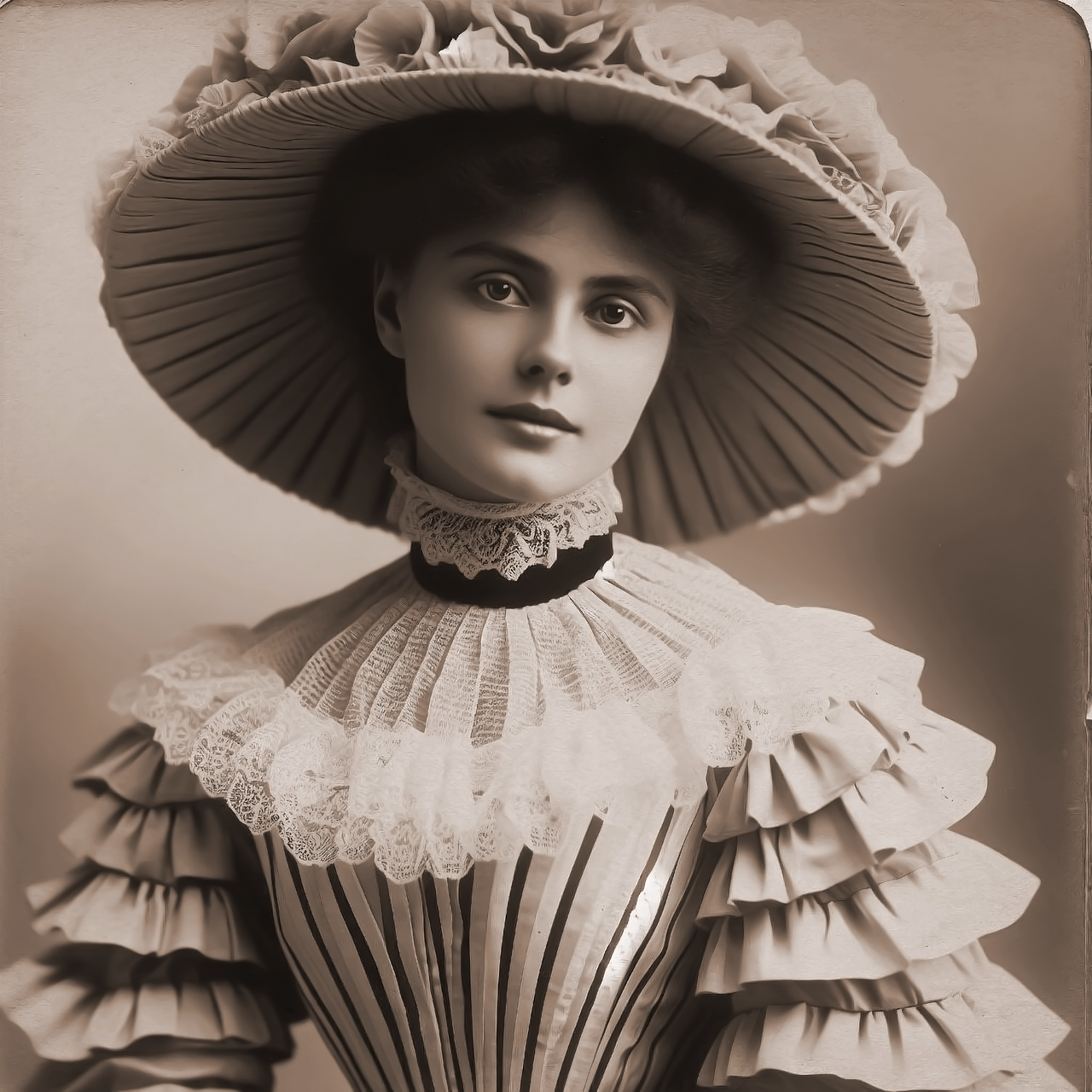
フォーヴィスム風フォトフィルター - マティス、ドラン、ヴラマンクのような荒々しい色
In 1905 a group of young painters showed pictures so violently coloured that a critic called them “fauves”—wild beasts. This filter repaints your photo the same way: it simplifies it into a few zones, gives each one a bold, unnatural colour, turns shadows blue, green or violet and lights yellow, orange or pink, and lays it all down in visible strokes, often with bare canvas in between. All processed on-device. 写真をフォーヴの荒々しく自由な色で描きます。スタイルとパレットを選び、色の大胆さとブラシサイズを調整してください。
使い方
- Open PictorX in your browser and load a photo — portraits, landscapes and street scenes all work well.
- Choose Fauvism, then pick a Style (Woman with a Hat, Collioure, London or Vlaminck) and a Palette, and adjust Brush Size, Color Boldness, Brushwork, Outlines and Bare Canvas.
- Export the painting, or keep editing with layers and other effects in the same workspace.
Four Fauve painters in one filter
Woman with a Hat follows Matisse's scandalous portrait of 1905: broad patches of arbitrary colour, green and violet shadows across the face and loose blue-green contours. Collioure follows the summer Matisse and André Derain spent in that harbour, building pictures from separate dabs of pure colour with the canvas showing between them. London follows Derain's views of the Thames, with flat complementary blocks, horizontal broken strokes and dark outlines, and Vlaminck lays on long, thick, swirling strokes of hot reds, oranges and blues.
Colour that describes feeling, not nature
Color Boldness sets how far the colours depart from the photo: at low values the photo's own hues are simply intensified; at high values every zone receives an arbitrary Fauve colour, lights turn warm and shadows cool and complementary. Palette chooses the pigments—Fauve for each painter's own colours, Photo to keep your hues, Hot, Cool, or Complementary to flip every colour to its opposite. Brush Size, Brushwork and Outlines control the stroke size, how loose the hand is, and the weight of the painted contours.
Privacy and keep editing
Processing stays in your browser—photos are not uploaded to PictorX servers for this filter. After Fauvism, continue with layers, text, Matisse, Van Gogh, Pointillism, or export.
よくある質問
What does the Fauvism filter do?
It repaints a photo in the manner of the Fauves—Henri Matisse, André Derain, Maurice de Vlaminck and their friends—with bold, arbitrary colour in visible strokes. It is built from your photo, not a copy of a museum painting. Style, Palette, Brush Size, Color Boldness, Brushwork and Outlines shape the look.
What was Fauvism?
A short-lived movement of about 1905–1908 that used pure, unnatural colour to express feeling rather than to describe things. At the 1905 Salon d'Automne in Paris the critic Louis Vauxcelles called its painters “fauves”, wild beasts.
How is this different from the Matisse filter?
The Matisse filter follows one artist through his whole career, from Fauve colour to the paper cut-outs. Fauvism focuses on the movement itself, with styles after Matisse, Derain at Collioure and in London, and Vlaminck, plus several colour palettes.
What photos work best?
Almost any: portraits suit Woman with a Hat, harbours and landscapes suit Collioure, cities and rivers suit London, and trees, roads and villages suit Vlaminck. Photos with clear light and shadow give the strongest colour.
関連ツール
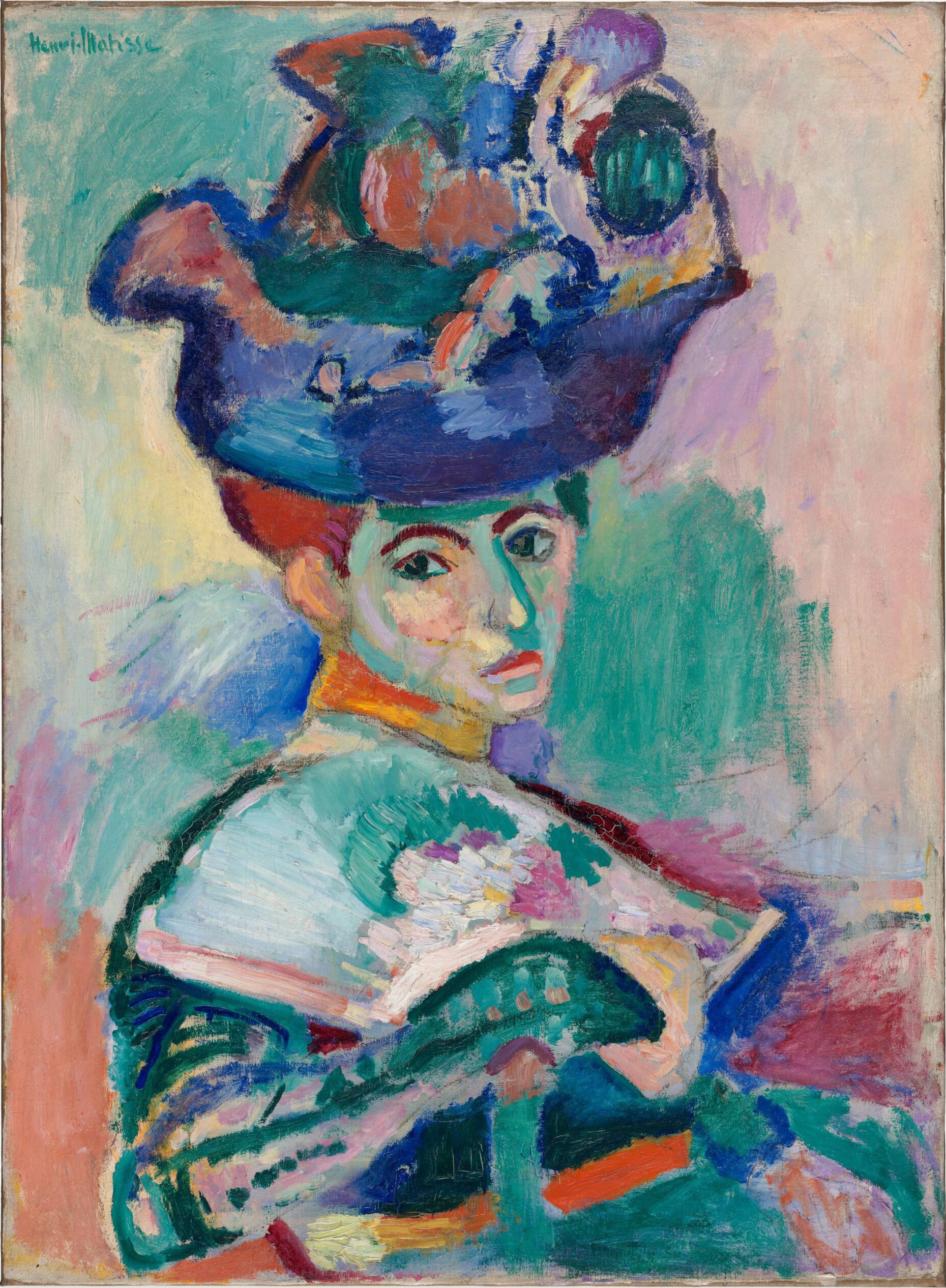
フォーヴィスム
フォーヴィスムの簡単なガイド:1905年のサロン・ドートンヌと「野獣」、ゴッホ、ゴーギャン、シニャックに連なる源流、コリウールのマティスとドラン、ロンドンのドラン、シャトゥのヴラマンク、運動の終わり、そして PictorX で試せるデジタルオマージュ。
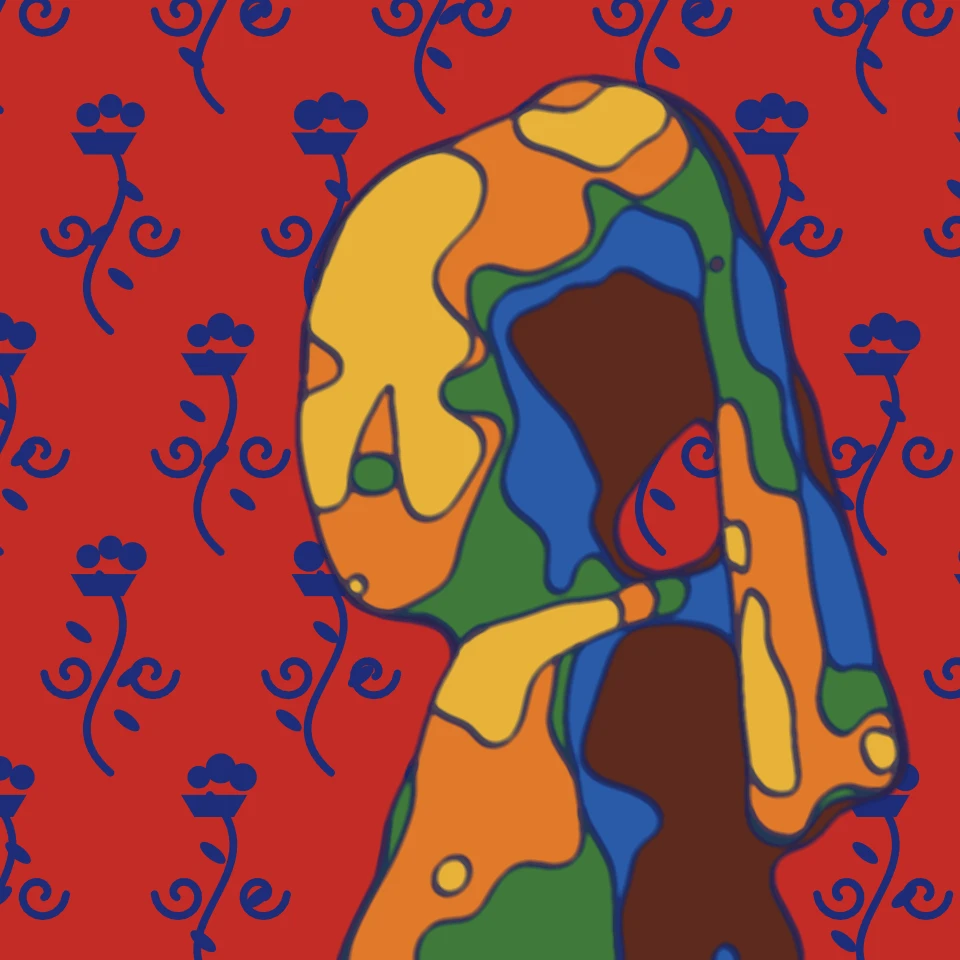
マティス風フォトフィルター - 切り絵、フォーヴの色彩、線
ブラウザで写真をアンリ・マティス風の作品に変えます。『ジャズ』や『ブルー・ヌード』のような切り絵、鮮やかなフォーヴの色彩、青いアラベスクの『赤の調和』、流れるような線描。
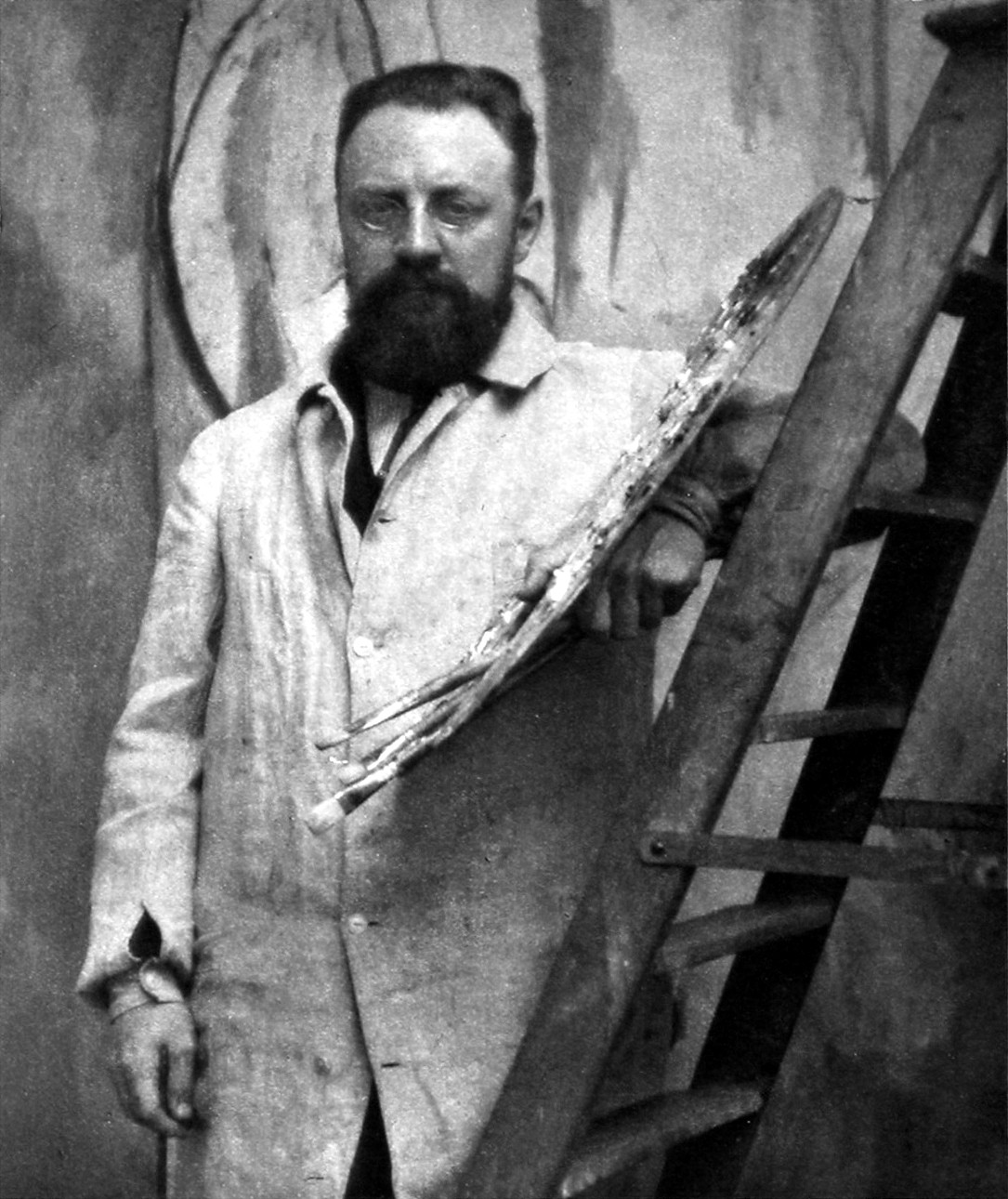
アンリ・マティス
アンリ・マティスの簡単なガイド:法律事務員から画家へ、1905年のフォーヴ、『赤の調和』と『ダンス』、ニースの時代、線描、切り絵での「はさみで描く」こと、そして PictorX で試せるデジタル・オマージュ。
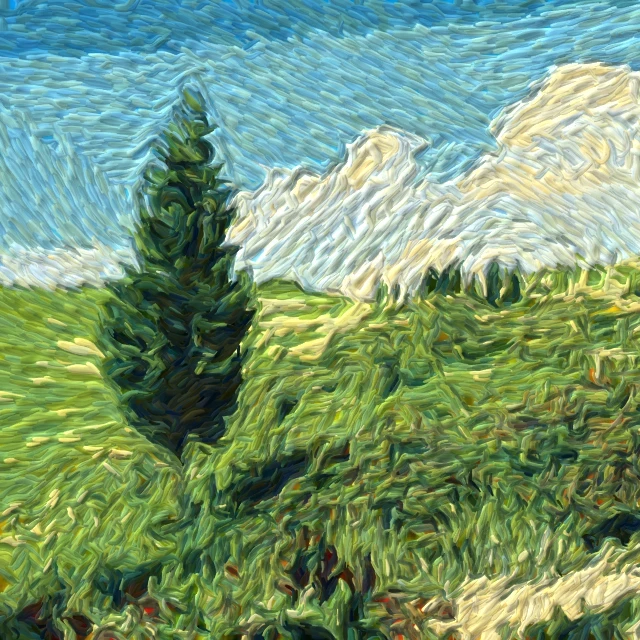
写真をゴッホの筆触で描く
ブラウザで写真を『星月夜』風の渦巻く筆触に。ゴッホのインパストへのデジタルなオマージュであり、美術館の複製ではありません。
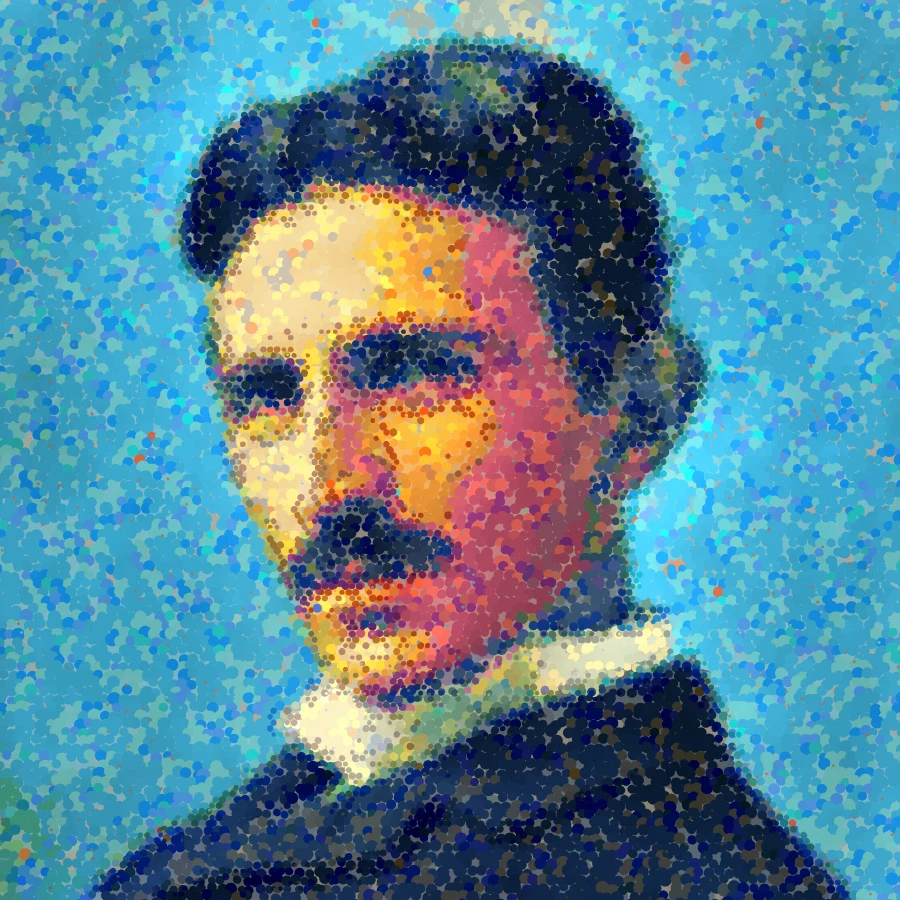
点描フォトフィルター - 光学的な色点
ブラウザで写真をスーラ風の点、またはシニャック風のモザイク筆触に。ドットサイズ、カバー率、光学混合、ディテール、インパスト、スタイル、パレット、キャンバス下地を調整。
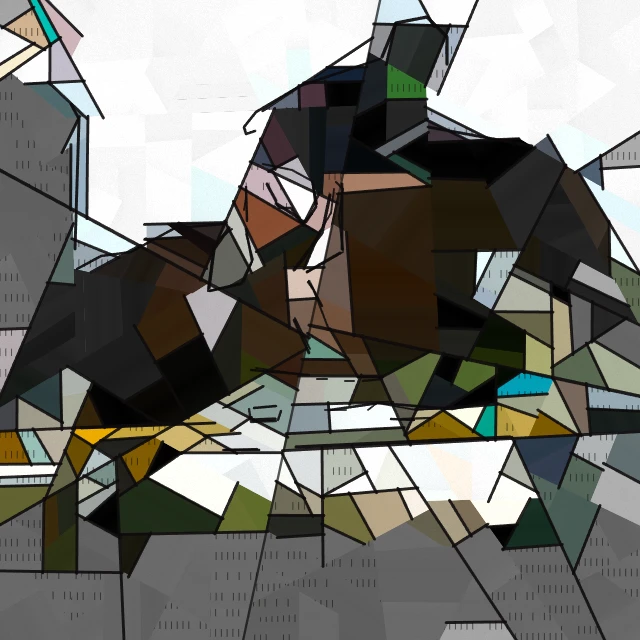
ピカソ風フォトフィルター - 青の時代、バラ色の時代、砕けた肖像
ブラウザで写真をパブロ・ピカソ風の絵画に変えます。青の時代、バラ色の時代、『泣く女』の砕けた肖像、または『ゲルニカ』の白黒の破片。

芸術的効果
油絵、水彩、鉛筆、コミックインク、パステル、切り絵などのスタジオアートの見た目で写真を変えます。
試してみますか?
ブラウザで PictorX を開きます。インストール不要、始めるのにクレジットカードも不要です。
エディターへ