
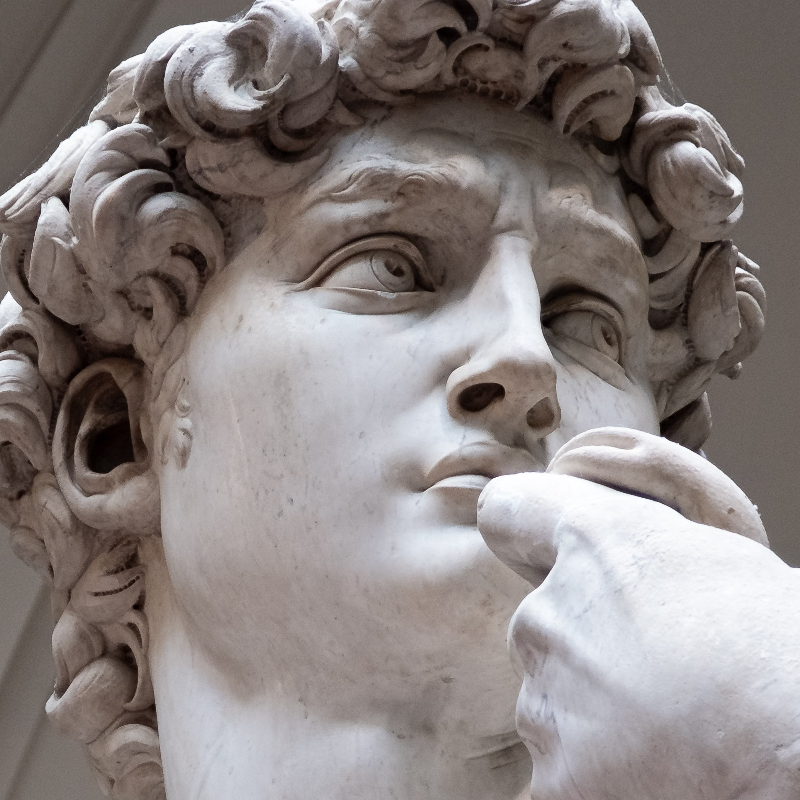
Spróbuj stylizować wygląd poniżej lub otwórz własne zdjęcie.
Płaskorzeźba effect
Open a photo and apply Płaskorzeźba in PictorX. This look is part of Efekty stylizacji—adjust the settings on this page, then keep editing with layers, text, and other effects in the same workspace. Spróbuj stylizować wygląd poniżej lub otwórz własne zdjęcie.
Jak to działa
- Open this page and try Płaskorzeźba on the sample, or open your own photo.
- Tune the Płaskorzeźba settings, or switch to another look in Efekty stylizacji.
- Save the result, or keep editing with layers, text, and other effects in PictorX.
What the Płaskorzeźba effect does
Płaskorzeźba is one of the looks in PictorX Efekty stylizacji. Apply it in your browser, then keep working in the same project—crop, type, or add another effect without starting over. Nothing is uploaded for this effect.
More looks in Efekty stylizacji
This page opens Efekty stylizacji with Płaskorzeźba already selected. Switch looks on the demo to compare styles, or open the full Efekty stylizacji page to browse every option in the set.
Looks in this set
Często zadawane pytania
Is the Płaskorzeźba effect free?
Yes. Open this page in a modern browser to try Płaskorzeźba as part of the free PictorX editing workflow.
Can I keep editing after I apply Płaskorzeźba?
Yes. Apply Płaskorzeźba, then keep using layers, text, and other PictorX tools in the same workspace.
How do I open Płaskorzeźba from Efekty stylizacji?
This page loads Efekty stylizacji with Płaskorzeźba selected. You can also open Efekty stylizacji and choose Płaskorzeźba from the looks.
Powiązane narzędzia
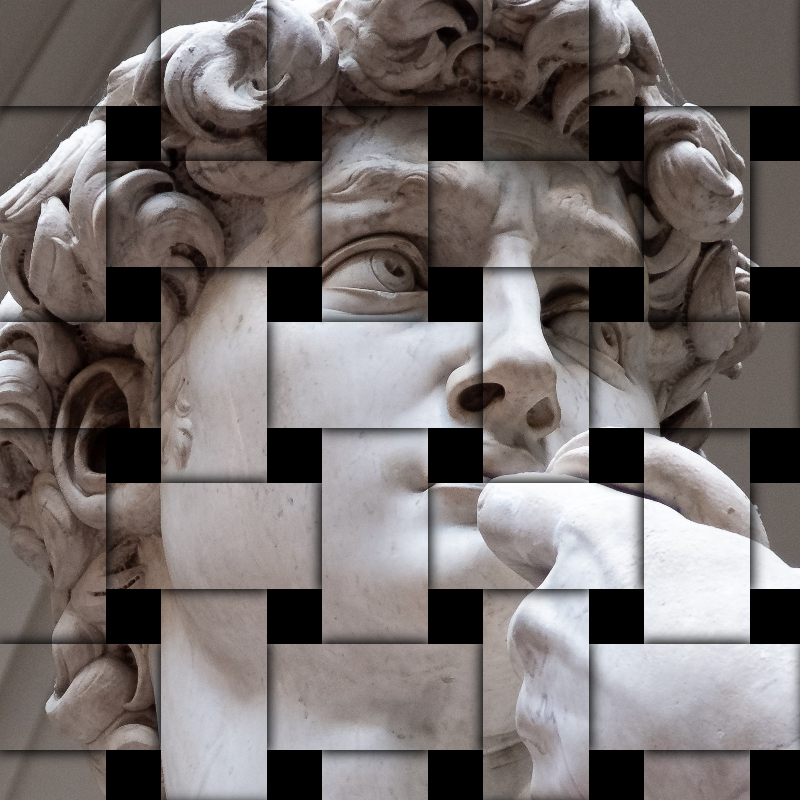
Efekty stylizacji
Dodaj do zdjęć rozbicia, usterki, ogień, wytłoczenia, winiety i inne stylizacje studyjne. Korzystaj z PictorX za darmo w przeglądarce, bez konieczności instalowania oprogramowania.
Rozdzielenie RGB effect
Apply a Rozdzielenie RGB effect to photos free in your browser. Open the Efekty stylizacji tools, tune the look, and keep editing in PictorX. No install.
Rozbicie effect
Apply a Rozbicie effect to photos free in your browser. Open the Efekty stylizacji tools, tune the look, and keep editing in PictorX. No install.
Rytowane effect
Apply a Rytowane effect to photos free in your browser. Open the Efekty stylizacji tools, tune the look, and keep editing in PictorX. No install.
Plan techniczny effect
Apply a Plan techniczny effect to photos free in your browser. Open the Efekty stylizacji tools, tune the look, and keep editing in PictorX. No install.
Matowe szkło effect
Apply a Matowe szkło effect to photos free in your browser. Open the Efekty stylizacji tools, tune the look, and keep editing in PictorX. No install.
Folia plastikowa effect
Apply a Folia plastikowa effect to photos free in your browser. Open the Efekty stylizacji tools, tune the look, and keep editing in PictorX. No install.
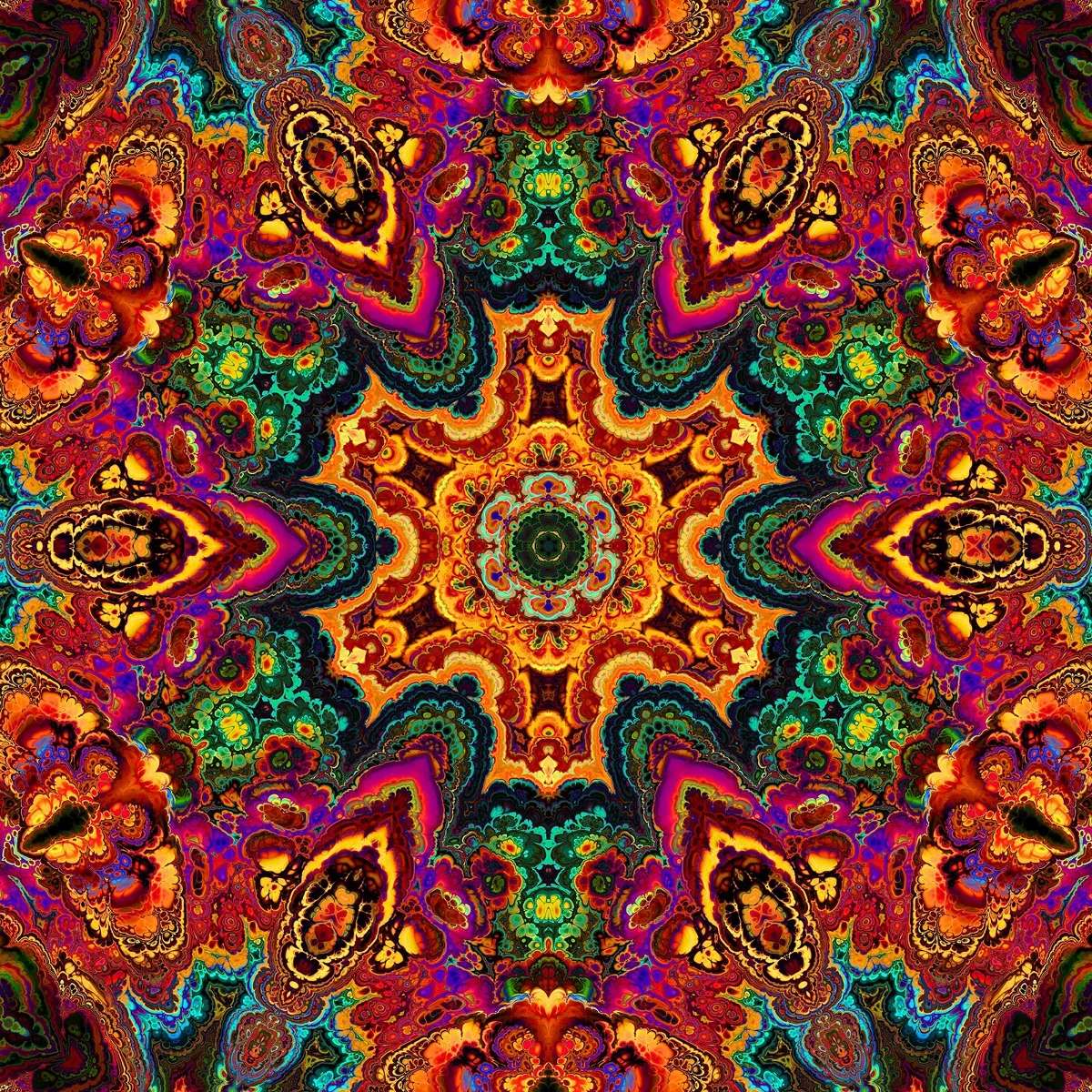
Kalejdoskopach
Jak działają kalejdoskopy: wynalazek Brewstera, lustra pod kątem, symetria radialna i filtry cyfrowe w PictorX.
Chcesz wypróbować?
Otwórz PictorX w swojej przeglądarce — do uruchomienia nie jest wymagana żadna instalacja ani karta kredytowa.
Przejdź do edytora