
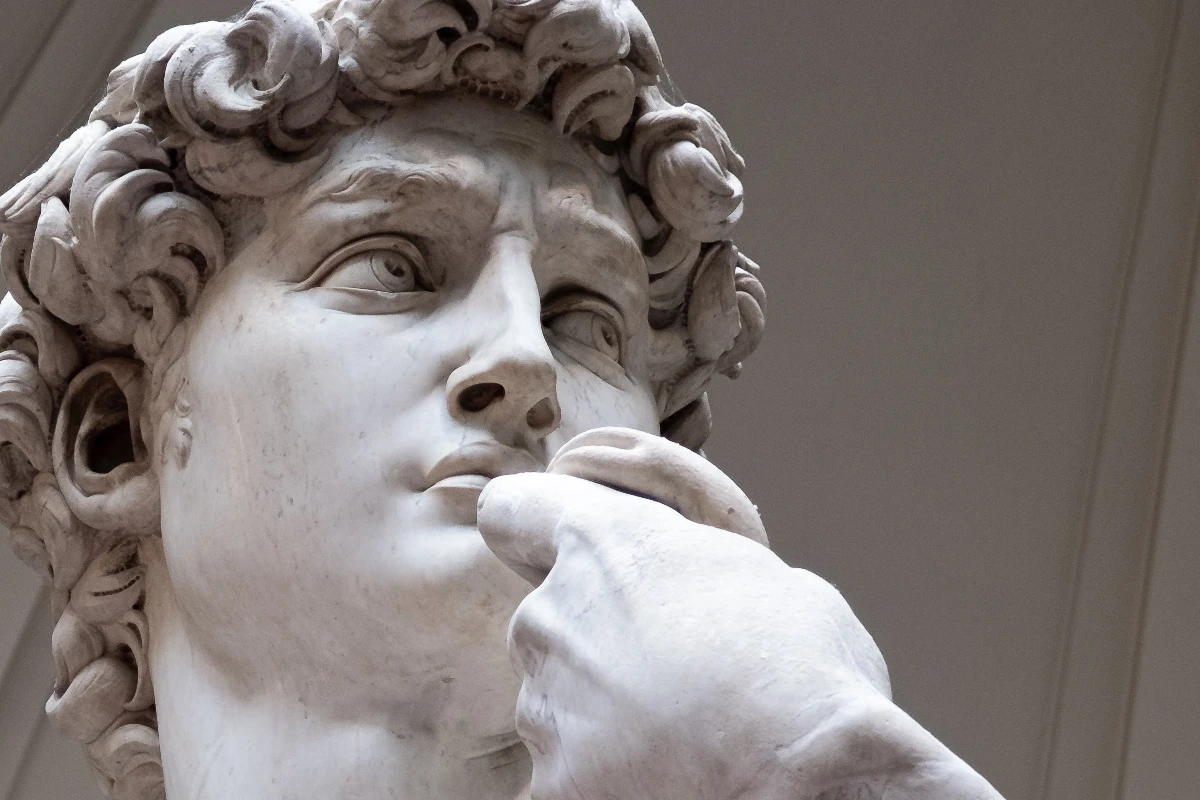
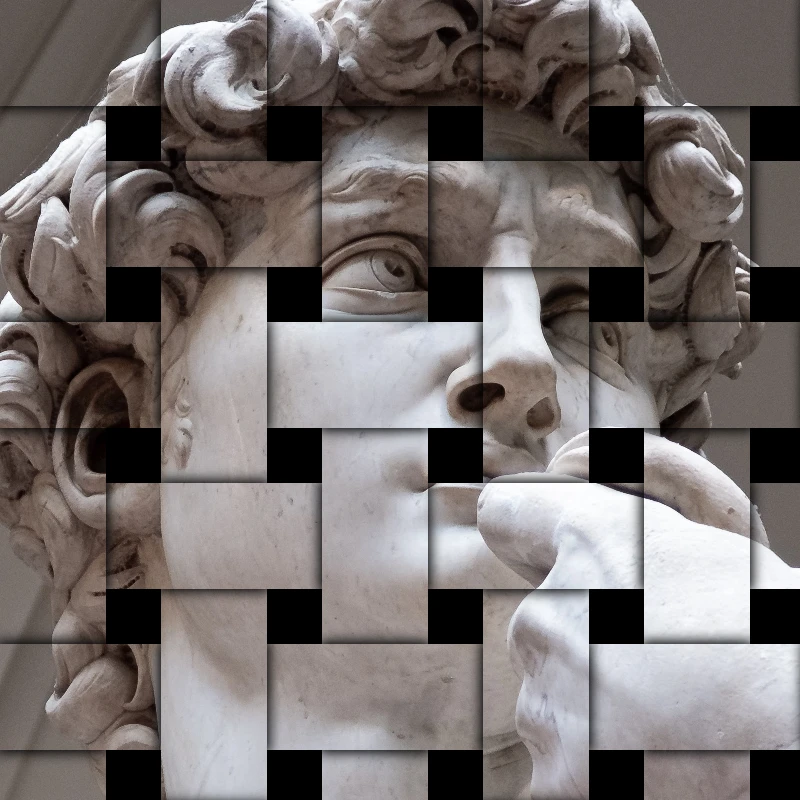
Coba tampilan stilisasi di bawah, atau buka gambar Anda sendiri.
Timbul effect
Open a photo and apply Timbul in PictorX. This look is part of Efek stilisasi—adjust the settings on this page, then keep editing with layers, text, and other effects in the same workspace. Coba tampilan stilisasi di bawah, atau buka gambar Anda sendiri.
Cara kerjanya
- Open this page and try Timbul on the sample, or open your own photo.
- Tune the Timbul settings, or switch to another look in Efek stilisasi.
- Save the result, or keep editing with layers, text, and other effects in PictorX.
What the Timbul effect does
Timbul is one of the looks in PictorX Efek stilisasi. Apply it in your browser, then keep working in the same project—crop, type, or add another effect without starting over.
More looks in Efek stilisasi
This page opens Efek stilisasi with Timbul already selected. Switch looks on the demo to compare styles, or open the full Efek stilisasi page to browse every option in the set.
Looks in this set
Alat terkait
Efek stilisasi
Tambah shatter, glitch, api, emboss, vignette, dan lain studio stylize tampilan ke foto.
Efek RGB split (Pisah RGB)
Tambahkan efek RGB split ke foto secara online: pisahkan kanal merah, hijau, dan biru untuk pinggiran warna di tepi. Pilih kanal, Jari-jari, dan Sudut.
Efek gambar pecah (Hancurkan)
Pecahkan gambar online: foto dibagi menjadi serpihan segitiga yang terlempar keluar dari tengah. Atur Ukuran sel, Perpindahan, dan Sudut, atau pakai persegi.
Efek foto ukiran (gravir)
Ubah foto menjadi gravir online: nada digambar dengan arsir silang, garis paralel, lingkaran, atau gelombang dua warna. Atur Ambang, lebar dan jarak garis.
Filter blueprint (cetak biru)
Ubah foto menjadi blueprint secara online: garis luar menjadi garis terang di atas kertas biru, dengan kisi teknis opsional. Ubah warna latarnya.
Kaca buram effect
Apply a Kaca buram effect to photos free in your browser. Open the Efek stilisasi tools, tune the look, and keep editing in PictorX. No install.
Efek bungkus plastik (plastic wrap)
Beri foto efek bungkus plastik secara online: sorotan mengilap mengikuti bentuk di gambar, seolah-olah disegel dalam lapisan bening. Atur Kekuatan sorotan.

Kaleidoskop
Bagaimana kaleidoskop bekerja? Penemuan Brewster dan nama Yunaninya, cara cermin membentuk pola, sel dan teleidoskop, serta filter kaleidoskop digital.
Siap mencobanya?
Buka PictorX di browser Anda — tanpa instalasi, tanpa kartu kredit untuk memulai.
Ke Editor