

Hãy thử nhìn vào bên dưới, hoặc tự mở hình.
Bút màu effect
Open a photo and apply Bút màu in PictorX. This look is part of Hiệu ứng nghệ thuật—adjust the settings on this page, then keep editing with layers, text, and other effects in the same workspace. Hãy thử nhìn vào bên dưới, hoặc tự mở hình.
Cách nó hoạt động
- Open this page and try Bút màu on the sample, or open your own photo.
- Tune the Bút màu settings, or switch to another look in Hiệu ứng nghệ thuật.
- Save the result, or keep editing with layers, text, and other effects in PictorX.
What the Bút màu effect does
Bút màu is one of the looks in PictorX Hiệu ứng nghệ thuật. Apply it in your browser, then keep working in the same project—crop, type, or add another effect without starting over. Nothing is uploaded for this effect.
More looks in Hiệu ứng nghệ thuật
This page opens Hiệu ứng nghệ thuật with Bút màu already selected. Switch looks on the demo to compare styles, or open the full Hiệu ứng nghệ thuật page to browse every option in the set.
Looks in this set
Hỏi thường xuyên
Is the Bút màu effect free?
Yes. Open this page in a modern browser to try Bút màu as part of the free PictorX editing workflow.
Can I keep editing after I apply Bút màu?
Yes. Apply Bút màu, then keep using layers, text, and other PictorX tools in the same workspace.
How do I open Bút màu from Hiệu ứng nghệ thuật?
This page loads Hiệu ứng nghệ thuật with Bút màu selected. You can also open Hiệu ứng nghệ thuật and choose Bút màu from the looks.
Công cụ liên quan

Hiệu ứng nghệ thuật
Biến hình bằng sơn dầu, màu nước, bút chì, mực truyện tranh, bánh xe, giấy cắt giấy, và các tác phẩm nghệ thuật khác. Dùng PictorX miễn phí trong trình duyệt của bạn, không cần cài đặt phần mềm.
Thủy. effect
Apply a Thủy. effect to photos free in your browser. Open the Hiệu ứng nghệ thuật tools, tune the look, and keep editing in PictorX. No install.
Sơn dầu effect
Apply a Sơn dầu effect to photos free in your browser. Open the Hiệu ứng nghệ thuật tools, tune the look, and keep editing in PictorX. No install.
Vẽ bút chì effect
Apply a Vẽ bút chì effect to photos free in your browser. Open the Hiệu ứng nghệ thuật tools, tune the look, and keep editing in PictorX. No install.
Truyện tranh effect
Apply a Truyện tranh effect to photos free in your browser. Open the Hiệu ứng nghệ thuật tools, tune the look, and keep editing in PictorX. No install.
Phấn màu thô effect
Apply a Phấn màu thô effect to photos free in your browser. Open the Hiệu ứng nghệ thuật tools, tune the look, and keep editing in PictorX. No install.
Nghệ thuật bản địa effect
Apply a Nghệ thuật bản địa effect to photos free in your browser. Open the Hiệu ứng nghệ thuật tools, tune the look, and keep editing in PictorX. No install.
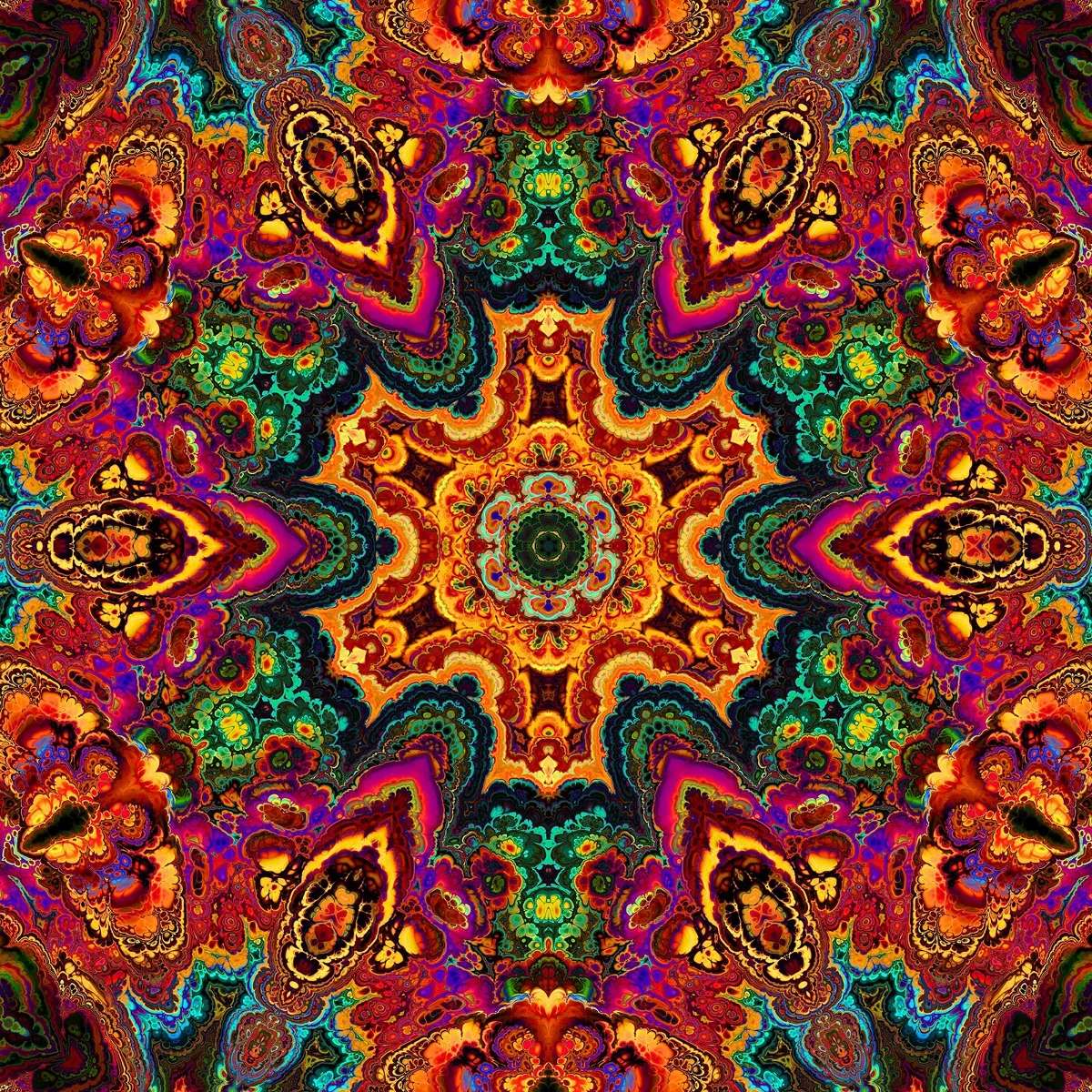
Kính vạn hoa
Kính vạn hoa hoạt động như thế nào: Những tấm gương, góc cạnh, kính thiên văn đối xứng và kính thiên văn kỹ thuật số bạn có thể thử một bức ảnh trong PictorX.
Sẵn sàng thử chưa?
Mở PictorX trong trình duyệt của bạn — không cài đặt, không cần thiết thẻ tín dụng để khởi động.
Tới bộ sửa