

Probeer hieronder een artistieke look, of open je eigen afbeelding.
Kleurpotlood effect
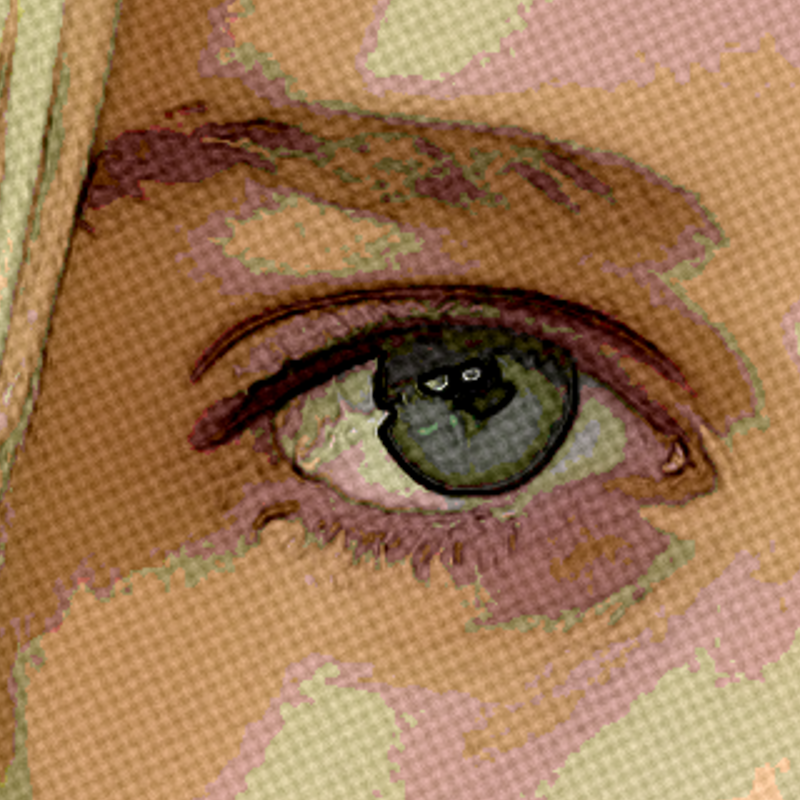
Open a photo and apply Kleurpotlood in PictorX. This look is part of Artistieke effecten—adjust the settings on this page, then keep editing with layers, text, and other effects in the same workspace. Probeer hieronder een artistieke look, of open je eigen afbeelding.
Hoe het werkt
- Open this page and try Kleurpotlood on the sample, or open your own photo.
- Tune the Kleurpotlood settings, or switch to another look in Artistieke effecten.
- Save the result, or keep editing with layers, text, and other effects in PictorX.
What the Kleurpotlood effect does
Kleurpotlood is one of the looks in PictorX Artistieke effecten. Apply it in your browser, then keep working in the same project—crop, type, or add another effect without starting over.
More looks in Artistieke effecten
This page opens Artistieke effecten with Kleurpotlood already selected. Switch looks on the demo to compare styles, or open the full Artistieke effecten page to browse every option in the set.
Looks in this set
Gerelateerde gereedschappen
Artistieke effecten
Transformeer foto's met olieverf, aquarel, potlood, stripinkt, pastelkleuren, uitgesneden papier en andere studiokunstlooks.
Aquareleffect
Zet een foto online om in een aquarelschilderij. Pas natheid, kleurdetail, randverduistering en papierstructuur aan voor zachte wassingen en donkere randen.
Olieverf effect
Apply a Olieverf effect to photos free in your browser. Open the Artistieke effecten tools, tune the look, and keep editing in PictorX. No install.
Potloodschets effect
Apply a Potloodschets effect to photos free in your browser. Open the Artistieke effecten tools, tune the look, and keep editing in PictorX. No install.
Ruwe pastels effect
Apply a Ruwe pastels effect to photos free in your browser. Open the Artistieke effecten tools, tune the look, and keep editing in PictorX. No install.
Aboriginal kunst effect
Apply a Aboriginal kunst effect to photos free in your browser. Open the Artistieke effecten tools, tune the look, and keep editing in PictorX. No install.
Vincent van Gogh effect
Apply a Vincent van Gogh effect to photos free in your browser. Open the Artistieke effecten tools, tune the look, and keep editing in PictorX. No install.

Caleidoscopen
Hoe werkt een caleidoscoop? Brewsters uitvinding en de Griekse naam, hoe de spiegels patronen maken, cellen en teleidoscopen, en digitale caleidoscoopfilters.
Klaar om het te proberen?
Open PictorX in je browser - geen installatie, geen creditcard nodig om te starten.
Ga naar Editor