
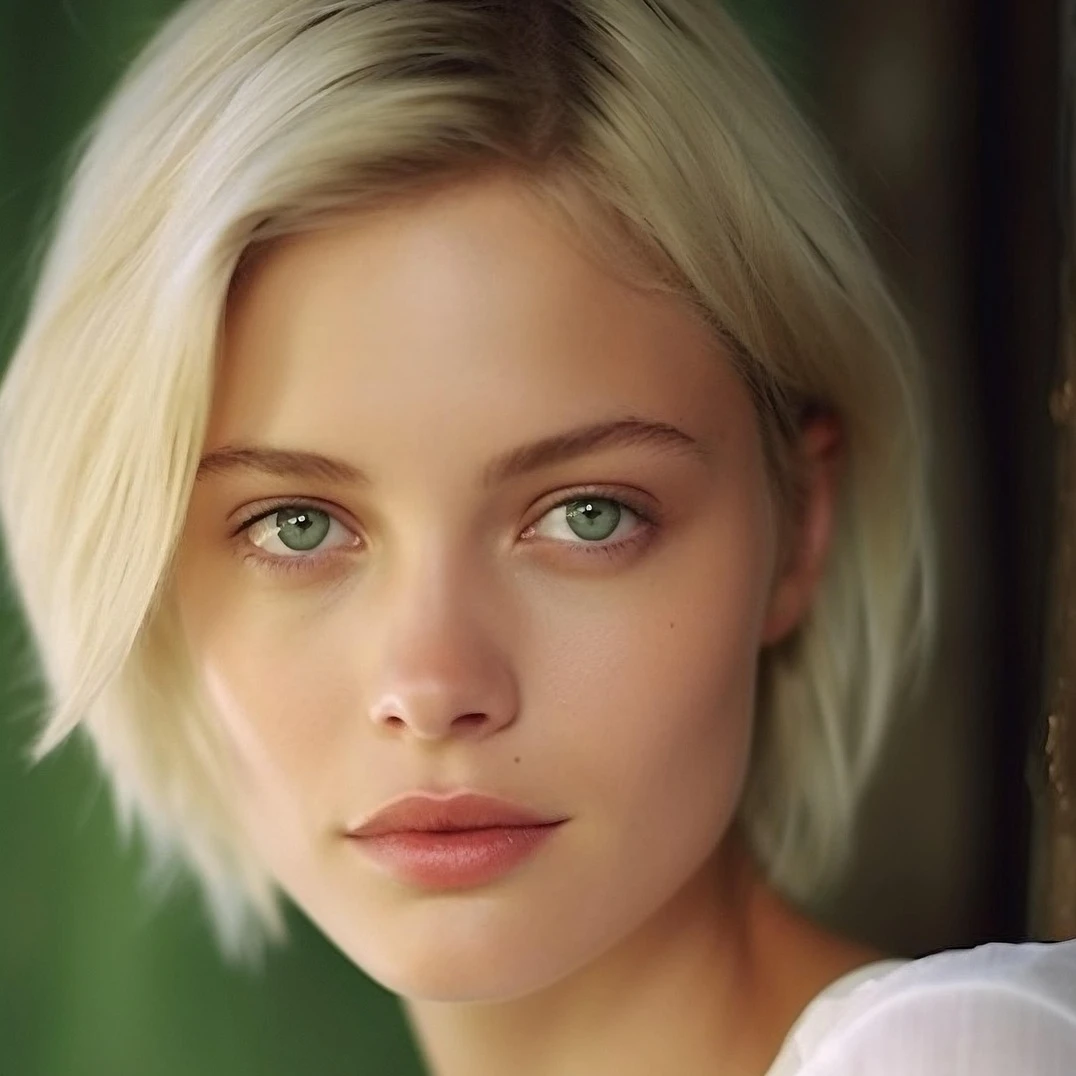
Prueba un ajuste abajo, o abre tu propia imagen.
Brillo / Contraste effect
Open a photo and apply Brillo / Contraste in PictorX. This look is part of Ajustar—adjust the settings on this page, then keep editing with layers, text, and other effects in the same workspace. Prueba un ajuste abajo, o abre tu propia imagen.
como funciona
- Open this page and try Brillo / Contraste on the sample, or open your own photo.
- Tune the Brillo / Contraste settings, or switch to another look in Ajustar.
- Save the result, or keep editing with layers, text, and other effects in PictorX.
What the Brillo / Contraste effect does
Brillo / Contraste is one of the looks in PictorX Ajustar. Apply it in your browser, then keep working in the same project—crop, type, or add another effect without starting over. Nothing is uploaded for this effect.
More looks in Ajustar
This page opens Ajustar with Brillo / Contraste already selected. Switch looks on the demo to compare styles, or open the full Ajustar page to browse every option in the set.
Looks in this set
Preguntas frecuentes
Is the Brillo / Contraste effect free?
Yes. Open this page in a modern browser to try Brillo / Contraste as part of the free PictorX editing workflow.
Can I keep editing after I apply Brillo / Contraste?
Yes. Apply Brillo / Contraste, then keep using layers, text, and other PictorX tools in the same workspace.
How do I open Brillo / Contraste from Ajustar?
This page loads Ajustar with Brillo / Contraste selected. You can also open Ajustar and choose Brillo / Contraste from the looks.
Herramientas relacionadas
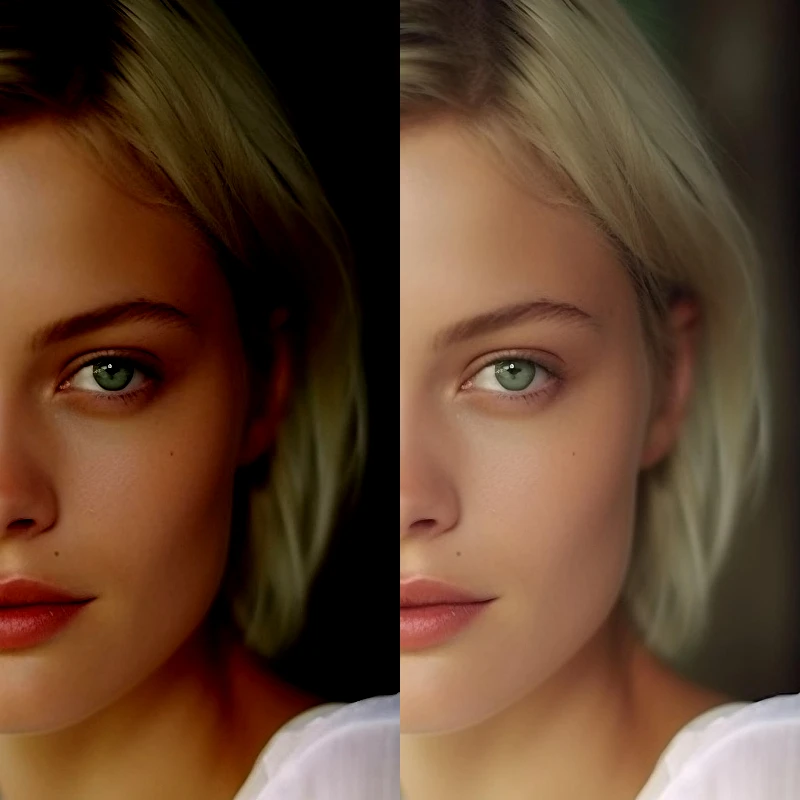
Ajustar
Corrige exposición y color desde Imagen → Ajustar. Usa PictorX gratis en el navegador, sin instalar software.
Posterizar effect
Apply a Posterizar effect to photos free in your browser. Open the Ajustar tools, tune the look, and keep editing in PictorX. No install.
Tono / Saturación effect
Apply a Tono / Saturación effect to photos free in your browser. Open the Ajustar tools, tune the look, and keep editing in PictorX. No install.
Vibración effect
Apply a Vibración effect to photos free in your browser. Open the Ajustar tools, tune the look, and keep editing in PictorX. No install.
Niveles effect
Apply a Niveles effect to photos free in your browser. Open the Ajustar tools, tune the look, and keep editing in PictorX. No install.
Curvas effect
Apply a Curvas effect to photos free in your browser. Open the Ajustar tools, tune the look, and keep editing in PictorX. No install.
Balance de color effect
Apply a Balance de color effect to photos free in your browser. Open the Ajustar tools, tune the look, and keep editing in PictorX. No install.
¿Listo para probarlo?
Abra PictorX en su navegador: no requiere instalación ni tarjeta de crédito para comenzar.
Ir al editor