
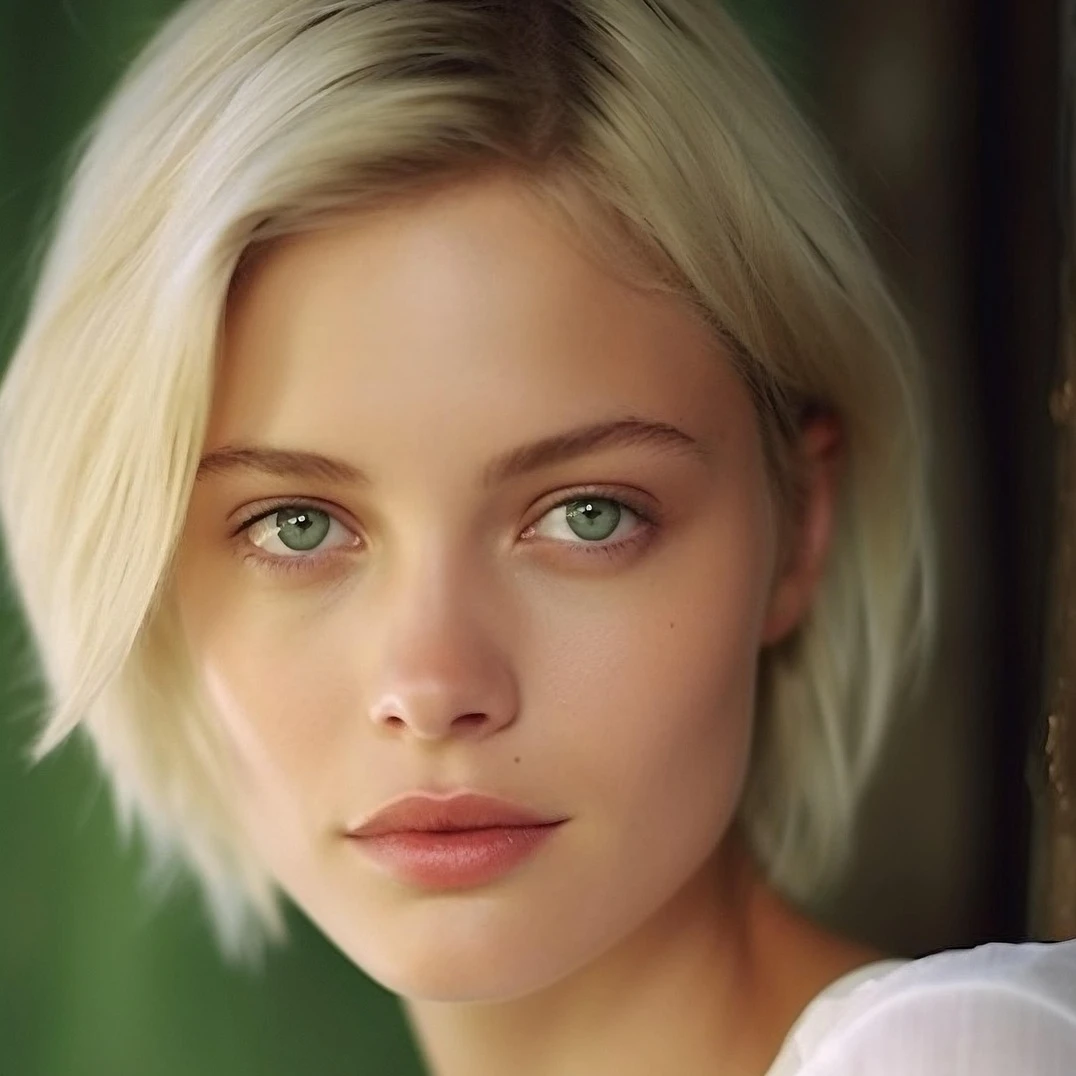
Essayez un ajustement ci-dessous, ou ouvrez votre propre image.
Luminosité / Contraste effect
Open a photo and apply Luminosité / Contraste in PictorX. This look is part of Ajuster—adjust the settings on this page, then keep editing with layers, text, and other effects in the same workspace. Essayez un ajustement ci-dessous, ou ouvrez votre propre image.
Comment ça marche
- Open this page and try Luminosité / Contraste on the sample, or open your own photo.
- Tune the Luminosité / Contraste settings, or switch to another look in Ajuster.
- Save the result, or keep editing with layers, text, and other effects in PictorX.
What the Luminosité / Contraste effect does
Luminosité / Contraste is one of the looks in PictorX Ajuster. Apply it in your browser, then keep working in the same project—crop, type, or add another effect without starting over. Nothing is uploaded for this effect.
More looks in Ajuster
This page opens Ajuster with Luminosité / Contraste already selected. Switch looks on the demo to compare styles, or open the full Ajuster page to browse every option in the set.
Looks in this set
Questions fréquemment posées
Is the Luminosité / Contraste effect free?
Yes. Open this page in a modern browser to try Luminosité / Contraste as part of the free PictorX editing workflow.
Can I keep editing after I apply Luminosité / Contraste?
Yes. Apply Luminosité / Contraste, then keep using layers, text, and other PictorX tools in the same workspace.
How do I open Luminosité / Contraste from Ajuster?
This page loads Ajuster with Luminosité / Contraste selected. You can also open Ajuster and choose Luminosité / Contraste from the looks.
Outils associés
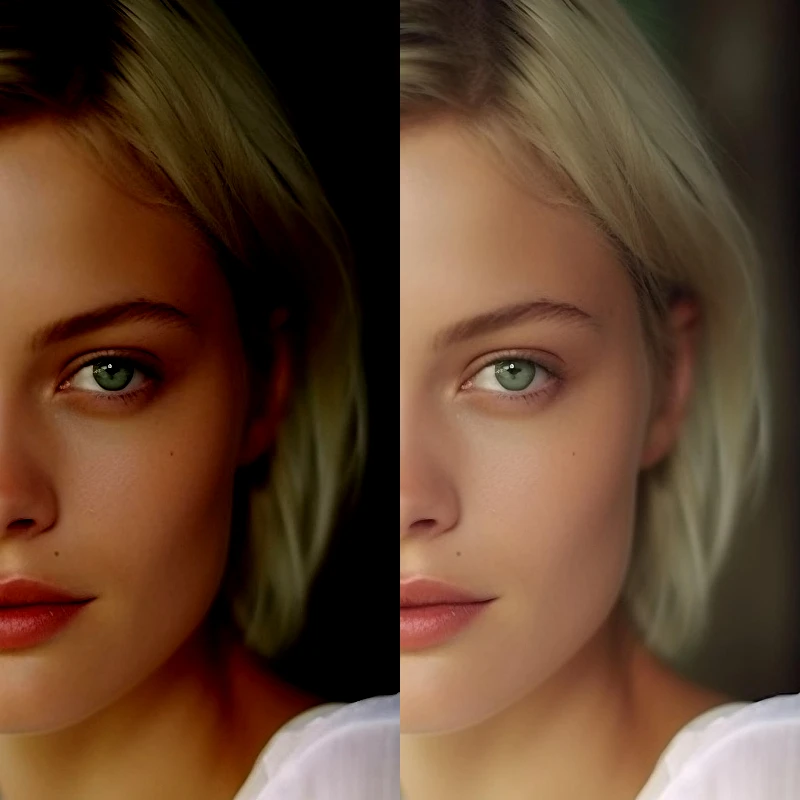
Ajuster
Corrigez l'exposition et la couleur depuis Image → Ajuster. Utilisez PictorX gratuitement dans votre navigateur, sans installer de logiciel.
Postériser effect
Apply a Postériser effect to photos free in your browser. Open the Ajuster tools, tune the look, and keep editing in PictorX. No install.
Teinte / Saturation effect
Apply a Teinte / Saturation effect to photos free in your browser. Open the Ajuster tools, tune the look, and keep editing in PictorX. No install.
Vibrance effect
Apply a Vibrance effect to photos free in your browser. Open the Ajuster tools, tune the look, and keep editing in PictorX. No install.
Niveaux effect
Apply a Niveaux effect to photos free in your browser. Open the Ajuster tools, tune the look, and keep editing in PictorX. No install.
Courbes effect
Apply a Courbes effect to photos free in your browser. Open the Ajuster tools, tune the look, and keep editing in PictorX. No install.
Balance des couleurs effect
Apply a Balance des couleurs effect to photos free in your browser. Open the Ajuster tools, tune the look, and keep editing in PictorX. No install.
Prêt à l'essayer ?
Ouvrez PictorX dans votre navigateur – aucune installation, aucune carte de crédit requise pour démarrer.
Aller à l'éditeur