
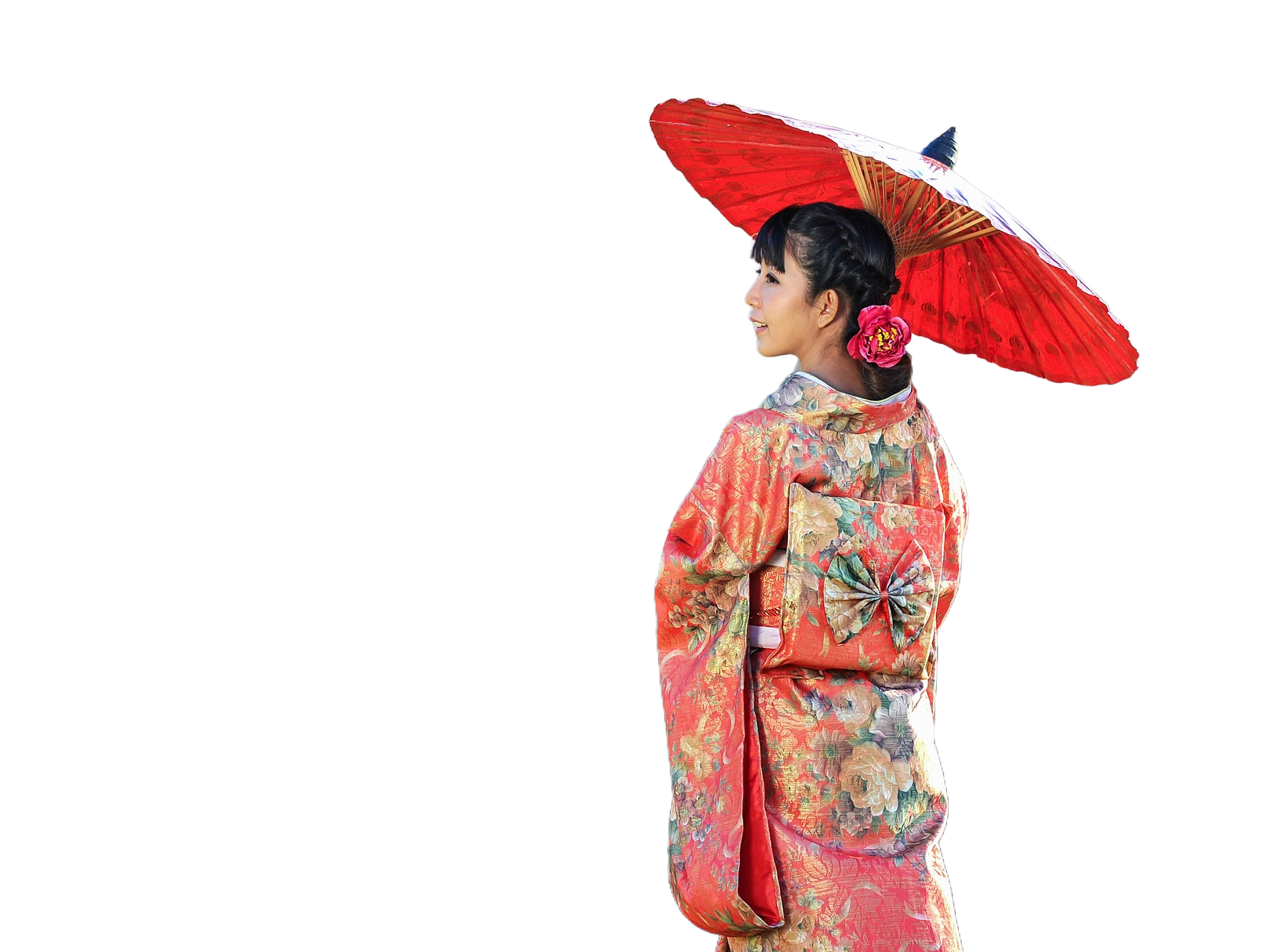
Verander een foto in een Japanse houtsnede — Hokusais Grote Golf, Hiroshiges regen, Utamaro, Sharaku of Kuniyoshi — kies een stijl en palet en stel daarna Bokashi en Lijndikte in.
Ukiyo-e-fotofilter
In the Edo period, Japanese woodblock prints showed the "floating world": courtesans and kabuki actors, famous views, warriors, birds and flowers. Each print was a team effort—the artist drew the design, the carver cut a cherry-wood block for every colour, and the printer pressed them by hand onto washi paper. This filter does the same to your photo: it cuts it into flat blocks of Edo pigment with a black key-block outline, adds bokashi gradations, wood grain and paper, and sets it in a scene after Hokusai, Hiroshige, Utamaro, Sharaku, Kuniyoshi, Harunobu or Hasui, or prints it as a surimono with gold and embossing. All processed on-device. Verander een foto in een Japanse houtsnede — Hokusais Grote Golf, Hiroshiges regen, Utamaro, Sharaku of Kuniyoshi — kies een stijl en palet en stel daarna Bokashi en Lijndikte in.
Hoe het werkt
- Open PictorX in your browser and load a photo — portraits with a clear subject work best.
- Choose Ukiyo-e, then pick a Style (Hokusai, Hiroshige, Utamaro, Sharaku, Kuniyoshi, Birds and Flowers, Red Fuji, Snow, Harunobu, Hasui or Surimono) and a Palette, and adjust Line Weight, Ornament, Detail, Bokashi and Cartouche.
- Export the print, or keep editing with layers and other effects in the same workspace.
Six kinds of print in one filter
Hokusai sets the subject before the Great Wave, with claw-like foam, spray and a small Mount Fuji. Hiroshige stands it on a wooden bridge over a river in a sudden shower of slanting rain. Utamaro prints it as a bijin-ga beauty, with pale skin, fine lines and patterned robes on a shimmering mica ground, and Sharaku as a kabuki actor in bold lines on dark mica. Kuniyoshi turns it into a musha-e warrior print with patterned clothes before swirling clouds, and Birds and Flowers sets it beside a flowering plum branch with a small bird.
Red Fuji, snow, Harunobu, Hasui and surimono
Five more styles follow other famous prints. Red Fuji sets the subject before the red mountain of Hokusai's "Fine Wind, Clear Morning", under a blue sky with rows of mackerel clouds and a dark forest at its foot. Snow follows Hiroshige's "Evening Snow at Kambara": snow-laden hills, roofs and bare trees under a dark sky, with flakes falling and snow settling on the subject's head and shoulders. Harunobu prints it in the soft colours of the first full-colour prints, before a shoji screen, a veranda and willow, with blind embossing (karazuri) pressed into the pale parts. Hasui follows Kawase Hasui's shin-hanga nights: softer, deeper shading in cool moonlight, a full moon over still water, pines and a glowing stone lantern. Surimono imitates the luxurious prints that poetry circles commissioned privately, with mist bands of gold dust, gold and silver pigment that catches the light, embossing and columns of poems.
Blocks, lines, bokashi and paper
As in a real print, the photo is cut into a few flat blocks of colour, each printed a little out of register, with a black key block on top. Line Weight sets the key-block lines; Ornament controls the foam and spray, the rain and snow, the mica glints, the clouds, the blossoms, the gold and the depth of the embossing; Detail sets how closely the blocks follow the photo; and Bokashi sets the gradations—the dark band of the sky and the soft shading inside each block. Palette chooses the pigments—Edo, Photo to keep your hues, Indigo for blue aizuri-e prints, Sunset or Faded—and Cartouche adds the title cartouche, signature, red seal and border.
Privacy and keep editing
Processing stays in your browser—photos are not uploaded to PictorX servers for this filter. Turn on Remove background to let the AI find the subject. After Ukiyo-e, continue with layers, text, Art Nouveau, Art Deco, Pop Art, or export.
Veelgestelde vragen
What does the Ukiyo-e filter do?
It turns a photo into a Japanese woodblock print: flat blocks of Edo pigment with a black key-block outline, bokashi gradations, wood grain and washi paper, in one of eleven styles—a scene after Hokusai, Hiroshige, Utamaro, Sharaku, Kuniyoshi, Harunobu or Hasui, the Red Fuji, a snowy evening, a gold surimono, or among birds and flowers. It is built from your photo, not a copy of any museum print. Style, Palette, Line Weight, Ornament, Detail, Bokashi and Cartouche shape the look.
What is ukiyo-e?
Ukiyo-e, "pictures of the floating world", is a genre of Japanese woodblock prints and paintings that flourished from the 17th to the 19th century, in the Edo period. It showed everyday life, the theatre, landscapes and popular culture: beautiful women (bijin-ga), kabuki actors (yakusha-e), famous places (meisho-e), warriors (musha-e) and birds and flowers (kacho-ga).
How was a woodblock print made?
Four people worked together: the artist (eshi) drew the design in ink; the carver (horishi) pasted it onto a block of cherry wood and cut away everything but the lines, with a separate block for every colour; the printer (surishi) inked the blocks and pressed them by hand onto washi paper; and the publisher (hanmoto) paid for the work, followed the trends and sold the prints.
What photos work best?
Portraits with one clear subject against a simple background, because every style cuts the subject out and sets it into a new scene. Turn on Remove background for a cleaner outline, and raise Detail for smaller colour blocks and finer lines.
Gerelateerde gereedschappen
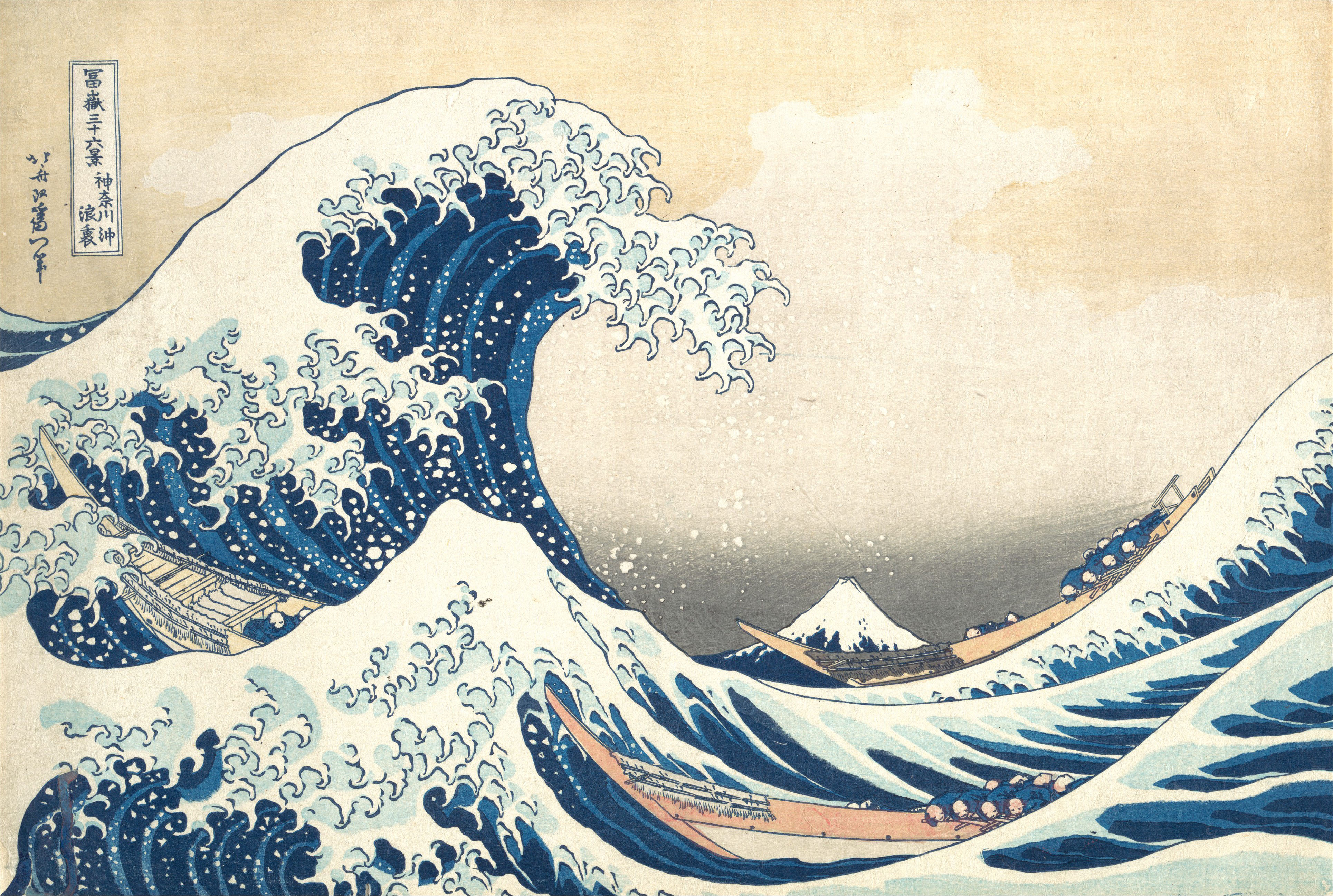
Ukiyo-e
Een korte gids over ukiyo-e: de zwevende wereld van Edo, hoe uitgever, kunstenaar, houtsnijder en drukker samen een houtsnede maakten, Hokusai en de Grote Golf, Hiroshiges regen en wegen, Utamaro's schoonheden, Sharaku's acteurs, Kuniyoshi's krijgers, vogels en bloemen, het japonisme en een digitale hommage die je in PictorX kunt proberen.
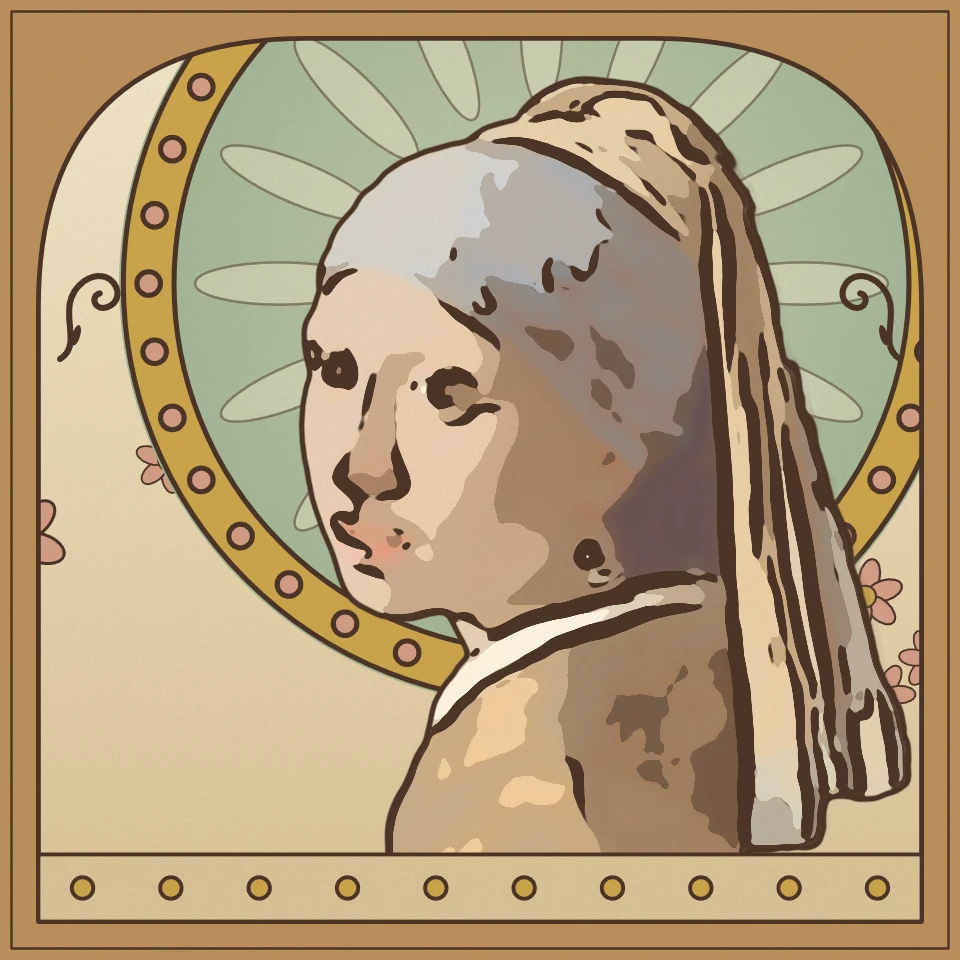
Art-nouveau-fotofilter
Maak in je browser van een foto art nouveau: een Mucha-affiche met stralenkrans en boogvormige lijst, Klimts bladgoudmozaïek, Tiffany-glas-in-lood of Beardsleys zwart-witte inkt met zweepslaglijnen.
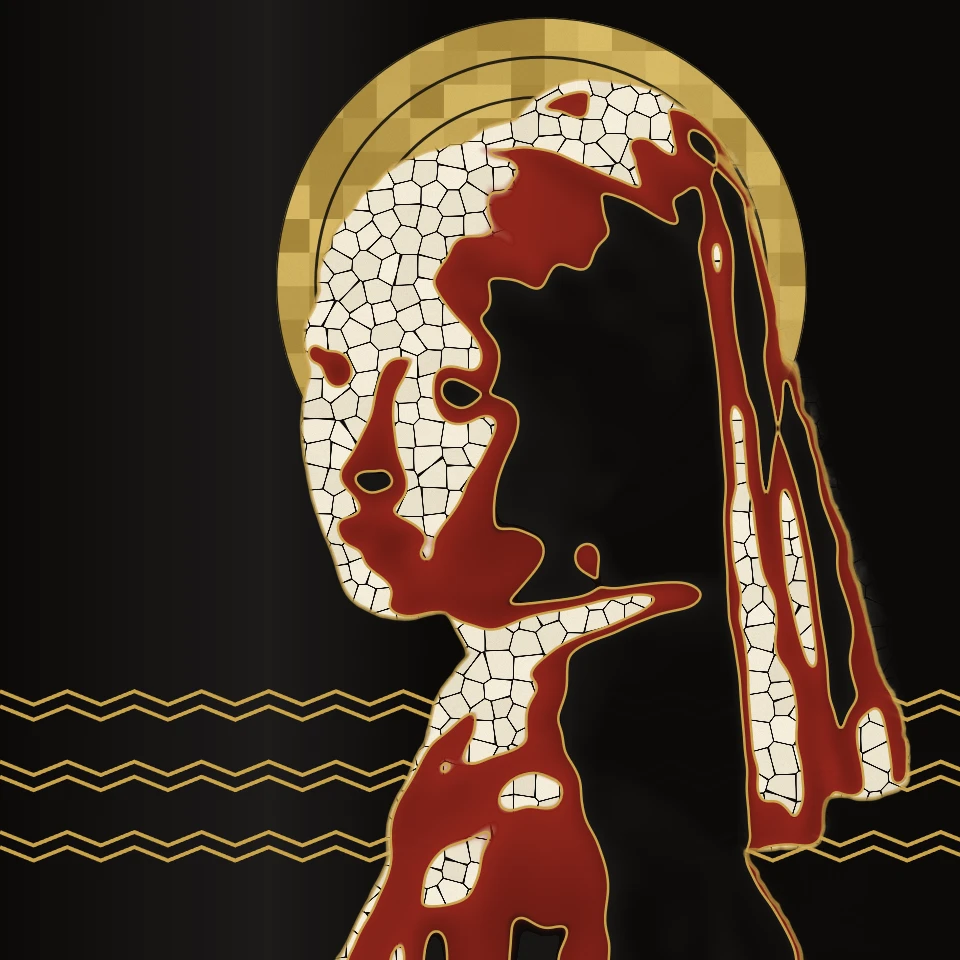
Art-deco-fotofilter
Maak in je browser van een foto art deco: een affiche in de stijl van Cassandre met zonnestralen, een glanzend Lempicka-portret voor wolkenkrabbers, Gatsby-goudgravure op zwart of Streamline-chroom, in een getrapte geometrische lijst.
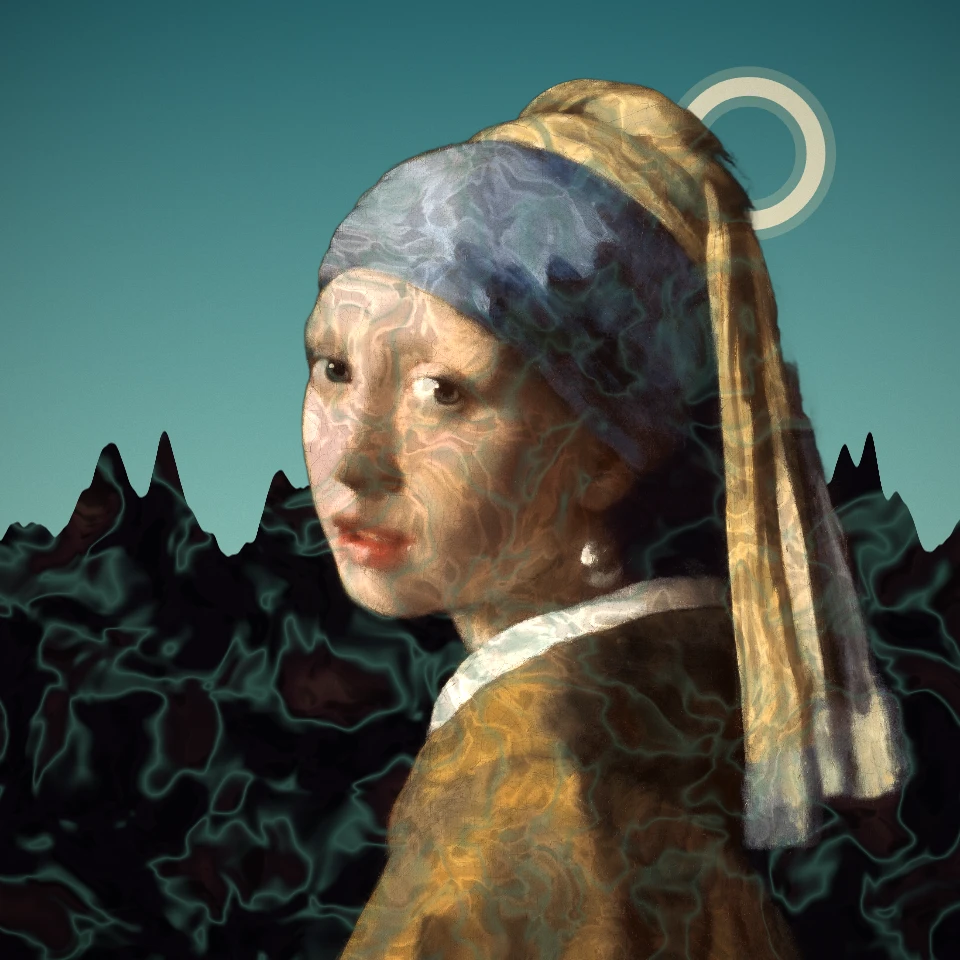
Surrealisme-fotofilter
Maak van een foto een surrealistische droom: De Chirico's lege plein, Ernsts decalcomanie, een cadavre exquis, Tanguy's eindeloze vlakte, Varo's toren of een solarisatie van Man Ray. Dalí en Magritte hebben hun eigen effecten.
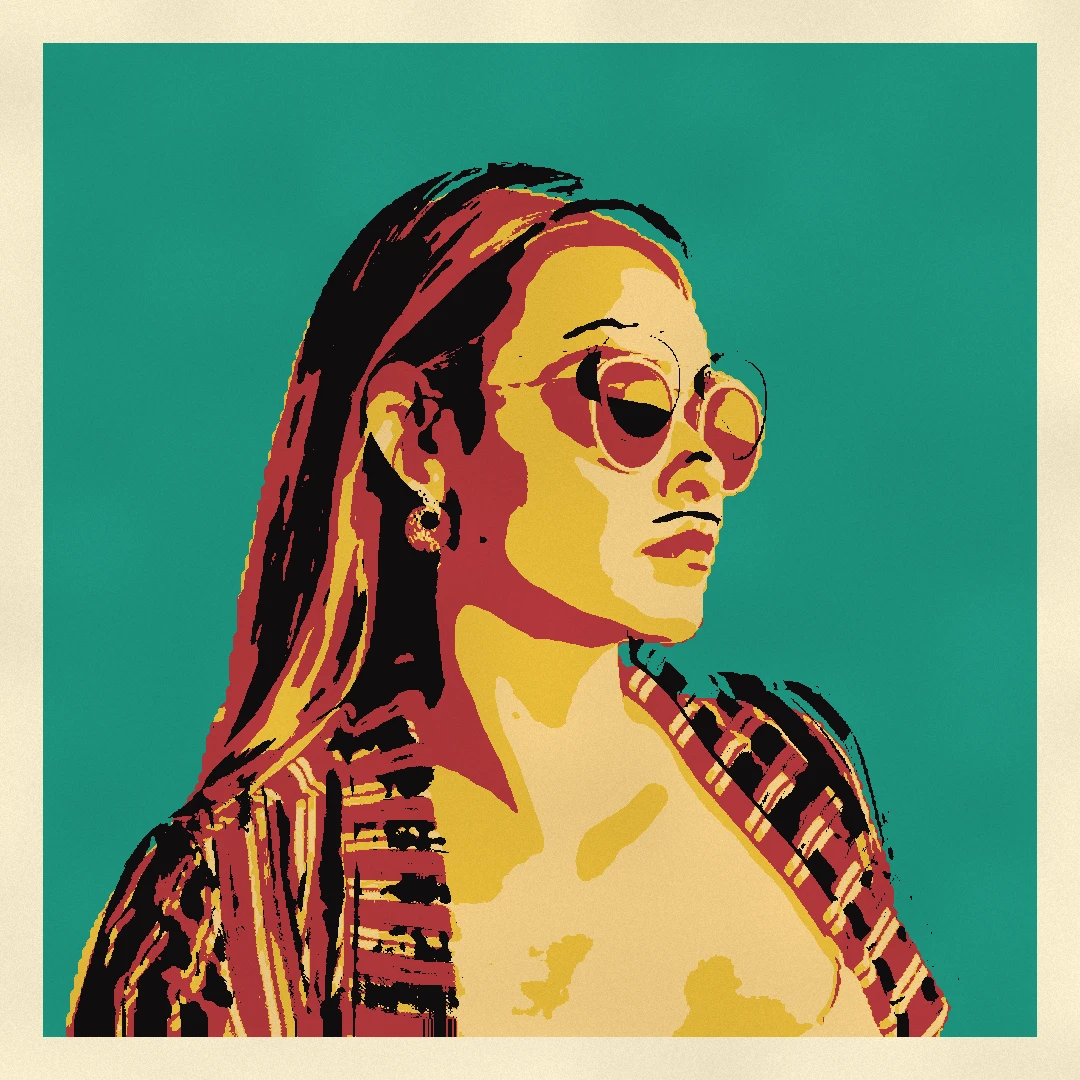
Pop-art-fotofilter
Maak van een foto pop-art in je browser: Lichtenstein-strips met Ben-Day-stippen en een WHAAM!-explosie, Warhol-zeefdrukrasters, CMYK-rasterdruk, Riso-duotonen en popstickers.

Artistieke effecten
Transformeer foto's met olieverf, aquarel, potlood, stripinkt, pastelkleuren, uitgesneden papier en andere studiokunstlooks.
Klaar om het te proberen?
Open PictorX in uw browser - geen installatie, geen creditcard vereist om te starten.
Ga naar Editor