

Probeer hieronder een kleurenlook, of open je eigen afbeelding.
Tritoon effect
Open a photo and apply Tritoon in PictorX. This look is part of Elektrische droomfilters—adjust the settings on this page, then keep editing with layers, text, and other effects in the same workspace. Probeer hieronder een kleurenlook, of open je eigen afbeelding.
Hoe het werkt
- Open this page and try Tritoon on the sample, or open your own photo.
- Tune the Tritoon settings, or switch to another look in Elektrische droomfilters.
- Save the result, or keep editing with layers, text, and other effects in PictorX.
What the Tritoon effect does
Tritoon is one of the looks in PictorX Elektrische droomfilters. Apply it in your browser, then keep working in the same project—crop, type, or add another effect without starting over. Nothing is uploaded for this effect.
More looks in Elektrische droomfilters
This page opens Elektrische droomfilters with Tritoon already selected. Switch looks on the demo to compare styles, or open the full Elektrische droomfilters page to browse every option in the set.
Looks in this set
Veelgestelde vragen
Is the Tritoon effect free?
Yes. Open this page in a modern browser to try Tritoon as part of the free PictorX editing workflow.
Can I keep editing after I apply Tritoon?
Yes. Apply Tritoon, then keep using layers, text, and other PictorX tools in the same workspace.
How do I open Tritoon from Elektrische droomfilters?
This page loads Elektrische droomfilters with Tritoon selected. You can also open Elektrische droomfilters and choose Tritoon from the looks.
Gerelateerde gereedschappen
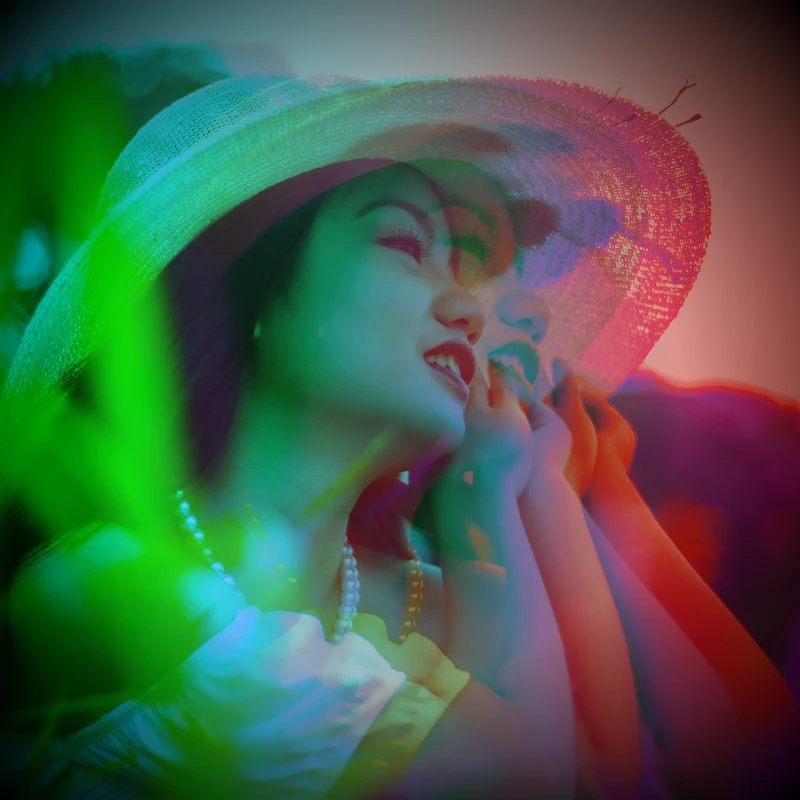
Elektrische droomfilters
Geef foto's een cinematografische glow-up via Effecten → Kleur. Gebruik PictorX gratis in je browser, zonder software te installeren.
Kleuren inverteren effect
Apply a Kleuren inverteren effect to photos free in your browser. Open the Elektrische droomfilters tools, tune the look, and keep editing in PictorX. No install.
Kleurtoon effect
Apply a Kleurtoon effect to photos free in your browser. Open the Elektrische droomfilters tools, tune the look, and keep editing in PictorX. No install.
Holga1 effect
Apply a Holga1 effect to photos free in your browser. Open the Elektrische droomfilters tools, tune the look, and keep editing in PictorX. No install.
Holga2 effect
Apply a Holga2 effect to photos free in your browser. Open the Elektrische droomfilters tools, tune the look, and keep editing in PictorX. No install.
Warmtekaart effect
Apply a Warmtekaart effect to photos free in your browser. Open the Elektrische droomfilters tools, tune the look, and keep editing in PictorX. No install.
Holografisch effect
Apply a Holografisch effect to photos free in your browser. Open the Elektrische droomfilters tools, tune the look, and keep editing in PictorX. No install.
Kleuren
Hoe kleur werkt op schermen en in druk: RGB, CMYK, HSL, hex, kleurenwiel, verlopen, contrast en PictorX-tools.
Klaar om het te proberen?
Open PictorX in uw browser - geen installatie, geen creditcard vereist om te starten.
Ga naar Editor