

Thử kiểu tilt-shift bên dưới, hoặc mở ảnh của bạn.
Tilt-Shift effect
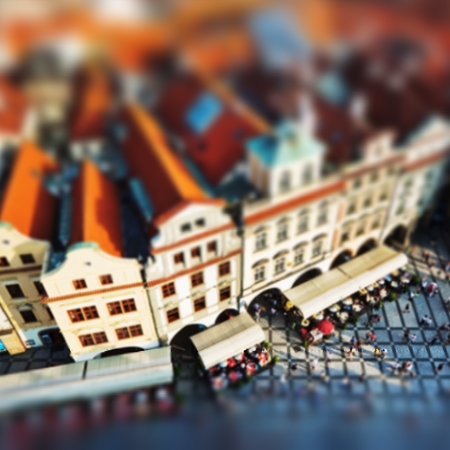
Open a photo and apply Tilt-Shift in PictorX. This look is part of Tilt-Shift—adjust the settings on this page, then keep editing with layers, text, and other effects in the same workspace. Thử kiểu tilt-shift bên dưới, hoặc mở ảnh của bạn.
Cách nó hoạt động
- Open this page and try Tilt-Shift on the sample, or open your own photo.
- Tune the Tilt-Shift settings, or switch to another look in Tilt-Shift.
- Save the result, or keep editing with layers, text, and other effects in PictorX.
What the Tilt-Shift effect does
Tilt-Shift is one of the looks in PictorX Tilt-Shift. Apply it in your browser, then keep working in the same project—crop, type, or add another effect without starting over.
More looks in Tilt-Shift
This page opens Tilt-Shift with Tilt-Shift already selected. Switch looks on the demo to compare styles, or open the full Tilt-Shift page to browse every option in the set.
Looks in this set
Công cụ liên quan
Sẵn sàng thử chưa?
Mở PictorX trong trình duyệt — không cần cài đặt, không cần thẻ tín dụng để bắt đầu.
Tới trình chỉnh sửa