
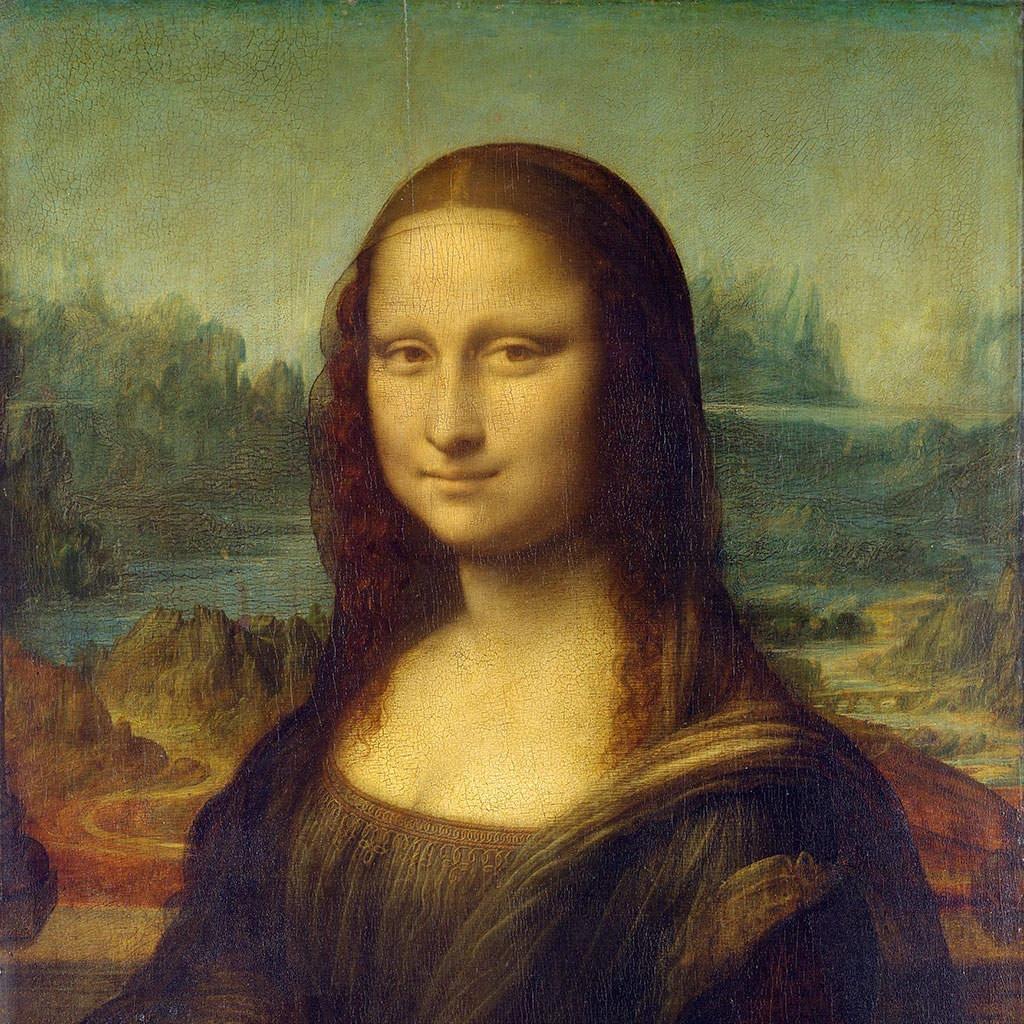
Thử kiểu điểm ảnh hóa bên dưới, hoặc mở ảnh của bạn.
Hình sáu cạnh effect
Open a photo and apply Hình sáu cạnh in PictorX. This look is part of Hiệu ứng điểm ảnh—adjust the settings on this page, then keep editing with layers, text, and other effects in the same workspace. Thử kiểu điểm ảnh hóa bên dưới, hoặc mở ảnh của bạn.
Cách nó hoạt động
- Open this page and try Hình sáu cạnh on the sample, or open your own photo.
- Tune the Hình sáu cạnh settings, or switch to another look in Hiệu ứng điểm ảnh.
- Save the result, or keep editing with layers, text, and other effects in PictorX.
What the Hình sáu cạnh effect does
Hình sáu cạnh is one of the looks in PictorX Hiệu ứng điểm ảnh. Apply it in your browser, then keep working in the same project—crop, type, or add another effect without starting over.
More looks in Hiệu ứng điểm ảnh
This page opens Hiệu ứng điểm ảnh with Hình sáu cạnh already selected. Switch looks on the demo to compare styles, or open the full Hiệu ứng điểm ảnh page to browse every option in the set.
Looks in this set
Công cụ liên quan
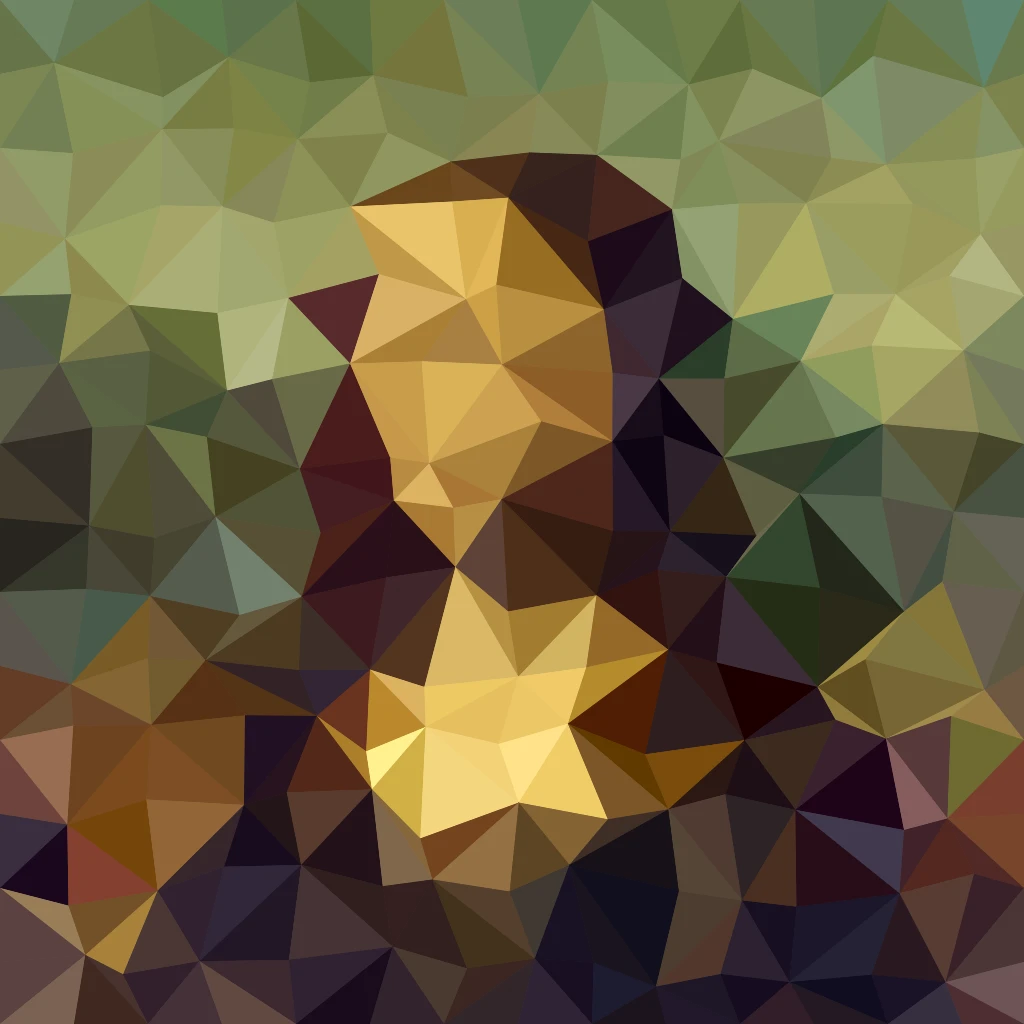
Hiệu ứng điểm ảnh
Biến những bức ảnh thành những mảnh ghép, hình lục giác, tinh thể, nghệ thuật tầm thường, một nửa chấm, và bảng màu trò chơi ngược.
Hiệu ứng mosaic (khảm) cho ảnh
Biến ảnh thành tranh khảm online miễn phí: đặt kích thước ô từ 1 đến 400 px, thêm lưới hoặc chấm, hoặc thử Lục giác, Kết tinh và Low Poly. Lưu PNG.
Hiệu ứng kết tinh (Crystallize)
Tạo cho ảnh vẻ đa diện như pha lê online. Kết tinh vẽ lại ảnh thành lưới tam giác màu phẳng. Đặt Kích cỡ ô và lưu ảnh.
Tranh low poly từ ảnh
Biến ảnh thành tranh low poly online: tam giác, hình chữ nhật hoặc đa giác màu phẳng, có thể kèm đường cạnh. Đặt Kích cỡ ô, Rung và Hình dạng.
Khảm Mondrian effect
Apply a Khảm Mondrian effect to photos free in your browser. Open the Hiệu ứng điểm ảnh tools, tune the look, and keep editing in PictorX. No install.
Bán sắc màu effect
Apply a Bán sắc màu effect to photos free in your browser. Open the Hiệu ứng điểm ảnh tools, tune the look, and keep editing in PictorX. No install.
Hiệu ứng lưới chấm (Dot Screen)
Biến ảnh thành lưới chấm bán sắc hai màu online. Đặt Góc và Kích cỡ ô của các chấm, rồi chọn màu mực và màu giấy.

Kính vạn hoa
Kính vạn hoa hoạt động thế nào? Phát minh của Brewster và cái tên gốc Hy Lạp, cách gương tạo hoa văn, buồng chứa và teleidoscope, và bộ lọc kính vạn hoa số.
Sẵn sàng thử chưa?
Mở PictorX trong trình duyệt — không cần cài đặt, không cần thẻ tín dụng để bắt đầu.
Tới trình chỉnh sửa