
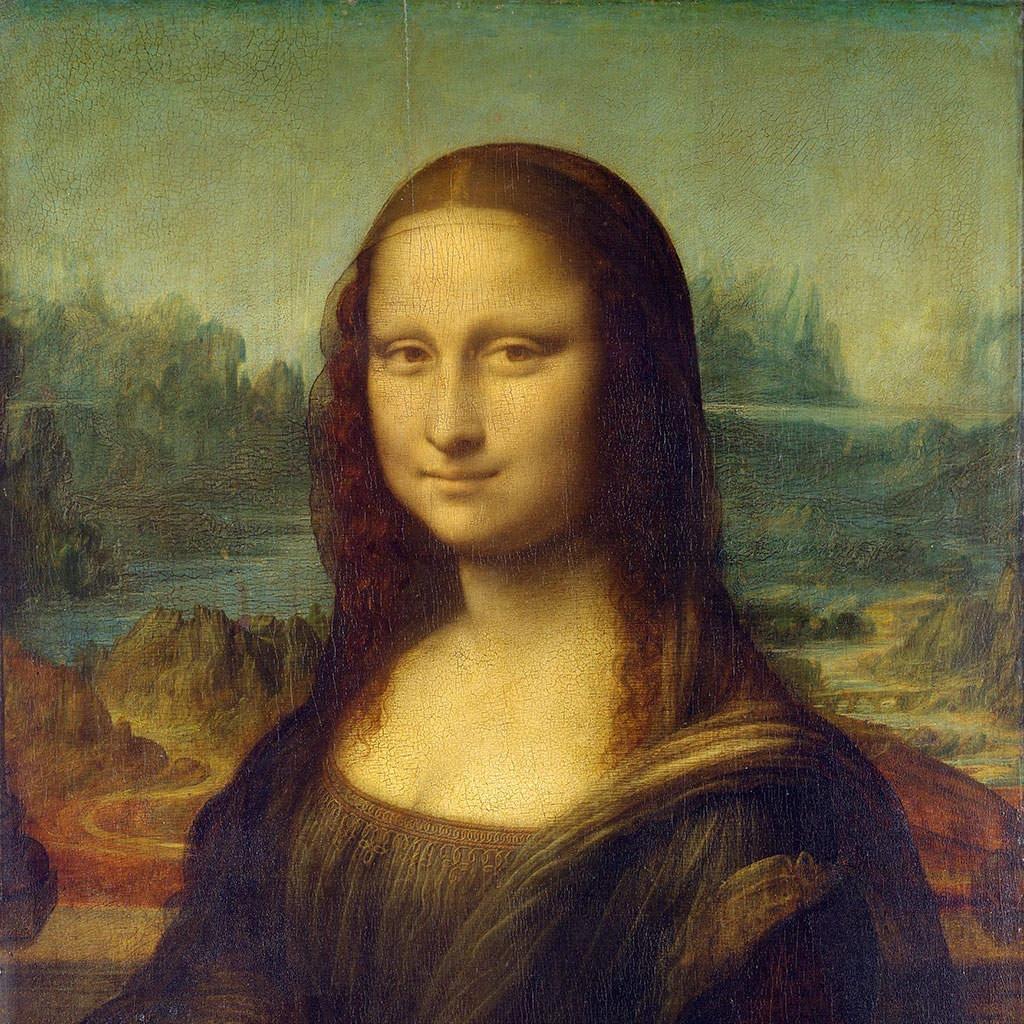
Wypróbuj pikselowy wygląd poniżej lub otwórz własne zdjęcie.
Sześciokąty effect
Open a photo and apply Sześciokąty in PictorX. This look is part of Efekty pikselizacji—adjust the settings on this page, then keep editing with layers, text, and other effects in the same workspace. Wypróbuj pikselowy wygląd poniżej lub otwórz własne zdjęcie.
Jak to działa
- Open this page and try Sześciokąty on the sample, or open your own photo.
- Tune the Sześciokąty settings, or switch to another look in Efekty pikselizacji.
- Save the result, or keep editing with layers, text, and other effects in PictorX.
What the Sześciokąty effect does
Sześciokąty is one of the looks in PictorX Efekty pikselizacji. Apply it in your browser, then keep working in the same project—crop, type, or add another effect without starting over.
More looks in Efekty pikselizacji
This page opens Efekty pikselizacji with Sześciokąty already selected. Switch looks on the demo to compare styles, or open the full Efekty pikselizacji page to browse every option in the set.
Looks in this set
Powiązane narzędzia
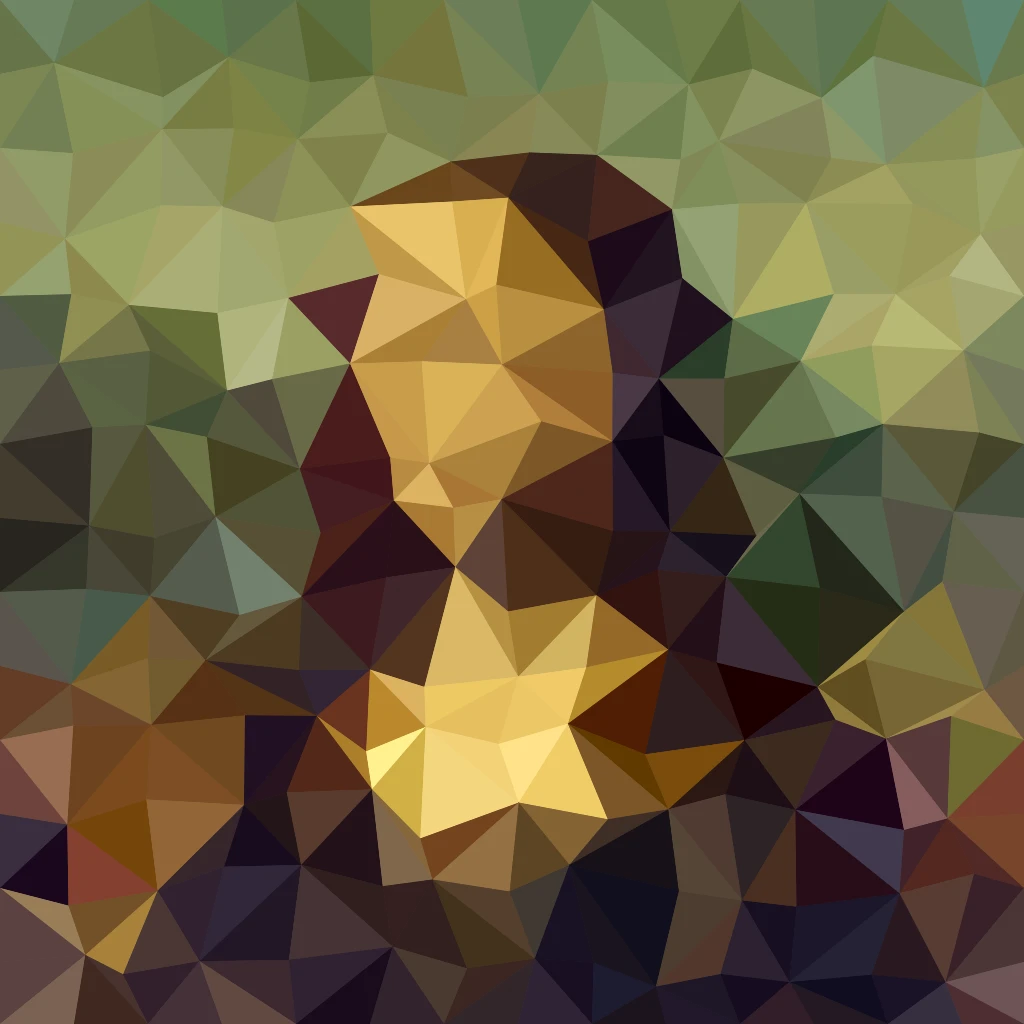
Efekty pikseliacji
Zamień zdjęcia w mozaiki, sześciokąty, kryształy, grafikę low-poly, kropki rastrowe i palety salonów gier w stylu retro.
Efekt mozaiki na zdjęciu
Zamień zdjęcie w mozaikę online za darmo: kafelki od 1 do 400 px, siatka lub kropki, a do tego efekty Sześciokąty i Krystalizacja. Zapisz jako PNG.
Efekt krystalizacji
Nadaj zdjęciu fasetowany, kryształowy wygląd online. Krystalizacja rysuje je jako siatkę jednolitych trójkątów. Ustaw Rozmiar komórki i zapisz obraz.
Sztuka low poly ze zdjęcia
Zamień zdjęcie w sztukę low poly online: jednolite trójkąty, prostokąty lub wielokąty z opcjonalnymi liniami krawędzi. Ustaw Rozmiar komórki, Drżenie i Kształt.
Mozaika Mondriana effect
Apply a Mozaika Mondriana effect to photos free in your browser. Open the Efekty pikselizacji tools, tune the look, and keep editing in PictorX. No install.
Kolorowy półton effect
Apply a Kolorowy półton effect to photos free in your browser. Open the Efekty pikselizacji tools, tune the look, and keep editing in PictorX. No install.
Efekt Siatka punktowa
Zamień zdjęcie w dwukolorowy raster półtonowy online. Ustaw Kąt i Rozmiar komórki kropek oraz wybierz kolor farby i papieru.

Kalejdoskopach
Jak działa kalejdoskop? Wynalazek Brewstera i jego grecka nazwa, jak lustra tworzą wzory, komórki i teleidoskopy oraz cyfrowe filtry kalejdoskopowe.
Chcesz wypróbować?
Otwórz PictorX w swojej przeglądarce — do uruchomienia nie jest wymagana żadna instalacja ani karta kredytowa.
Przejdź do edytora