

Thử kiểu màu bên dưới, hoặc mở ảnh của bạn.
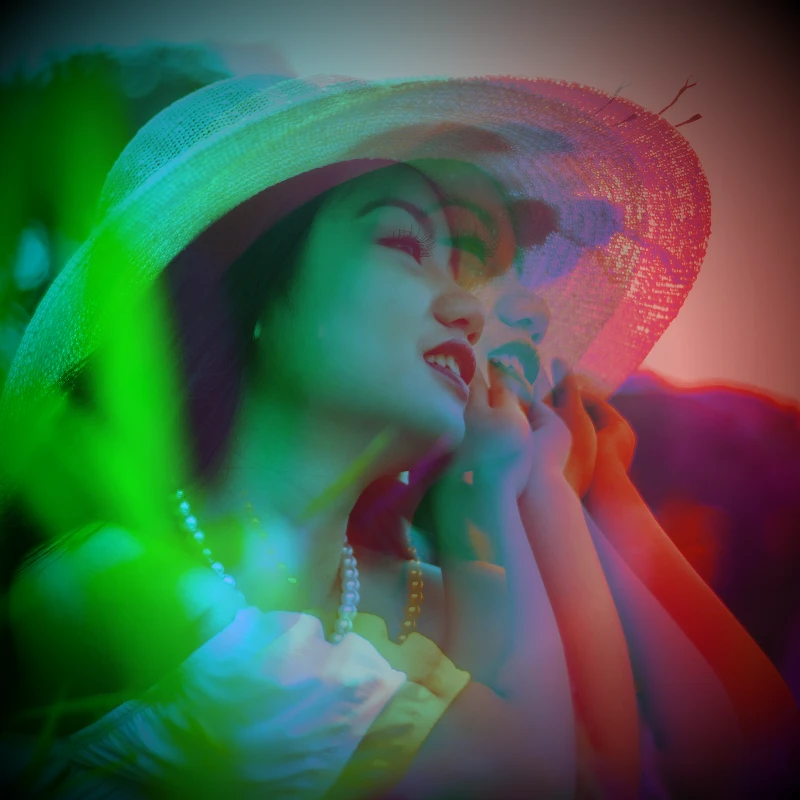
Hai tông effect
Open a photo and apply Hai tông in PictorX. This look is part of Hiệu ứng màu—adjust the settings on this page, then keep editing with layers, text, and other effects in the same workspace. Thử kiểu màu bên dưới, hoặc mở ảnh của bạn.
Cách nó hoạt động
- Open this page and try Hai tông on the sample, or open your own photo.
- Tune the Hai tông settings, or switch to another look in Hiệu ứng màu.
- Save the result, or keep editing with layers, text, and other effects in PictorX.
What the Hai tông effect does
Hai tông is one of the looks in PictorX Hiệu ứng màu. Apply it in your browser, then keep working in the same project—crop, type, or add another effect without starting over.
More looks in Hiệu ứng màu
This page opens Hiệu ứng màu with Hai tông already selected. Switch looks on the demo to compare styles, or open the full Hiệu ứng màu page to browse every option in the set.
Looks in this set
Công cụ liên quan
Hiệu ứng màu
Đổi màu ảnh từ Hiệu ứng → Màu với viền neon, bản đồ nhiệt và bảng hai hoặc ba màu.
Đảo màu ảnh online
Đảo màu ảnh bất kỳ online: đen thành trắng, đỏ thành cyan và mọi màu chuyển sang màu đối nghịch. Độ trong suốt được giữ nguyên.
Phủ màu cho ảnh
Phủ màu (color tint) cho ảnh online với màu bất kỳ. Chọn màu, đặt cường độ và tạo vẻ xanh lạnh, hổ phách ấm hoặc như nhìn qua kính màu.
Holga1 effect
Apply a Holga1 effect to photos free in your browser. Open the Hiệu ứng màu tools, tune the look, and keep editing in PictorX. No install.
Holga2 effect
Apply a Holga2 effect to photos free in your browser. Open the Hiệu ứng màu tools, tune the look, and keep editing in PictorX. No install.
Hiệu ứng ảnh bản đồ nhiệt
Biến ảnh thành bản đồ nhiệt online: vùng tối thành xanh lam, tông trung thành lục và vàng, vùng sáng thành đỏ, như ảnh camera nhiệt.
Bộ lọc ảnh hologram
Thêm lớp giấy bạc cầu vồng hologram cho ảnh hoặc PNG nền trong suốt online. Đặt cường độ để có vẻ sticker hoặc thẻ bóng loáng, óng ánh.
Màu sắc
Màu sắc hoạt động thế nào trên màn hình và bản in? Ánh sáng và pha màu, RGB, CMYK, HSL và HSV, mã hex, bánh xe màu, dải chuyển màu, độ tương phản và tiếp cận.
Sẵn sàng thử chưa?
Mở PictorX trong trình duyệt — không cần cài đặt, không cần thẻ tín dụng để bắt đầu.
Tới trình chỉnh sửa