
How a code picture is made
A code picture is a still of a snippet, coloured so the shape of the code is easy to see. It is meant for a slide, a post, or a note.
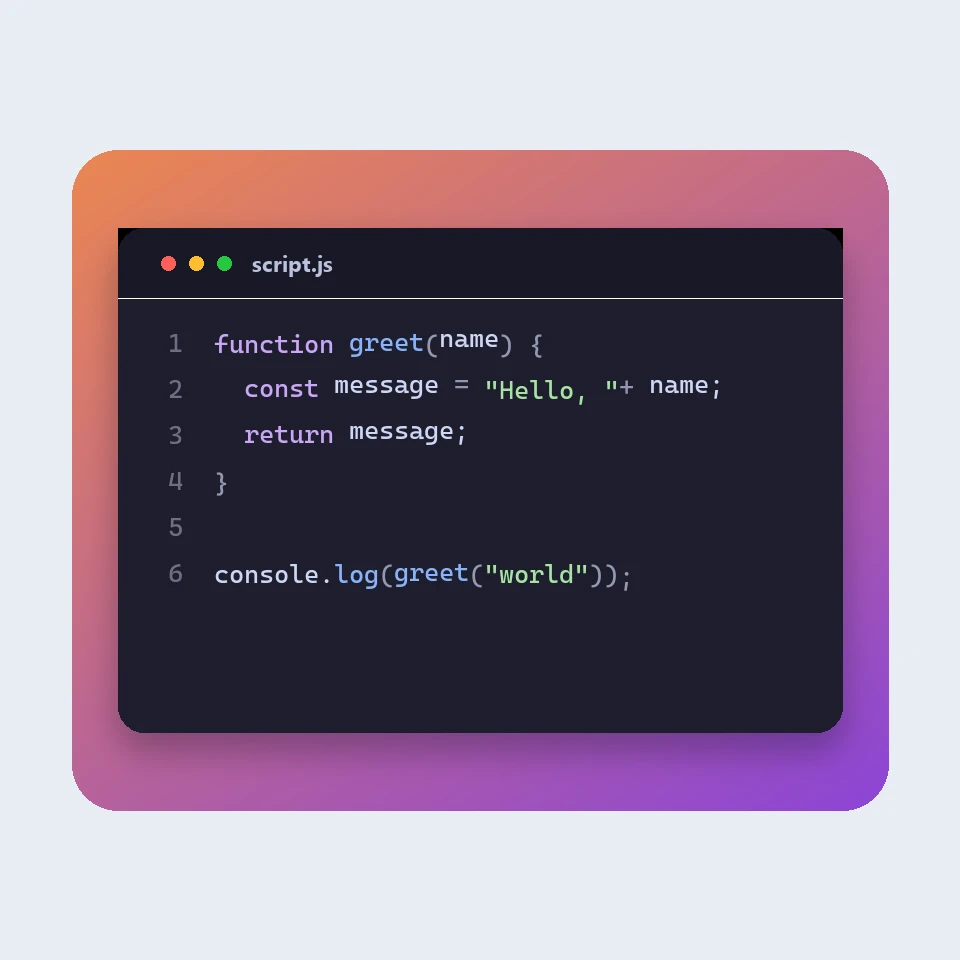
A picture, not a program
The app does not compile or run what you paste. It colours the text the way a code editor does: comments, strings, numbers, and the words a language treats as keywords. That is enough for a reader to see the structure. It is not a check that the code is correct.
What gets a colour
Comments and strings are drawn in their own colours, so a note in the code and a piece of text stay distinct. Numbers, and names that are followed by parentheses, do too. A word that starts with a capital, such as String or Person, is marked when the language uses that pattern. Plain text is left uncoloured, which suits a note that is not code.
The frame around it
A window frame adds the three dots and a title, so the picture looks like an editor on a slide. Plain leaves only the code card. The backdrop is the colour behind the card: none, or a gradient. Line numbers help when you talk through a snippet. Padding and the type size change how much air the picture has.
Keeping the snippet
The last snippet and the look you chose stay in this browser. Save downloads a PNG. Save as JSON keeps the snippet and the settings in a file you can open later. Nothing is uploaded.
Поширені запитання
Чи виконується мій код?
Ні. Застосунок лише малює фрагмент. Кольори відповідають звичним групам, які використовує редактор коду. Вони не означають, що код було перевірено.
Що відбувається з довгими рядками та довгими фрагментами?
Рядок, ширший за зображення, переноситься на наступний рядок, і коли ввімкнено «Номери рядків», перенесена частина не отримує власного номера, тож номери все одно збігаються з вашим редактором. Одне зображення вміщує щонайбільше 100 рядків. Для слайда 10–20 рядків із більшим «Розміром» набагато легше прочитати з останнього ряду зали.
Які мови підсвічуються кольорами?
JavaScript, TypeScript, Python, C#, Java, C++, Go, Rust, HTML, CSS, JSON, SQL і Bash. Будь-що інше можна показати як звичайний текст. Навіть мова зі списку використовує візуальну тему, а не повноцінний синтаксичний аналізатор.
Схожі інструменти
Code to Image
Turn a code snippet into a picture with a language theme, a window frame and a backdrop, then save a PNG for a slide or a post.
Інструмент форматування JSON
Безкоштовний інструмент форматування та перевірки JSON: форматуйте або мінімізуйте JSON, знаходьте точний рядок і стовпець помилки, сортуйте ключі, переглядайте дерево, що згортається, копіюйте шляхи й перетворюйте масиви в CSV — усе у вашому браузері.
Редактор Markdown
Безкоштовний онлайн-редактор Markdown із попереднім переглядом наживо: розділений вигляд із синхронним прокручуванням, таблиці та списки завдань у стилі GitHub, підсвічування коду, панель форматування, режим фокусування, лічильник слів і час читання, автозбереження й завантаження у форматі .md або .html.
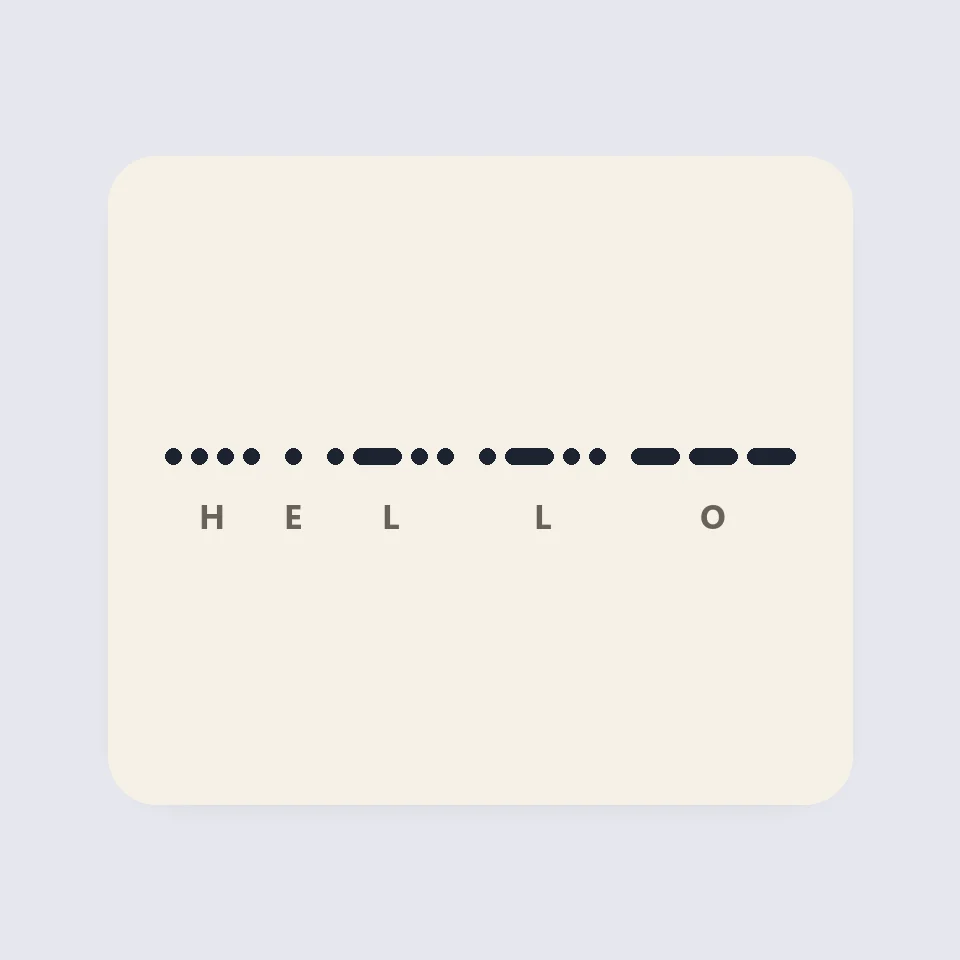
Visual Morse Code
Turn text into a Morse code design of dots and dashes. Play it as a flashing lamp, copy the code, and save a card for a lesson, a note, or a page.
Історія інструменту форматування JSON
Звідки взявся JSON? Дуглас Крокфорд і json.org 2001 року, чому в JSON немає коментарів, RFC 8259 та ECMA-404, підводні камені точності чисел і JSONPath.
Готові спробувати?
Відкрийте PictorX у браузері — без встановлення і без кредитної картки.
Open Code to Image