
How a code picture is made
A code picture is a still of a snippet, coloured so the shape of the code is easy to see. It is meant for a slide, a post, or a note.
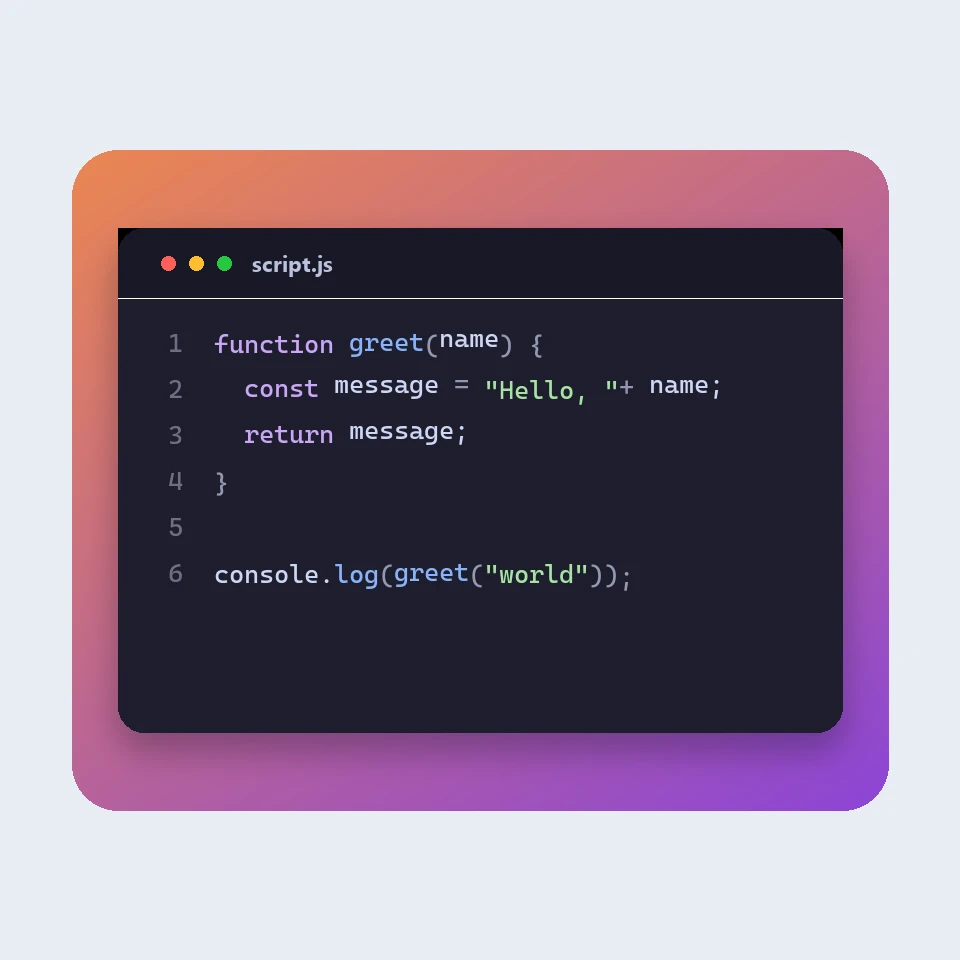
A picture, not a program
The app does not compile or run what you paste. It colours the text the way a code editor does: comments, strings, numbers, and the words a language treats as keywords. That is enough for a reader to see the structure. It is not a check that the code is correct.
What gets a colour
Comments and strings are drawn in their own colours, so a note in the code and a piece of text stay distinct. Numbers, and names that are followed by parentheses, do too. A word that starts with a capital, such as String or Person, is marked when the language uses that pattern. Plain text is left uncoloured, which suits a note that is not code.
The frame around it
A window frame adds the three dots and a title, so the picture looks like an editor on a slide. Plain leaves only the code card. The backdrop is the colour behind the card: none, or a gradient. Line numbers help when you talk through a snippet. Padding and the type size change how much air the picture has.
Keeping the snippet
The last snippet and the look you chose stay in this browser. Save downloads a PNG. Save as JSON keeps the snippet and the settings in a file you can open later. Nothing is uploaded.
Ofta ställda frågor
Does this run my code?
No. It only draws the snippet. The colours follow the usual groups an editor uses. They do not mean the code was checked.
Is my code uploaded?
No. The picture is drawn in your browser, and the last snippet stays there. A JSON file is saved only when you ask for one.
Which languages are coloured?
JavaScript, TypeScript, Python, C#, Java, C++, Go, Rust, HTML, CSS, JSON, SQL and Bash. Anything else can be shown as plain text. A language that is listed still uses a visual theme, not a full parser.
Relaterade verktyg
Code to Image
Turn a code snippet into a picture with a language theme, a window frame and a backdrop, then save a PNG for a slide or a post.
JSON-formaterare
Gratis JSON-formaterare och validerare: snygga till eller minimera JSON, hitta rad och kolumn för ett fel, sortera nycklar, bläddra i ett träd, kopiera sökvägar och konvertera arrayer till CSV, allt i webbläsaren.
Markdown-redigerare
En gratis Markdown-redigerare online med direkt förhandsvisning: delad vy med synkroniserad rullning, tabeller och uppgiftslistor som på GitHub, kodmarkering, formateringsfält, fokusläge, ordräkning och lästid, automatisk sparning och nedladdning som .md eller .html.
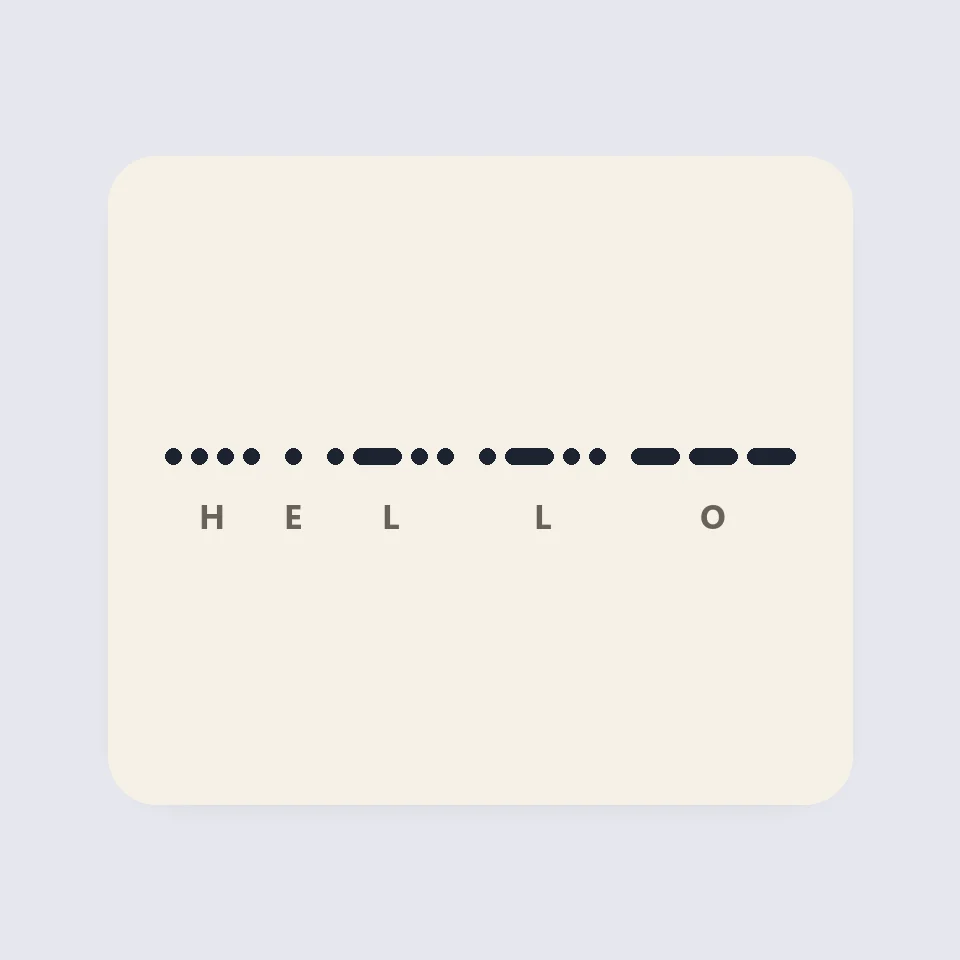
Visual Morse Code
Turn text into a Morse code design of dots and dashes. Play it as a flashing lamp, copy the code, and save a card for a lesson, a note, or a page.
Historien bakom JSON-formateraren
Var kommer JSON ifrån? Douglas Crockford och json.org 2001, varför JSON saknar kommentarer, RFC 8259 och ECMA-404, fallgropar med talprecision och JSONPath.
Redo att prova det?
Öppna PictorX i din webbläsare - ingen installation, inget kreditkort krävs för att starta.
Open Code to Image