
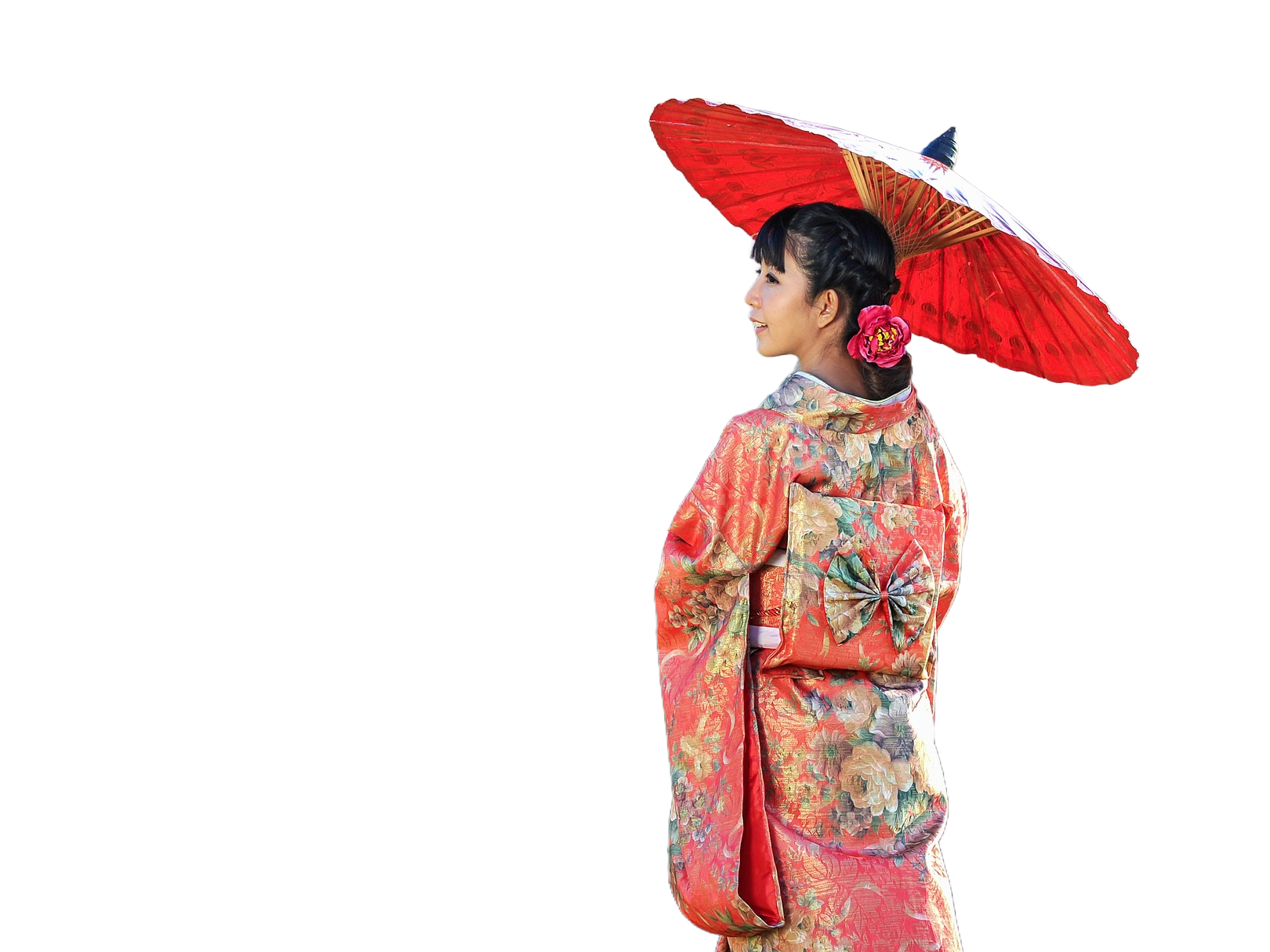
Перетворіть фото на японську гравюру на дереві — «Велика хвиля» Хокусая, дощ Хіросіґе, Утамаро, Шараку чи Кунійосі — виберіть «Стиль» і «Палітру», а потім налаштуйте «Бокасі» й «Товщину ліній».
Фотофільтр у стилі укійо-е
In the Edo period, Japanese woodblock prints showed the "floating world": courtesans and kabuki actors, famous views, warriors, birds and flowers. Each print was a team effort—the artist drew the design, the carver cut a cherry-wood block for every colour, and the printer pressed them by hand onto washi paper. This filter does the same to your photo: it cuts it into flat blocks of Edo pigment with a black key-block outline, adds bokashi gradations, wood grain and paper, and sets it in a scene after Hokusai, Hiroshige, Utamaro, Sharaku, Kuniyoshi, Harunobu or Hasui, or prints it as a surimono with gold and embossing. All processed on-device. Перетворіть фото на японську гравюру на дереві — «Велика хвиля» Хокусая, дощ Хіросіґе, Утамаро, Шараку чи Кунійосі — виберіть «Стиль» і «Палітру», а потім налаштуйте «Бокасі» й «Товщину ліній».
Як це працює
- Open PictorX in your browser and load a photo — portraits with a clear subject work best.
- Choose Ukiyo-e, then pick a Style (Hokusai, Hiroshige, Utamaro, Sharaku, Kuniyoshi, Birds and Flowers, Red Fuji, Snow, Harunobu, Hasui or Surimono) and a Palette, and adjust Line Weight, Ornament, Detail, Bokashi and Cartouche.
- Export the print, or keep editing with layers and other effects in the same workspace.
Six kinds of print in one filter
Hokusai sets the subject before the Great Wave, with claw-like foam, spray and a small Mount Fuji. Hiroshige stands it on a wooden bridge over a river in a sudden shower of slanting rain. Utamaro prints it as a bijin-ga beauty, with pale skin, fine lines and patterned robes on a shimmering mica ground, and Sharaku as a kabuki actor in bold lines on dark mica. Kuniyoshi turns it into a musha-e warrior print with patterned clothes before swirling clouds, and Birds and Flowers sets it beside a flowering plum branch with a small bird.
Red Fuji, snow, Harunobu, Hasui and surimono
Five more styles follow other famous prints. Red Fuji sets the subject before the red mountain of Hokusai's "Fine Wind, Clear Morning", under a blue sky with rows of mackerel clouds and a dark forest at its foot. Snow follows Hiroshige's "Evening Snow at Kambara": snow-laden hills, roofs and bare trees under a dark sky, with flakes falling and snow settling on the subject's head and shoulders. Harunobu prints it in the soft colours of the first full-colour prints, before a shoji screen, a veranda and willow, with blind embossing (karazuri) pressed into the pale parts. Hasui follows Kawase Hasui's shin-hanga nights: softer, deeper shading in cool moonlight, a full moon over still water, pines and a glowing stone lantern. Surimono imitates the luxurious prints that poetry circles commissioned privately, with mist bands of gold dust, gold and silver pigment that catches the light, embossing and columns of poems.
Blocks, lines, bokashi and paper
As in a real print, the photo is cut into a few flat blocks of colour, each printed a little out of register, with a black key block on top. Line Weight sets the key-block lines; Ornament controls the foam and spray, the rain and snow, the mica glints, the clouds, the blossoms, the gold and the depth of the embossing; Detail sets how closely the blocks follow the photo; and Bokashi sets the gradations—the dark band of the sky and the soft shading inside each block. Palette chooses the pigments—Edo, Photo to keep your hues, Indigo for blue aizuri-e prints, Sunset or Faded—and Cartouche adds the title cartouche, signature, red seal and border.
Privacy and keep editing
Processing stays in your browser—photos are not uploaded to PictorX servers for this filter. Turn on Remove background to let the AI find the subject. After Ukiyo-e, continue with layers, text, Art Nouveau, Art Deco, Pop Art, or export.
Поширені запитання
Що робить фільтр «Укійо-е»?
Він перетворює фотографію на японську гравюру на дереві: рівні площини пігментів доби Едо з чорним контуром ключової дошки, градієнти бокасі, текстура деревини й папір васі — в одному з одинадцяти стилів: сцена за мотивами Хокусая, Хіросіґе, Утамаро, Сяраку, Кунійосі, Харунобу чи Хасуї, «Червона Фудзі», сніжний вечір, золоте сурімоно або серед птахів і квітів. Зображення створюється з вашої фотографії, а не копіює якусь музейну гравюру. «Стиль», «Палітра», «Товщина ліній», «Орнамент», «Деталізація», «Бокасі» та «Картуш» формують вигляд.
Що таке укійо-е?
Укійо-е, «картини мінливого світу», — жанр японських гравюр на дереві та живопису, що процвітав із XVII до XIX століття, у період Едо. Він зображував повсякденне життя, театр, пейзажі й популярну культуру: красунь (бідзін-ґа), акторів кабукі (якуся-е), відомі місця (мейсьо-е), воїнів (муся-е), птахів і квіти (катьо-ґа).
Як створювали гравюру на дереві?
Разом працювали четверо: художник (есі) малював ескіз тушшю; різьбяр (хорісі) наклеював його на дошку з вишневого дерева й вирізав усе, крім ліній, — окрему дошку для кожного кольору; друкар (сурісі) наносив фарбу на дошки й вручну відтискав їх на папір васі; а видавець (ханмото) оплачував роботу, стежив за модою й продавав гравюри.
Які фотографії підходять найкраще?
Портрети з одним чітким об'єктом на простому тлі, бо кожен стиль вирізає об'єкт і поміщає його в нову сцену. Увімкніть «Видалити тло», щоб отримати чистіший контур, і збільште «Деталізацію», щоб отримати дрібніші кольорові площини й тонші лінії.
Схожі інструменти
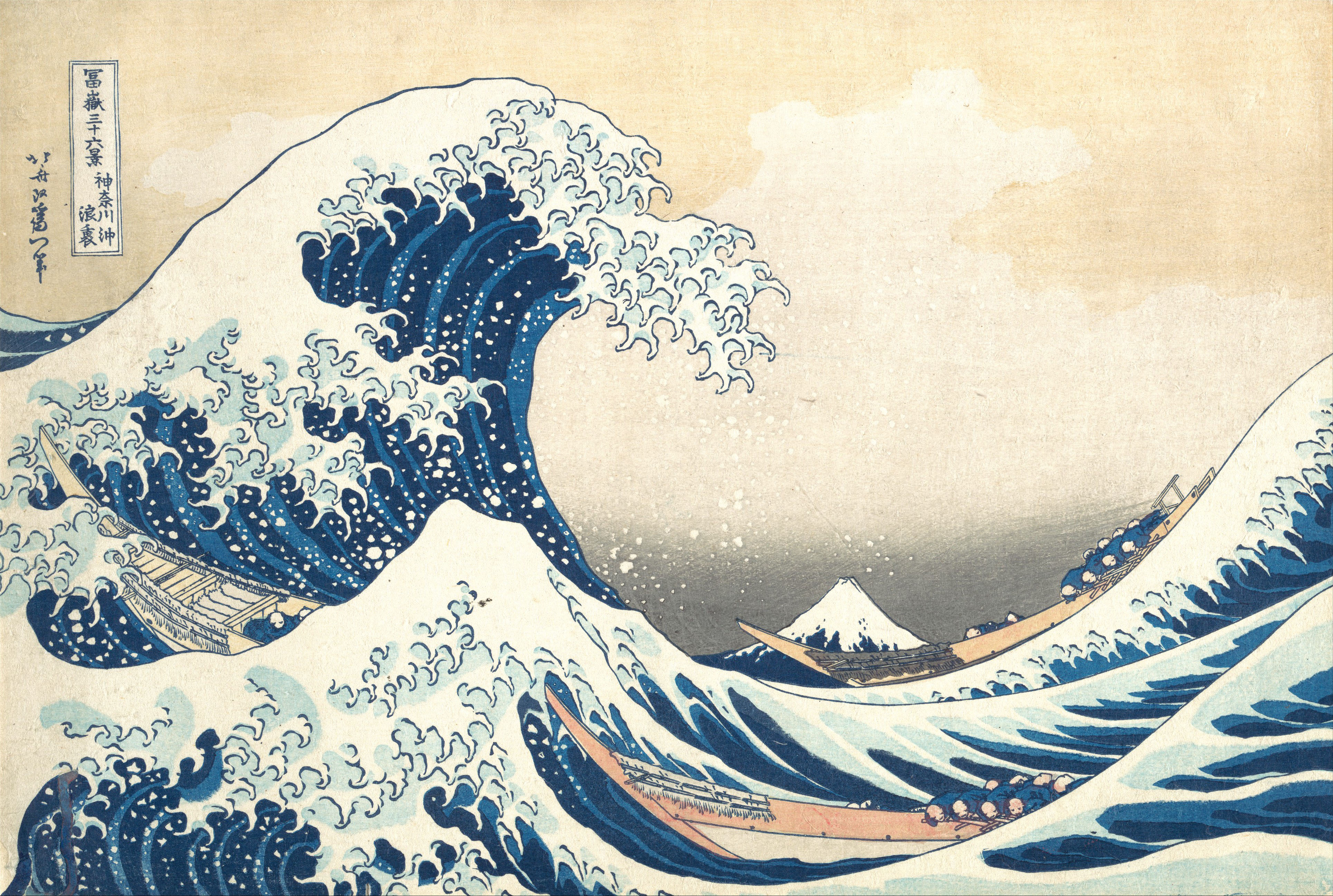
Укійо-е
Що таке укійо-е? «Плинний світ» Едо, як створювали гравюру на дереві, «Велика хвиля» Хокусая, Хіросіґе, Утамаро, Сяраку, Кунійосі та японізм.
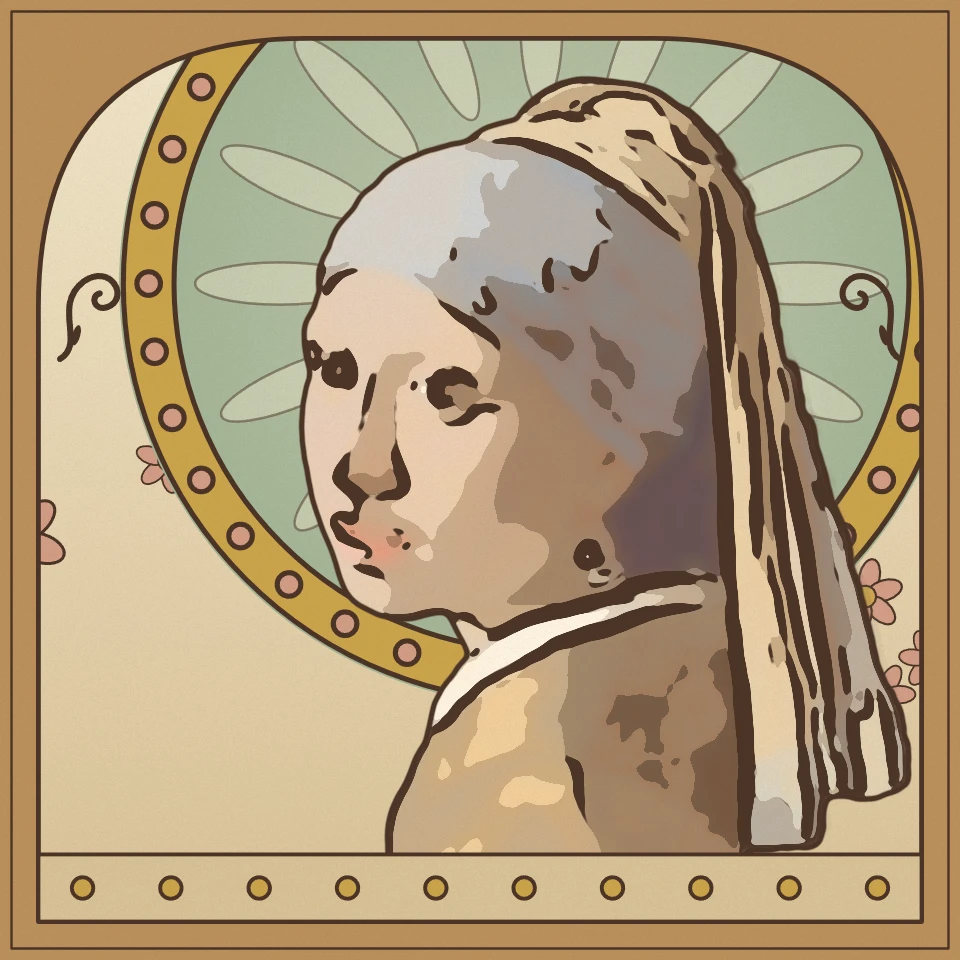
Фотофільтр у стилі ар-нуво
Перетворіть фото на твір у стилі ар-нуво просто в браузері: плакат Мухи з німбом і арковою рамкою, мозаїка Клімта із сусального золота, вітраж Тіффані або чорно-біла туш Бердслі з вигинами у формі удару батога.
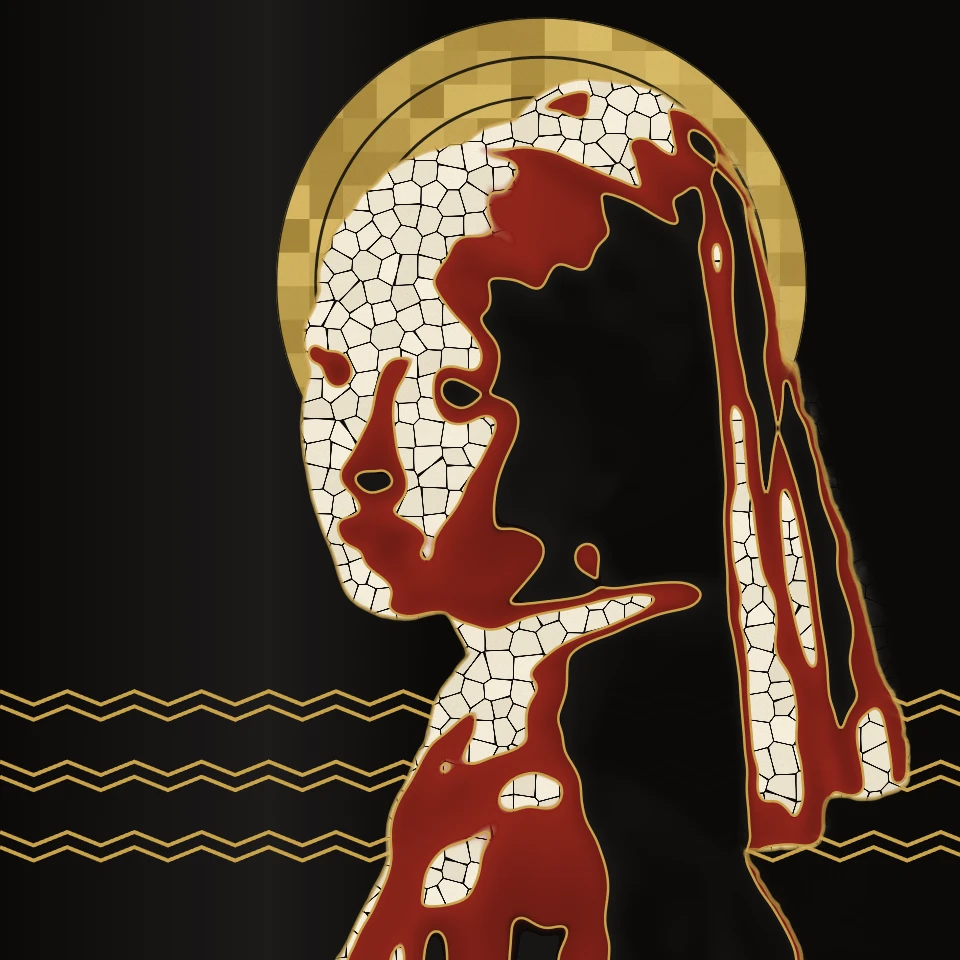
Фотофільтр у стилі ар-деко
Перетворіть фото на твір у стилі ар-деко просто в браузері: плакат у дусі Кассандра із сонячними променями, глянцевий портрет у стилі Лемпицької на тлі хмарочосів, золота гравюра в дусі «Великого Гетсбі» на чорному або хромований стримлайн — у ступінчастій геометричній рамці.
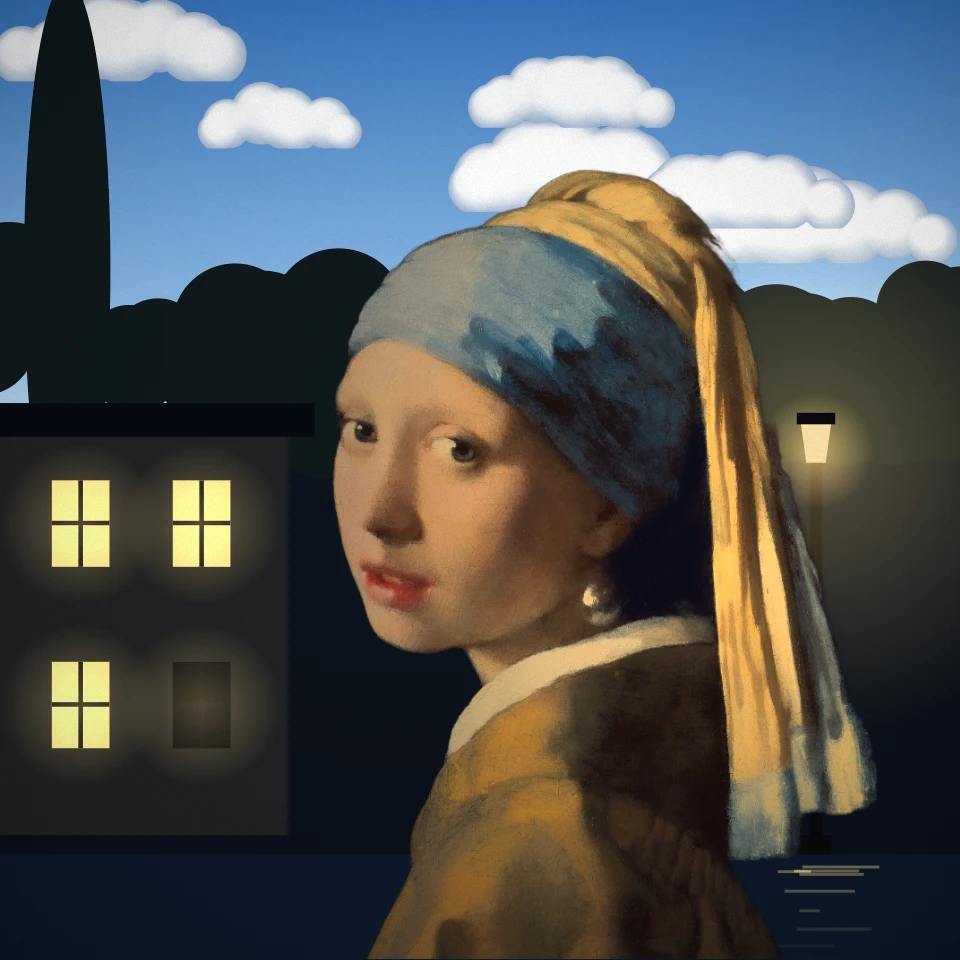
Сюрреалізм, Далі та Магрітт
Перенесіть фото в сюрреалістичний сон просто в браузері: виберіть Сальвадора Далі — для годинників, що плавляться, і довгоногих слонів, Рене Магрітта — для зеленого яблука й котелків, або «Інші» — для Де Кіріко, Ернста, Тангі, Каррінгтон, Варо, Ман Рея та «Вишуканого трупа».
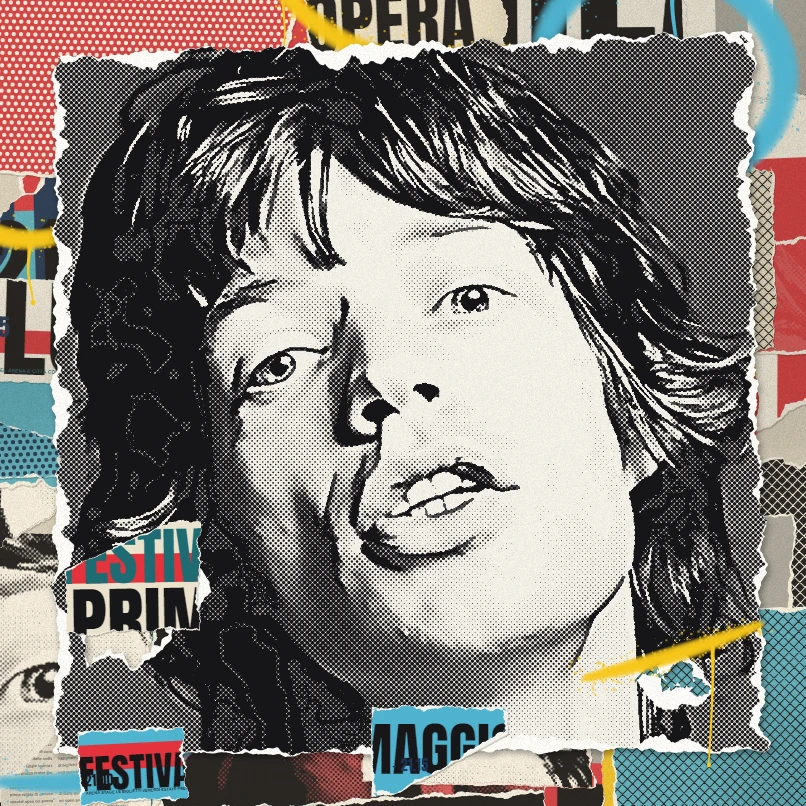
Фотофільтр «Поп-арт»
Перетворіть фото на поп-арт просто в браузері: ретропостер, поп-візерунок, портрет WPAP у веселкових гранях, вуличний колаж, чорнильний сплеск, сусальне золото, силует, сонячні промені чи сітку поп-емблем.
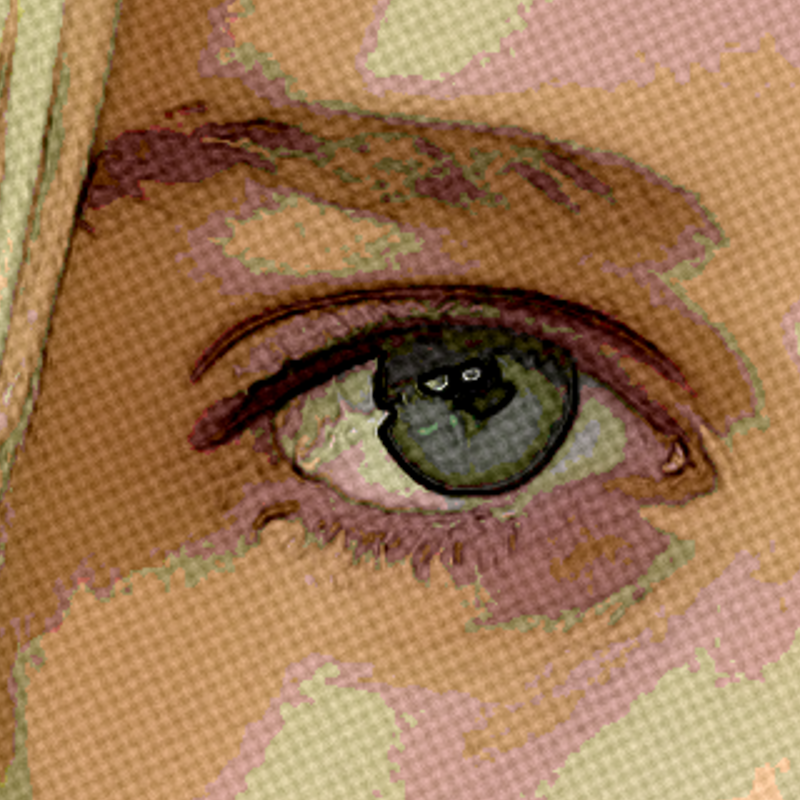
Художні ефекти
Перетворюйте фото на студійні художні роботи: олійний живопис, акварель, олівець, туш у стилі коміксу, пастель, паперова аплікація та інші стилі.
Готові спробувати?
Відкрийте PictorX у браузері — без встановлення і без кредитної картки.
Перейти до редактора