
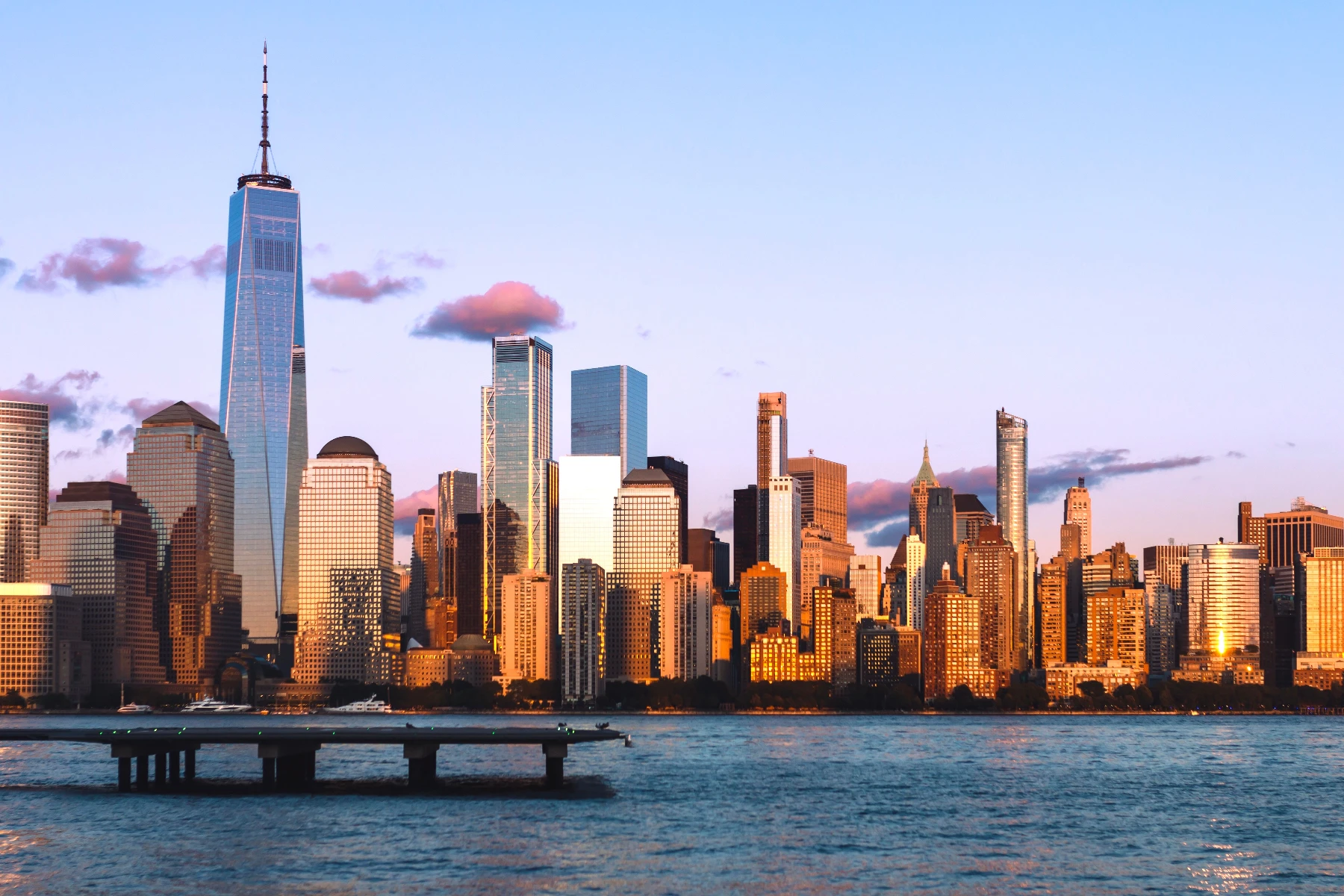
تمويه ذكي effect
Open a photo and apply تمويه ذكي in PictorX. This look is part of التمويه والشحذ—adjust the settings on this page, then keep editing with layers, text, and other effects in the same workspace. جرّب مظهر طمس أو شحذ أدناه، أو افتح صورتك الخاصة.
كيف يعمل
- Open this page and try تمويه ذكي on the sample, or open your own photo.
- Tune the تمويه ذكي settings, or switch to another look in التمويه والشحذ.
- Save the result, or keep editing with layers, text, and other effects in PictorX.
What the تمويه ذكي effect does
تمويه ذكي is one of the looks in PictorX التمويه والشحذ. Apply it in your browser, then keep working in the same project—crop, type, or add another effect without starting over.
More looks in التمويه والشحذ
This page opens التمويه والشحذ with تمويه ذكي already selected. Switch looks on the demo to compare styles, or open the full التمويه والشحذ page to browse every option in the set.
Looks in this set
الأدوات ذات الصلة
طمس وشحذ
قم بتخفيف التركيز باستخدام التمويه الضبابي والحركة والشعاعي والإمالة - أو قم بإعادة التفاصيل باستخدام قناع الوضوح والوضوح.
تمويه غاوسي للصور أونلاين
طبّق التمويه الغاوسي على أي صورة أونلاين. اضبط نصف القطر بالبكسل، وقارن قبل وبعد، واحفظ الصورة بتمويه ناعم ومتساوٍ.
تأثير تمويه الحركة للصور
أضف تمويه الحركة إلى صورتك مجانًا عبر الإنترنت: اضبط «نصف القطر» لطول الخطوط و«الزاوية» لاتجاهها، ثم احفظها PNG. لا حاجة إلى Photoshop.
تأثير التمويه الشعاعي
أضف تمويهًا شعاعيًا (تمويه التكبير) إلى صورتك مجانًا: خطوط تندفع من المركز كأن الكاميرا قرّبت المشهد. اضبط «القوة» و«العينات» واحفظها PNG.
تأثير تمويه العدسة
أضف تمويه العدسة إلى صورتك مجانًا: مظهر ناعم خارج التركيز كعدسة كاميرا بفتحة واسعة. اضبط «نصف القطر» من 1 إلى 500 px واحفظها PNG.
شحذ effect
Apply a شحذ effect to photos free in your browser. Open the التمويه والشحذ tools, tune the look, and keep editing in PictorX. No install.
قناع الشحذ أونلاين
اشحذ صورة أونلاين بقناع الشحذ (Unsharp Mask). اضبط نصف القطر والقوة لتصبح الحواف والتفاصيل أوضح بينما تبقى المساحات المسطحة ناعمة.
الضبابية
كيف تعمل الضبابية؟ شرح Gaussian blur وunsharp mask والضبابية الشعاعية والحركية وtilt-shift وsmart blur وضبابية العدسة، ومتى تستخدم كلًا منها.
هل أنت مستعد لتجربتها؟
افتح PictorX في متصفحك - بدون تثبيت، ولا يلزم وجود بطاقة ائتمان للبدء.
الانتقال إلى المحرر