

सिल्हूट को फ़ोटो से भरें
Replace foreground is the inverse of Replace background. RMBG cuts out the subject on your device. That cutout becomes a mask: a stock-library photo fills the silhouette—cover-scaled, like a landscape inside a person. The area around the shape uses a standard backdrop: solid, linear, radial, transparent, or the original photo. Tune the colors, then keep editing in the same workspace. Open a picture or use the sample, then choose a fill photo.
यह कैसे काम करता है
- Open PictorX in your browser and load a photo with a clear subject—a person, animal, or product works best.
- Choose Replace foreground. On-device AI cuts out the subject, then pick a stock photo to fill the silhouette.
- Tune the backdrop—linear, solid, radial, transparent, or original image—then export or keep editing.
Cut out, then fill the shape
The first step is the same private cutout used by Remove background: RMBG runs on your device, so the photo is not uploaded. The isolated subject is a mask. A stock photo is cover-scaled into that silhouette. Hair, ears, and product edges stay crisp because the fill follows the anti-aliased alpha.
Stock fill, standard backdrop
The library photo lives inside the subject, not behind it. Solid paints a flat backdrop. Linear and radial gradients blend Gradient color 1 into Gradient color 2. Transparent keeps only the filled silhouette for compositing. Original image keeps the photo around the shape. Change the fill photo or the backdrop without running the cutout again.
अक्सर पूछे जाने वाले प्रश्न
What does Replace foreground do?
It cuts the subject out of a photo with on-device AI, fills that silhouette with a stock-library photo, and places the result on a solid color, a linear or radial gradient, a transparent backdrop, or the original image.
How is this different from Replace background?
Replace background keeps the subject and replaces the setting behind it. Replace foreground keeps the subject's outline and fills the inside with a different photo—like a landscape inside a person—then paints a simple backdrop around the shape.
Do my photos leave my device?
Replace foreground uses the same on-device background removal as Remove background in supported browsers, so the photo is not uploaded to PictorX servers for that step.
What photos work best?
People, animals, and products with a clear outline. High-contrast portraits and full-body figures read strongest because the stock fill has a strong silhouette to sit in. Busy scenes where the subject blends into the background are harder to cut cleanly.
संबंधित टूल

पृष्ठभूमि बदलें
अपलोड किए बिना विषय के आसपास का सेटिंग बदलें। नए आसमान, स्टूडियो बैकड्रॉप या ग्रेडिएंट—सब आपके डिवाइस पर।
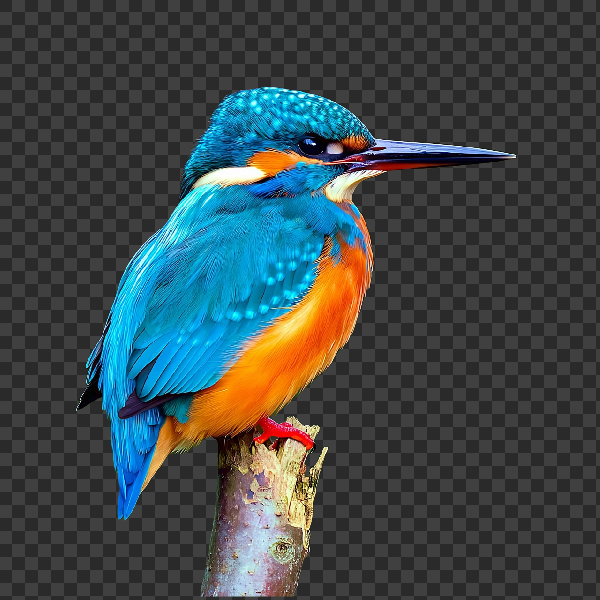
अपने डिवाइस पर पृष्ठभूमि हटाएँ
PictorX में ऑन-डिवाइस AI से विषय काटें। फ़ोटो आपके ब्राउज़र में रहती हैं—हमारे सर्वर पर अपलोड नहीं।

फ़ोटो को परफेक्ट सिल्हूट बनाएँ
ब्राउज़र में फ़ोटो को परफेक्ट सिल्हूट बनाएँ। ऑन-डिवाइस AI विषय काटता है, उसे साफ़ आकार से भरता है, और सॉलिड रंग, ग्रेडिएंट, सूर्यास्त या पारदर्शी बैकड्रॉप पर रखता है।
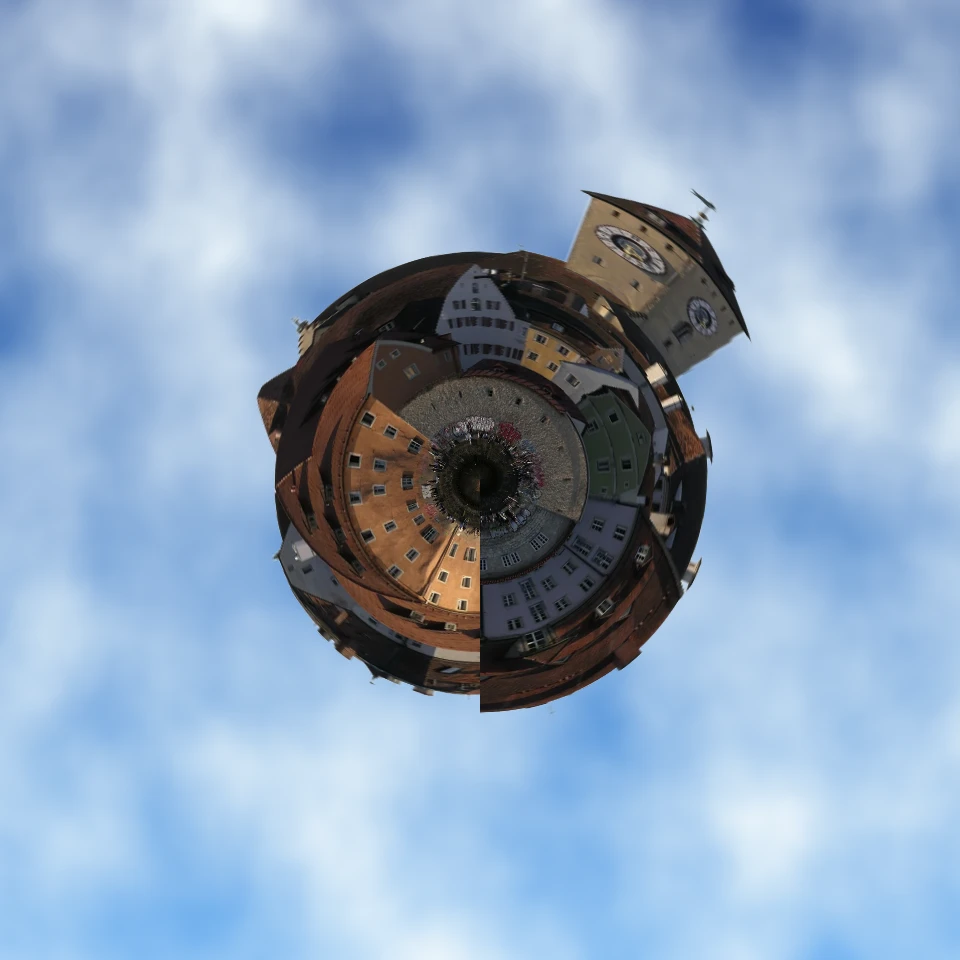
फ़ोटो को टिनी प्लैनेट बनाएँ
ब्राउज़र में स्काइलाइन या लैंडस्केप को टिनी प्लैनेट बनाएँ। ऑन-डिवाइस AI आसमान हटाता है, दृश्य पलटता है, पोलर कोऑर्डिनेट से लपेटता है, और बादलों, तारों, ग्रेडिएंट या सॉलिड रंग पर बैठाता है।

AI मॉडल
AI और AI मॉडल क्या हैं, वे बैकग्राउंड हटाना, इनपेंटिंग, एन्हांस, अनक्रॉप जैसे फोटो संपादन को कैसे चलाते हैं, और PictorX कई टूल डिवाइस पर कैसे चलाता है।
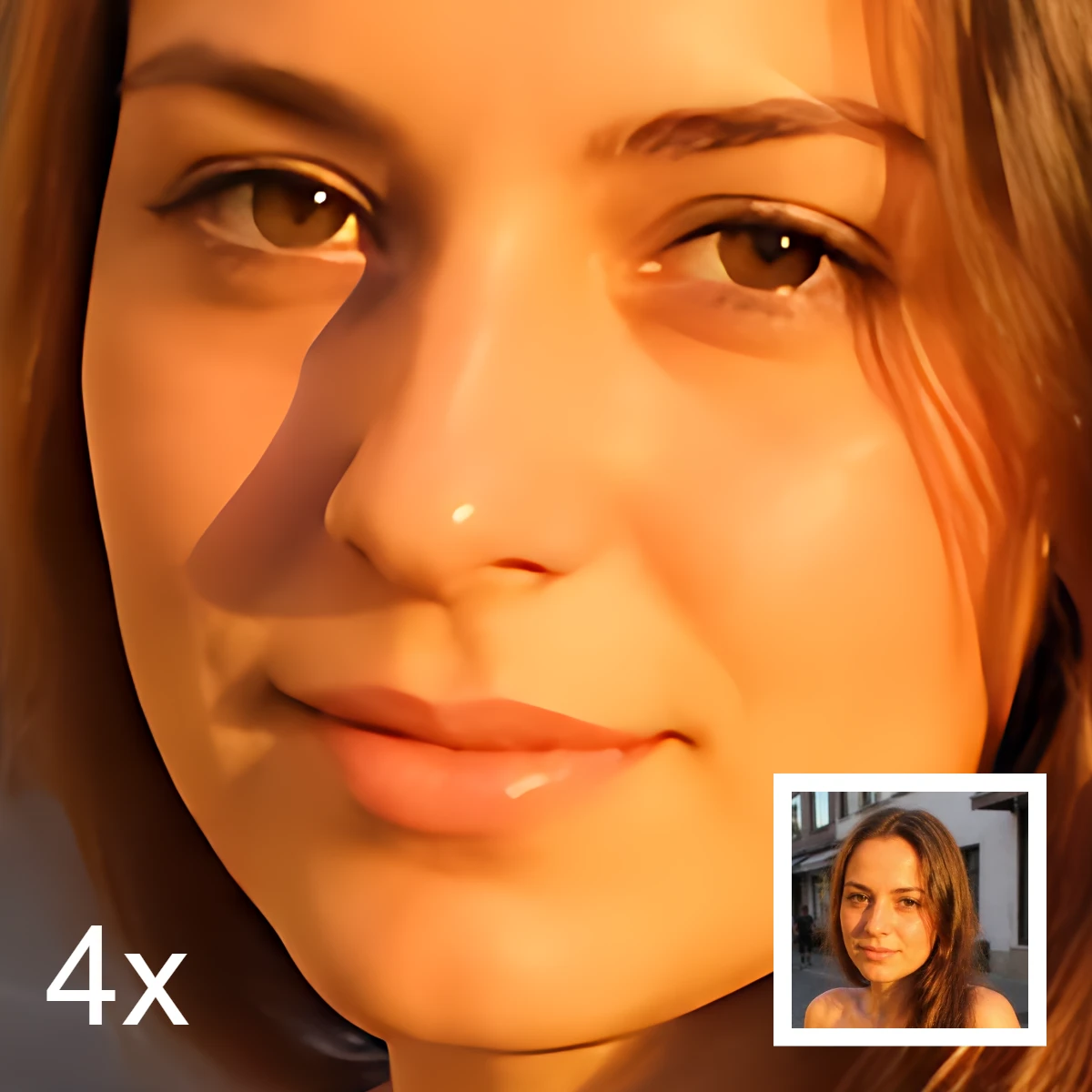
AI इमेज संपादन
AI इमेज संपादन क्या है—कटआउट, वस्तु हटाना, बेहतर करना, मरम्मत और अनक्रॉप—क्लासिक रिटच से कैसे अलग, और PictorX कई टूल डिवाइस पर कैसे चलाता है।
आज़माने के लिए तैयार?
अपने ब्राउज़र में PictorX खोलें — शुरू करने के लिए इंस्टॉल या क्रेडिट कार्ड की ज़रूरत नहीं।
एडिटर पर जाएँ