
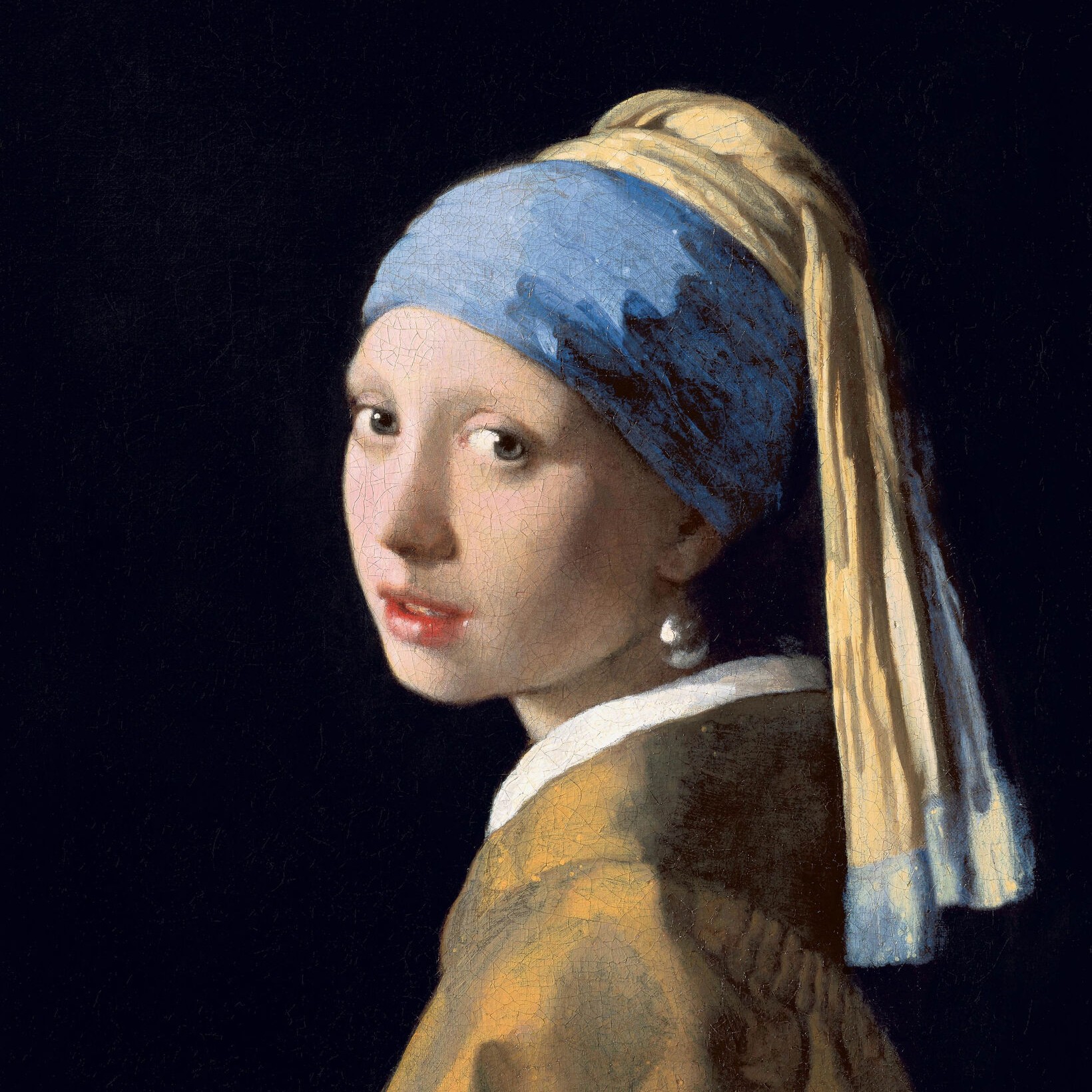
Probeer hieronder een zwart-witlook, of open je eigen afbeelding.
Geordend dithering effect
Open a photo and apply Geordend dithering in PictorX. This look is part of Zwart-wit effecten—adjust the settings on this page, then keep editing with layers, text, and other effects in the same workspace. Probeer hieronder een zwart-witlook, of open je eigen afbeelding.
Hoe het werkt
- Open this page and try Geordend dithering on the sample, or open your own photo.
- Tune the Geordend dithering settings, or switch to another look in Zwart-wit effecten.
- Save the result, or keep editing with layers, text, and other effects in PictorX.
What the Geordend dithering effect does
Geordend dithering is one of the looks in PictorX Zwart-wit effecten. Apply it in your browser, then keep working in the same project—crop, type, or add another effect without starting over.
More looks in Zwart-wit effecten
This page opens Zwart-wit effecten with Geordend dithering already selected. Switch looks on the demo to compare styles, or open the full Zwart-wit effecten page to browse every option in the set.
Looks in this set
Veelgestelde vragen
Is the Geordend dithering effect free?
Yes. Open this page in a modern browser to try Geordend dithering as part of the free PictorX editing workflow.
Can I keep editing after I apply Geordend dithering?
Yes. Apply Geordend dithering, then keep using layers, text, and other PictorX tools in the same workspace.
How do I open Geordend dithering from Zwart-wit effecten?
This page loads Zwart-wit effecten with Geordend dithering selected. You can also open Zwart-wit effecten and choose Geordend dithering from the looks.
Gerelateerde gereedschappen
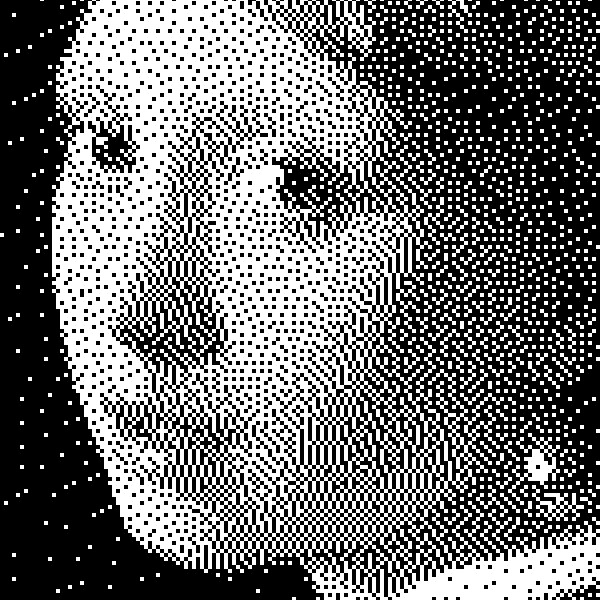
Zwart-wit effecten
Pas grijswaarden, drempel, punten, vierkanten, geordend dithering, foutverspreiding en mezzotint toe op een foto in je browser. Volledige grijstrapen of tweekleurige prints met eigen voor- en achtergrondkleur.
Mezzotint effect
Apply a Mezzotint effect to photos free in your browser. Open the Zwart-wit effecten tools, tune the look, and keep editing in PictorX. No install.
Grijswaarden effect
Apply a Grijswaarden effect to photos free in your browser. Open the Zwart-wit effecten tools, tune the look, and keep editing in PictorX. No install.
Drempelwaarde effect
Apply a Drempelwaarde effect to photos free in your browser. Open the Zwart-wit effecten tools, tune the look, and keep editing in PictorX. No install.
Punten effect
Apply a Punten effect to photos free in your browser. Open the Zwart-wit effecten tools, tune the look, and keep editing in PictorX. No install.
Vierkanten effect
Apply a Vierkanten effect to photos free in your browser. Open the Zwart-wit effecten tools, tune the look, and keep editing in PictorX. No install.
Foutverspreiding effect
Apply a Foutverspreiding effect to photos free in your browser. Open the Zwart-wit effecten tools, tune the look, and keep editing in PictorX. No install.
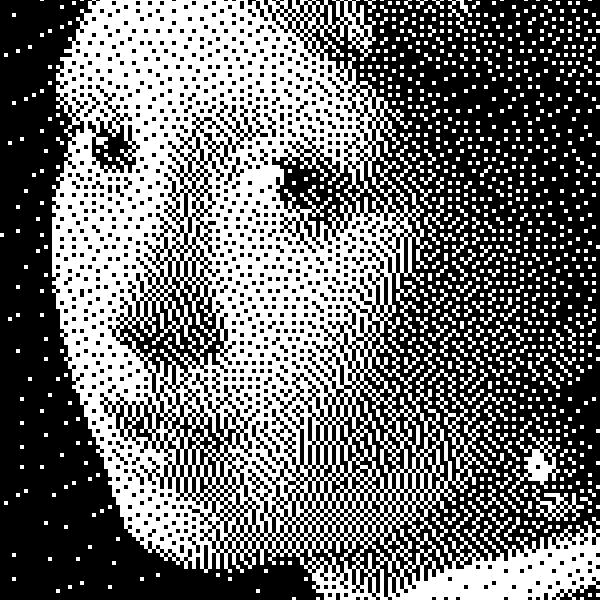
Zwart-wit
Hoe bilevel-beelden werken: eenvoudige drempel, Bayer ordered dithering, Floyd–Steinberg error diffusion, en wanneer welk look in PictorX.
Klaar om het te proberen?
Open PictorX in uw browser - geen installatie, geen creditcard vereist om te starten.
Ga naar Editor