
Maquette fresque & affiche
Prévisualisez une photo, une peinture ou un design à sa place. Peignez-le en fresque sur brique ou crépi, collez-le comme affiche ou accrochez-le encadré, sous lumière du jour, lampe chaude ou projecteur. PNG. Ouvrez une photo, choisissez un mur et un style, puis faites glisser l’œuvre à sa place.
Comment ça marche
- Open this page and try the sample, or open your own photo or artwork.
- Pick a style (painted mural, pasted poster, or framed print), a wall, and the lighting.
- Drag the artwork into place, tune size, weathering, and tilt, then save a PNG.
Three ways to hang a picture
A painted mural takes on the wall's surface, so brick joints, pits, and grain show through the paint, and weathering peels it back. A pasted poster gets paper wrinkles, fold creases, and edges torn back to the wall. A framed print hangs in a black, white, oak, or gold frame with a mat, glass reflection, and a shadow on the wall.
Walls and light
Choose from sixteen street walls, the painted graffiti wall, or a photo of your own wall. Daylight keeps colors true, a warm lamp gives an evening interior feel, and a gallery spot pools light on the artwork.
Questions fréquemment posées
What does the Mural & Poster Mockup do?
It places your photo or artwork on a wall as a painted mural, a pasted poster, or a framed print, so you can preview how it will look.
Can I use a photo of my own wall?
Yes. Pick My wall in the wall list and open a photo of the wall. The artwork is placed on top of it.
How do I make it look old?
Raise Weathering. Murals peel and chip, and posters tear back from the edges.
Do my photos leave my device?
No. Everything runs in your browser.
Outils associés
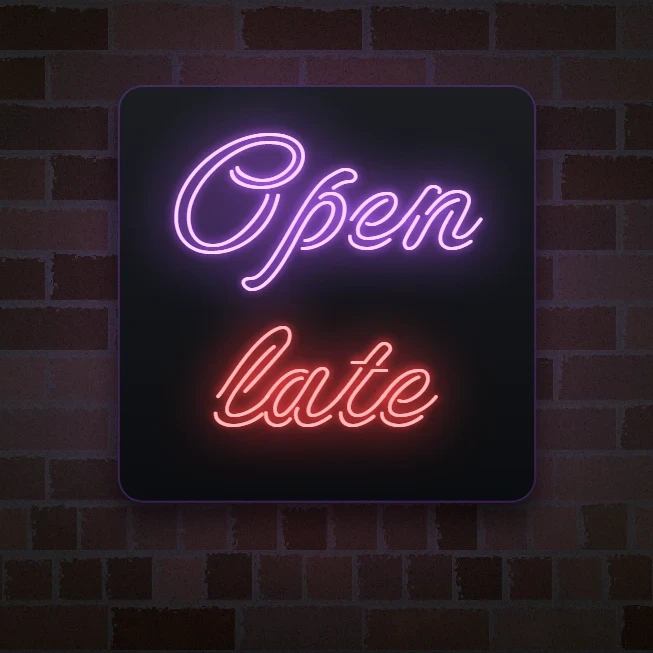
Créateur d’enseigne néon
Tapez un mot et transformez-le en enseigne néon lumineuse sur brique, carrelage, bois ou béton. Couleur, police, lueur et plaque, puis PNG.
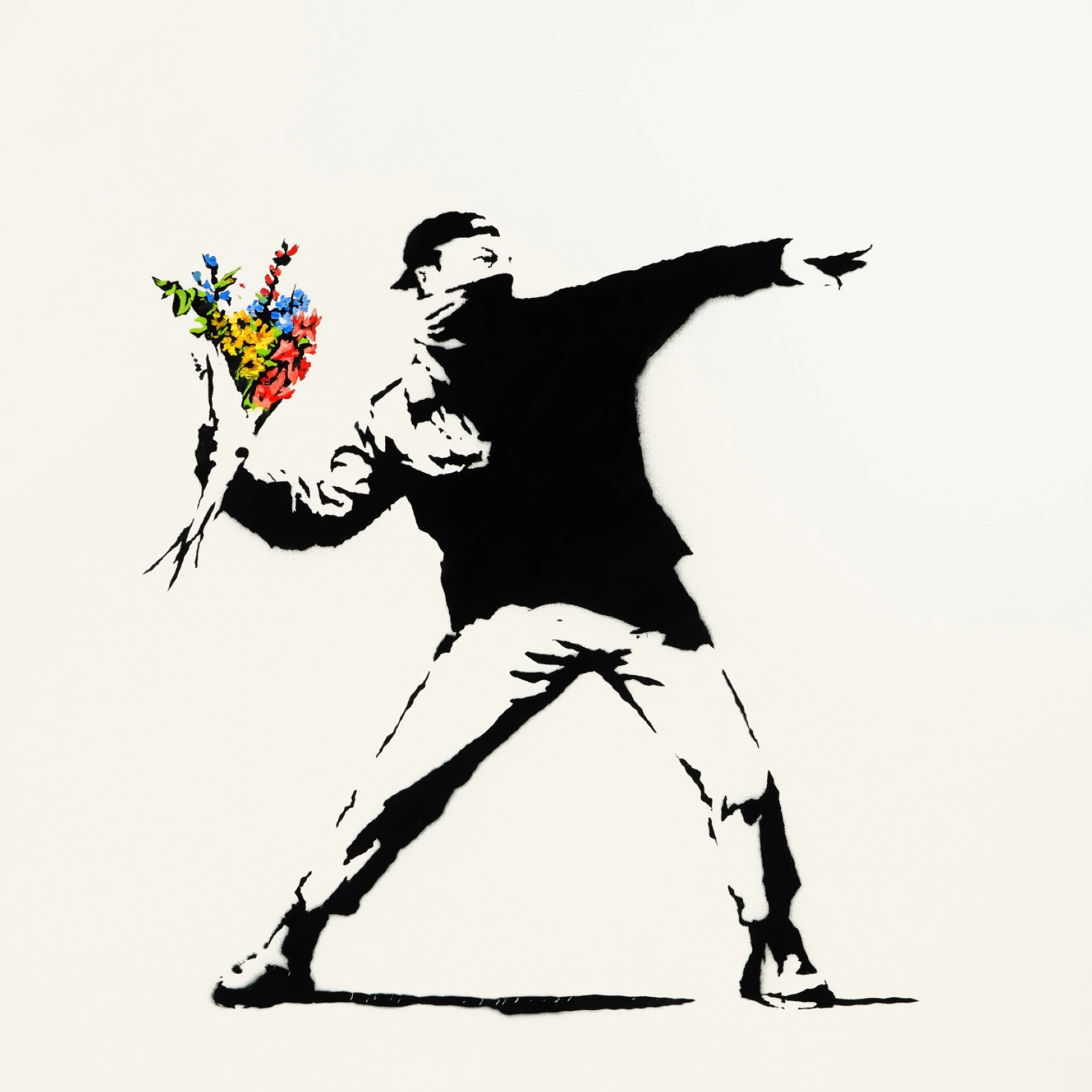
Street art façon Banksy
Transformez une photo en street art pochoir façon Banksy dans le navigateur. Mur, spray, coulures — puis PNG.
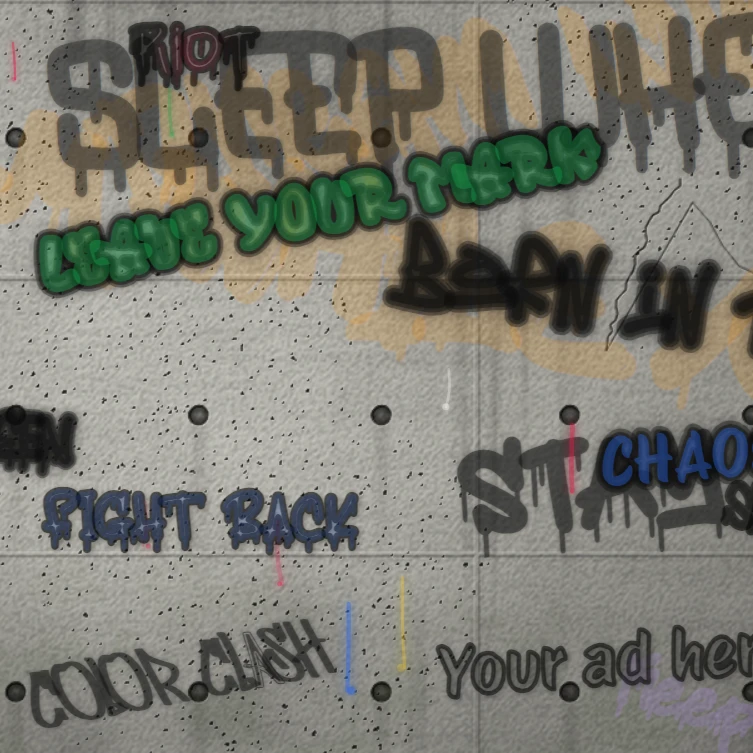
Mur de graffitis en ligne
Posez des tags et des coulures de peinture sur un mur virtuel en ligne. Tapez votre tag, choisissez police, couleur et mur, ou laissez l’Auto-spray le remplir.
Poster Maker
Design posters and flyers in the PictorX editor: pick a layout, add your photo or a stock photo, a pattern background, shapes and editable text.
Prêt à l'essayer ?
Ouvrez PictorX dans votre navigateur – aucune installation, aucune carte de crédit requise pour démarrer.
Aller à l'éditeur