

Попробуйте стиль мозаики ниже или откройте своё изображение.
Мелкая мозаика effect
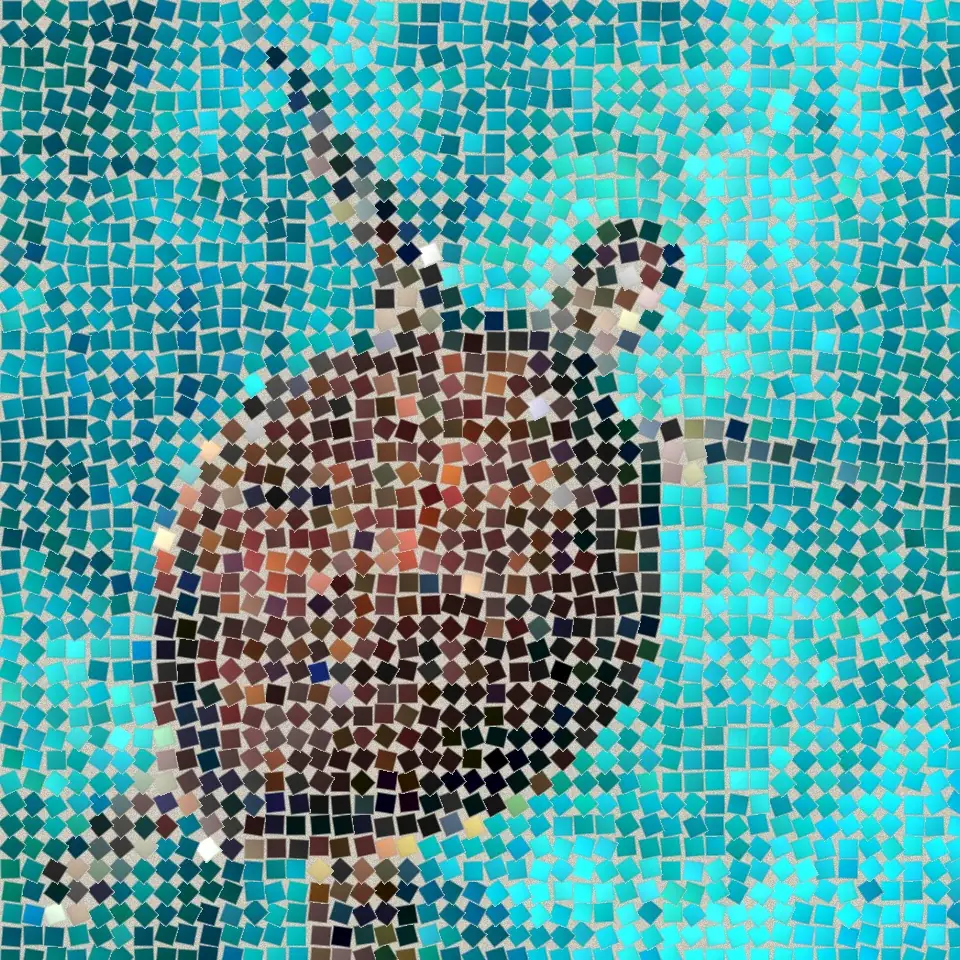
Open a photo and apply Мелкая мозаика in PictorX. This look is part of Каменная мозаика—adjust the settings on this page, then keep editing with layers, text, and other effects in the same workspace. Попробуйте стиль мозаики ниже или откройте своё изображение.
Как это работает
- Open this page and try Мелкая мозаика on the sample, or open your own photo.
- Tune the Мелкая мозаика settings, or switch to another look in Каменная мозаика.
- Save the result, or keep editing with layers, text, and other effects in PictorX.
What the Мелкая мозаика effect does
Мелкая мозаика is one of the looks in PictorX Каменная мозаика. Apply it in your browser, then keep working in the same project—crop, type, or add another effect without starting over.
More looks in Каменная мозаика
This page opens Каменная мозаика with Мелкая мозаика already selected. Switch looks on the demo to compare styles, or open the full Каменная мозаика page to browse every option in the set.
Looks in this set
Сопутствующие инструменты
Каменная мозаика
Превратите фото в настоящую каменную мозаику прямо в браузере: квадратные камешки в швах, ряды которых следуют краям изображения, как в римской мозаике. Бесплатно, без загрузки.
Римская мозаика effect
Apply a Римская мозаика effect to photos free in your browser. Open the Каменная мозаика tools, tune the look, and keep editing in PictorX. No install.
Напольная мозаика effect
Apply a Напольная мозаика effect to photos free in your browser. Open the Каменная мозаика tools, tune the look, and keep editing in PictorX. No install.
Тёмные швы effect
Apply a Тёмные швы effect to photos free in your browser. Open the Каменная мозаика tools, tune the look, and keep editing in PictorX. No install.
Византийское золото effect
Apply a Византийское золото effect to photos free in your browser. Open the Каменная мозаика tools, tune the look, and keep editing in PictorX. No install.
Мозаика-сетка effect
Apply a Мозаика-сетка effect to photos free in your browser. Open the Каменная мозаика tools, tune the look, and keep editing in PictorX. No install.
Готовы попробовать?
Откройте PictorX в своем браузере — установка не требуется, для запуска не требуется кредитная карта.
Перейти в редактор