

下のアート効果を試すか、自分の写真を開いてください。
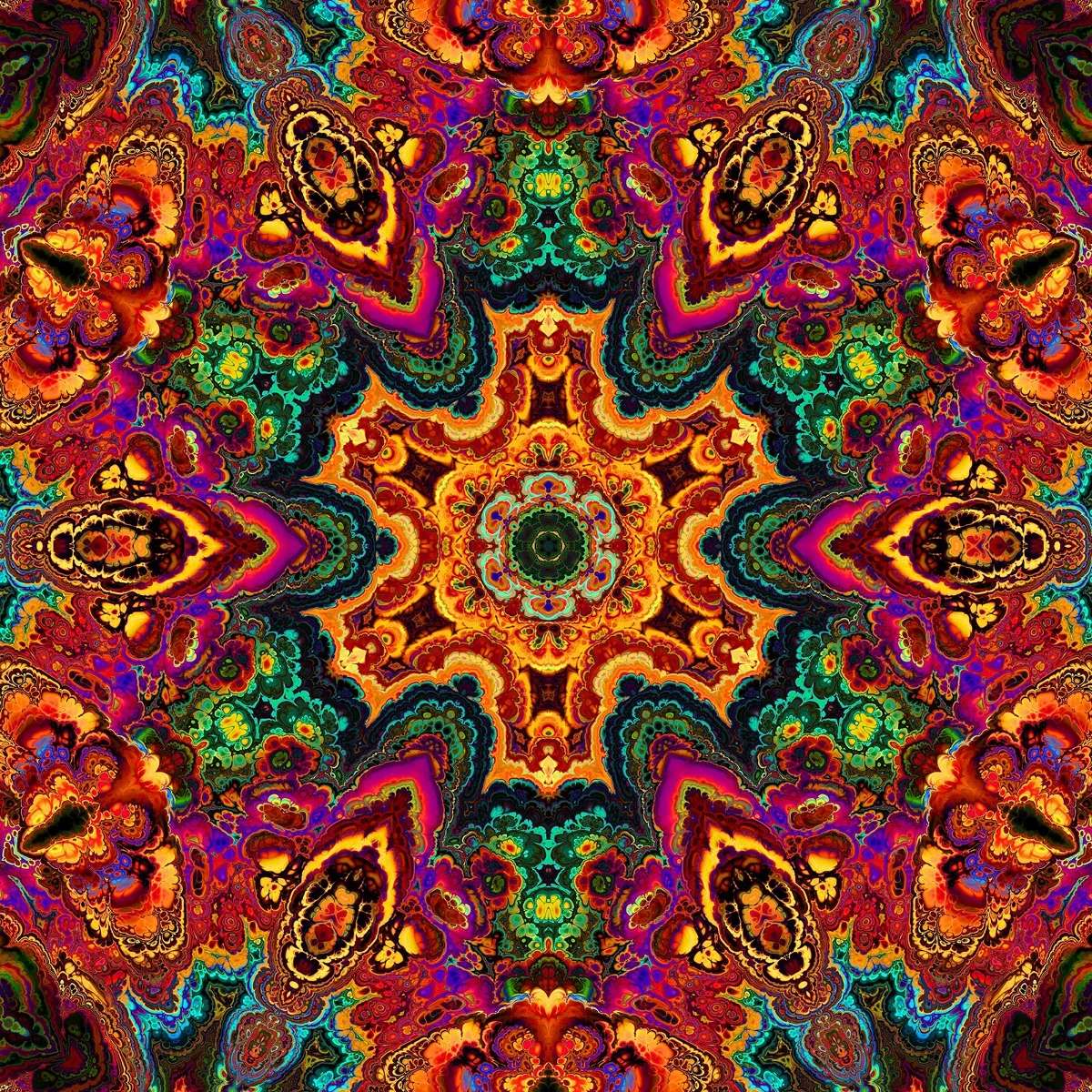
カラーモザイク effect
Open a photo and apply カラーモザイク in PictorX. This look is part of 芸術的効果—adjust the settings on this page, then keep editing with layers, text, and other effects in the same workspace. 下のアート効果を試すか、自分の写真を開いてください。
使い方
- Open this page and try カラーモザイク on the sample, or open your own photo.
- Tune the カラーモザイク settings, or switch to another look in 芸術的効果.
- Save the result, or keep editing with layers, text, and other effects in PictorX.
What the カラーモザイク effect does
カラーモザイク is one of the looks in PictorX 芸術的効果. Apply it in your browser, then keep working in the same project—crop, type, or add another effect without starting over. Nothing is uploaded for this effect.
More looks in 芸術的効果
This page opens 芸術的効果 with カラーモザイク already selected. Switch looks on the demo to compare styles, or open the full 芸術的効果 page to browse every option in the set.
Looks in this set
よくある質問
Is the カラーモザイク effect free?
Yes. Open this page in a modern browser to try カラーモザイク as part of the free PictorX editing workflow.
Can I keep editing after I apply カラーモザイク?
Yes. Apply カラーモザイク, then keep using layers, text, and other PictorX tools in the same workspace.
How do I open カラーモザイク from 芸術的効果?
This page loads 芸術的効果 with カラーモザイク selected. You can also open 芸術的効果 and choose カラーモザイク from the looks.
関連ツール

芸術的効果
油絵、水彩、鉛筆、コミックインク、パステル、切り絵などのスタジオアートの見た目で写真を変えます。 ソフトのインストールなしで、ブラウザの PictorX を無料で使います。
水彩 effect
Apply a 水彩 effect to photos free in your browser. Open the 芸術的効果 tools, tune the look, and keep editing in PictorX. No install.
油絵 effect
Apply a 油絵 effect to photos free in your browser. Open the 芸術的効果 tools, tune the look, and keep editing in PictorX. No install.
鉛筆スケッチ effect
Apply a 鉛筆スケッチ effect to photos free in your browser. Open the 芸術的効果 tools, tune the look, and keep editing in PictorX. No install.
コミック effect
Apply a コミック effect to photos free in your browser. Open the 芸術的効果 tools, tune the look, and keep editing in PictorX. No install.
色鉛筆 effect
Apply a 色鉛筆 effect to photos free in your browser. Open the 芸術的効果 tools, tune the look, and keep editing in PictorX. No install.
ラフパステル effect
Apply a ラフパステル effect to photos free in your browser. Open the 芸術的効果 tools, tune the look, and keep editing in PictorX. No install.
万華鏡についてもっと見る
万華鏡の仕組み:ブリュースターの発明、斜めの鏡、放射対称、PictorXで試せるデジタル万華鏡フィルター。
試してみますか?
ブラウザで PictorX を開きます。インストール不要、始めるのにクレジットカードも不要です。
エディターへ