
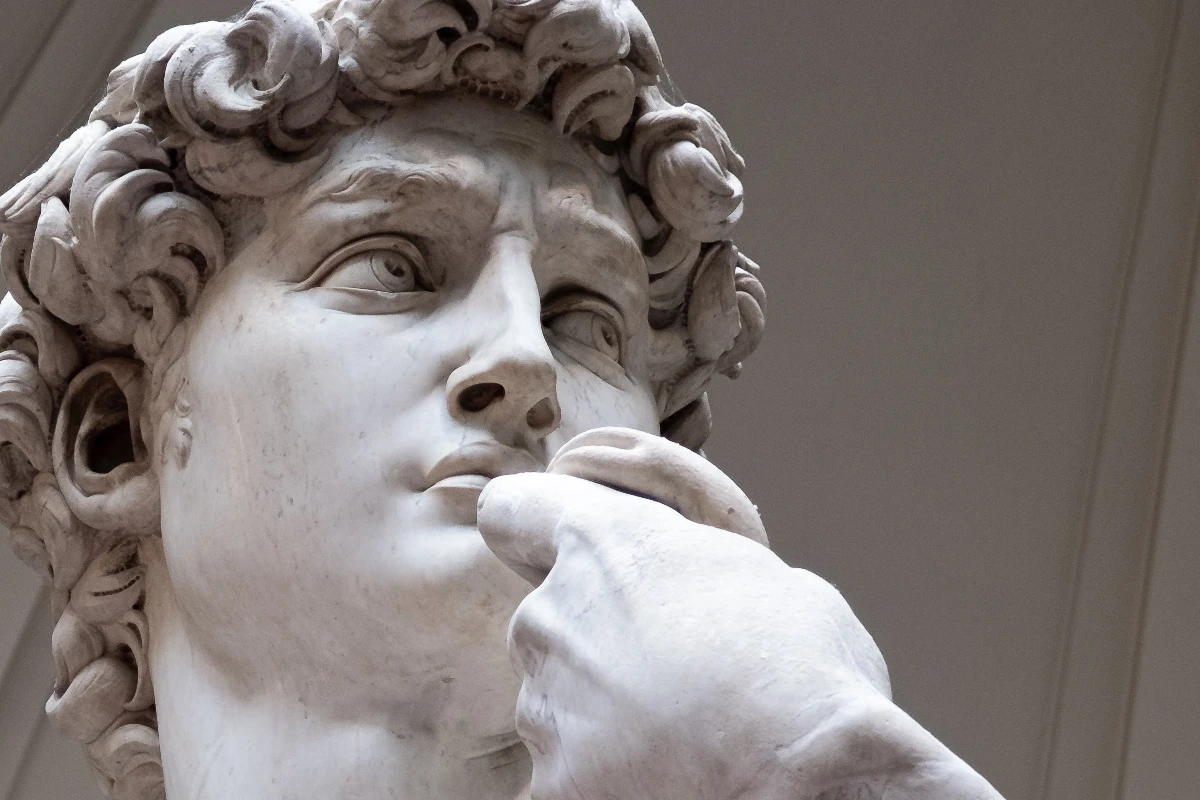
Încearcă un look stilizat mai jos sau deschide propria imagine.
Generator de efect vintage effect
Open a photo and apply Generator de efect vintage in PictorX. This look is part of Efecte de stilizare—adjust the settings on this page, then keep editing with layers, text, and other effects in the same workspace. Încearcă un look stilizat mai jos sau deschide propria imagine.
Cum funcționează
- Open this page and try Generator de efect vintage on the sample, or open your own photo.
- Tune the Generator de efect vintage settings, or switch to another look in Efecte de stilizare.
- Save the result, or keep editing with layers, text, and other effects in PictorX.
What the Generator de efect vintage effect does
Generator de efect vintage is one of the looks in PictorX Efecte de stilizare. Apply it in your browser, then keep working in the same project—crop, type, or add another effect without starting over.
More looks in Efecte de stilizare
This page opens Efecte de stilizare with Generator de efect vintage already selected. Switch looks on the demo to compare styles, or open the full Efecte de stilizare page to browse every option in the set.
Looks in this set
Unelte conexe
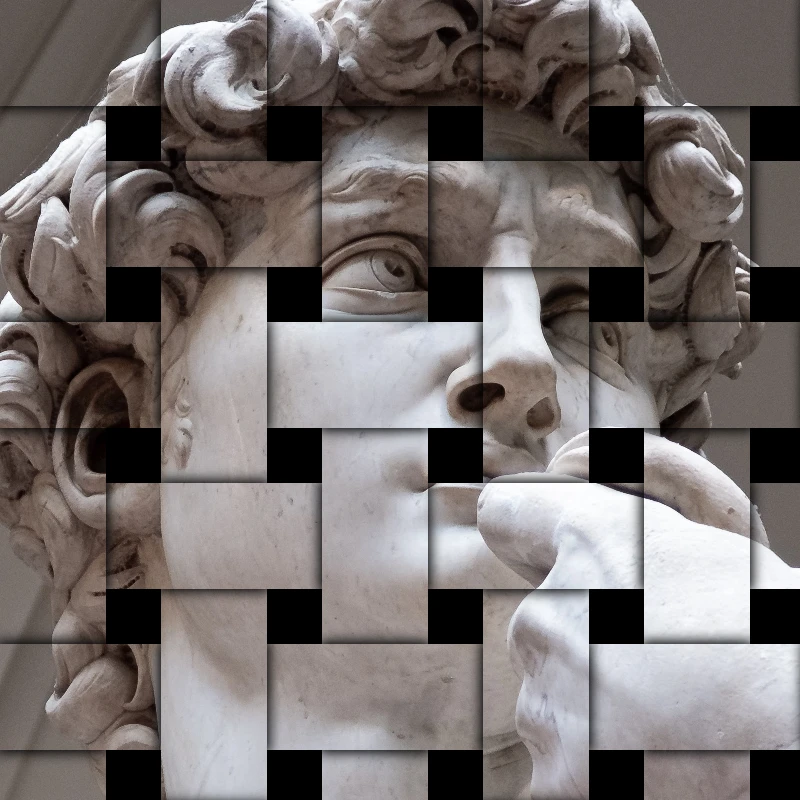
Efecte de stilizare
Adăugați spargere, eroare, foc, emboss, vinietă, și alte studio stylize arata la fotografii.
Efect Separare RGB
Adaugă online un efect Separare RGB pe o fotografie: depărtează canalele roșu, verde și albastru pentru margini colorate. Alege canalele, Rază și Unghi.
Efect de spargere a imaginii
Sparge o imagine online: împarte fotografia în cioburi triunghiulare care zboară din centru. Setează celula, Deplasare și Unghi sau folosește pătrate.
Relief effect
Apply a Relief effect to photos free in your browser. Open the Efecte de stilizare tools, tune the look, and keep editing in PictorX. No install.
Efect foto gravură (Gravat)
Transformă o poză în gravură online: tonuri prin hașurare încrucișată, linii paralele, cercuri sau valuri în două culori. Setează Prag, grosime, spațiere.
Filtru blueprint (Plan)
Transformă o fotografie într-un blueprint online: contururile devin linii deschise pe hârtie albastră, cu grilă tehnică opțională. Schimbă culoarea fundalului.
Sticlă mată effect
Apply a Sticlă mată effect to photos free in your browser. Open the Efecte de stilizare tools, tune the look, and keep editing in PictorX. No install.

Caleidoscoape
Cum funcționează un caleidoscop? Invenția lui Brewster și numele grecesc, cum fac oglinzile modele, celule și teleidoscoape, plus filtrele caleidoscop digitale.
Ești gata să încerci?
Deschide PictorX în browser – fără instalare și fără card de credit.
Mergi la editor