
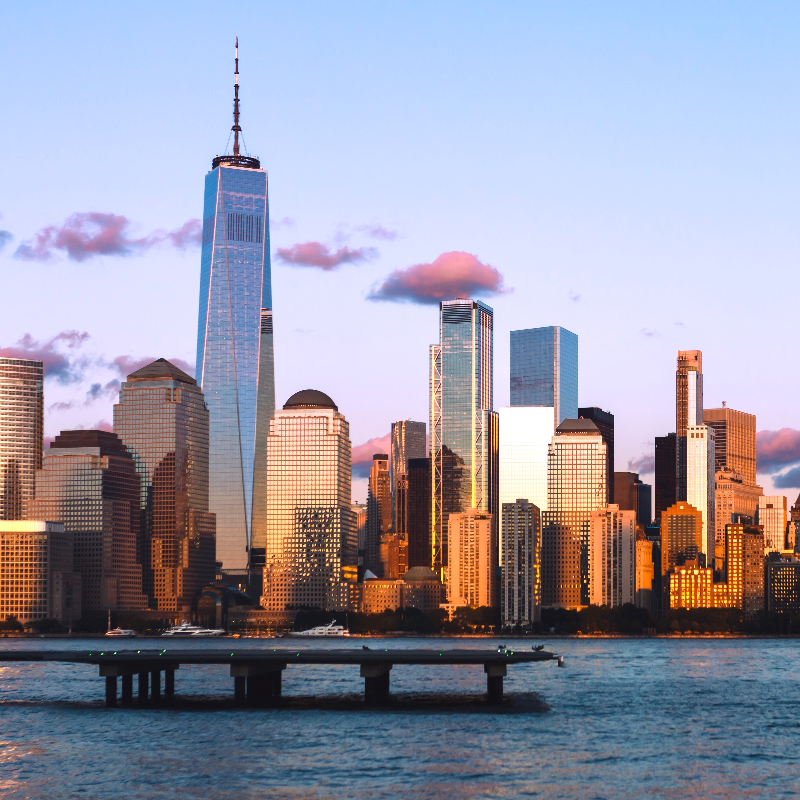
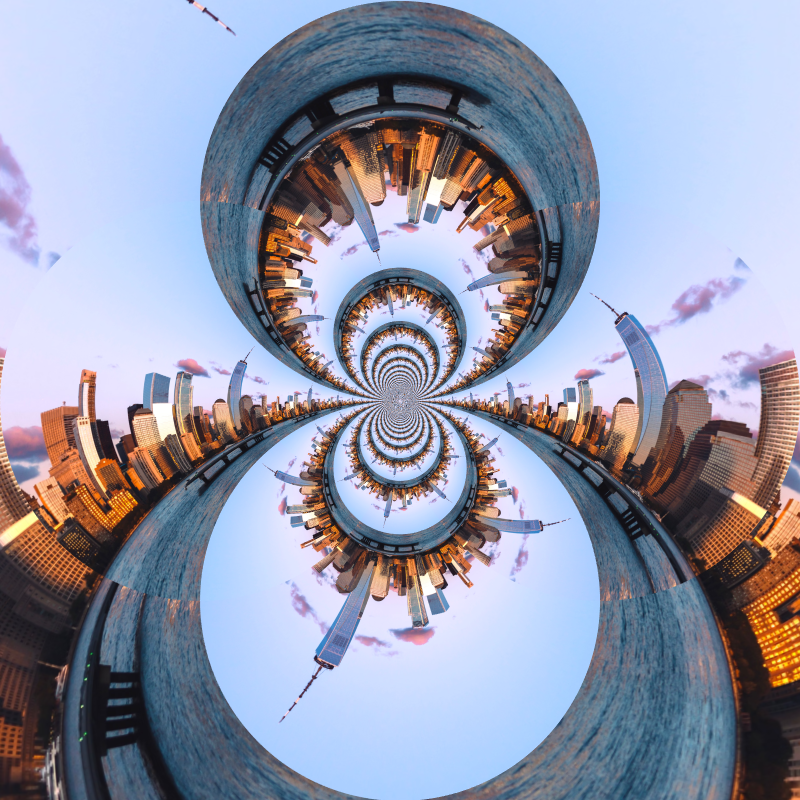
Încearcă un efect de distorsionare mai jos sau deschide propria imagine.
Timewarp effect
Open a photo and apply Timewarp in PictorX. This look is part of Joacă cu lentile lichide—adjust the settings on this page, then keep editing with layers, text, and other effects in the same workspace. Încearcă un efect de distorsionare mai jos sau deschide propria imagine.
Cum funcționează
- Open this page and try Timewarp on the sample, or open your own photo.
- Tune the Timewarp settings, or switch to another look in Joacă cu lentile lichide.
- Save the result, or keep editing with layers, text, and other effects in PictorX.
What the Timewarp effect does
Timewarp is one of the looks in PictorX Joacă cu lentile lichide. Apply it in your browser, then keep working in the same project—crop, type, or add another effect without starting over.
More looks in Joacă cu lentile lichide
This page opens Joacă cu lentile lichide with Timewarp already selected. Switch looks on the demo to compare styles, or open the full Joacă cu lentile lichide page to browse every option in the set.
Looks in this set
Unelte conexe
Lentile lichide de joacă
Fotografii warp cu coordonate polare, valuri, sticlă, sferiza, timewarp, răsucire, pliuri, și îndoiți.
Efect Coordonate polare
Îndoaie o fotografie într-un cerc sau desfă un cerc într-o bandă cu efectul Coordonate polare. Alege Rect to Polar sau Polar to Rect și un unghi de început.
Inversiune polară effect
Apply a Inversiune polară effect to photos free in your browser. Open the Joacă cu lentile lichide tools, tune the look, and keep editing in PictorX. No install.
Efect de unduire (ripple)
Adaugă online o distorsiune ca undele pe apă: inele pornesc din centru ca o picătură într-un iaz. Setează Frecvență, Deplasare și Cantitate, apoi salvează.
Efect de sticlă
Fă o fotografie să pară văzută prin sticlă ondulată, texturată. Setează Dimensiune pentru model și compar-o cu Sticlă mată și Sticlă refractată.
Sticlă refractată effect
Apply a Sticlă refractată effect to photos free in your browser. Open the Joacă cu lentile lichide tools, tune the look, and keep editing in PictorX. No install.
Sferizare effect
Apply a Sferizare effect to photos free in your browser. Open the Joacă cu lentile lichide tools, tune the look, and keep editing in PictorX. No install.
Ești gata să încerci?
Deschide PictorX în browser – fără instalare și fără card de credit.
Mergi la editor