

Single Photo Collage effect
Open a photo and apply Single Photo Collage in PictorX. This look is part of Polaroida effekter—adjust the settings on this page, then keep editing with layers, text, and other effects in the same workspace. Prova en Polaroid titta nedan, eller öppna din egen bild.
Hur det fungerar
- Open this page and try Single Photo Collage on the sample, or open your own photo.
- Tune the Single Photo Collage settings, or switch to another look in Polaroida effekter.
- Save the result, or keep editing with layers, text, and other effects in PictorX.
What the Single Photo Collage effect does
Single Photo Collage is one of the looks in PictorX Polaroida effekter. Apply it in your browser, then keep working in the same project—crop, type, or add another effect without starting over. Nothing is uploaded for this effect.
More looks in Polaroida effekter
This page opens Polaroida effekter with Single Photo Collage already selected. Switch looks on the demo to compare styles, or open the full Polaroida effekter page to browse every option in the set.
Looks in this set
Ofta ställda frågor
Is the Single Photo Collage effect free?
Yes. Open this page in a modern browser to try Single Photo Collage as part of the free PictorX editing workflow.
Can I keep editing after I apply Single Photo Collage?
Yes. Apply Single Photo Collage, then keep using layers, text, and other PictorX tools in the same workspace.
How do I open Single Photo Collage from Polaroida effekter?
This page loads Polaroida effekter with Single Photo Collage selected. You can also open Polaroida effekter and choose Single Photo Collage from the looks.
Relaterade verktyg

Polaroida effekter
Ge bilder en omedelbar film utseende med ramar, vintage styling och kreativa Polaroid kompositioner. Använd PictorX gratis i din webbläsare utan programinstallation krävs.
Snapshot Focus effect
Apply a Snapshot Focus effect to photos free in your browser. Open the Polaroida effekter tools, tune the look, and keep editing in PictorX. No install.
Polaroid effect
Apply a Polaroid effect to photos free in your browser. Open the Polaroida effekter tools, tune the look, and keep editing in PictorX. No install.
Stor bild effect
Apply a Stor bild effect to photos free in your browser. Open the Polaroida effekter tools, tune the look, and keep editing in PictorX. No install.
Stack of Polaroids effect
Apply a Stack of Polaroids effect to photos free in your browser. Open the Polaroida effekter tools, tune the look, and keep editing in PictorX. No install.
Droste-effekt effect
Apply a Droste-effekt effect to photos free in your browser. Open the Polaroida effekter tools, tune the look, and keep editing in PictorX. No install.
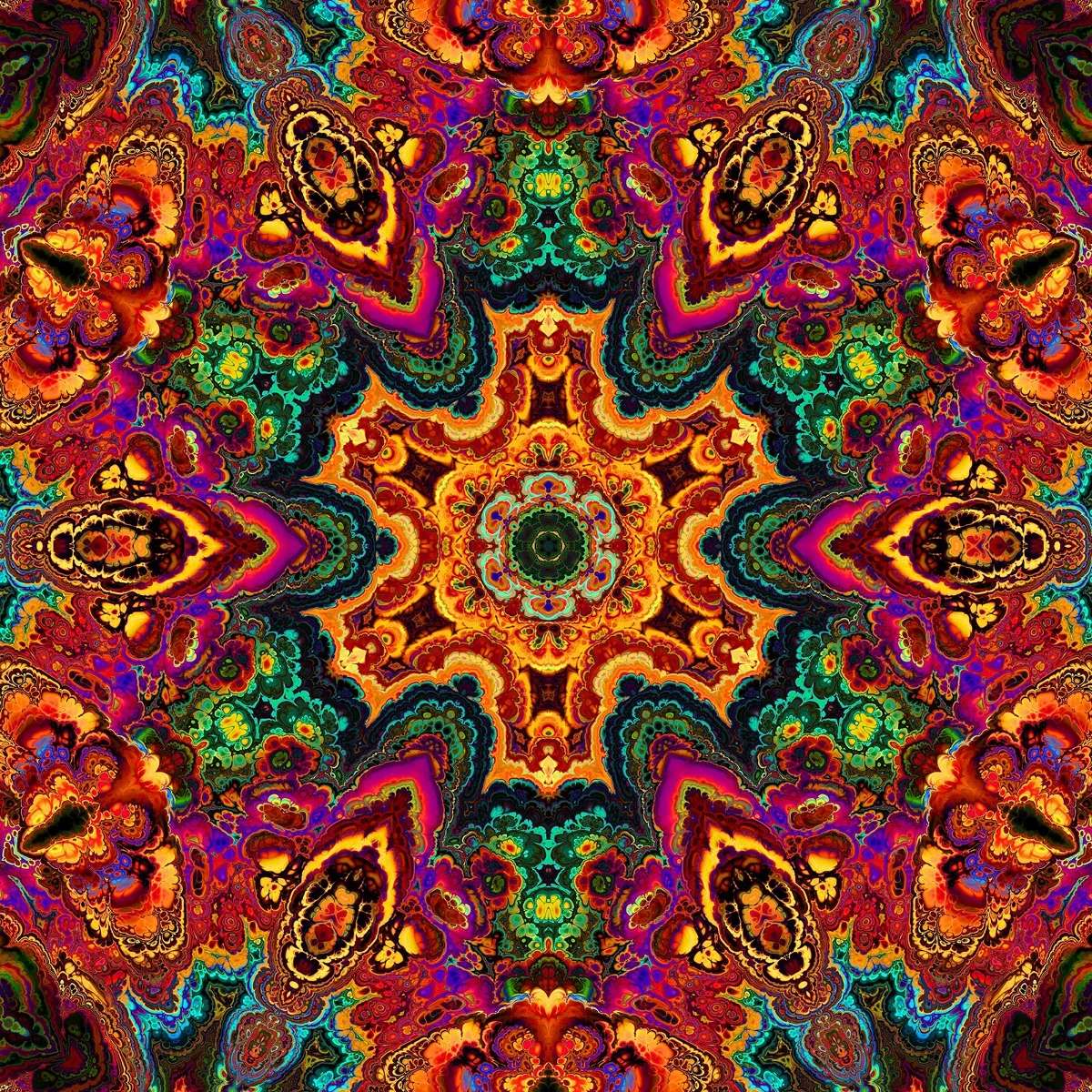
Kaleidoskop
Hur kaleidoskop fungerar: Brewsters uppfinning, vinklade speglar, radiell symmetri och digitala kaleidoskopfilter kan du prova på ett foto i PictorX.
Redo att prova det?
Öppna PictorX i din webbläsare - ingen installation, inget kreditkort krävs för att starta.
Gå till Editor