
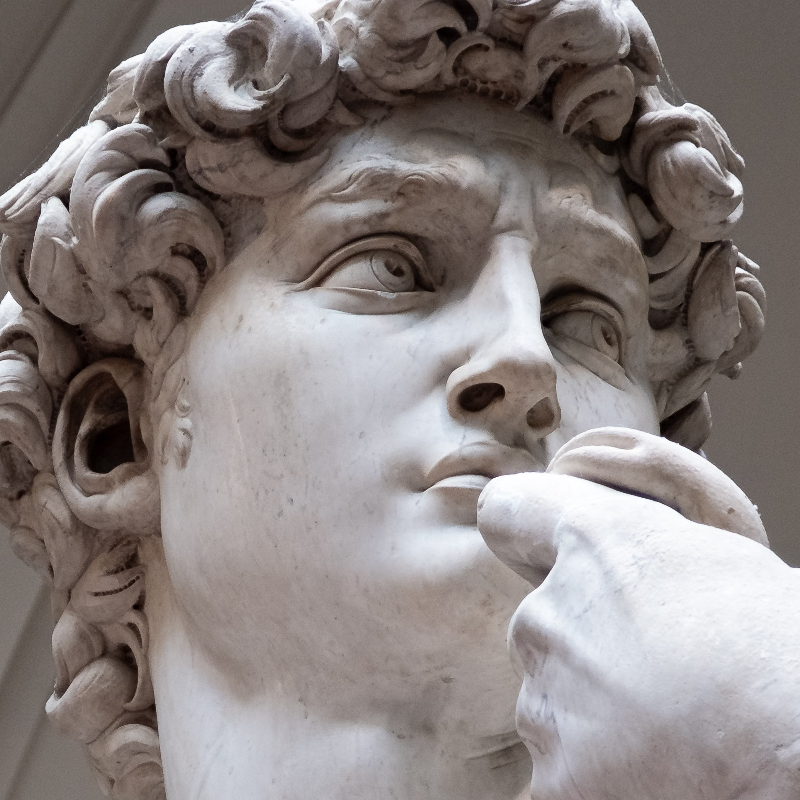
جرّب مظهر تنسيق أدناه، أو افتح صورتك الخاصة.
رمال الزمن effect
Open a photo and apply رمال الزمن in PictorX. This look is part of تأثيرات التنسيق—adjust the settings on this page, then keep editing with layers, text, and other effects in the same workspace. جرّب مظهر تنسيق أدناه، أو افتح صورتك الخاصة.
كيف يعمل
- Open this page and try رمال الزمن on the sample, or open your own photo.
- Tune the رمال الزمن settings, or switch to another look in تأثيرات التنسيق.
- Save the result, or keep editing with layers, text, and other effects in PictorX.
What the رمال الزمن effect does
رمال الزمن is one of the looks in PictorX تأثيرات التنسيق. Apply it in your browser, then keep working in the same project—crop, type, or add another effect without starting over. Nothing is uploaded for this effect.
More looks in تأثيرات التنسيق
This page opens تأثيرات التنسيق with رمال الزمن already selected. Switch looks on the demo to compare styles, or open the full تأثيرات التنسيق page to browse every option in the set.
Looks in this set
الأسئلة المتداولة
Is the رمال الزمن effect free?
Yes. Open this page in a modern browser to try رمال الزمن as part of the free PictorX editing workflow.
Can I keep editing after I apply رمال الزمن?
Yes. Apply رمال الزمن, then keep using layers, text, and other PictorX tools in the same workspace.
How do I open رمال الزمن from تأثيرات التنسيق?
This page loads تأثيرات التنسيق with رمال الزمن selected. You can also open تأثيرات التنسيق and choose رمال الزمن from the looks.
الأدوات ذات الصلة
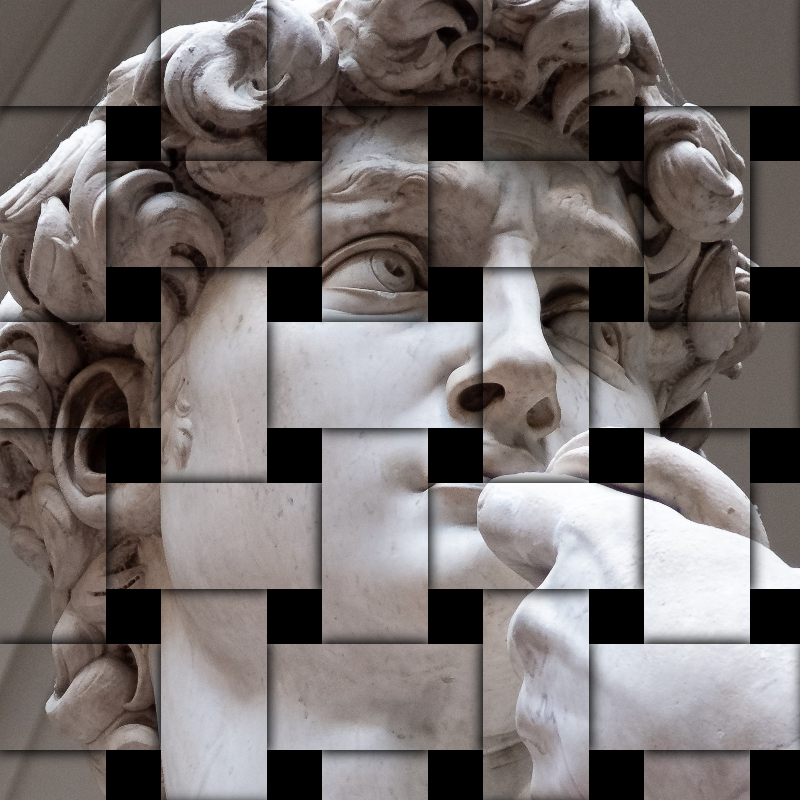
تبسيط التأثيرات
قم بإضافة التحطيم، والخلل، والنار، والزخرفة، والمقالة القصيرة، وغيرها من أشكال الاستوديو إلى الصور. استخدم PictorX مجانًا في متصفحك دون الحاجة إلى تثبيت أي برنامج.
تفريق RGB effect
Apply a تفريق RGB effect to photos free in your browser. Open the تأثيرات التنسيق tools, tune the look, and keep editing in PictorX. No install.
تحطيم effect
Apply a تحطيم effect to photos free in your browser. Open the تأثيرات التنسيق tools, tune the look, and keep editing in PictorX. No install.
بارز effect
Apply a بارز effect to photos free in your browser. Open the تأثيرات التنسيق tools, tune the look, and keep editing in PictorX. No install.
نقش effect
Apply a نقش effect to photos free in your browser. Open the تأثيرات التنسيق tools, tune the look, and keep editing in PictorX. No install.
مخطط أزرق effect
Apply a مخطط أزرق effect to photos free in your browser. Open the تأثيرات التنسيق tools, tune the look, and keep editing in PictorX. No install.
زجاج مصنفر effect
Apply a زجاج مصنفر effect to photos free in your browser. Open the تأثيرات التنسيق tools, tune the look, and keep editing in PictorX. No install.
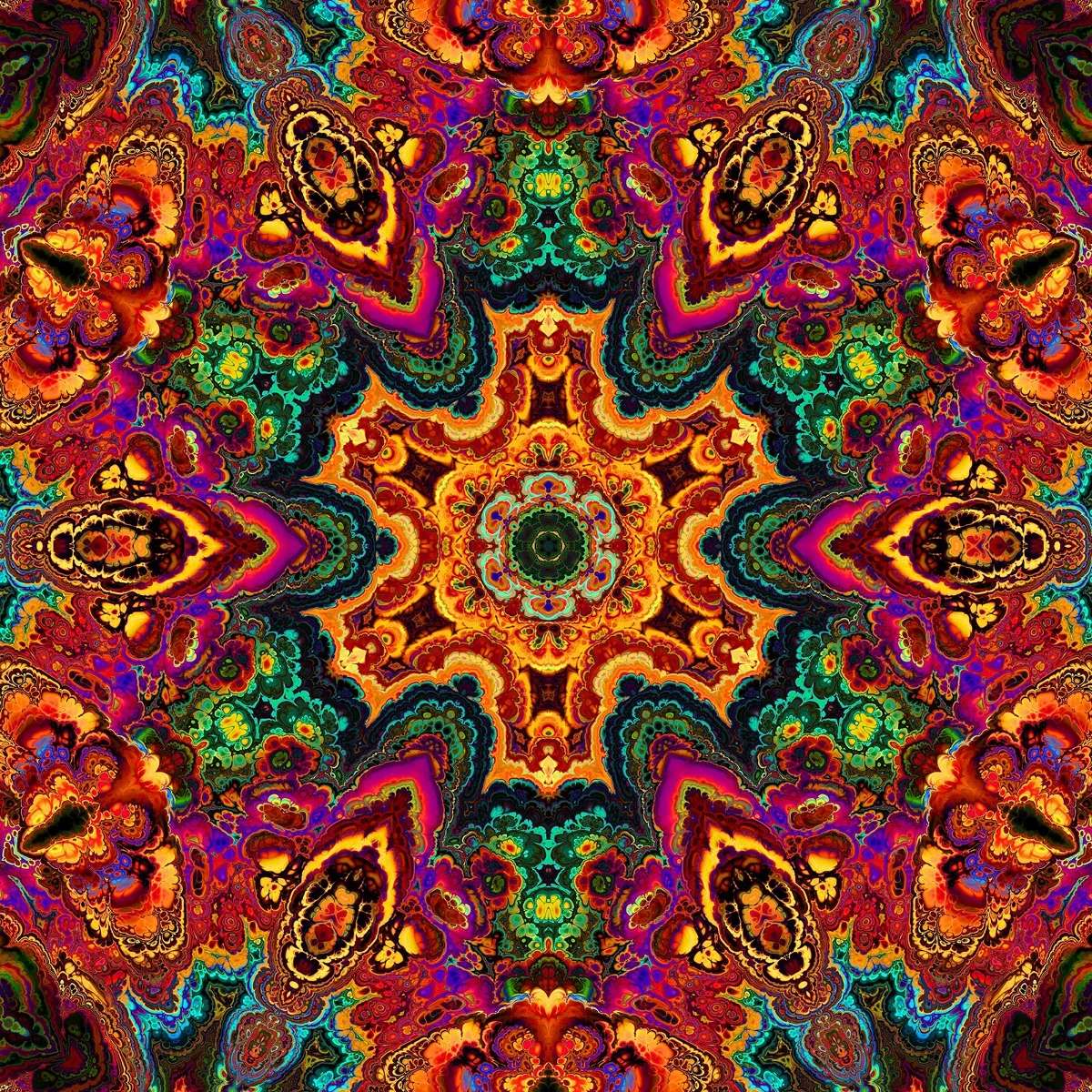
المناظير المشكال
كيف تعمل المناظير المشكال: اختراع بروستر، المرايا المائلة، التناظر الشعاعي، ومرشحات رقمية في PictorX.
هل أنت مستعد لتجربتها؟
افتح PictorX في متصفحك - بدون تثبيت، ولا يلزم وجود بطاقة ائتمان للبدء.
الانتقال إلى المحرر