
Framing
Background
Passport photo maker
Turn a portrait into a passport, visa or ID photo that fits the rules. Pick the document: the face is found, the eyes are levelled, the head is sized into the allowed range and placed by the document's eye line or top margin, and the background is replaced by the plain colour it asks for. Check the head height and the eye line on the guides, then save the photo in exact pixels at 300 or 600 dpi, or a print sheet with cut lines as an image or a PDF that prints at its true size. Open a portrait, drop it on the picture or pick an example. Pick the document: the face is found, the eyes levelled and the head sized and placed for it, and the background replaced. Drag the photo or use Zoom and Move to adjust it; the panel shows whether the head and the eye line are within the rules. Save the photo, or a print sheet as an image or PDF. Your photos stay on your device.
Як це працює
- Open a portrait, drop it on the picture, or start with the example: a photo facing the camera against a plain wall works best.
- Pick the document. The face is found, levelled and sized, and the background is replaced by the color the document asks for.
- Check the guides and the panel: the head height and the eye line or the space above the head should show a check. Drag the photo or use Zoom and Move to adjust it.
- Save the photo at 300 or 600 dpi, or pick Print sheet and save an image or a PDF to print at actual size and cut out.
Sized and placed for the document
Each document has its own photo size, head height (from the chin to the top of the head, hair included) and eye line or space above the head. The face is found by an AI model in your browser; the top of the head is taken from the outline of the person above the face, not the hairline, so the hair counts as it does for the office. The head is scaled to the middle of the allowed range, the eyes are levelled, and the panel shows the measurements as they come out. Rules change and offices differ, so check the issuing office's current rules before you print.
A clean background and a print sheet
The person is cut out on your device and put on white, off-white, light grey or light blue with the hair edges kept soft, or keeps the original background. Save the photo in exact pixels, or fill a 10 × 15 cm (4 × 6 in), A4 or Letter sheet with as many copies as fit, with thin cut lines. The PDF has the paper's own size, so it prints at its true size when you print at 100 %. Your photo is not uploaded.
Поширені запитання
How do I make a passport photo at home?
Take a well-lit photo facing the camera against a plain wall, open it on this page and pick your document. The head is sized and placed for you and the background replaced. Save the photo, or a print sheet to print at a photo shop or at home at 100 % size. The same app is in the editor under Apps → Photo → Passport photo.
Which sizes are included?
US passport and visa (2 × 2 in), UK passport, EU and Schengen (35 × 45 mm), Germany biometric, Canada (50 × 70 mm), Australia, India, China (33 × 48 mm), Japan, a 35 × 45 mm ID photo, a 2 × 2 in photo, and a custom size with your own width, height and head size.
Will my photo be accepted?
The app sizes and places the head by the published rules, but only the issuing office decides. Rules change, and offices also check what the app cannot: a neutral expression, open eyes, no glare on glasses, even light without shadows and a recent photo. Check the current rules of your office before you print.
How do I print it at the right size?
Pick Print sheet, choose the paper and save as PDF. Print the PDF at 100 % or Actual size, not Fit to page, and cut along the thin lines. Or save the sheet as an image at 300 or 600 dpi and order a 10 × 15 cm (4 × 6 in) print.
Can I keep editing the result?
Yes. The pencil opens it in the PictorX photo editor with the background and the person on layers of their own (the paper, the photos and the cut lines for a sheet), so you can change the background color or touch up the photo.
Схожі інструменти
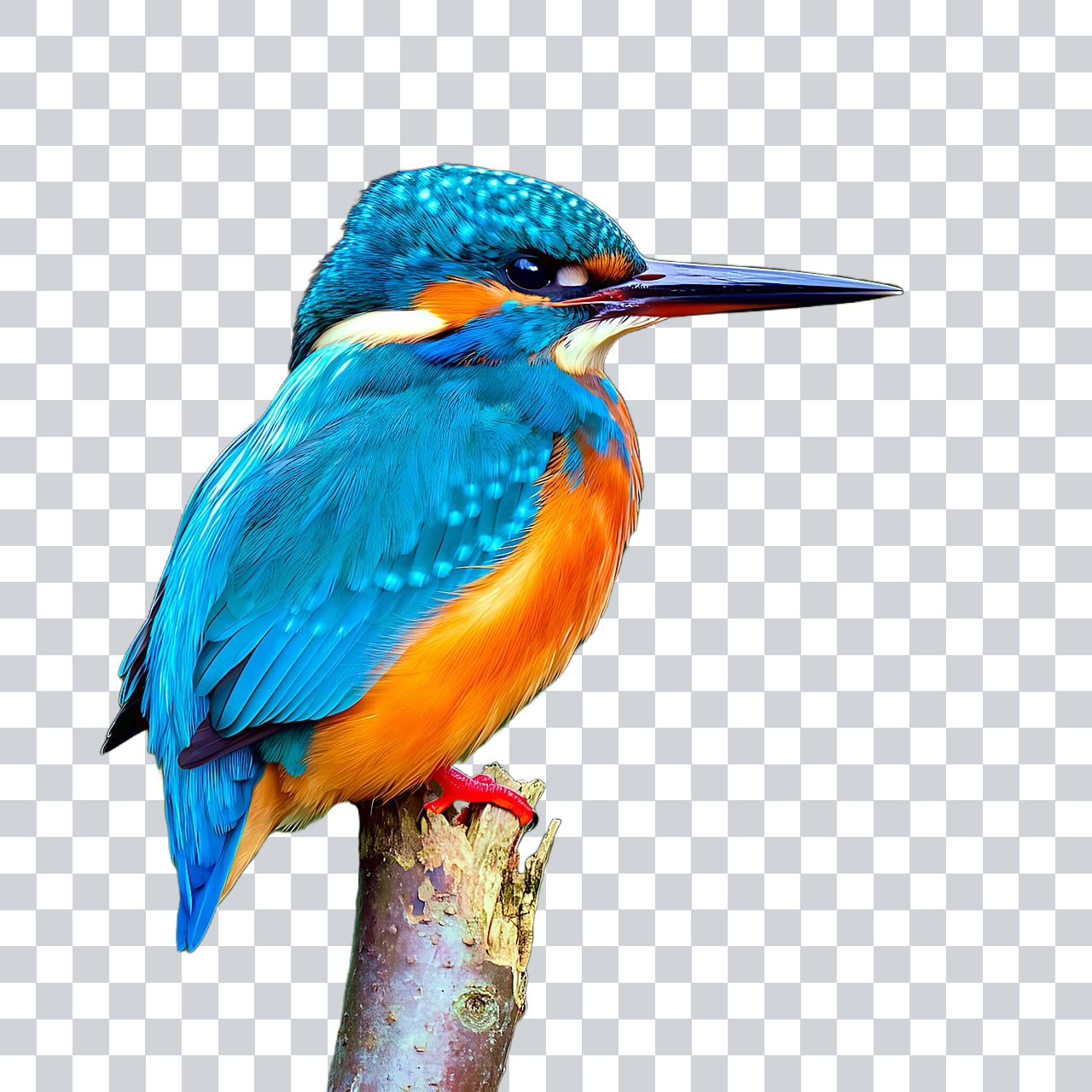
Видалення тла за допомогою ШІ
Видаляйте тло із зображень безкоштовно в браузері з PictorX. ШІ працює на вашому пристрої, без завантаження на наші сервери й без кредитної картки. Чисті прозорі PNG за лічені секунди.
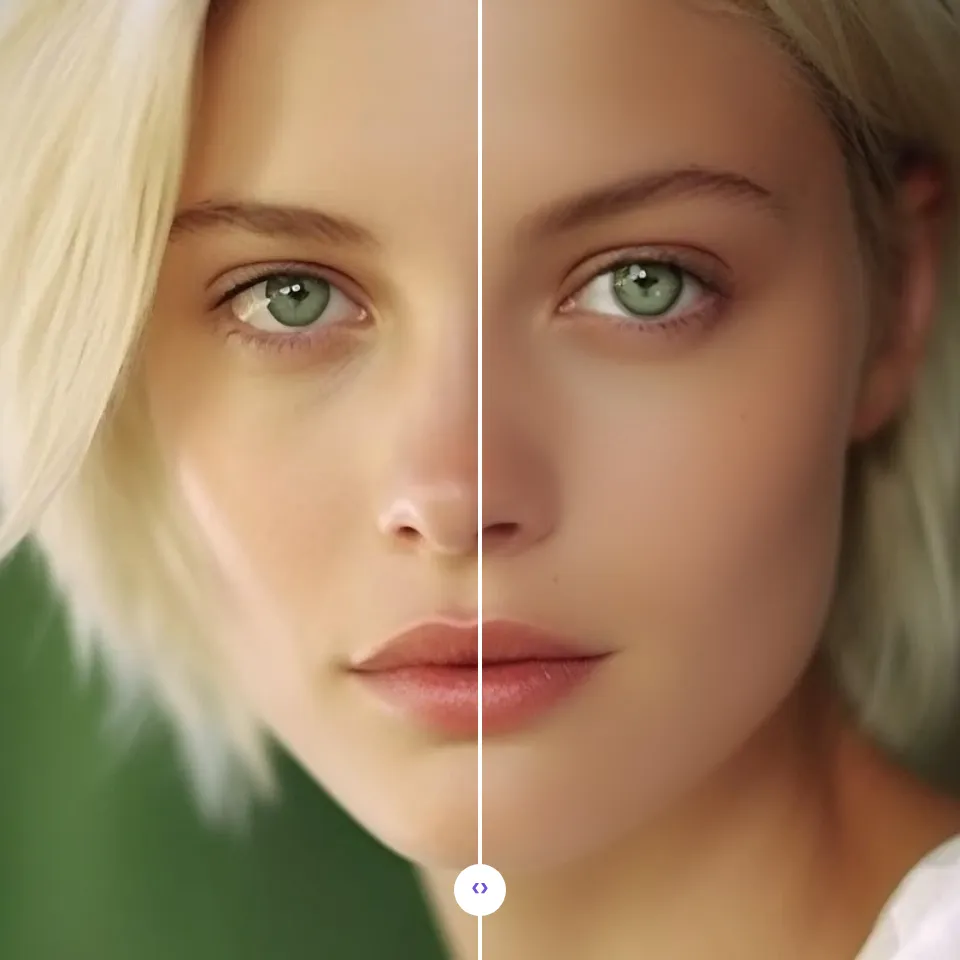
Ретуш портрета
Ретушуйте портрети онлайн безкоштовно: згладжуйте шкіру, прибирайте недоліки, відбілюйте зуби й робіть очі яскравішими. Обличчя розпізнається автоматично, а фото залишається на вашому пристрої.
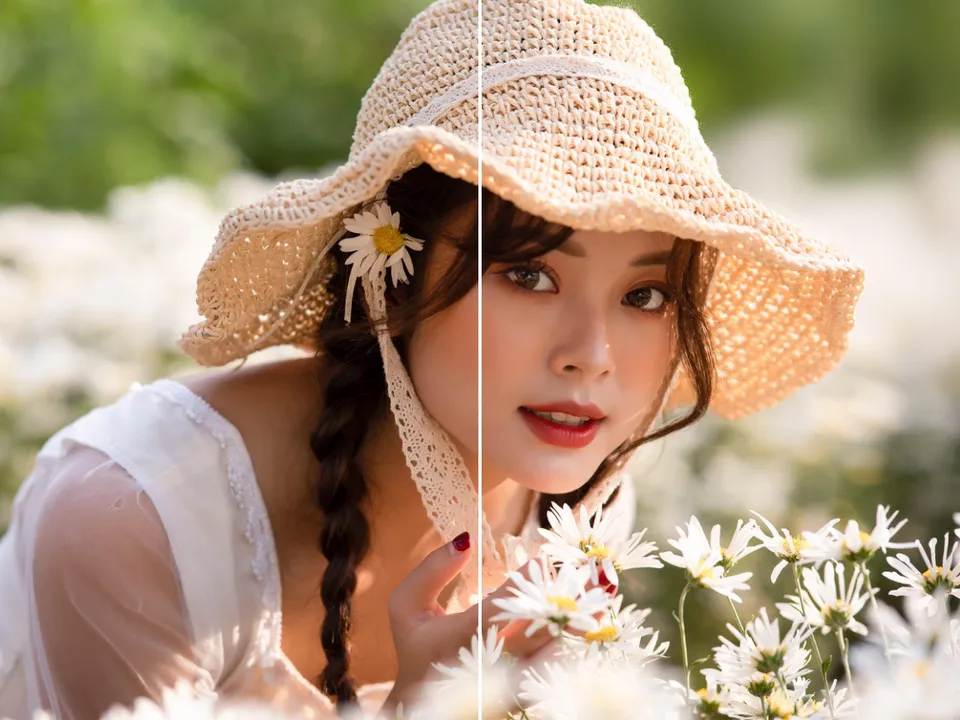
Портретний режим: розмийте тло, як об'єктив
Додайте будь-якому фото розмиття тла, як у портретному режимі, просто в браузері. ШІ на вашому пристрої визначає глибину й людей, тож розмиття зростає з відстанню, як у справжнього об'єктива, із круглим або шестикутним боке.
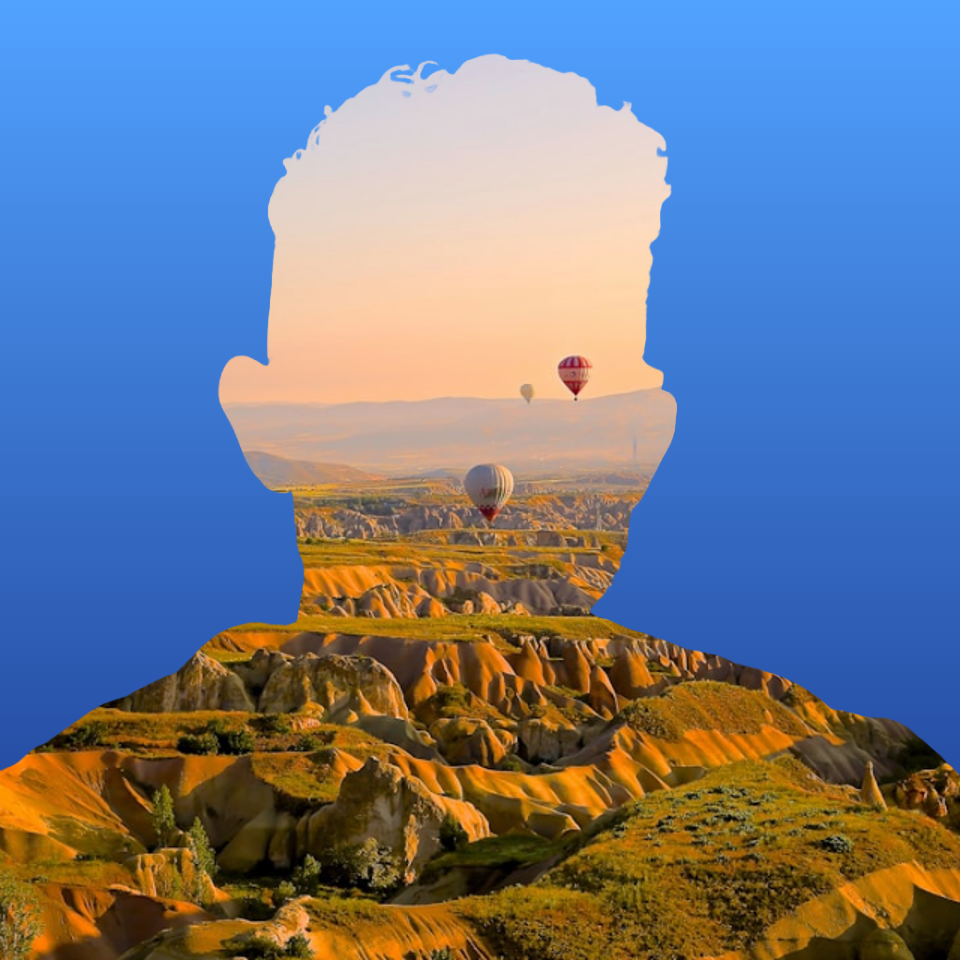
Заповнити силует фотографією
Заповніть силует об'єкта стоковим фото просто в браузері. ШІ на вашому пристрої вирізає людину чи предмет, вписує у форму фото з бібліотеки й розміщує її на суцільному кольорі, градієнті, прозорому тлі або оригінальному зображенні.
Готові спробувати?
Відкрийте PictorX у браузері — без встановлення і без кредитної картки.
Перейти до редактора