

Aşağıda sanatsal bir görünüm deneyin veya kendi resminizi açın.
Yağlı boya effect
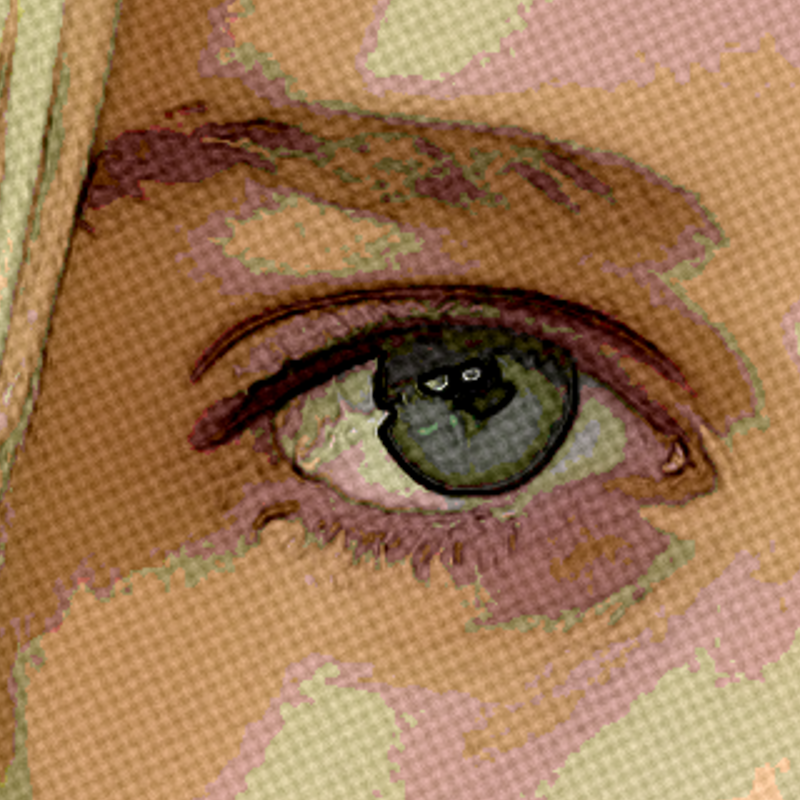
Open a photo and apply Yağlı boya in PictorX. This look is part of Sanatsal efektler—adjust the settings on this page, then keep editing with layers, text, and other effects in the same workspace. Aşağıda sanatsal bir görünüm deneyin veya kendi resminizi açın.
Nasıl çalışır
- Open this page and try Yağlı boya on the sample, or open your own photo.
- Tune the Yağlı boya settings, or switch to another look in Sanatsal efektler.
- Save the result, or keep editing with layers, text, and other effects in PictorX.
What the Yağlı boya effect does
Yağlı boya is one of the looks in PictorX Sanatsal efektler. Apply it in your browser, then keep working in the same project—crop, type, or add another effect without starting over.
More looks in Sanatsal efektler
This page opens Sanatsal efektler with Yağlı boya already selected. Switch looks on the demo to compare styles, or open the full Sanatsal efektler page to browse every option in the set.
Looks in this set
İlgili araçlar
Sanatçı Etkileri
Petrol boyaması, su renkli, kalem, komik ink, pastels, kağıt kesme-out ve diğer stüdyo sanatı görünüyor.
Suluboya efekti
Fotoğrafı online suluboya resme çevirin. Yumuşak lekeler ve koyu pigment kenarları için Islaklık, Renk Detayı, Kenar koyulaştırma ve Kâğıt dokusu'nu ayarlayın.
Karakalem eskiz effect
Apply a Karakalem eskiz effect to photos free in your browser. Open the Sanatsal efektler tools, tune the look, and keep editing in PictorX. No install.
Renkli Kalem effect
Apply a Renkli Kalem effect to photos free in your browser. Open the Sanatsal efektler tools, tune the look, and keep editing in PictorX. No install.
Kaba pasteller effect
Apply a Kaba pasteller effect to photos free in your browser. Open the Sanatsal efektler tools, tune the look, and keep editing in PictorX. No install.
Aborjin sanatı effect
Apply a Aborjin sanatı effect to photos free in your browser. Open the Sanatsal efektler tools, tune the look, and keep editing in PictorX. No install.
Vincent van Gogh effect
Apply a Vincent van Gogh effect to photos free in your browser. Open the Sanatsal efektler tools, tune the look, and keep editing in PictorX. No install.

Kaleidoskoplar
Kaleydoskop nasıl çalışır? Brewster'ın icadı ve Yunanca adı, aynaların desen oluşturması, hücreler ve teleidoskoplar, dijital kaleydoskop filtreleri.
Denemeye hazır mısınız?
PictorX'i tarayıcınızda açın — kurulum gerekmez, başlamak için kredi kartı gerekmez.
Editöre Git