

Coba gaya mozaik di bawah, atau buka gambar Anda sendiri.
Emas Bizantium effect
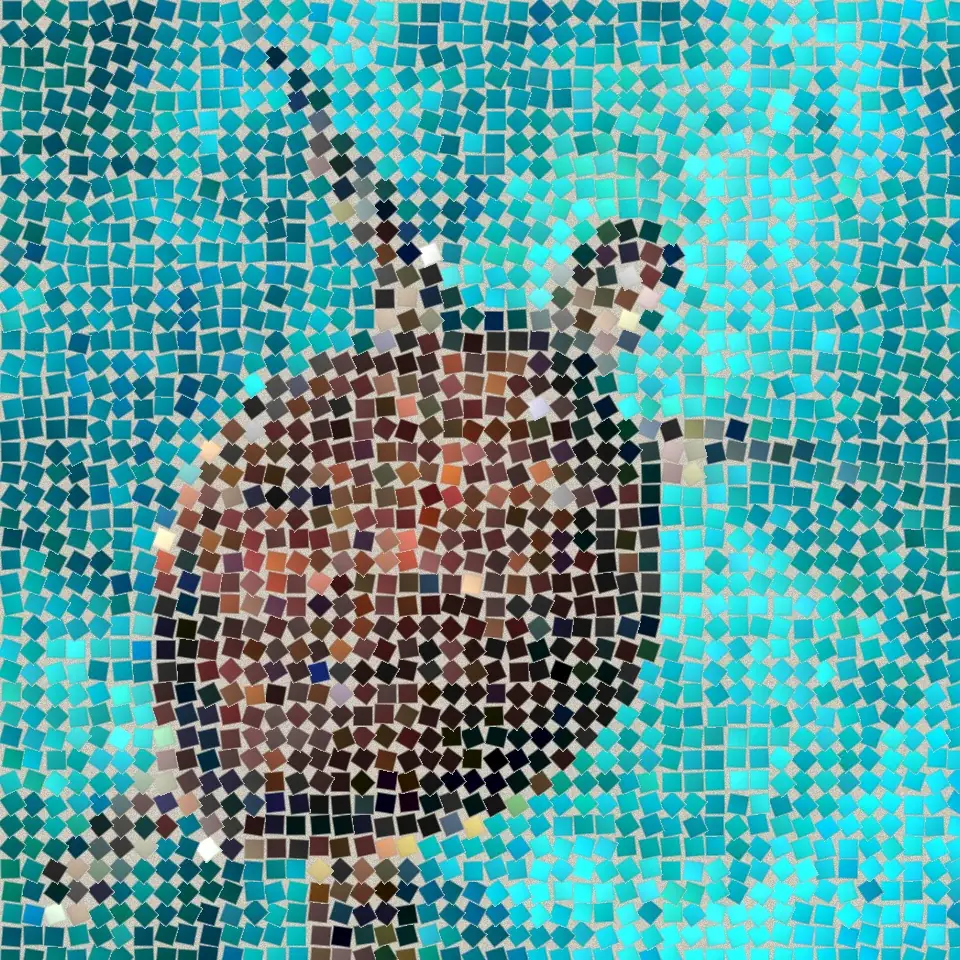
Open a photo and apply Emas Bizantium in PictorX. This look is part of Mozaik batu—adjust the settings on this page, then keep editing with layers, text, and other effects in the same workspace. Coba gaya mozaik di bawah, atau buka gambar Anda sendiri.
Cara kerjanya
- Open this page and try Emas Bizantium on the sample, or open your own photo.
- Tune the Emas Bizantium settings, or switch to another look in Mozaik batu.
- Save the result, or keep editing with layers, text, and other effects in PictorX.
What the Emas Bizantium effect does
Emas Bizantium is one of the looks in PictorX Mozaik batu. Apply it in your browser, then keep working in the same project—crop, type, or add another effect without starting over.
More looks in Mozaik batu
This page opens Mozaik batu with Emas Bizantium already selected. Switch looks on the demo to compare styles, or open the full Mozaik batu page to browse every option in the set.
Looks in this set
Alat terkait
Mozaik batu
Ubah foto menjadi mozaik batu sungguhan di browser: batu persegi dalam nat yang mengikuti tepi gambar seperti mozaik Romawi. Gratis, tanpa unggah.
Mozaik Romawi effect
Apply a Mozaik Romawi effect to photos free in your browser. Open the Mozaik batu tools, tune the look, and keep editing in PictorX. No install.
Mozaik halus effect
Apply a Mozaik halus effect to photos free in your browser. Open the Mozaik batu tools, tune the look, and keep editing in PictorX. No install.
Mozaik lantai effect
Apply a Mozaik lantai effect to photos free in your browser. Open the Mozaik batu tools, tune the look, and keep editing in PictorX. No install.
Nat gelap effect
Apply a Nat gelap effect to photos free in your browser. Open the Mozaik batu tools, tune the look, and keep editing in PictorX. No install.
Mozaik kisi effect
Apply a Mozaik kisi effect to photos free in your browser. Open the Mozaik batu tools, tune the look, and keep editing in PictorX. No install.
Siap mencobanya?
Buka PictorX di browser Anda — tanpa instalasi, tanpa kartu kredit untuk memulai.
Ke Editor