
Watch a maze grow, one carve at a time
A perfect maze is a spanning tree of a grid: one path between any two cells. Eleven classic algorithms build one in eleven different ways. Watch the recursive backtracker dive and back up along its stack, Prim's grow like a crystal, Kruskal's merge coloured sets, Wilson's erase the loops of its random walks, Eller's work row by row and recursive division add walls instead of carving, then flood the result with breadth-first search and see how each algorithm leaves its own texture. Watch a maze grow one step at a time. Pick an algorithm and press Play: the coloured cells are the maze so far (lighter is newer), the orange or pink marks are what the algorithm keeps in mind, its stack, frontier, random walk, current row or the chambers still to divide. Step and Back move by the step size, or to the next or previous phase; Speed sets the steps per second. Choose a solver to find the way from the green start to the red exit: breadth-first search floods the maze and colours every cell by its distance, A* heads for the exit, dead-end filling fills the blind alleys until only the solution is left. Drag the start and exit to other cells. The tiles show the cells visited, the steps, the share of dead ends and the length of the solution; turn on the texture table to compare all eleven algorithms on the same seed and size, or pick Compare with to grow a second maze beside the first. Save image, record a video with the clicks, or open the picture in the photo editor with the pencil, where the walls, the visited cells, the working set, the solution and the labels are layers of their own.
Як це працює
- Pick an algorithm and press Play: the maze grows cell by cell, and the orange or pink marks show what the algorithm keeps in mind, its stack, frontier, random walk, current row or chambers.
- Use Step and Back with a step size of 1 to 1000 steps or a whole phase, and Speed for up to 5000 steps a second; Record films it with a click per carve.
- Choose a solver: breadth-first search colours every cell by its distance from the start, A* heads for the exit, dead-end filling leaves only the solution; drag the start and exit.
- Read the dead ends, the steps and the solution in the tiles, turn on the texture table to compare all eleven algorithms on the same seed, or grow a second maze beside the first.
A maze is a spanning tree
Think of every cell as a node and every possible passage between neighbouring cells as an edge: the grid is a graph. A perfect maze, with exactly one path between any two cells and no loops, is a spanning tree of that graph, so a grid of C × R cells always has C·R − 1 passages. Generating a maze means choosing one of the astronomically many spanning trees, and every algorithm here does it with a different random rule.
Carving, walking, merging and dividing
The recursive backtracker is a depth-first search that carves into a random unvisited neighbour and backs up along its stack at a dead end. Randomized Prim's adds a random frontier cell, Kruskal's knocks down random walls between different sets kept in a union-find structure, and the growing tree mixes the two. Wilson's algorithm and Aldous–Broder use random walks, hunt-and-kill walks and then scans for a new start, the binary tree and sidewinder decide cell by cell, Eller's works one row at a time, and recursive division adds walls to an open room.
Every algorithm has a texture
Mazes from different algorithms look different. The backtracker and hunt-and-kill make long winding rivers with only about 10 % dead ends, Prim's makes many short dead ends (about 35 %), the binary tree has a straight corridor along two sides and every path climbs towards one corner, sidewinder has a corridor along the top, and recursive division shows long straight walls. Wilson's algorithm and Aldous–Broder are special: they choose every spanning tree with the same probability, a uniform spanning tree with about 29.5 % dead ends.
Solving the maze
Breadth-first search explores the maze in rings of equal distance from the start, a flood fill that the app colours from purple to yellow; following the distances back from the exit gives the shortest path, which in a perfect maze is the only one. A* explores in order of steps taken plus the Manhattan distance to the exit and usually visits far fewer cells. Dead-end filling needs no search at all: fill every dead end, repeat, and the corridor that is left is the solution.
Поширені запитання
Which maze generation algorithm is best?
It depends on the maze you want. The recursive backtracker makes long, winding passages with few dead ends that are fun to solve by hand and easy to code; Prim's and Kruskal's make bushier mazes with many short dead ends; Wilson's algorithm gives an unbiased maze, every possible maze equally likely; Eller's algorithm can make an endless maze with only one row in memory; and recursive division is the fastest and suits mazes with rooms. The texture table compares them on the same grid and seed.
What is a perfect maze?
A maze with exactly one path between any two cells: no loops and no closed-off areas. In graph terms it is a spanning tree of the grid, so a maze of C × R cells has exactly C·R − 1 open passages. All eleven algorithms in the app generate perfect mazes, and the tests check it for every one of them.
Why do the binary tree and sidewinder mazes look biased?
Because each cell only looks in a fixed direction. In the binary tree every cell opens north or east, so the top row and the right column become straight corridors and every cell has a path that only goes up and right. Sidewinder carves runs eastwards and closes each one by opening one cell north, so the top row is a single corridor and a path from the bottom upwards never doubles back. Pick the Bias compared example to see both side by side.
What do Wilson's algorithm and Aldous–Broder have in common?
Both produce a uniform spanning tree: every possible perfect maze on the grid is equally likely. Aldous–Broder walks at random over the whole grid and carves into each cell the first time it reaches it, which wastes many steps at the end. Wilson's algorithm walks from a cell not yet in the maze until it hits the maze, erases the loops of that walk and turns it into a passage, which is much faster. On a large grid about 29.5 % of the cells of such a maze are dead ends, 8/π²·(1 − 2/π).
How does breadth-first search solve a maze?
It visits the cells in order of their distance from the start: first the start, then all cells one step away, then two steps, and so on, using a queue. Each cell remembers its distance, which the app shows as a colour. When the exit is reached, stepping back to a neighbour one closer each time traces the shortest path. A* does the same but always continues with the cell whose distance so far plus the Manhattan distance to the exit is smallest, so it explores towards the exit.
Can I use the maze?
Yes. Save gives a PNG at the size you choose, Save JSON writes the maze as rows of hexadecimal digits (the open sides of each cell) with its texture and solution, Record films the generation with the clicks, and the pencil opens the picture in the PictorX photo editor with the background, the visited cells, the walls, the algorithm's working set, the solution path, the start and exit, the labels and the caption on layers of their own. In the editor itself it is under Apps ▸ Science ▸ Computing ▸ Maze Generation Algorithms. To walk through a maze yourself, play the PictorX Maze game. Everything runs in your browser.
Maze Generation Algorithms: як записати відео?
Натисніть червону кнопку «Запис» на панелі відтворення: вона знімає те, що показує сцена. Натисніть її ще раз, щоб зупинити, і відео збережеться на вашому пристрої. Запис безкоштовний, потрібно лише увійти. Без підписки на відео в куті буде невеликий логотип PictorX. Кнопка поруч із «Запис» відкриває параметри відео: формат (як показано, квадрат, сторіз 9:16 або широкий 16:9), тривалість (доки ви не зупините, або 5, 10, 15 чи 30 секунд для соцмереж) і файл: MP4, WebM або анімований GIF. Для звуку виберіть власні звуки застосунку або одну з трьох музичних доріжок: спокійну, яскраву чи ритмічну.
Схожі інструменти
Maze generation algorithms explained
How maze generation algorithms work: mazes as spanning trees, the recursive backtracker, randomized Prim's and Kruskal's, Wilson's algorithm and Aldous–Broder, hunt-and-kill, the binary tree and sidewinder, Eller's algorithm, recursive division and the growing tree, the texture each leaves, and how breadth-first search, A* and dead-end filling solve them.
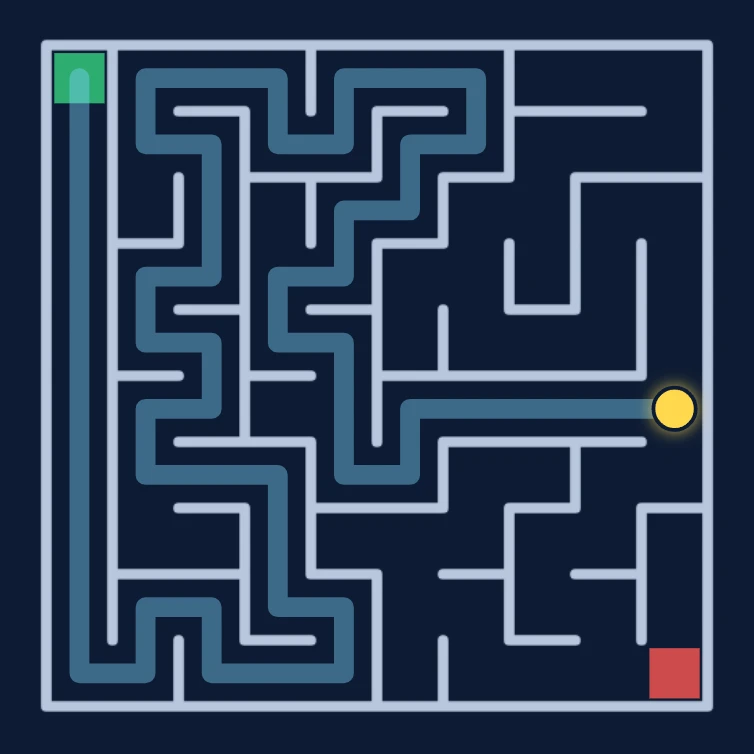
Лабіринт
Грайте в безкоштовну гру-лабіринт у браузері. Знайдіть шлях від зеленого старту до червоного виходу в лабіринтах від 5 x 5 до 100 x 100, на час або в тумані.
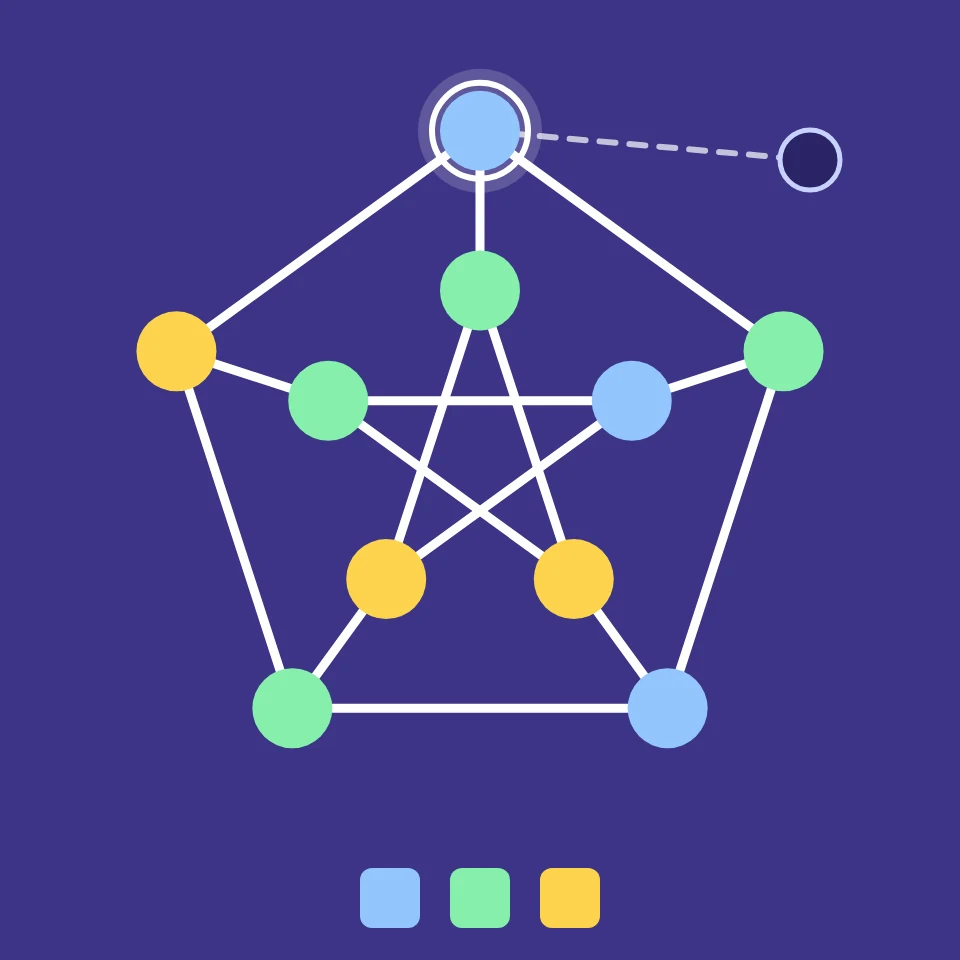
Ігровий майданчик теорії графів
Намалюйте граф кількома клацаннями й одразу побачте його властивості: степені, зв'язність, дводольність, хроматичне число, найкоротший цикл, ейлерів шлях чи цикл, кістякове дерево й діаметр.
Big-O race: growth beats a head start
Watch the complexity classes race: teams of bouncing balls break through floors of 10, 100, 1000 points and grow on every floor by their class. Give the slow classes a head start and see O(2ⁿ) and O(n!) overtake them anyway.
Готові спробувати?
Відкрийте PictorX у браузері — без встановлення і без кредитної картки.
Перейти до редактора